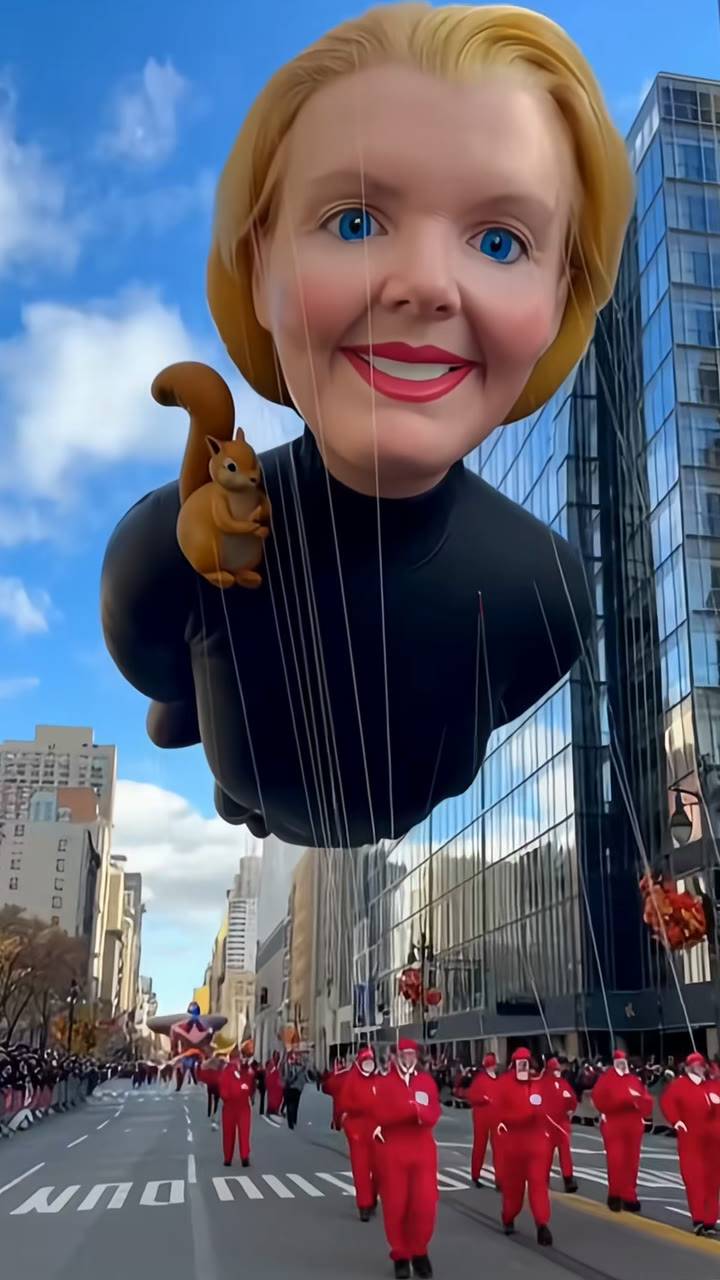
The private jet exit AI trend is a 6-second clip of a person stepping off a private jet and walking past two bodyguards, and you can make it from one photo on videosi without any app. This guide skips the basics and answers what people ask once they are about to make one.
Key takeaways
- The trend began as a CapCut and Hypic template; the AI version generates a new clip from your photo.
- A sharp, front-facing, one-person photo matters more than anything else.
- The jet, bodyguards and red carpet are fixed by the reference clip.
- A 6-second video costs 10 credits on Standard 720p, and a 10-credit pack is $8.90.
- Label the finished clip as AI where the platform asks. See the full trend page for a quick start.
In this guide
- Is the private jet exit a CapCut template or an AI video model?
- What is the real difference between a template and an AI generated video?
- Which AI model makes the video, and what does it need as input?
- How do I choose a photo that gives a good result?
- Why can I not change the jet, the bodyguards or the red carpet?
- Can I do this myself with Seedance, Kling or another general video tool?
- Why does the face sometimes drift, and how do I reduce it?
- Does this count as a deepfake, and what should I watch for?
- How do I post it and label it as AI?
- What does it cost, and what if the render fails?
- Is it worth making now, or will the trend pass?
Is the private jet exit a CapCut template or an AI video model?
It started as a template. The earliest clean example we found is a 6-second template result dated 30 January 2026, and the wave of posts from mid-November 2026 mostly shares CapCut and Hypic templates or tutorials that show the result first. A template is a fixed edit: it holds a prepared clip with a slot where your face goes. The private jet exit AI version on videosi is a different kind of tool. It sends your photo and a motion reference clip to a video model, which generates a new 6-second video in which your face, hair and clothes replace the woman who walks off the jet. No single original creator is confirmed, so treat any claim of "the original" with caution.
What is the real difference between a template and an AI generated video?
A template composites. It cuts out a face region from your photo and places it on a pre-rendered body and scene, so the motion is identical every time and the result is only as good as the cut-out. That is why template videos often look pasted when the head angle in your photo does not match the clip.
An AI video model generates every frame again. It reads the reference clip for stairs, walking rhythm and camera pull-back, then redraws the person from your photo inside that motion. Hair, clothes and face come from the photo, and lighting on the new person follows the scene. The trade-off is that a generated face can drift, especially when it is small, which is why the photo matters so much (see below).
Neither is better in every case. If you want the quickest result and already use CapCut, a template is fine. If you want your own clothes and hair in the shot, or do not want to install an app, generation is the better fit.
Which AI model makes the video, and what does it need as input?
videosi uses ByteDance's Seedance, version 2.0 or 2.5 depending on the tier you pick. According to ByteDance Seed's Seedance 2.0 page, the model takes text, image, audio and video inputs together, and reference material can guide performance, lighting, shadow and camera movement. That multi-input design is what makes this effect possible: Image 1 is your photo and Video 1 is the motion reference. The model edits the reference instead of inventing a walk from nothing. Our recipe in short: one sentence names who is replaced, the reference supplies the stairs, walk and timing, the jet and red carpet are held, and the identity comes from your photo. The full prompt is not published.
How do I choose a photo that gives a good result?
The face carries the whole effect, because the camera closes in during the last two seconds. Pick a photo with these traits:
- One person only, facing the camera or within a few degrees of it.
- A sharp face that fills a decent part of the frame, not a distant full-body shot.
- No sunglasses, hat brim or hand across the face. The clip adds sunglasses itself.
- Hair and clothes you want to see, since both are carried into the video.
- Even light, without a strong shadow splitting the face.
Avoid group photos and pets. The scene is built around one person walking down jet stairs, and extra faces confuse the replacement. If your first try wobbles at the end, a sharper and closer photo is nearly always the fix.
Why can I not change the jet, the bodyguards or the red carpet?
Because they belong to the reference clip, and the model is told to keep everything except the walking person. The jet, the open door, the red carpet and the two bodyguards in black suits are held as they appear. That is a deliberate choice. When the bodyguards are not named as staying in place, they drift, vanish or turn into other people, and the arrival loses its look. Holding the scene is what keeps the clip recognisable as the trend. If you want a different aircraft or a crowd of photographers, a general AI video tool gives more freedom, but the result will not match the trend and you will spend more attempts getting a steady scene.
Can I do this myself with Seedance, Kling or another general video tool?
You can try, and for a custom scene it is worth it. For this specific trend there are limits to expect:
- Without a motion reference, the stairs, the walk and the camera pull-back change on every run, so the arrival loses its rhythm.
- The model often keeps the original woman's face, or her clothes, on the new person unless you say clearly that they must go.
- Bodyguards drift or change into other people unless they are named as staying in place.
- You pay for each attempt, and a steady result can take several.
Seedance accepts image and video references, as ByteDance describes, so a careful user can recreate something close. videosi packages that setup for this one trend. For other models such as Kling, check which reference inputs the tier you use allows before you plan the shot.
Why does the face sometimes drift, and how do I reduce it?
Video models keep identity by tracking the face across frames. It slips when the face is small, blurred, turned away or half covered, and the moment of greatest risk is the close-up at the end. Three habits help. Use a sharp front-facing photo. Keep the photo free of sunglasses, since the model adds them in the clip and two pairs confuse it. And choose the tier that suits the scene: a simple one-person walk like this runs well on the Standard 720p tier.
Another common fault in this kind of replacement is leftover traits of the original woman, such as her blue sweater or hair. The prompt for this effect states that none of her face, hair, sunglasses, sweater or skirt stays on the new person, which is why the result follows your photo.
Does this count as a deepfake, and what should I watch for?
It can, in the broad sense. Content that puts a real person into a realistic scene they were never in is exactly what disclosure rules target. Under Article 50(4) of the EU AI Act, as set out on artificialintelligenceact.eu, a deployer of an AI system that generates or manipulates content constituting a deepfake must disclose that it is artificially made or altered. For evidently artistic, creative or fictional work, the duty is limited to disclosing that such content exists, in a way that does not spoil the viewing. A jet arrival with a red carpet is plainly a fun fictional clip, but the safe habit is to say it is AI.
The practical rules are simple. Use your own photo, or the photo of someone who agreed. Do not place a real person into a clip that could embarrass them or mislead viewers. And do not present the video as real footage of a trip.
How do I post it and label it as AI?
Download the MP4, which comes with the trend sound already mixed in, then upload it as you would any video. Most platforms now ask whether content is AI generated. YouTube is one example: its help page on altered or synthetic content says creators must disclose realistic AI content, and that this is done at upload by setting the "AI use" option to Yes in YouTube Studio. Disclosure adds an AI label, and by YouTube's own description it does not limit audience or monetization eligibility. Repeated failure to disclose can lead to a manual label or penalties.
Elsewhere, look for an AI label toggle in the upload screen, and add a short line in the caption such as "made with AI". It costs nothing and protects the post.
What does it cost, and what if the render fails?
Prices come from the current plan list. A 6-second video on the Standard 720p tier costs 10 credits, and the Single pack is 10 credits for $8.90. Larger packs lower the cost per credit, and higher tiers cost more credits per video. A failed render returns its credits. Because the clip is one fixed 6-second take, there is nothing to configure beyond your photo and the aspect ratio, so one Single pack covers one Standard video, and a retry needs another 10 credits.
Is it worth making now, or will the trend pass?
The earliest clean example is from 30 January 2026, but the surge of "private jet exit AI effect template" posts in Spanish, Portuguese, Indonesian and English began in mid-November 2026. Template waves like this tend to move fast, so if you want to be part of it, make yours while new tutorials are still being posted. The private jet exit AI page makes it from one photo in a few minutes.