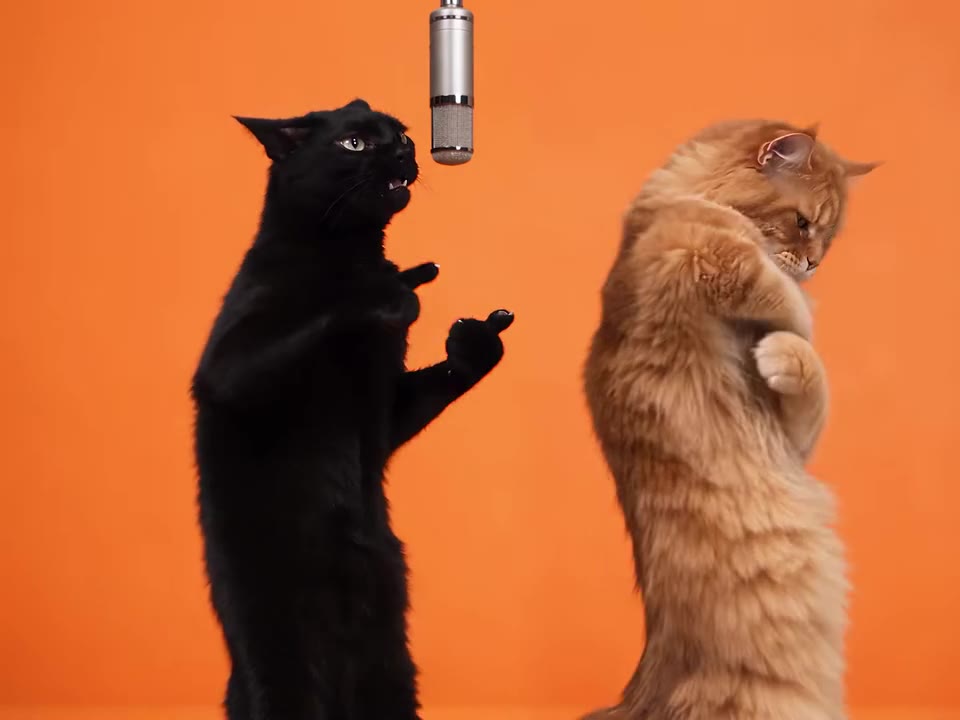
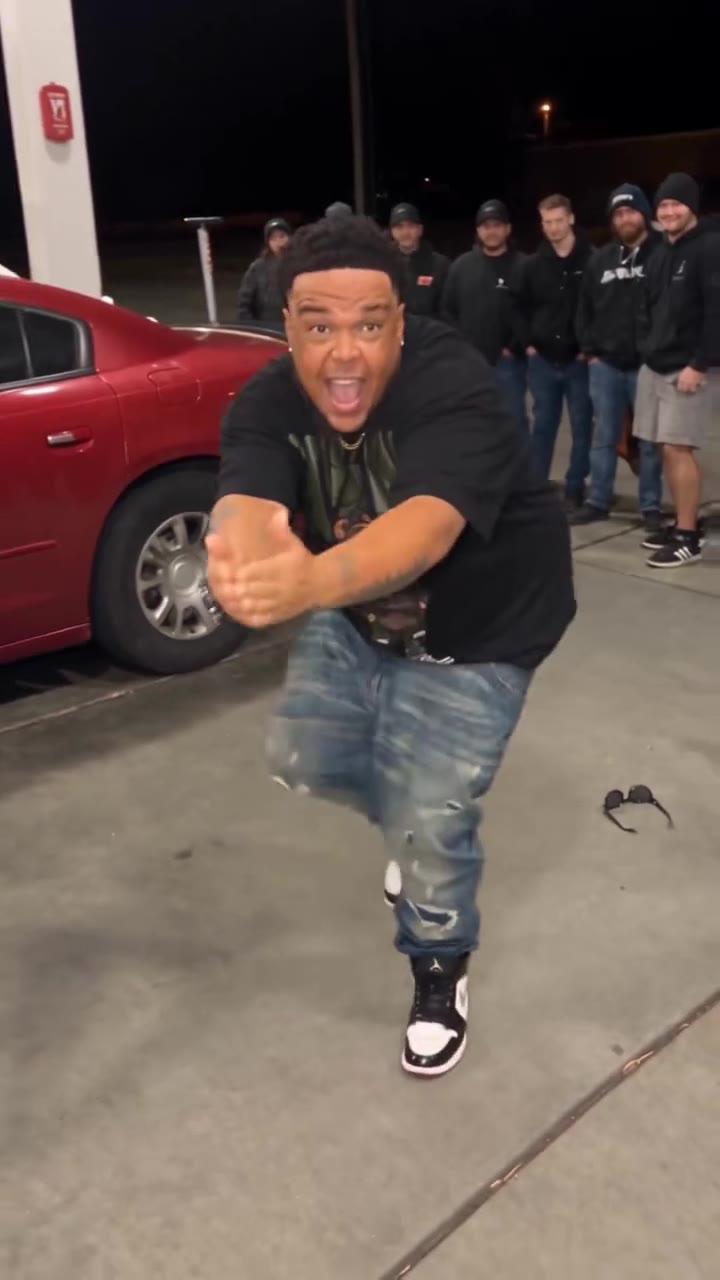
The I Need A Girl AI dance is a 15-second duo dance video where two people share the same loose hip-hop groove, set to the "I Need a Girl (Pt. 2)" sound. On videosi you upload two photos, one per dancer, and the AI swaps your pair into a real duo's backyard take with no prompt to write.
This guide goes deeper than the FAQ on the trend page. It covers which song is which, how the dance goes, how to photograph yourselves, why faces drift, and what to check before you post. Two things are unconfirmed and we say so throughout: the exact sound version and the origin of the dance.
Key takeaways
- The sound is the P. Diddy track "I Need a Girl (Pt. 2)", not the Taeyang song of the same name; the exact version is unconfirmed.
- The earliest tagged TikTok clips date from 4 February 2026, but no single origin account is confirmed.
- Use two clear front-facing photos, one per person, for the cleanest swap.
- The clip is 15 seconds with the trend sound laid over it; a standard 720p video is 13 credits and packs start at $6.90 for 10 credits.
- Label the video as AI when you post, and expect the platform to decide whether the song stays.
In this guide
- Is the dance set to the Diddy song or the Taeyang song?
- How does the two-person dance actually go?
- Where did the dance start?
- Who can do it, and do the two people have to be a couple?
- How should we photograph ourselves for the swap?
- What changes between two photos and one photo?
- Why do faces drift in the fast steps?
- How long is the clip and what format does it come in?
- Can I post the song, and is it copyrighted?
- Do I need to label the video as AI?
- How much does an I Need A Girl AI video cost?
Is the dance set to the Diddy song or the Taeyang song?
It is the Diddy track. The sound is "I Need a Girl (Pt. 2)" by P. Diddy with Usher, Loon, Ginuwine and Mario Winans, a 2000s R&B and hip-hop song. The K-pop song of the same name by Taeyang is a different track with its own separate dance trend, and the choreography here does not belong to it.
The mix-up is common because both songs share a title and both turn up under the same search phrase. If you see a clip with K-pop styling, sharp group formations or Taeyang's chorus, it is the other trend. The duo dance on this page is loose, bouncy and hip-hop, and it is filmed in a backyard rather than a studio.
One more caution on the sound. The real posts use an original-sound cut with hashtags that point to Part Two, so the exact version is unconfirmed. We could not match the audio to one official edit, and we would rather say so than guess.
How does the two-person dance actually go?
Two people stand side by side facing the camera and run the same groove at the same time. The vocabulary is small: shoulder rolls, a hand-on-chest moment, a wide step to the side and a head tilt. Nothing needs a spin or a jump, which is why it looks rehearsed but is easy to pick up.
On videosi the 15-second clip is built as four beats: a bounce, an arms section, side steps and a finish. That is a slice of the groove, not the whole choreography, and it is not guaranteed to match the original steps move for move.
Where did the dance start?
The origin is unconfirmed. On TikTok the dance is tagged with #ineedagirl and #ineedagirlpt2, and the earliest tagged clips we found date from 4 February 2026. Those clips credit a choreography by two dancers, shown only as Denzil and SM, and they use the same sound.
We found no single original post that everyone else copied. A backyard version by a pair of dancers is the most-viewed we saw, and it passed half a million views in March. Solo kitchen versions and three-friend versions followed after that.
So the real dance is older than the AI version. videosi's trend tracker picked up the AI version on 3 November 2026, which is why we list it as an emerging trend rather than an established one.
Who can do it, and do the two people have to be a couple?
No. The title reads like a dating post, but "I Need A Girl" here is only the name of the song. Couples, two friends, two siblings and a parent with an adult child all post it, and the choreography does not depend on who is standing next to you.
The one rule that matters is consent. Only upload photos of people who have agreed and who are adults. Putting a friend or a relative in a video is fine when they know about it, and it is not fine to take a photo of someone else without asking.
How should we photograph ourselves for the swap?
Use one clear, front-facing photo per person. Keep both shoulders in frame, avoid sunglasses and avoid a dark room. Each face, hair and outfit is read only from its own photo, so a sharp picture of each person gives the best likeness.
Do not crop a group photo down to one face and do not upload a shot where two people overlap. The system treats each uploaded image as one identity, and an image of two people at once can confuse which face belongs to which dancer.
If you would rather use a single photo of the pair, that also works, but it is the riskier option. One photo of both people often swaps only one of them, and the second dancer can keep the reference look. For a first try, take two separate photos.
What changes between two photos and one photo?
With two photos the clip has two independent identity sources, one per dancer. Each person is locked to their own face, hair and outfit through every step, and the swap is cleaner because the system never has to split a single image.
With one photo of both of you, you save a step but accept some risk. The reference clip has two dancers, and a joint photo may only replace one of them. If you upload only a single-person photo, the second dancer may keep the reference look. This is on the list of known limits on the page.
Why do faces drift in the fast steps?
The wide side step is the hard part. A face that is steady in a close shot has to survive a sudden lateral move, a head tilt and a change of angle, all in a few frames. Faces can drift in those moments, and a clear photo of each person helps.
A second render usually fixes it. Rendering is not deterministic, so the same photos can give a slightly different result on the next try. If both tries drift, check the photo first: a dark, cropped or heavily filtered picture is the most common cause.
The page also warns that the reference dancers' faces can stay in the shot if the instruction only describes the scene. That is a prompt problem, not a photo problem, and it is handled for you on videosi, which is why we do not publish the full prompt.
How long is the clip and what format does it come in?
The clip is 15 seconds, in 9:16 or 16:9, and it downloads as a standard MP4. Choose 9:16 for TikTok, Reels and Shorts, and 16:9 if you want to put it on a wide screen or in a slideshow.
The 15 seconds are a slice of the groove, so do not expect the full song. The trend sound is laid over the finished clip after rendering, so the result already has audio. Chat-based video tools usually make a silent clip, and then the song has to be added by hand.
Can I post the song, and is it copyrighted?
The song is copyrighted music. Whether you can keep the sound when you post depends on the app you upload to. TikTok, Reels and Shorts each have their own licensing, and some apps mute or block a track outside their own sound library.
If your clip is muted after upload, that is the platform's rule, not a fault in the video. A common workaround is to post inside the app and attach its own version of the sound, though we cannot promise the platform will have the exact cut, because the exact version is unconfirmed.
For anything commercial, treat the music as unlicensed. Using it in an ad is a different question from posting a family clip, and the safest route is to check the platform's commercial music library or use a track you have rights to.
Do I need to label the video as AI?
Yes, label it. TikTok and Instagram both ask creators to mark AI-generated content, and the page says to label the clip as AI-made when you post it. A face swap in a dance video is exactly the kind of thing the labels exist for.
Labelling also protects you. If the two people in the clip are real friends or relatives, a label stops viewers from thinking you filmed a routine you did not. It costs nothing, and it lowers the risk of a takedown if the platform detects synthetic media on its own.
How much does an I Need A Girl AI video cost?
There is no free generation and no free trial. A standard 15-second video on the Standard model at 720p is 13 credits, and better models and higher resolutions cost more.
Credit packs start at $6.90 for 10 credits and never expire. Plans start at $29.90 a month. A failed render returns its credits, so you only pay for clips that finish.
Ready to try it? Open the I Need A Girl AI dance page, add two photos and press Generate.