The misanthropy AI trend is a 7-second TikTok clip in which a deadpan face slides its eyes slowly from side to side to a beat, usually captioned "misanthropy is when". You can make the live-action version from one photo of you on videosi, with the trend sound already on the video.
This guide goes deeper than the trend page FAQ: what the word means, how a 2D animation became a cosplay format, why the timing matters, which photo to use, and what we could not confirm.
Key takeaways
- The trend is one slow, deadpan eye slide with a head turn, a hard cut to a second look and a faint smirk, over 7 seconds.
- It began as a 2D animation, and the earliest live-action clip we found is dated 30 October 2026.
- The sound title and the original post are not confirmed, so we do not name them.
- Use a sharp, front-facing photo with both eyes open; captions are not rendered, so add your own.
- A video is 10 credits at Standard 720p, and you should label it as AI-generated.
In this guide
- What does "misanthropy" mean in this meme?
- How did a 2D animation become a live-action trend?
- Why does the eye slide timing matter so much?
- What happens second by second in the clip?
- Why are there two looks in one clip?
- Which photo works best?
- What is the sound, and what is unconfirmed?
- Why are the captions not rendered?
- CapCut template or AI: which should you use?
- Do you need to label the video as AI?
- Who does the trend suit, and what about pets?
- What does one video cost?
What does "misanthropy" mean in this meme?
"Misanthropy" means a general dislike of humankind. The meme uses it as a punchline, not a definition. The clip shows a face that looks quietly done with everyone, and the caption names the feeling, usually "misanthropy is when" or the longer "misanthropy is when your eyes move left and right".
That is why the trend travels so well across languages. You do not need to know the word to understand the joke, because the eyes do the talking. The caption is only the label that makes the look funny.
How did a 2D animation become a live-action trend?
The format started as a 2D animation: an anime-style character with a still bust, sliding eyes, a fast beat, a red flash and a smirk at the drop. Posts credit the animation and the sound to the same animation account.
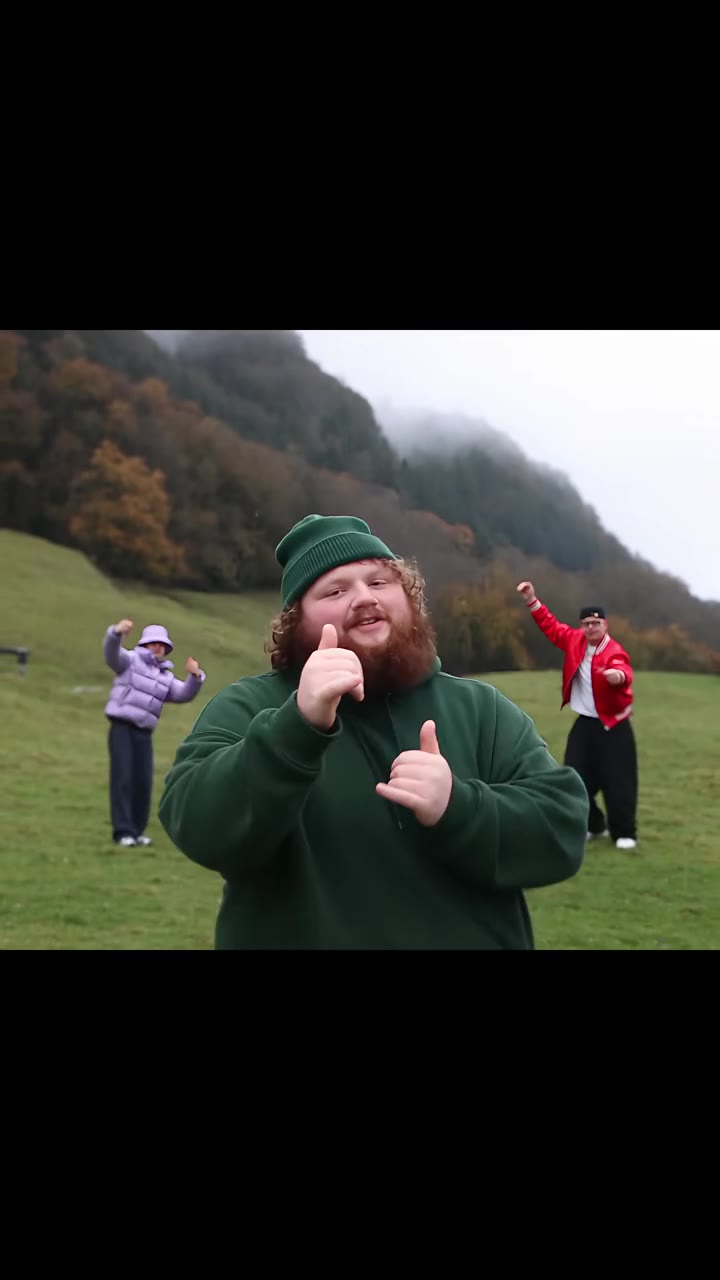
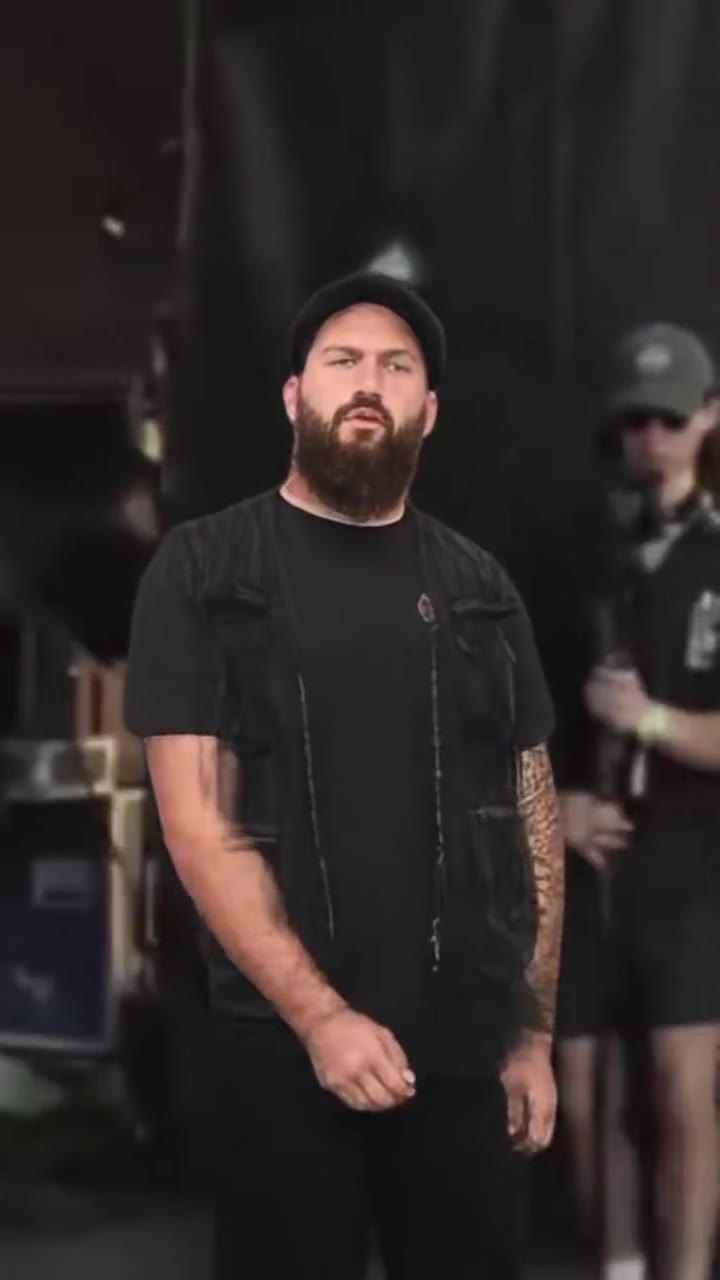
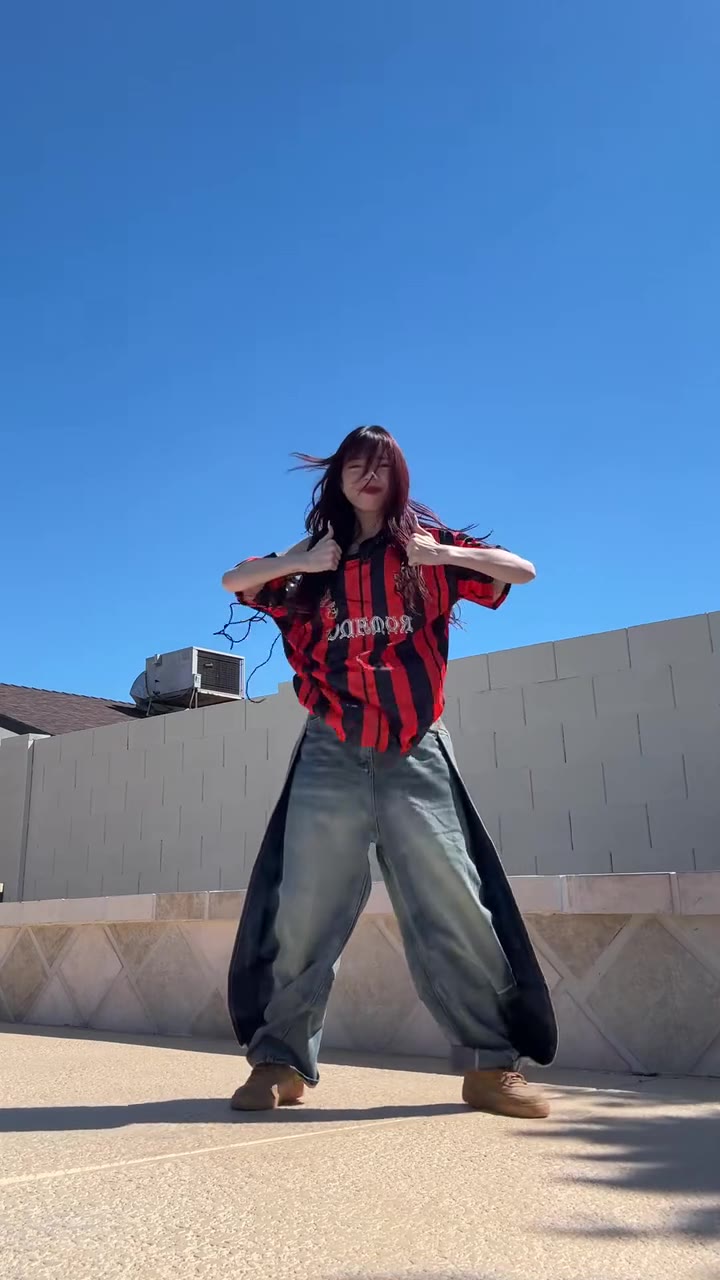
The earliest live-action clip we found is dated 30 October 2026. Cosplayers picked it up first, because a wig and a costume make the deadpan look read instantly, and then ordinary people copied the same side-eye to the same beat. Tutorials for making it with CapCut and AI tools appeared from about 7 to 9 November 2026. The biggest clip we found, a double cosplay take, has about 1.6 million views.
We have not confirmed the original post, so treat any "first ever" claim with caution. What we can say is that the live-action wave is only a couple of weeks old, which is why the misanthropy AI trend page labels it as still spreading.
Why does the eye slide timing matter so much?
The whole joke is one slow move. The eyes slide to one side, the head turns a little to follow, and the mouth stays flat or pursed. If the eyes dart quickly, the clip stops looking deadpan and starts looking nervous.
The beat in the sound is what makes the slide feel intentional. The eye slide lands first, then the head turn, and the viewer reads the pause between them as attitude. A clip with the right face but the wrong timing feels off even when people cannot say why.
This is also the hardest part for an AI model. Left alone, models over-animate: eyes flick fast or the head sways like a dance. That is why videosi works from a short motion reference that carries the slow pace, instead of asking you to describe it.
What happens second by second in the clip?
The seven seconds break into four beats:
- 0 to 1.5 s, the glance: a flat, straight face, then the eyes slide to one side while the head barely turns.
- 1.5 to 3.5 s, the other side: the eyes cross back, the brows tighten and the mouth purses, in time with the beat.
- 3.5 to 5 s, second look: a hard cut to another look in the same room, with a hand under the chin and a long sideways stare.
- 5 to 7 s, the smirk: the eyes snap back and forth once more and the face settles into a faint smirk.
Knowing the beats helps you decide where to place your own caption and how to cut a longer edit around the clip.
Why are there two looks in one clip?
The reference clip has a hard cut around the middle. The first half is one costume and the second half is a different one, in the same room, so the trend gets a small reveal for free: the same deadpan face, then a second take with a hand under the chin.
On videosi, only the person is swapped. Your photo supplies the face, hair and clothes for both halves, so no wig, flower, coat or gloves from the reference carry over. Because the model has to switch between two looks, the second half can differ a little from the first. That is normal for this format, not a failed render.
Which photo works best?
The eye slide is the joke, so the photo has to give the model clear eyes to slide. Four things matter most:
- Both eyes open and visible. Glasses glare, heavy shadows or closed eyes leave nothing to animate.
- A flat or slightly unimpressed face. A neutral expression gives the model the deadpan baseline.
- Plain, even light. Soft front light keeps the eyes readable when they move toward the edges of the frame.
- Head and shoulders in frame, front-facing. One sharp person is better than a busy group.
If you want the character look, wear it in the photo. The video does not add a wig or a costume, so hair and clothes come only from what you upload.
What is the sound, and what is unconfirmed?
The audio is a short remix that TikTok shows under different labels from post to post. Some posts show it as "original sound" under the animation account and other names, and some show it as "Requiem". We have not confirmed one official title or artist, so we do not name one.
What we can say is how it behaves: it carries the beat that the eye slide is cut to. Every video on videosi comes with the trend audio already on it, lined up with the motion, so you do not have to hunt for the right label before posting. If you want a different label or a credit, you can swap the sound inside TikTok when you publish.
Why are the captions not rendered?
AI video models are unreliable with on-screen text, and a garbled "misanthropy" would ruin the clip. So the video is rendered without any caption, and the model is told not to draw text.
Add the caption yourself in TikTok or CapCut. Put the word misanthropy or the line "misanthropy is when" at the very start so viewers get the framing before the first glance. Some creators also add a dictionary-style card, which is a separate text element you can build in the same editor.
CapCut template or AI: which should you use?
They make different things. A CapCut template or a 2D animation edit rearranges clips and stills you already have. It is fast and free, and it suits you if you want the animated look or already have footage of yourself giving a side-eye.
An AI version generates a new live-action clip from a single photo, which suits you when you have no footage, want it to look like you in the reference setting, or want to make it for a friend. The trade-off is cost and a few minutes of waiting. The misanthropy AI trend page covers the AI route only, and the original anime-style animation is not recreated there.
Do you need to label the video as AI?
Yes, we recommend it, and the trend page asks for it. TikTok and other platforms have AI-generated content labels, and using them keeps you on the right side of the rules. It also helps your friends, who may otherwise wonder whether you really filmed a double cosplay in a wig.
Use photos of yourself, or of friends who are happy to be in the clip, and only photos you have permission to use. The joke is a deadpan face, so keep it about the look and never use it to mock someone.
Who does the trend suit, and what about pets?
The trend suits anyone who can carry a flat face: cosplayers, friends doing a duet-style pair of clips, and people who like a quiet reaction meme over a loud dance. The eye slide is tuned to a human face, so pets and fictional characters are not what the page is built for.
If you want an anime look, post the finished video and add your own animation edit in CapCut. The tool makes the live-action base, nothing more.
What does one video cost?
A 7-second misanthropy video is 10 credits at Standard 720p, and higher tiers cost more. The Single pack is $8.90 for 10 credits, which covers one video. There is no free tier, and a failed, timed-out or blocked render returns its credits automatically.
Rendering takes a few minutes. The MP4 has no watermark and is saved in My creations if you close the page. To see what else is moving right now, browse the trending effects hub, or go straight to the misanthropy page to start.