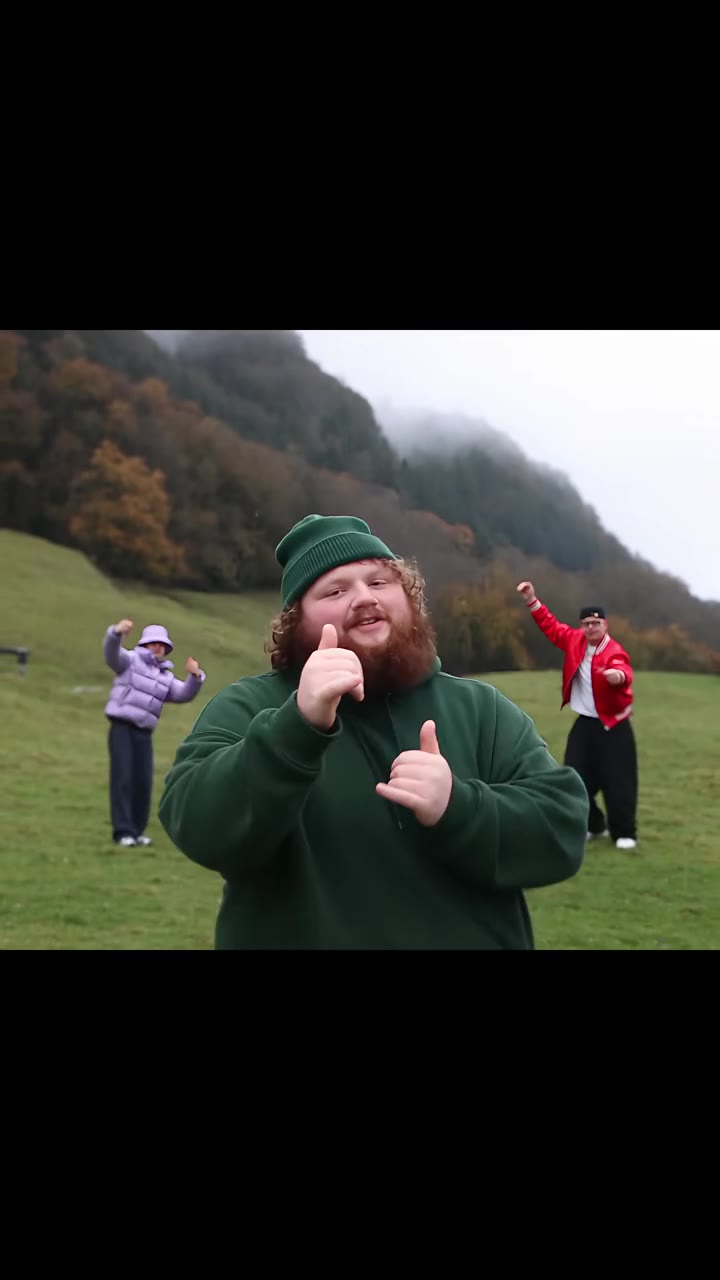
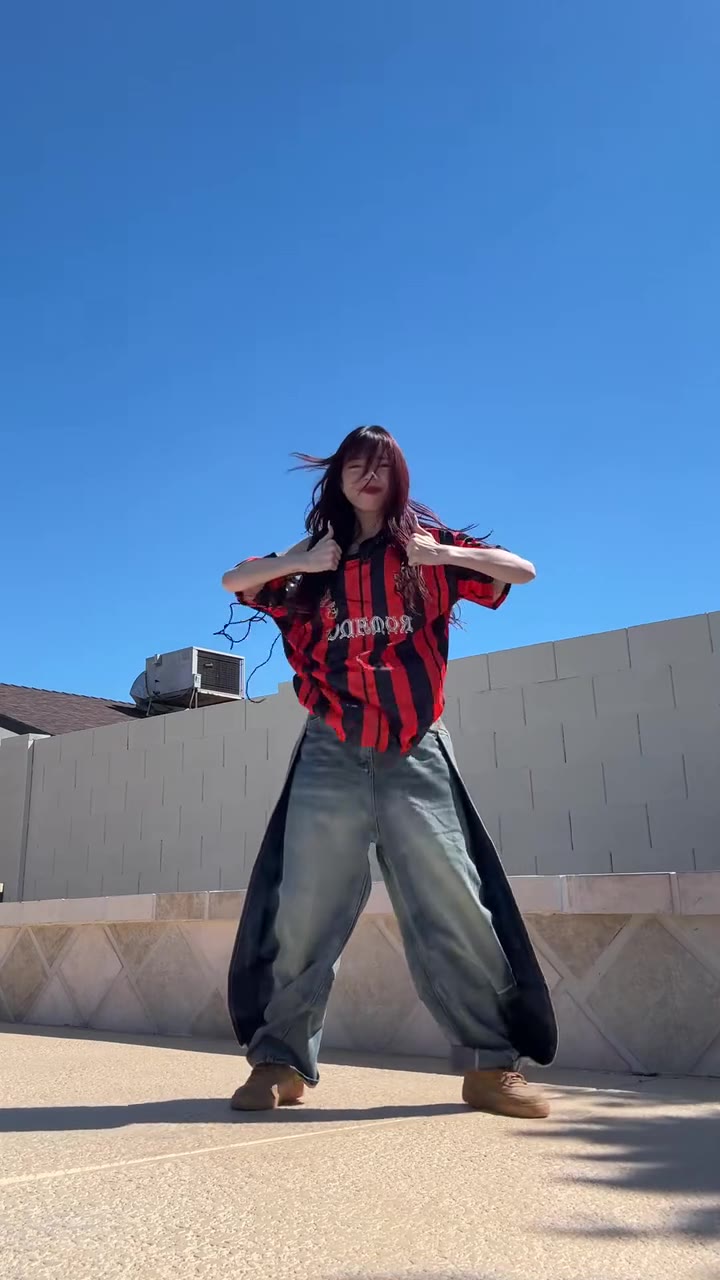
The Jatayu AI video is a 10-second edit where a person on a rooftop spreads their arms and a giant eagle rises behind them. You can make it from one photo, and this guide answers the questions the trend page does not have room for.
The short version: the eagle is a stand-in, the film is only the spark, and most failed attempts come from the prompt, not from you. Everything below is plain about what we know and what we have not tested.
Key takeaways
- The edit is a nod to Jatayu from Ramayana: Part 1, but the bird in the edits is a golden or bald eagle style, not the film's vulture.
- Long Gemini or Flow prompts often fail because they never say which parts of the original man must disappear.
- A sharp, front-facing, full-body photo with light clothes gives the best chance of a clean result.
- Post it as 9:16 for Reels and label it as AI.
- The examples on the trend page are other people's posts. This effect has not been test-rendered by us yet.
In this guide
- Who is Jatayu in the Ramayana?
- Why is the edit an eagle and not a vulture?
- What does Ramayana: Part 1 have to do with the trend?
- Why do ChatGPT, Gemini and Flow prompts often fail?
- Which photo should I use?
- How do I shoot the photo so it looks natural?
- Should I choose 9:16 or 16:9?
- What does it cost compared with trying prompts yourself?
- Do I need to label it as AI on Reels?
- What can go wrong, and what happens then?
Who is Jatayu in the Ramayana?
In the Ramayana, Jatayu is the king of vultures and an old friend of King Dasharatha, the father of Rama. According to the Wikipedia entry on Jatayu, he is the younger son of Aruna and Shyeni, his elder brother is Sampati, and Garuda is his uncle.
His great moment comes when Ravana carries Sita away. Jatayu, already very old, tries to stop him and fights bravely. Ravana clips his wings and he falls to the earth. Rama and Lakshmana later find him dying, and he tells them what happened and that Ravana flew south. Rama then performs his last rites.
That is why the character carries so much feeling. He is a bird who gives everything for a cause he cannot win. When people make the rooftop edit, they are borrowing that image of a huge winged guardian, usually as a joke about how grand one person can look on their own roof.
Why is the edit an eagle and not a vulture?
Because most AI models, and most viewers, read an eagle as grander on screen. The viral edits use a golden or bald eagle style: a brown and gold body, a pale head, wings that open wide against a blue sky. A vulture looks different, with a bare head and a hunched shape that does not read as heroic in a quick clip.
So we say it plainly on the trend page: the eagle in the Jatayu AI video is a stand-in. It is not the vulture design from the film, and no film footage is used. If you want a faithful Jatayu, this is not that. If you want the shared rooftop joke, it is exactly that.
What does Ramayana: Part 1 have to do with the trend?
The film is the spark. Ramayana is a two-part epic directed by Nitesh Tiwari, and, as reported by DT Next, the makers released a Jatayu poster titled "The Wings of Dharma", with Anupam Kher voicing the character. Part one was scheduled to open in early November 2026, around Diwali. A release date for part two has not been confirmed.
The effort behind that scene is also part of the story. Khaleej Times quotes Tiwari saying the Ravana and Jatayu fight took about six and a half years from the first briefing to the finished work. The team spent nearly two years on the Pushpak Viman, Ravana's flying vehicle, trying roughly 40 to 50 designs.
That contrast is the humour of the trend. A sequence that took years and thousands of artists, recreated as a ten-second clip from a single photo. The earliest AI version we could date is a TikTok post of 13 November 2026, and tutorials followed within days. We cannot name an original creator or the sound, and we do not guess. videosi is independent and has no connection with the makers of the film.
Why do ChatGPT, Gemini and Flow prompts often fail?
The same four problems keep showing up when people try this with a general chat or video tool.
First, there is no motion reference. Without a real clip to follow, the model has to invent the timing, so the eagle often appears in front of the face or lands on the person instead of rising behind them.
Second, the original is never removed. Copied prompts describe the new person but do not say that the hair, shirt and face of the man in the source must be gone, so bits of him stay on your body.
Third, wings and birds smear. When the camera moves, the wings blur and the flock multiplies. The shot only works with a fixed low angle.
Fourth, every attempt costs credits and waiting time, and most people need several tries to get the rise timing right.
On videosi the shot is built in. A real 10-second rooftop clip guides the motion and the instruction mainly names what of the original man has to go. Its first line, as the trend page shows it, reads: "Replace the young man with short black hair, a loose white long-sleeved shirt and dark trousers in the reference clip with the person from your photo." You never paste anything. Seedance, made by ByteDance, handles the render, and you can open the Jatayu AI video page to see the result format.
Which photo should I use?
The photo decides almost everything, because your face, hair, clothes and shoes all come from it and are held the same for ten seconds.
- Use one person only. A group photo makes the model guess who stands under the eagle.
- Show the whole body if you can. The shot frames you from head to knees with your arms out, so a full-length photo supplies your trousers and shoes too.
- Face front and well lit. Your face tilts up to the sky in the clip, so avoid sunglasses, caps or hair over the eyes.
- Wear light or plain clothes. The sky is bright blue and the eagle is brown and gold, so a white or light top keeps you easy to see under the wings.
What you wear in the photo is what you wear on the rooftop. If you want a different outfit, change it before you shoot.
How do I shoot the photo so it looks natural?
Stand in daylight, in front of a plain wall or an open sky, and ask a friend to take it from chest height. Keep your arms slightly away from your body so the model can see where they start. Skip filters that change your skin tone, because the render holds your look as it is.
A phone photo is fine if it is sharp. A blurred or heavily compressed screenshot gives a softer face, and the face is the first thing viewers check. If you do not like the first photo, swap it for a better one rather than hoping the model fixes it.
Should I choose 9:16 or 16:9?
Choose 9:16 for Instagram Reels, TikTok and YouTube Shorts. It fills a phone screen, and since the trend lives on Reels that is the safe default. Choose 16:9 if you want the wide cinematic look of the original edits, for example for a YouTube video or a desktop slide.
The clip is 10 seconds in either format, with the trend sound mixed in after the render. You cannot get a different length from this page.
What does it cost compared with trying prompts yourself?
On the trend page a 10-second video on the Standard model at 720p costs 10 credits. The Single pack is $8.90 for 10 credits, so one clip at that tier uses the whole pack. Credits do not expire, and a failed render returns its credits.
The honest comparison is not price per attempt but number of attempts. A general tool can look cheaper per try, but if you need five tries to get the eagle behind you, the total is higher. Better models and higher resolution cost more credits, and the page shows the exact amount before you generate.
Do I need to label it as AI on Reels?
Yes, label it. The clip is synthetic: a real person appears to stand under an eagle that was never there. Instagram and TikTok both ask creators to mark realistic AI content, and doing so before you post avoids having it flagged later. Check the current options in the app, since the wording and the toggle move around.
Labelling does not hurt this trend, because the joke only works when viewers know it is fake. Say so in the caption and enjoy the comments.
What can go wrong, and what happens then?
Three things are worth knowing before you spend credits. The wings or birds can blur for a moment while the eagle rises. Likeness is not guaranteed, so your face may look a little off in some frames. And the examples on the trend page are other people's posts, not videosi renders, because this effect has not been test-rendered by us yet. We would rather say that than promise a result we have not seen.
If a render fails, the credits come back. If it finishes but you dislike it, try a sharper full-body photo before you try anything else, since the photo is the one input you control. For a fresh look at what the finished clip should resemble, the Jatayu AI video page lists the beat-by-beat timing from the rooftop crouch to the held pose.