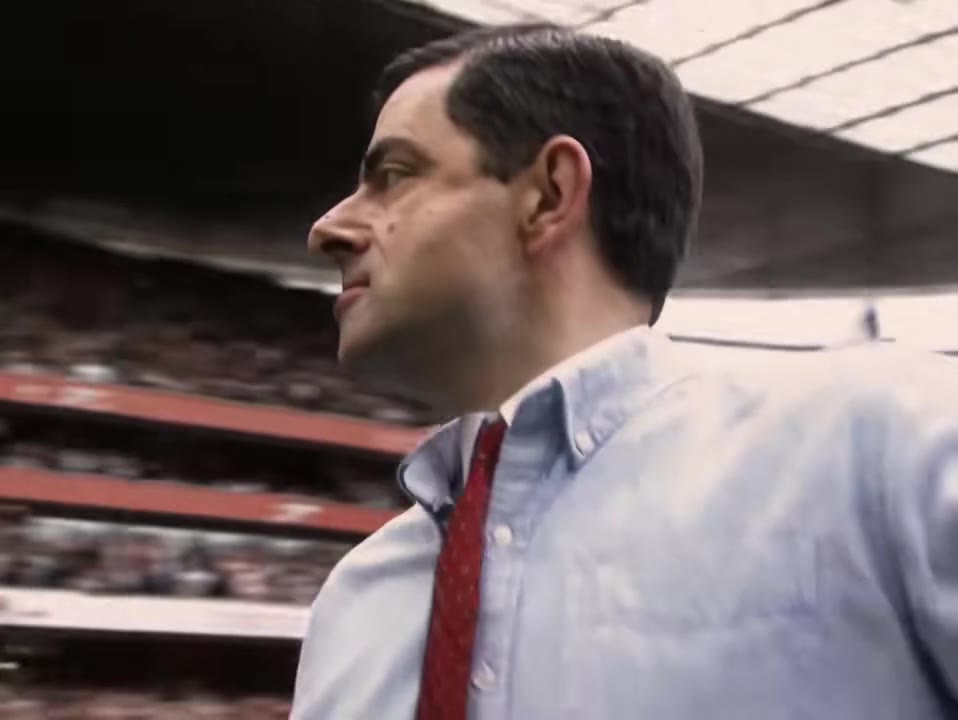
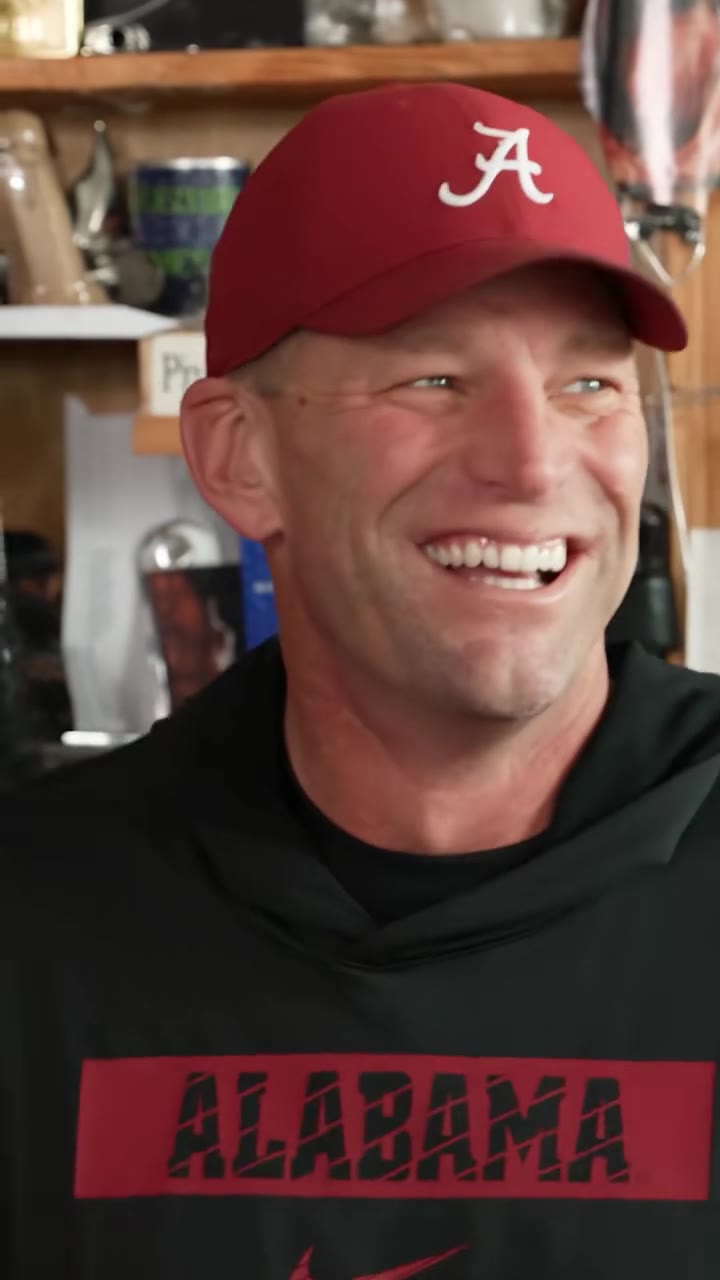
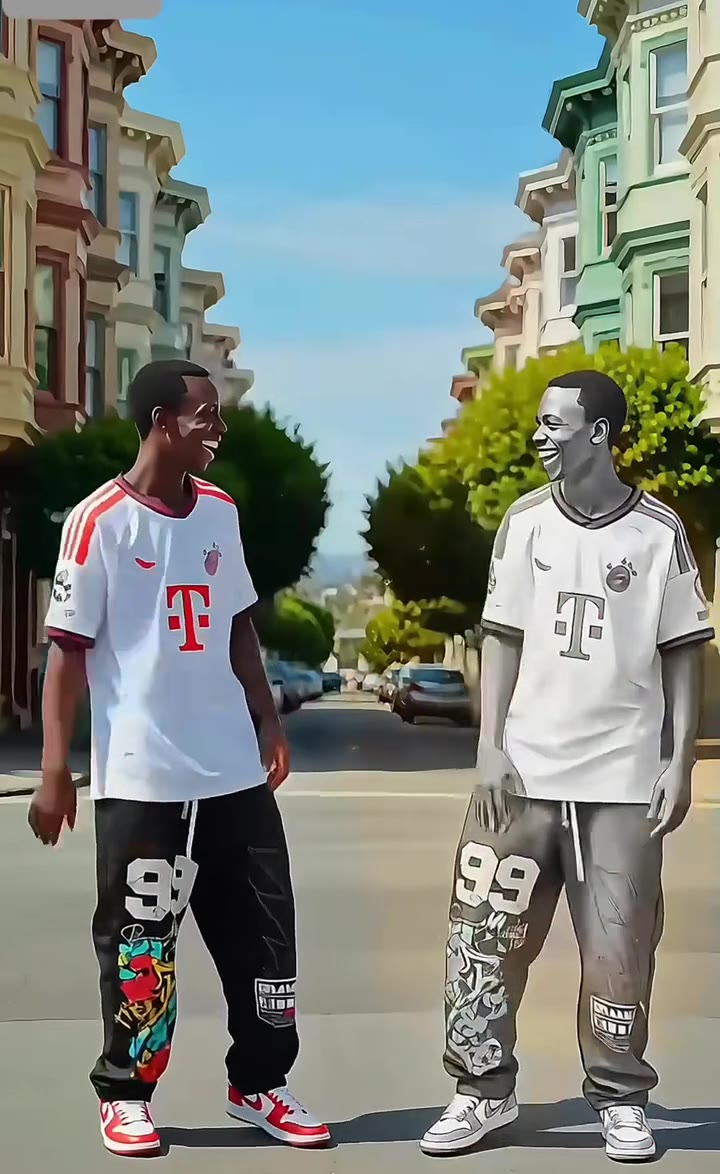
The Huell rolling money trend is the Breaking Bad scene where Huell drops backward onto a huge pile of cash and lies there content, now remade with AI. You can make your own 12-second version from two photos on the Huell rolling money AI page, with no prompt to write.
This guide goes deeper than the page FAQ: what happens second by second, why two faces are hard for a video model, how to pick photos, and what to know before you post.
Key takeaways
- The scene is from the Breaking Bad episode "Buried" (season 5, episode 10), and the clip is 12 seconds of five shots.
- Two faces in tight close-ups are the hardest part, so sharp, front-facing photos matter more than anything else.
- Use photos of yourselves, never stills of the actors; video models usually block famous faces.
- A 12-second video costs 10 credits on the Standard model at 720p, and a failed render returns its credits.
- Turn on the AI-generated content label when you post.
In this guide
- What happens in the scene, second by second?
- Why did a short scene become a meme?
- Why are two faces so hard for an AI video model?
- Which photos work best?
- Who plays which role?
- Can I make it with another tool myself?
- Does the video keep the original sound?
- What does one attempt cost?
- Do I need an AI label when I post?
- Is this fan-made, and what about copyright?
What happens in the scene, second by second?
The scene is five shots in 12 seconds, and the videosi version follows the same order.
From 0 to 3 seconds, a wide shot in a storage unit shows two men in black coats standing behind a long table piled with bundles of cash. The bigger one turns away. From 3 to 5 seconds, a low close-up catches him falling backward until his head lands on a wall of banknotes, with a sleepy sigh.
From 5 to 7 seconds, the other man stands over the pile, opens his arms in disbelief and turns away. From 7 to 9 seconds, a high wide shot shows both men lying side by side on a stack of cash on a red tarp in the corner. From 9 to 12 seconds, a tight close-up shows the two lying on the bills with their hands folded on their chests, the big man smiling.
The pacing is the joke. Nothing explodes and nobody speaks much; the humor is in how calmly they give in. That is also why a still image or a plain text description cannot reproduce it. The slow backward drop and the folded hands are motion, and motion has to come from a reference.
Why did a short scene become a meme?
For years the clip has circulated as short edits captioned "I gotta do it man." It stands for the thought everyone has near a pile of money: I am going to roll in this. The earliest TikTok clip we found is dated 5 July 2021, and the most-watched cut we found, posted on 26 October 2024, has about 10 million views.
Our burst radar flagged the term on 11 November 2026, after a new wave of AI "money spread" videos appeared in October 2026. We found no AI remake of the Huell scene itself yet, which is why the trend is still emerging.
Why are two faces so hard for an AI video model?
A single face in a wide shot is easy. This scene is the opposite: two people, several cuts, and close-ups where each face fills much of the frame. Three things go wrong.
First, likeness drifts. In a tight close-up the model tends to pull the face back toward the original men unless each person is tied to their own photo. Second, anything that is not named in the instruction tends to stay. The bald head, the black coats and the blue shirts of the original men have to be named so they go away. Third, cuts break continuity. When the camera jumps from a wide shot to a low close-up, the model has to keep two identities straight across shots it generates almost independently.
This is why the page uses a motion reference clip plus a replacement instruction that swaps each man for one photo. The scene, the cash, the red tarp and the camera cuts stay as in the reference, and the faces, hair and clothes come from your photos. Even so, likeness is not guaranteed in a 12-second clip, and two-person scenes with cuts sometimes need a second try.
Which photos work best?
Pick photos the way a passport photographer would, not the way a social feed does.
- Sharp and front-facing, with the head and shoulders in frame.
- No sunglasses, and no hand or phone covering part of the face.
- Even lighting, so the model does not invent shadows that change your face shape.
- Your real clothes. They come from the photos, so wear what you want to be seen in.
If you use one photo of you both, keep the two of you side by side and clearly separated, with neither face blocked by the other. The page marks which side is which: the left person is the one who drops first, and the right person is the one standing at the table.
If a result does not look like you, try a higher tier before you change anything else. Higher tiers hold faces better, and the Huell rolling money AI page lets you switch with one click.
Who plays which role?
There are two roles. Photo 1 is the person who drops onto the cash first, the Huell role. Photo 2 is the person who stands at the table, shrugs, and then lies down beside them.
The two can be any two adults who agreed to appear: best friends, siblings, a couple, or colleagues. Upload them in whichever order you like, and swap the order if you would rather be the one who stands and shrugs. Pets are not supported for this scene, because the motion of the original is built around two people lying down on a pile.
Do not upload photos of the actors or stills from the show. Video models usually block famous faces, and the render then fails.
Can I make it with another tool myself?
You can try. A general video model can produce a person lying on money, but that is not the same as this clip. To get the slow drop, the shrug and the folded hands in the right order, you need a motion reference, and you need an instruction that keeps two faces apart across the cuts.
Starting from a still of the actors usually fails at the safety check. Writing only a text description tends to give a vague pile of cash with a person sitting on it. Every attempt also costs model credits and several minutes, and most people need more than one. The page builds the reference and the instruction in for you, so the only thing you supply is the photos.
The page uses ByteDance's Seedance video model, with Seedance 2.0 Mini by default and Seedance 2.0 and 2.5 one click away. If you prefer to experiment elsewhere, the points above are the ones to plan for.
Does the video keep the original sound?
Yes. There is no trend-specific song. The clips carry the scene's own dialogue and room sound, and your video gets the same original sound from the reference clip.
Some fan edits lay a song over the scene. If you want one, add it in your editor or on the platform when you post, since it is not part of the download.
What does one attempt cost?
There is no free generation. A 12-second video is 10 credits on the Standard model at 720p, and higher tiers cost more. A failed or blocked render returns its credits automatically.
Credit packs start at $8.90 for 10 credits and never expire, which covers one Standard video. The Trio Pack is $17.99 for 30 credits, and the Duo Pack is $29 for 50 credits. Plans start at $29.90 a month for 100 credits. Because two-person scenes can take more than one try, a pack with a few spare credits is a safer starting point than a single one.
Do I need an AI label when I post?
Turn it on. The video shows two people lying on a pile of cash, with no violence and no real money, but it is still AI-generated video of real people, and platforms ask you to mark that. Use TikTok's AI-generated content label when you post there, and the equivalent setting on other platforms.
Platform rules change, so read the current community guidelines before you publish. The label also protects you: the clip looks real enough that people may take it as footage of the two of you.
Is this fan-made, and what about copyright?
It is fan-made. The video is a scene in the style of the show and is not connected with the show, its cast or its makers, and videosi is independent. The video model uses a clip of the scene as a motion reference, so the setting, the cash and the camera cuts follow the original, while every face in your video comes from your photos, not the actors.
Only upload photos of adults who agreed to appear, and keep it as a personal or friendly joke. If you plan to use a clip commercially, check the rules of the platform and the rights around the original show first. The examples on the page are the original scene as fans cut it, shown to explain the trend.
When you are ready, open the Huell rolling money AI page, add two photos and press Generate. The 12-second clip renders in a few minutes.