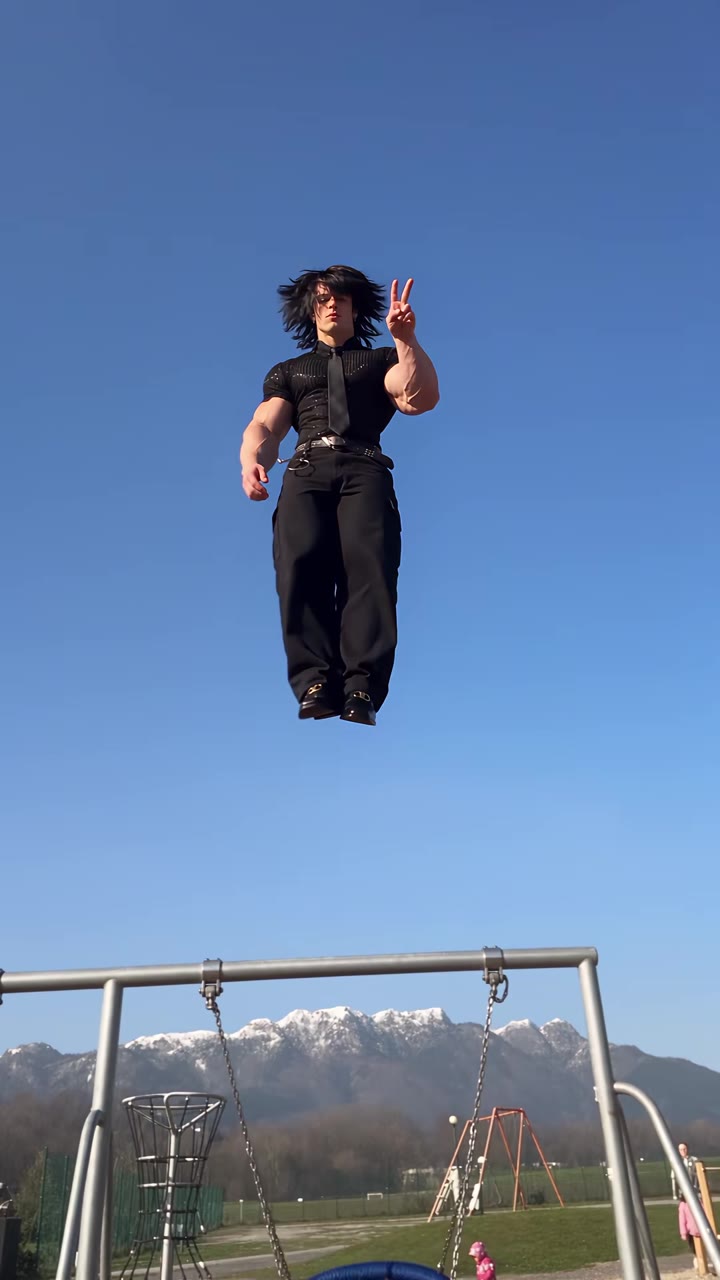
The Damon Salvatore church scene AI trend is a 10-second fan edit in which you walk into a church like the new main character, touch your lips and chest, look into the camera with a slow smirk and slide on sunglasses. To make it, upload one photo of yourself, pick a church and download a finished clip with the trend sound already on it.
The trend is inspired by The Vampire Diaries and is still young, so questions keep piling up after the first tutorial. This guide goes deeper than the basics: the shot-by-shot breakdown, the choice of church, how to photograph yourself, how to label the post and why the result features only you. The tool itself lives on the Damon Salvatore church scene AI page.
Key takeaways
- The clip is five beats in 10 seconds: holy water, the walk-in, hand to the lips, the look into the camera, sunglasses.
- You are the only person in the video. No actor, no footage from the show, nobody hugging or kissing you.
- Any adult can do it, man or woman; the outfit and hair in your photo are the ones you walk in with.
- The trend sound is already on the clip, and you should still label the post as AI-generated.
- One clip is 9 credits (10 seconds, Standard, 720p), and a failed render returns the credits.
In this guide
- What happens in each second of the Damon Salvatore church scene?
- Why is the trend set in a church?
- Can men, women and any hair or outfit do it?
- Sunlit stone church or white-door hall: which should I pick?
- How should I take the photo so the face holds?
- How do I label the video as AI when I post it?
- How is this different from a CapCut or PixVerse template?
- Why does the page not use the show footage or the actor?
- What does the model actually do with my photo and the motion reference?
- What does one clip cost, and what if it fails?
What happens in each second of the Damon Salvatore church scene?
Five cuts carry the whole scene, and the order matters more than any single frame. Knowing them helps you judge whether a result is right.
- 0 to 1 s, holy water. A close shot of your hand dipping two fingers into the stone font by the door.
- 1 to 3.5 s, the walk-in. You come through the doorway with daylight behind you, glancing to the side as if you own the place.
- 3.5 to 5.8 s, hand to the lips. You slow down, bring a hand to your lips, then to your chest, eyes lowered for a beat.
- 5.8 to 8 s, the look. A close-up where your eyes lift straight into the camera and a slow, knowing smile appears.
- 8 to 10 s, sunglasses. Quick cuts in a convertible: the sunglasses slide down and you glance back over your shoulder.
If the hand to the lips or the slow smile is missing, the render did not follow the motion reference and is worth redoing. The trend page shows real examples of all five beats.
Why is the trend set in a church?
The scene works because of contrast. A church is a quiet, ordered place, and walking into it with a smirk makes you the one thing in the room that does not belong. In the original, as our research describes it, Damon Salvatore strolls into a crowded hall during a service, the people in the pews turn round, and he walks in with a hand at his mouth and a knowing smile. The Vampire Diaries was a CW series that ran from 2009 to 2017, according to Wikipedia, and fans still use that scene as shorthand for a dramatic entrance.
The setting also does practical work. Daylight through a doorway gives a clean backlit entrance, stone and wood give a rich film look, and the holy-water shot is an instantly readable opening. That is why remakes keep the church even when everything else about the person changes.
Can men, women and any hair or outfit do it?
Yes. The motion reference is a remake with a young woman in a black one-shoulder dress, but the render replaces her completely with the person in your photo. Your face, hairstyle, hair colour, skin tone, build and outfit come from your picture, whether you are a man or a woman. The hand in the first shot and the hand that lifts the sunglasses also take your skin tone and sleeve.
Two limits apply. Only adults are accepted, and photos of children, celebrities and public figures are not. Likeness is not guaranteed either, and it drifts most in the fast cuts of the last 2 seconds. A front-facing photo makes the biggest difference, which the photo section below covers.
Sunlit stone church or white-door hall: which should I pick?
There are two options and both keep the same five beats.
- Sunlit stone church. The church of the viral remake: an old stone building, a tall arched doorway, pale sandstone walls and a bright courtyard behind the door. It is the safest pick if you want your clip to look like the ones going around.
- Classic white-door hall. A small-town church hall with tall white-panelled double doors, cream walls and dark wooden pews in soft amber afternoon light. It is warmer and slightly dimmer, closer to a classic TV drama.
A simple rule: pick the stone church for bright photos and light outfits, and the hall for dark jackets, black dresses and moodier portraits. You can make one of each and compare, since the choice is a single click on the generator page.
How should I take the photo so the face holds?
The photo is the only source for your face, so it decides most of the result. These habits help.
- Face the camera with both eyes visible; the close-up looks straight into the lens.
- Use a head-and-shoulders or half-body shot, because the outfit in the photo is the one you walk in with.
- Choose soft, even daylight, such as a window. Harsh flash, strong filters and dark, grainy pictures make the face drift.
- Leave off sunglasses, caps and masks. The sunglasses are added in the last shot.
Dark jackets, black dresses and white shirts read best in the church light. The render also holds the exact face shape of your photo, so it will not slim or narrow your face toward the reference person, even in the tight close-up.
How do I label the video as AI when I post it?
A realistic AI video of you walking into a church is the kind of clip platforms ask you to disclose. YouTube says creators should disclose realistic content that was generated or meaningfully altered with AI, through the "AI use" setting in YouTube Studio, and that disclosure alone does not limit a video's audience or affect monetization (see the YouTube help page). Creators who consistently skip it can face manual labels or penalties.
The practical routine is the same everywhere. Use the platform's own AI label or disclosure toggle if it has one, and add a plain note such as "AI-generated" in the caption. Post it as it is; the trend sound is already on the file, and you can still swap it from your app's sound library. The clip has no watermark, so the label is yours to add.
How is this different from a CapCut or PixVerse template?
A CapCut or PixVerse style template is an edit pattern that you fill with your own clips or photos, and many of the trend posts are made that way. They usually reuse the template's own TikTok sound, which is why we have not identified one single song for this trend.
The Damon Salvatore church scene AI page works differently. It generates a new 10-second video from one photo, with no clips to shoot, no editing and no prompt to write. The trade-offs are simple: a template is quick when you already have footage, while generation is the route when all you have is a photo. If you are comparing the two, remember that a template can only rearrange what you give it, while the render rebuilds the walk, the gestures and the church around you.
Why does the page not use the show footage or the actor?
Using the show's footage or the actor would mean borrowing someone else's work and likeness, and most AI tools block a named actor anyway. When a prompt does get through, you tend to receive a celebrity look-alike you should not post. So the page takes a different route: the motion comes from a remake with a non-famous person, and you are the only lead.
That is also why the clip contains one person only. Anyone in the pews stays blurred and anonymous in the background, nobody looks like a real actor, and nobody is added into the shot with you. It is a solo entrance, with no hugging, kissing or second character. For the question of what the scene means to fans, the trend page has the short answer.
What does the model actually do with my photo and the motion reference?
The render runs on Seedance, ByteDance's video model family, in a mode that combines your photo with a motion reference. According to the ByteDance Seed page for Seedance 2.0, the model accepts text, image, audio and video inputs, and images and video can serve as references for performance, lighting and camera movement.
In practice this means three things. The lead of the reference is swapped for the person in your photo. Everything else stays: cut order, walk, gestures and timing. And the face, hair and outfit come only from your picture. This is also why a plain text-to-video tool struggles with the scene: without the motion reference it makes a generic walk and loses the hand to the lips and the slow smirk.
What does one clip cost, and what if it fails?
One 10-second clip at Standard quality and 720p costs 9 credits. Credit packs start at $6.99 for 10 credits, and plans start at $29.90 a month. There is no free generation. If a render fails, times out or is blocked, the credits are returned automatically.
Because five cuts in 10 seconds can need a second attempt, it is worth getting the photo right first. A good photo saves more credits than any setting. You can check the current options on the Damon Salvatore church scene AI page before you buy.