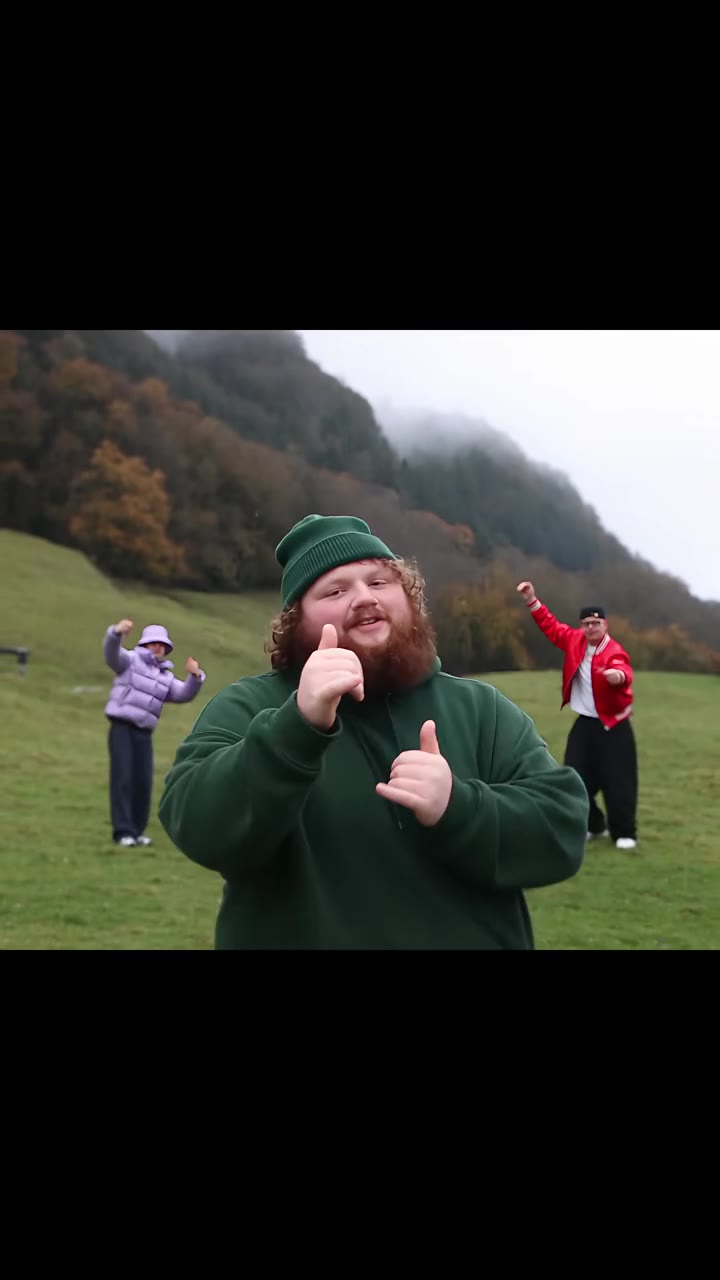
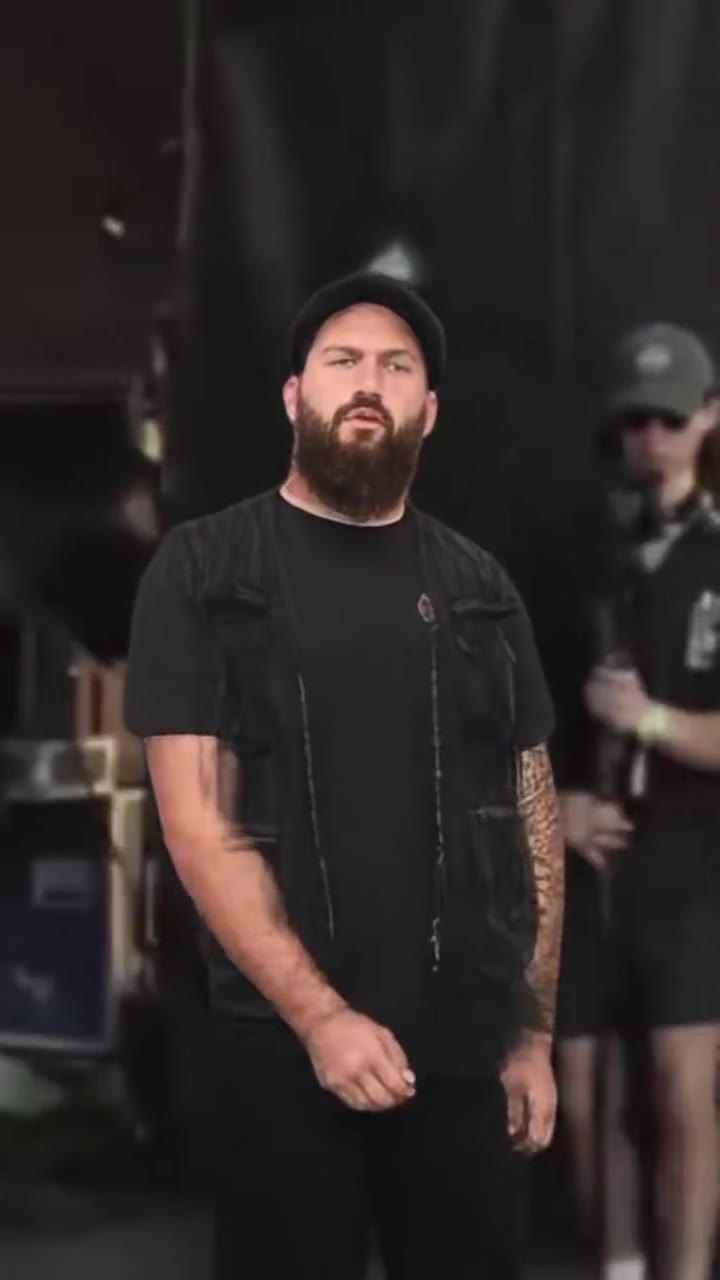
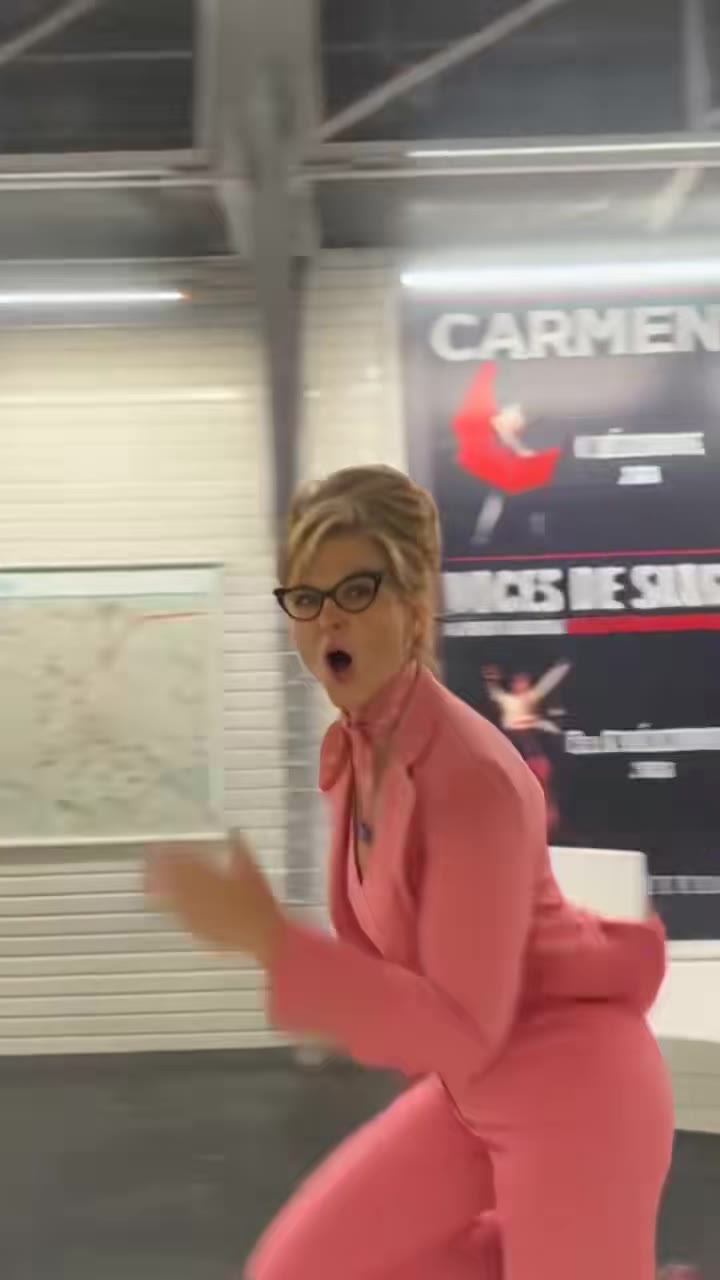
A CORTIS GO AI video is a 15-second clip of you doing the GO! dance, made from one photo, with the song already on it. It does not show any CORTIS member, and it has not been test-rendered yet, so treat this guide as an explanation of how it works rather than a promise of the result. The tool is on the CORTIS GO AI page, and videosi is independent and not connected with CORTIS, BIGHIT MUSIC or HYBE.
Key takeaways
- The GO! dance comes from the CORTIS song GO!, with a music video on 11 August 2025 and an official TikTok post on 12 August 2025.
- The AI version keeps the hook moves and the scene, and swaps the dancer for you. Nobody in the result is a CORTIS member.
- You choose between a sunny rooftop solo and a TV studio version. They use different moves and timing.
- A sharp, front-facing, ideally full body photo matters more than anything else you control.
- Label the post as AI, and expect that a platform may mute or limit a song you do not own.
In this guide
- What are the key moves of the GO! dance?
- Why does the AI version not include CORTIS members?
- How should I shoot the photo?
- What is the difference between the rooftop and TV studio versions?
- Do I need an AI label on TikTok?
- Will the music get muted?
- How is this different from other K-pop AI dance pages?
- Why do some people search "cortis go ai" in Vietnamese?
- What does one attempt cost?
- What should I expect from the result?
What are the key moves of the GO! dance?
The routine is built around one hook, "i just gotta get it, watch me GO!", and the moves are big and easy to read on a phone. The rooftop version on our CORTIS GO AI page breaks into five parts over 15 seconds.
First comes a short count in, where you stand full body in the frame and drop into the groove. Then the opening hit: arms thrown out wide in a wide stance. The third part is the busiest, with knee lifts, quick hops and a hair whip that ends in a wide squat. Next come side kicks and arm swings, and on the line "watch me go" both thumbs point at your own chest. The last part is fast footwork, one more kick and a big arm sweep.
If you want to learn it by hand, count the phrases rather than the beats. Each phrase has one clear picture: wide arms, knees, kicks, thumbs, finish. When people copy the dance badly, it is usually because they blur those pictures together. The AI version does not need you to learn any of this, but knowing the five parts helps you judge whether a result matches the real routine.
Why does the AI version not include CORTIS members?
There are two reasons, one practical and one principled. Practically, the video model gets a fan cover as its motion reference, not a CORTIS clip, and the prompt replaces the dancer in that cover with the person in your photo. So the people on screen are you and, in the case of a two person photo, a friend.
The principled reason is that putting real artists into AI footage invents things they never did. CORTIS is a five member group under BIGHIT MUSIC, and a fan made clip should not suggest that any of them took part. That is also why the result is a solo cover of the hook and not the five member formation. If you want the original choreography with all members, watch the official video.
How should I shoot the photo?
The photo does more work than any setting. Four habits help.
- Stand in good light facing the camera, with the whole face clear. Sunglasses, masks and hair across the eyes are the most common causes of a result that does not look like you.
- Shoot head to toe if you can. The dance has kicks and hops, so the model needs to see your shoes and trousers.
- Use one person per photo for the cleanest result. A two person photo gives a duo dancing side by side, but faces can swap places.
- Wear what you would really wear. Baggy jeans and big shirts suit this dance, while a very long coat hides the leg moves.
Your hair, clothes, shoes and skin tone come from the photo, and so does the age of your face. A sharp phone photo near a window usually beats a studio style shot with heavy filters.
What is the difference between the rooftop and TV studio versions?
They are two different videos, not two filters. The rooftop version is a sunny, full body solo with the high energy routine described above: wide arms, knee lifts, a hair whip, side kicks and thumbs to the chest. The reference dancer there has long hair and a striped football shirt, and all of that is replaced by your look.
The TV studio version moves the dance into a news style set, where the reference dancer wears a suit and tie. The moves are tuned to that setting: arms spread wide, a hop with one knee up, fists stacked at the chest, quick footwork and side steps, arms crossed with a nod, and a wave to the camera at the end. It is a funnier, tighter take, closer to the viral covers made in a TV weather studio.
Pick the rooftop if you want the dance to look big and loose. Pick the studio if you want a gag that works well for a short post. Both are 15 seconds, and both come with the song on the clip.
Do I need an AI label on TikTok?
Our advice is yes. The video shows a realistic person doing a dance that you did not film, which is exactly what platforms ask creators to disclose. Use the platform's own AI content setting when you post, and mention it in the caption if you like.
The rule also protects you. If you upload a friend's photo, make sure they agreed to it, and say that the clip is AI made. Labelling does not make a clip less shareable; most viewers care more about whether you were upfront than whether a tool was involved. Platform rules change, so check the current wording in the app before you post. We cannot give legal advice.
Will the music get muted?
It can happen. The GO! sound is mixed into the clip after the render, so it plays from the first frame, but the song belongs to its owners. A platform may mute, limit or remove a repost, especially outside the platform's own sound library.
The safest route is to post inside the app and pick the platform's own GO! sound when it offers one, which keeps the track licensed on that service. If a download keeps getting muted, post it with the app's sound and lower the clip's own audio.
How is this different from other K-pop AI dance pages?
The idea is the same across the K-pop pages on videosi: one photo in, a short dance clip out, with a real fan cover as the motion reference. What changes is the choreography, the setting and the song. The IVE Looks Can Kill page uses a different routine and a different mood, and the KATSEYE Animal dance page is built on another hook. The general AI dance page is the place to start if you have not picked a song yet.
The GO! dance stands out for how simple the hook is. According to Complex, it was still viral on TikTok more than a month after release, and people from many places, including a TikTok famous weatherman, tried it. That is why the page offers a second, studio style version, which matches the weather desk covers fans already know. You can read that coverage at Complex.
Why do some people search "cortis go ai" in Vietnamese?
In Vietnamese, "ai" means "who". Some of the searches for "cortis go ai" are therefore people asking who is behind the song, not people looking for an AI tool. We do not credit any songwriter or producer here, because that is not something the page's facts cover. For credits, check the official release information.
What we can say from the sources is the basic timeline. The music video for GO! came out on 11 August 2025, and GMA Network's coverage describes it as a city set video where the five members show their singing and dancing, with the group's official debut following on 18 August 2025 (GMA News). The debut mini album COLOR OUTSIDE THE LINES followed on 8 September 2025. The official TikTok post of the dance was on 12 August 2025, and it had 44.4 million views when we checked on 16 November 2026.
What does one attempt cost?
It is not free. A 15 second video on Standard at 720p costs 13 credits, and the first video on an account costs 10. Better models and higher resolutions cost more. The Single pack is $8.90 for 10 credits, and a failed render returns its credits.
Because each attempt costs credits, it is worth spending two minutes on the photo first. A clear, front-facing, full body photo is the cheapest improvement you can make, and it is more useful than trying the same bad photo twice. If you are unsure which version to use, start from the CORTIS GO AI page, watch the two preview clips and pick the one whose setting fits your post.
What should I expect from the result?
Be realistic. This effect has not been test-rendered yet, and the examples on the page are real covers by other people, not videosi renders. The video model is Seedance from ByteDance, and it guesses where your hands and feet go during fast moves, so some blur on kicks is normal. There is also no lip sync.
What you should expect, if the photo is good, is your own face, hair and clothes doing the hook in the scene you chose, with the song on it. If it does not look like you, change the photo before you change anything else. And if you are only after the real dance, the official video and the fan covers are still the best teachers.