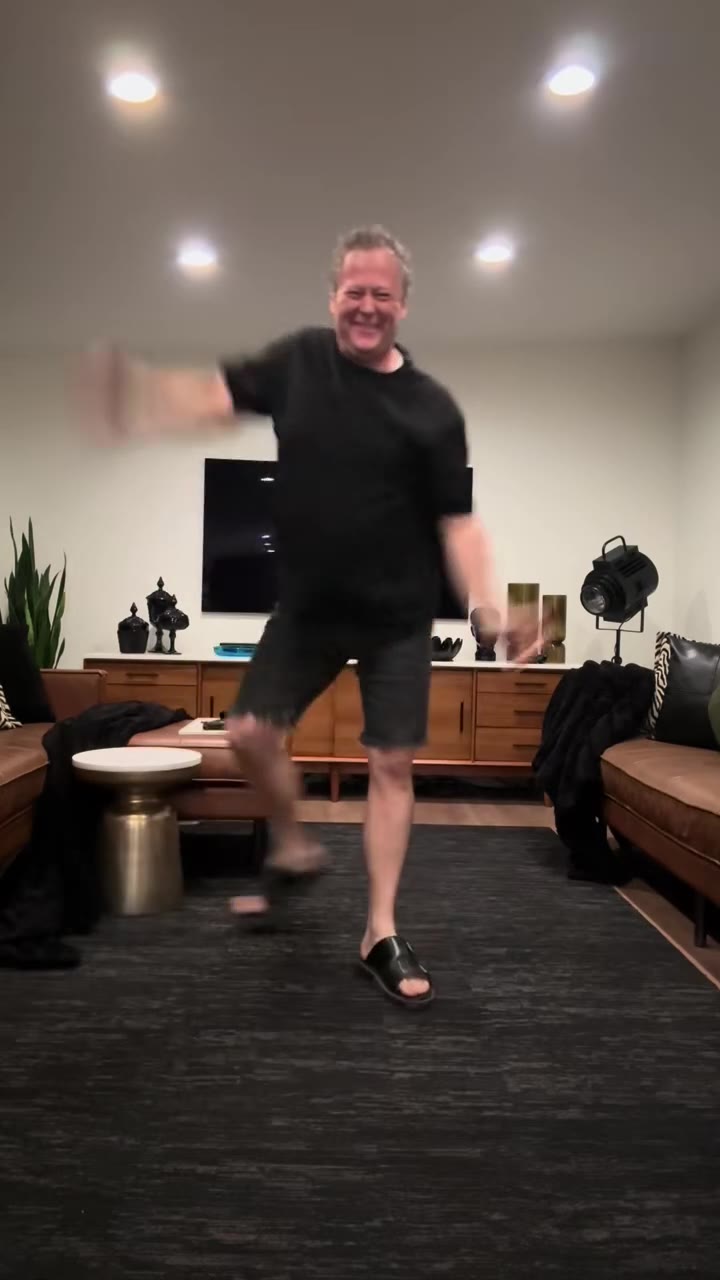
The Clone Dance is a short video in which one dancer appears three times in the same shot and every copy dances the same steps in sync. Clone Dance AI makes that video from a single photo, with no filming, as a 15-second clip. This guide answers the questions people ask once they have seen the Clone Dance AI generator, from how the hand-made version works to how to avoid common failures.
Key takeaways
- The Clone Dance shows one dancer three times in a locked shot, all doing the same steps in sync.
- By hand it is three takes layered with masks in CapCut; with AI one photo is enough.
- Sync, a sharp full body photo and a clear beat matter more than any filter.
- Label the result as AI-made, and expect platforms to treat the music on their own terms.
In this guide
- How is the clone dance filmed by hand in CapCut?
- Why does the clone dance use exactly three clones?
- How do you keep three copies in sync?
- What should you wear for a clone dance?
- What is the best photo for a clone dance video?
- Which song goes with a clone dance?
- Can you post a clone dance with copyrighted music?
- Do you need to label a clone dance as AI-made?
- How is the AI version different from a CapCut AI clone effect?
- Why do the original dancers sometimes leak into AI clone dances?
- Is the Clone Dance still worth making in late 2026?
How is the clone dance filmed by hand in CapCut?
The classic method is three takes from a locked camera. You put the phone on a tripod, mark your spot on the floor, and dance the full routine once on the left, once in the middle and once on the right, keeping the framing identical. In CapCut you stack the three clips on separate tracks, then use a mask (a linear or mirror mask works) to reveal only the left third of one clip, the middle of another and the right of the third.
Most of the work is cleanup. The seams between masks should fall in empty space, so leave a gap between your positions. Match the exposure across takes, and keep the same distance from the lens, or the three copies will look like different sizes. It takes a patient creator an evening, which is why the one-click AI wave in October 2026 got attention.
Why does the clone dance use exactly three clones?
Three fits a wide frame. One copy in the middle with one on each side gives a symmetrical shot that reads as a group from the first frame, and the eye can still follow all three. Two copies feel like a duo, and four or five get crowded in a 9:16 phone screen.
Three also suits the editing method. With three masks you have two seams, which is about as many as you can hide in empty space without the cuts showing. The version on the Clone Dance AI page keeps the same trio layout as the reference video.
How do you keep three copies in sync?
By hand, sync comes from the music. Play the track through a speaker or earphone on every take and start each take at the same bar. Count the first move out loud before you begin so the starting frame is the same each time. A small offset of two or three frames is visible when the footwork is sharp.
With AI, sync is the weak spot of general models. They tend to invent a different move for each copy, so the trio stops looking like one person filmed three times. That is why the videosi page starts from a real clone dance clip as the motion reference and swaps in your photo, so the timing of the five beats of the routine is already fixed.
What should you wear for a clone dance?
For a hand-filmed version, pick clothes with a clear shape and a plain background. In the original trend the three copies often wear three different outfits, which is part of the joke and part of the look, but it is also easier to make the three copies readable when each outfit has a different color.
For the AI version the rule is the opposite. The video copies the clothes in your photo into all three dancers, so one clear full body photo in the outfit you like is all you need. If you want three different outfits, the page FAQ says to edit three takes in CapCut instead.
What is the best photo for a clone dance video?
A bright, sharp, full body photo facing the camera. In a wide locked shot each dancer is small, so a dark, cropped or turned away face gives the model too little to hold for 15 seconds. Plain light from the front beats a filter, and visible feet help the footwork look planted.
Avoid group photos, since the tool takes one person as the source for all three copies. Use your own photo, or one from a friend who agreed to it.
Which song goes with a clone dance?
There is no single trend sound. Caleb Brown's clone dances use old soul, hip-hop and club tracks. The reference video on our page uses Just A Lil Bit by 50 Cent, and the clip comes with that original sound already lined up with the moves.
If you build your own version, choose a track with a steady beat and clear accents, because accents are what make the three copies look synced. A mid tempo groove is forgiving; a very fast track makes any timing error obvious.
Can you post a clone dance with copyrighted music?
The video file has the sound in it, but platforms treat music rights on their own terms. A post can be muted, have the sound swapped or be limited in some regions. That is a platform decision and it can change from one track to the next, so do not treat a pass on one post as a rule.
If it matters, such as for a brand account, use a licensed library track or a sound the platform offers inside its own editor. For personal posts, many people upload the clip and replace the sound with the platform's version of the same track. videosi is independent and not affiliated with TikTok or the artists.
Do you need to label a clone dance as AI-made?
Yes, it is good practice and on most platforms it is expected. A clone dance made from your photo is synthetic video, and viewers who know the hand-filmed original may assume you spent hours in an editor. Use the platform's AI label if it has one, or say so in the caption.
This matters more if the person in the photo is not you. Only use photos of people who agreed to it, and do not upload photos of celebrities or children.
How is the AI version different from a CapCut AI clone effect?
AI clone dance effects started showing up in October 2026, and CapCut templates and effects change often, so check inside the app for what is available today. They work in an editor on a video you already have.
The videosi version starts from a photo instead. You upload one picture, and the model, ByteDance's Seedance, builds a 15-second video with three of you from a motion reference. There is no footage to film and no mask to draw. The trade-off is control: you get the routine of the reference, not your own choreography.
Why do the original dancers sometimes leak into AI clone dances?
It is the most common failure when the motion comes from a real video. The model sees three men in the reference clip and, unless each one is named and replaced, keeps their caps, jackets or faces on one or two of the clones. Another failure is drift: by the middle of the clip one copy has different hair or clothes because nothing ties it to the photo.
The videosi page handles both with a replace-the-dancers instruction and a rule that all three copies must look identical. If a result still shows a leak, try a sharper, closer photo first, because a weak face is the usual reason.
Is the Clone Dance still worth making in late 2026?
As of 20 November 2026 the trend is past its peak, but it is still alive. The format goes back to at least September 2023, when a friends' audition video already joked about being one of Caleb Brown's clones, and the AI wave in October 2026 brought it back. Revivals tend to be short, so a quick post is better than a polished one.
The format itself is simple enough that it keeps coming back with new songs. On videosi's Clone Dance AI a 15-second clip is 13 credits on the Standard model; credit packs start at $8.90 and plans at $29.90 a month. A failed or blocked render refunds its credits automatically.
Ready to try it? Upload one photo on the Clone Dance AI page and get three of you dancing in a few minutes.