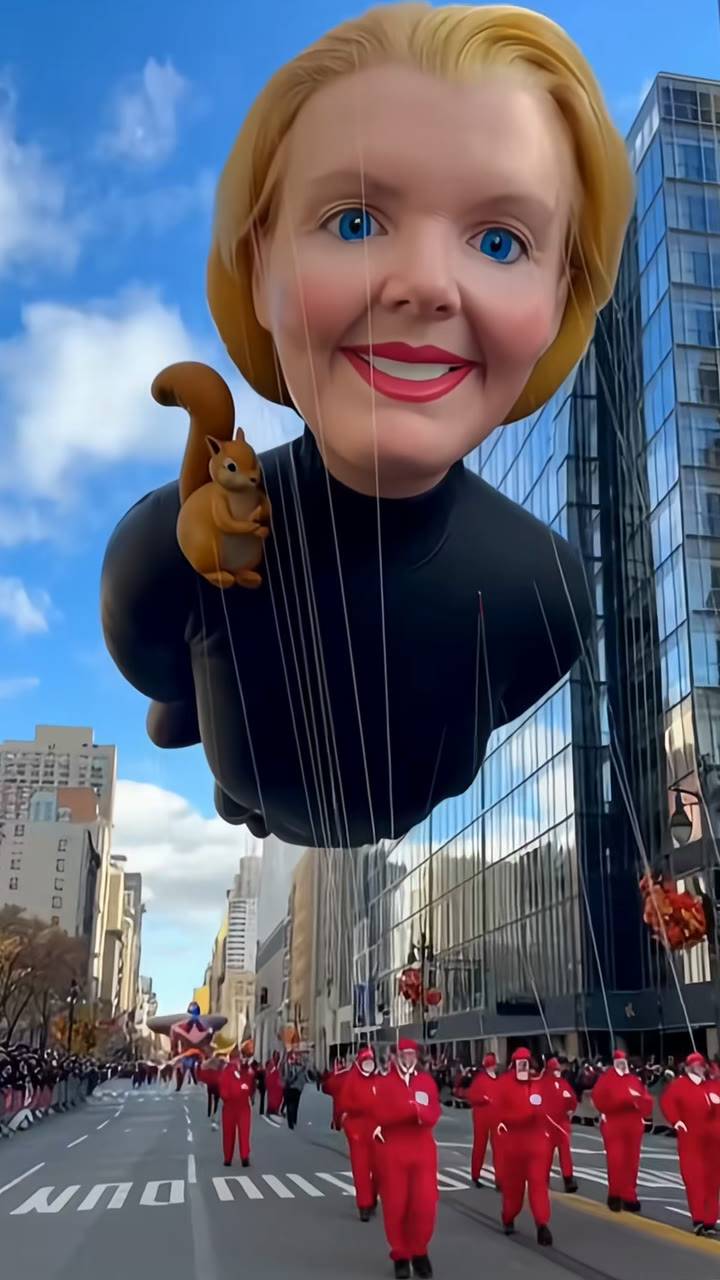
The bouncy heart AI dance is a November 2026 TikTok trend in which one photo of you becomes a 12-second video of you doing a loose, wide-stance hip-sway dance to "Gesi Ka Jali", the dance behind the Will Byers dancing meme. On videosi you upload one photo and press generate, and the finished clip comes back with the original sound already on it.
This guide goes deeper than the FAQ on the trend page. It covers where the dance came from, what the CapCut template is, what happens second by second, why results miss the likeness, and what it costs.
Key takeaways
- "Bouncy heart" is the name CapCut tutorials gave to the Will Byers dancing meme, a bouncy hip-sway dance to "Gesi Ka Jali".
- The dance first spread through VRChat clips of a Will Byers avatar, and CapCut AI template tutorials started on 23 November 2026.
- The videosi version shows only you as real footage on a street corner; no Will Byers or Stranger Things character is drawn in.
- A Standard 720p video is 10 credits, and credit packs start at $8.90 for 10 credits.
- A sharp, front-facing, full-body photo gives the best likeness, because the dance is mostly legs and hips.
In this guide
- Why is it called "bouncy heart" if the meme is about Will Byers?
- How did a VRChat avatar start a TikTok trend?
- Is the Will Byers character in the video?
- What happens second by second in the 12-second clip?
- How does the CapCut template compare with other ways to make it?
- Where does the sound come from, and is it on the video?
- Which photo works best?
- Why would the reference dancer's clothes end up on me?
- Why do some frames drift, and what can I do about it?
- What does one video cost, and what happens when a render fails?
- Is it too early to post one?
Why is it called "bouncy heart" if the meme is about Will Byers?
Two names are in use for the same dance. "Will Byers dancing meme" is what Stranger Things fans call the clips, and "bouncy heart" is what CapCut tutorials called the AI template that applies the dance to any photo. You will also see it written as "Bouncy Heart Viral Hip Sway Dance" and "bouncy bouncy heart crazy hip dance". Most tutorials file it under the Will Byers meme, so searching either phrase finds the same trend.
The dance itself is easy to describe: feet planted wide, knees bent, hips swinging side to side on every beat, and arms flapping out like wings. That is the picture to hold in mind when you judge whether a result is right.
How did a VRChat avatar start a TikTok trend?
VRChat is a social platform where players appear as custom avatars, and its official site describes avatars as a central part of how people show up in its worlds. In late October and early November 2026, players using an avatar of Will Byers posted clips of it doing this dance at parties and on top of trains. The most-watched passed a million views by 25 November.
The earliest clip we could place dates from 21 October 2026 and uses a different song. The clips with "Gesi Ka Jali" date from 5 November 2026. Fans shared them as a meme because the joke works: the quiet character suddenly dances hard, in a way he never does in the show. We could not confirm who posted first on TikTok, so we do not name an origin account.
Is the Will Byers character in the video?
No. Will Byers is a character from Stranger Things, the Netflix series, and the dance in the meme is something he never does on screen. The videosi bouncy heart video never shows him, the avatar or any scene from the series. It shows the person in your photo, as real footage, on a street corner.
This matters for two reasons. First, you are not putting a copyrighted character into your clip. Second, the result is about you: face, age, skin tone, build, hair and clothes all come from your photo. You can still caption it as the Will Byers dancing meme when you post, since that is the name people search for.
What happens second by second in the 12-second clip?
The clip follows a motion reference of a dancer doing the full routine, in four stages.
- 0 to 2 s, loose start: standing at a street corner by a stop sign, shifting weight from foot to foot and shaking out the shoulders as the beat starts.
- 2 to 4 s, shirt flick: hands grab and flick the open shirt, the chest pops forward and the feet step wider.
- 4 to 8 s, wide-stance sway: knees bend into a deep wide stance and the hips swing side to side on every beat, arms flapping out.
- 8 to 12 s, bounce to the end: the sway gets bouncier, one arm reaches out to the side, and the dancer keeps rocking low until the clip ends.
In the result, the person from your photo takes the dancer's place and nothing of him stays. The video can be 9:16, 1:1 or 16:9.
How does the CapCut template compare with other ways to make it?
There are three routes, and they suit different people. The first is the CapCut AI template from TikTok tutorials. You open the template link from a tutorial and fill it with your photos inside CapCut. The tutorials say the app costs nothing to start, though some templates need Pro, and the template link is passed around between tutorial accounts, so you have to find the right one first. There is no official TikTok filter for this dance.
The second is writing your own prompt in an AI video model. That is paid per attempt, needs a motion reference clip and usually several tries. If you do not name the reference dancer's clothes, his pink plaid shirt and white trousers end up on you.
The third is dancing it yourself, or doing it in VRChat with a full-body-tracked avatar. That is how the original clips were made, but it shows your own moves or an avatar, not an AI version of your photo.
videosi sits in the middle: a browser tool where one photo goes in and a finished clip with the sound comes out, with no app to install and no template link to hunt for. Open the bouncy heart AI dance page to try it.
Where does the sound come from, and is it on the video?
The song is "Gesi Ka Jali" by Unticipated Soundz. Many TikTok posts show it as an "original sound" re-upload, which makes it hard to trace by name. We matched the audio of the VRChat clips, the tutorials and posts labelled Gesi Ka Jali, and it is the same track.
On videosi the model renders the video silently, and the sound is added afterwards, lined up with the moves. So the finished clip already has the track on it when you download it, and you do not need to add it in another app.
Which photo works best?
A sharp, front-facing, full-body photo with one person in it. The dance is mostly legs and hips, so the model needs to see them. With a head-only selfie the AI has to invent your body and clothes, and the full-body dance looks less like you.
Small, dark, side-on or filtered photos are the usual reasons a result misses the likeness. The effect makes one dancer per video. If you want a friend in it, upload their photo instead of yours, and only if that person agreed. Do not upload photos of strangers or celebrities without permission.
Why would the reference dancer's clothes end up on me?
Because the motion reference carries his look along with his moves. The dancer wears a pink plaid open shirt, a black tank top, a silver chain and baggy white trousers. If a prompt says only "dance like the man in the video", the model keeps the original dancer instead of you, and if it describes the dance without a reference you get a generic sway rather than the deep wide stance.
videosi handles this inside the effect: the prompt names the reference dancer's clothes so they are not copied onto you, and your hair and clothes come from your photo. That is the main reason a ready-made effect saves tries compared with a DIY prompt. We do not publish the full prompt.
Why do some frames drift, and what can I do about it?
Fast hip swings and arm flaps are where AI detail slips first, so a few frames can drift even with a good photo, and likeness is not guaranteed. This is a limit of current video models, not something a different caption fixes.
Three habits help. Start with the sharpest full-body photo you have. Keep one person in the frame. If the result is close but not right, try again with a better photo, or pick a higher model tier, since better models are one click away. The default model is Seedance 2.0 Mini from ByteDance, and higher tiers use Seedance 2.5.
What does one video cost, and what happens when a render fails?
The bouncy heart AI dance on videosi is paid: every video is made with credits, and there is no trial render. A 12-second video on the Standard model at 720p is 10 credits, and 480p is 5 credits. Fast is 17 credits at 720p, Pro is 20, and Ultra is 37 at 720p.
Credits come in packs that never expire: Single is $8.90 for 10 credits, the Trio Pack is $17.99 for 30, the Duo Pack is $29 for 50, and the Crew Pack is $99 for 250. Plans renew monthly, and Basic is $29.90 a month for 100 credits. A failed, timed-out or blocked render returns its credits automatically.
Is it too early to post one?
As of 25 November 2026 the trend is just starting. The Will Byers VRChat clips date from early November, and the CapCut template tutorials only began on 23 November, so most posts are a few days old and finished examples with real people are still very few. That is a reason to make yours now rather than later: a version starring you can still ride the wave.
When you are ready, make yours on the bouncy heart AI dance page from one photo.