AI Car Edit: Your Car in a Cinematic, Glowing-Livery Edit
One photo of your car becomes a 9-second cinematic edit: slow push-ins, whip transitions and paint that melts into glowing liquid livery.
Updated : Page published. The AI car edit is a broad TikTok format rather than one meme, and the page says so.

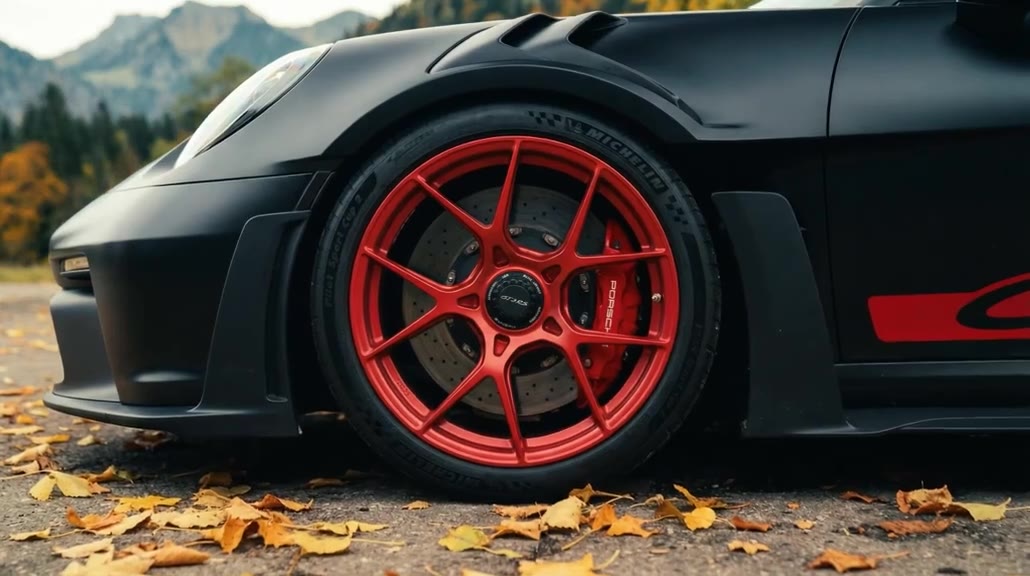
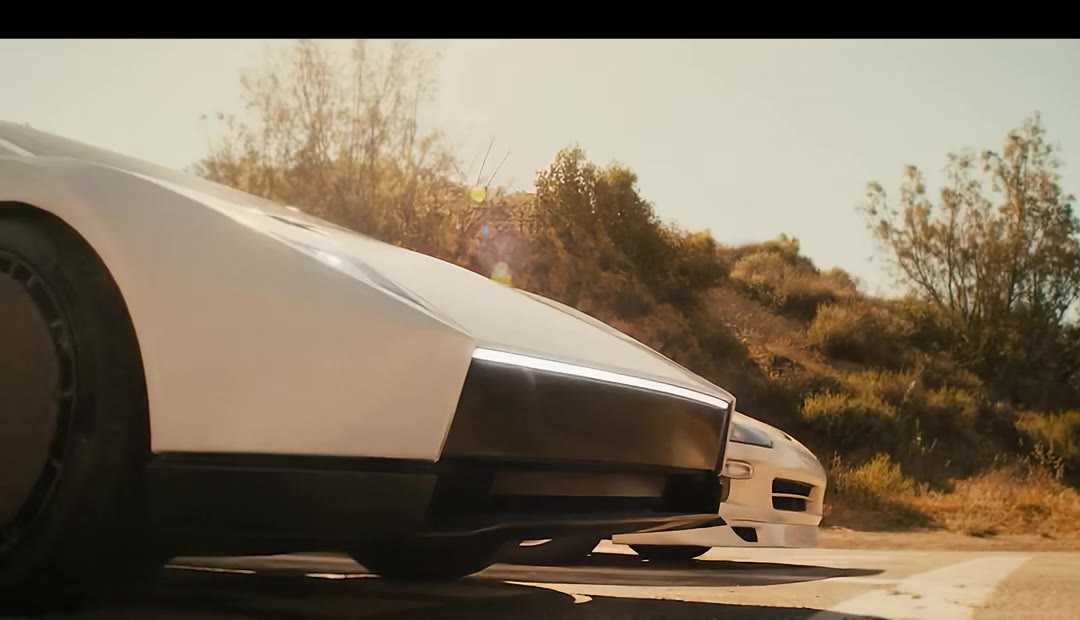
1Add your photo
What you'll get
Front-facing, well-lit selfies work best. One face per photo.
2Choose quality
By generating you confirm you have permission to use the people in your photos. Terms
No subscription needed · Ready in about 3 minutes · Failed renders are free
The AI car edit is a short, smooth car video in which a real-looking car changes into glowing AI paint jobs between slow push-ins and whip transitions; videosi makes a 9-second version from one photo of your car.
- Fast facts
- First seen
- Stage
- Spreading
- Started on
- TikTok (unconfirmed)
- Sound
- No single sound: edits use slowed phonk or their own audio, and the most-viewed one lists a track called ZUMY (slowed). This page's video uses the original sound of the clip its motion follows.
- Meaning
- An AI car edit is a short, cinematic car video in which the car, its paint or the whole scene is generated or altered by AI, usually cut to slowed phonk with push-ins and whip transitions.
- Related trends
- AI Car Drift Video, Venom Car AI, Toy Car to Real Car, Car Jump AI Video
Page updates
- November 4, 2026 — Page published. The AI car edit is a broad TikTok format rather than one meme, and the page says so.
The AI Car Edit prompt and model
AI Car Edit is made with Seedance 2.0 / 2.5 (you pick the tier) by ByteDance. The prompt behind it has 5 parts, and the timing is what makes or breaks it.
- Model
- Seedance 2.0 / 2.5 (you pick the tier)
- Mode
- Photo + motion reference to video
- Length
- 9 seconds, 9:16 or 16:9
- Input
- 1 photo
- Car swap Every car in the reference is replaced by the one in your photo, down to its shape, paint and wheels.
- Keep the edit A short show-floor car edit supplies the push-ins, the whip transitions and the timing.
- Livery The paint ripples into glowing translucent liveries, one per shot, on your car.
- One car Only your car in frame: no second car, no people and no driver.
- Rules No readable plate, no badge close-ups and no text, signs or watermark.
Replace every car in Video 1 with the car from Image 1.…
Why it goes wrong when you do it yourself
- Written as a plain motion reference, the prompt often leaves you one of the reference supercars in your colour.
- The glowing livery needs to be described shot by shot, or the paint stays stock and the edit looks flat.
- With several cars in the reference and no "one car only" rule, a second car shows up in the whip transitions.
- Each try costs model credits and several minutes, and the transitions take several tries to look smooth.
AI Car Edit examples
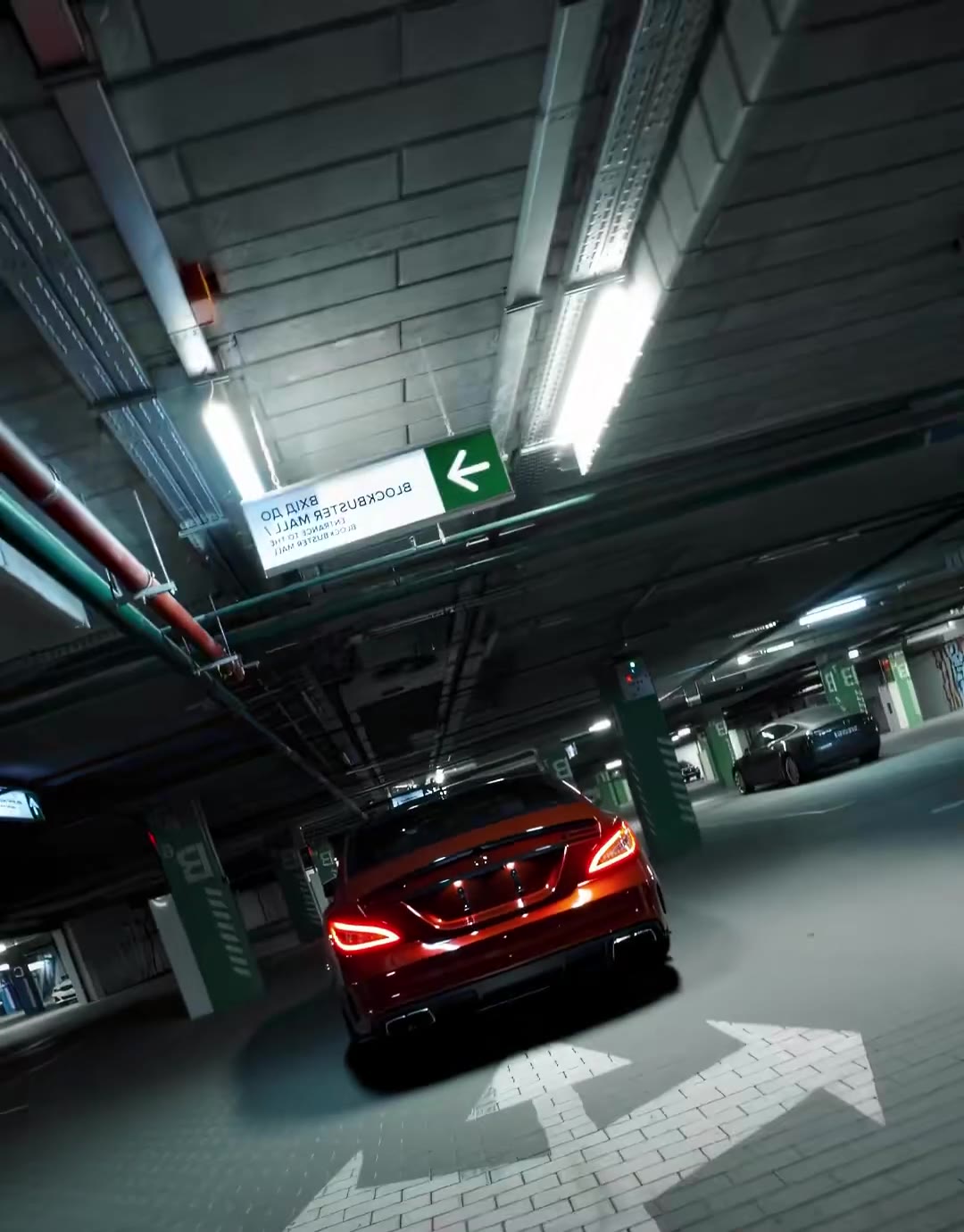
How to make your AI Car Edit video
Upload one photo of your car
The whole car in frame, from the front or three-quarter, in daylight. Its shape, colour and wheels come from this photo.
Pick the format
Choose 9:16 for TikTok, Reels and Shorts, or 16:9 for a wide video.
Generate and download
Press Generate and the 9-second edit is rendered as an MP4 with no watermark, with the original sound on it.
What is the AI Car Edit trend?
Updated · videosi is an independent tool. It is not affiliated with TikTok, Instagram, YouTube, or with the owners of any trend, song, game or brand named on its pages.
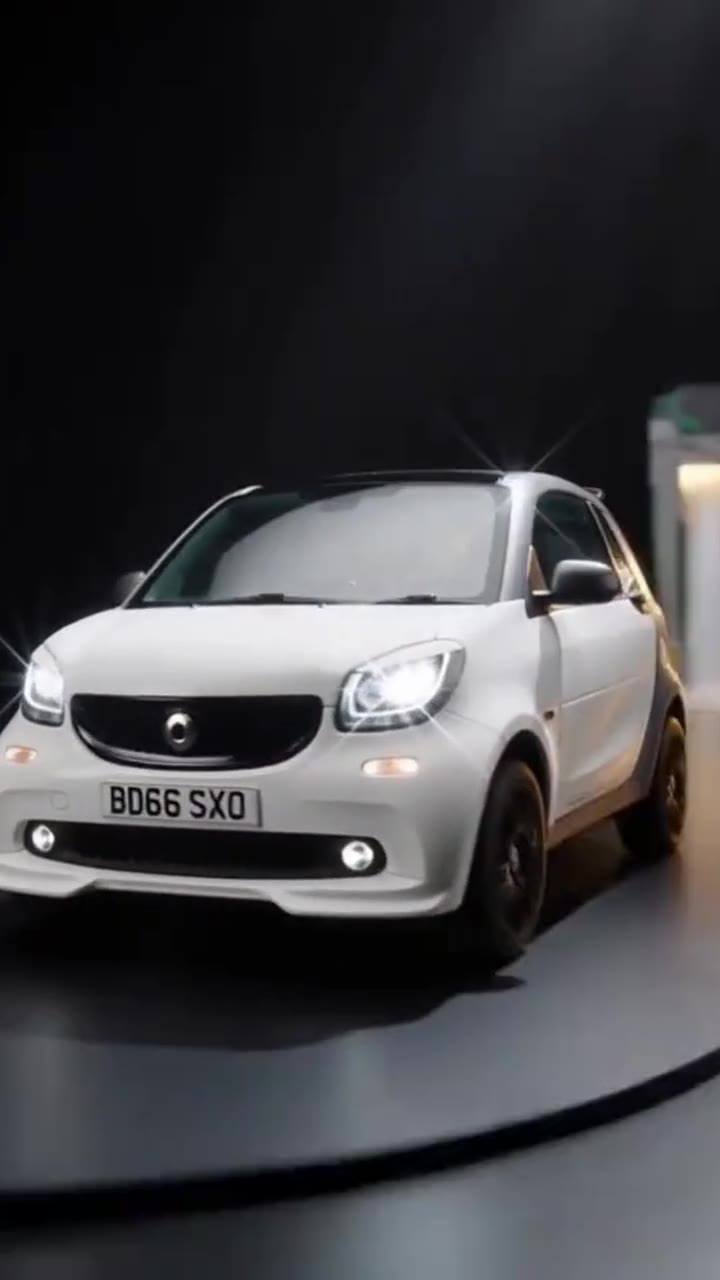
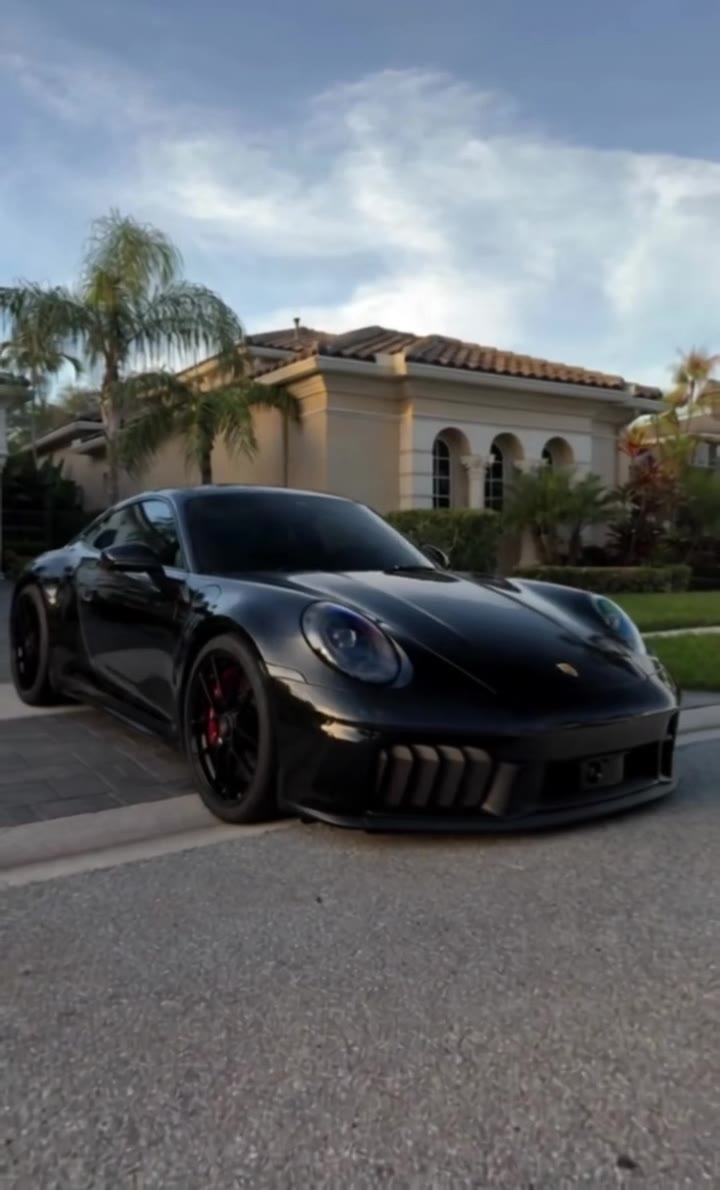
"AI car edit" is the name TikTok creators give to short, smooth car videos where the car looks filmed on a cinema camera but parts of it, or all of it, are made by AI. The most-viewed posts under the hashtag are two kinds: real car-show footage whose paint is swapped for glowing AI livery (amber flame, starry-night brushstrokes, emerald plasma), and fully AI-generated car clips set to slowed phonk, often shown next to the real footage in a "real or AI?" comparison.
It is a format rather than one meme with a fixed punchline. The version we found with the most views (about 818,000 on TikTok, posted in January 2026) is a 16-second show-floor edit with slowed music, push-ins and paint that ripples from stock colour into a new livery. A Mercedes "real vs AI" post (about 610,000 views, April 2026) and cinematic AI Porsche scenes made with tools such as Kling sit in the same family. We could not name one original creator.
This page takes one photo of your car and gives it that edit: the car sits in a dark hall under spotlights, the paint spreads into a glowing translucent livery, whip transitions jump between shots and the camera pushes in on the wheel and the rear. The motion and prompt are already set, so you do not write a prompt or touch an editing app. The video comes with the audio of the clip its motion follows.
It is a stylised edit, not your car filmed for real: the model rebuilds the car from your photo, so small details can differ, and plates and logos are kept unreadable on purpose. Say it is AI-generated when you post it.
AI Car Edit: shot by shot
- 0–1 s
Stock paint
The car sits front-on in a dark hall under spotlights, in its normal paint, while the camera pushes in slowly.
- 1–3 s
Livery melts in
The paint ripples into a glowing, translucent amber livery that crawls across the body like liquid flame.
- 3–5 s
Whip to new look
A fast whip and wipe cuts to the same car in a swirling blue brushstroke livery, gliding past in a wide low shot.
- 5–7 s
Wheel and rear close-up
The camera drops to a close, blurred swing around the wheel and the rear in glowing emerald.
- 7–9 s
Final swoosh
A last foreground swoosh of amber light sweeps across the frame as the shot settles.
Tips for a better result
Show the whole car
Bumper to bumper, nothing cut off. Anything missing from the photo is invented in the close-ups.
Front or three-quarter view
The edit opens front-on and swings round the side and rear, so one end plus a side works best.
Daylight, plain background
Even light keeps the paint colour true. Avoid reflections or other cars overlapping yours.
One car per photo
With two cars in the picture the model may mix them. Crop to the one you want in the edit.
Good to know before you make a AI Car Edit video
- The AI car edit is a broad TikTok format, not one dated meme. The clips we checked date from September 2025 to November 2026.
- The car is rebuilt from your photo, so badges, lights and wheel design can differ. Plates and logos are kept unreadable on purpose.
- The result is a stylised AI edit: label it as AI-generated when you post it. This prompt has not been test-rendered.
- The video comes with the original sound of the clip the motion follows. A failed, timed-out or blocked render returns its credits automatically.
AI Car Edit: questions
What is an AI car edit?
An AI car edit is a short, smooth car video where the car, its paint or the whole scene is made or changed by AI, usually with slow push-ins and whip transitions. videosi's version is 9 seconds long and is made from one photo of your car, with glowing liveries and the original sound.
How do I make an AI car edit of my own car?
Upload one clear photo of your car on videosi's AI Car Edit page, pick 9:16 or 16:9 and press Generate. In a few minutes you get a 9-second MP4 of that car in a dark hall with glowing livery and whip transitions, with the original sound already on it.
Is there an online AI car editor or generator?
Yes. videosi.io/ai-car-edit is a ready-made AI car edit generator: the prompt and motion are set, so you add one photo of your car and get a 9-second video back. It does not edit or retouch an existing video, it generates a new one from the photo.
Is there an AI car edit CapCut template or TikTok filter?
There is no official TikTok filter for AI car edits, and CapCut templates mostly cut footage you already filmed. videosi generates the edit itself from one still photo, so your car does not need to have been filmed; the 9-second result is ready to post.
What AI model and prompt make the AI car edit?
videosi makes the AI car edit with ByteDance's Seedance 2.0 or 2.5, depending on the tier you pick. The prompt swaps the cars in a short show-floor edit for the car in your photo and keeps the camera moves, the livery changes and the timing. We don't publish the full prompt.
How much does an AI car edit cost? Is it free?
It is not free: a 9-second AI car edit on videosi uses 10 credits at Standard 720p, and the Single pack is $6.99 for 10 credits. Higher tiers cost more credits. A failed, timed-out or blocked render returns its credits automatically.
Why doesn't my AI car edit look like my car?
On videosi, the photo is usually the cause: if the car is cut off, shot at night or overlapped by another car, the model has to guess, and in fast transitions small details like badges and wheels can shift. Use a full, daylight front or three-quarter photo of one car.
Can I put myself in the video?
Not on this page. videosi's AI Car Edit keeps people out of the frame and puts all 9 seconds on your car. If you want to be in the shot, try a page built around a person, such as the car jump video.
What does "AI car edit" mean?
"AI car edit" means a short car video edit that uses AI for the car, its paint or the scene. On TikTok it covers show-floor clips with AI livery and fully AI-made clips shown against real footage; on videosi it is the name of the page that makes one from your own car photo.
What song is used in AI car edits?
There is no single confirmed song: AI car edits use slowed phonk, engine noise or their own audio. As of November 2026 the most-viewed edit we found lists a slowed track called ZUMY. videosi's 9-second video comes with the original sound of the clip its motion follows.
Is the AI car edit trend still trending?
Yes, videosi still sees it spreading. The most-viewed edit we found dates from 10 January 2026 (about 818,000 views) and new AI car clips with hundreds of thousands of views were still appearing in November 2026. It is a format rather than a single meme, so there is no fixed end date.
Can I make an AI car edit with ChatGPT, Kling or Veo myself?
Yes, tools such as Kling, Veo and Sora can generate car clips from a prompt. The hard parts are keeping your own car's shape and paint across fast cuts and writing a prompt that holds the transitions together. videosi does both in one step from a single photo.
Can I make an AI car edit on my phone?
Yes. videosi runs in the phone browser: take or pick one photo of your car, press Generate, and download the 9-second 9:16 MP4 straight to your camera roll, ready for TikTok, Reels or Shorts.
Trending this week
All trends this week
Make your AI Car Edit video
Upload a photo and press Generate. 10 credits, refunded if it fails.
Get the next trend first
One email when new trends land on videosi, about once a week. Unsubscribe in one click.
See videosi first on Google
Add videosi as a preferred source and our trend pages show up first in your Top Stories and AI answers on Google.