Vanish Effect AI: The Disappear Video, Starring You
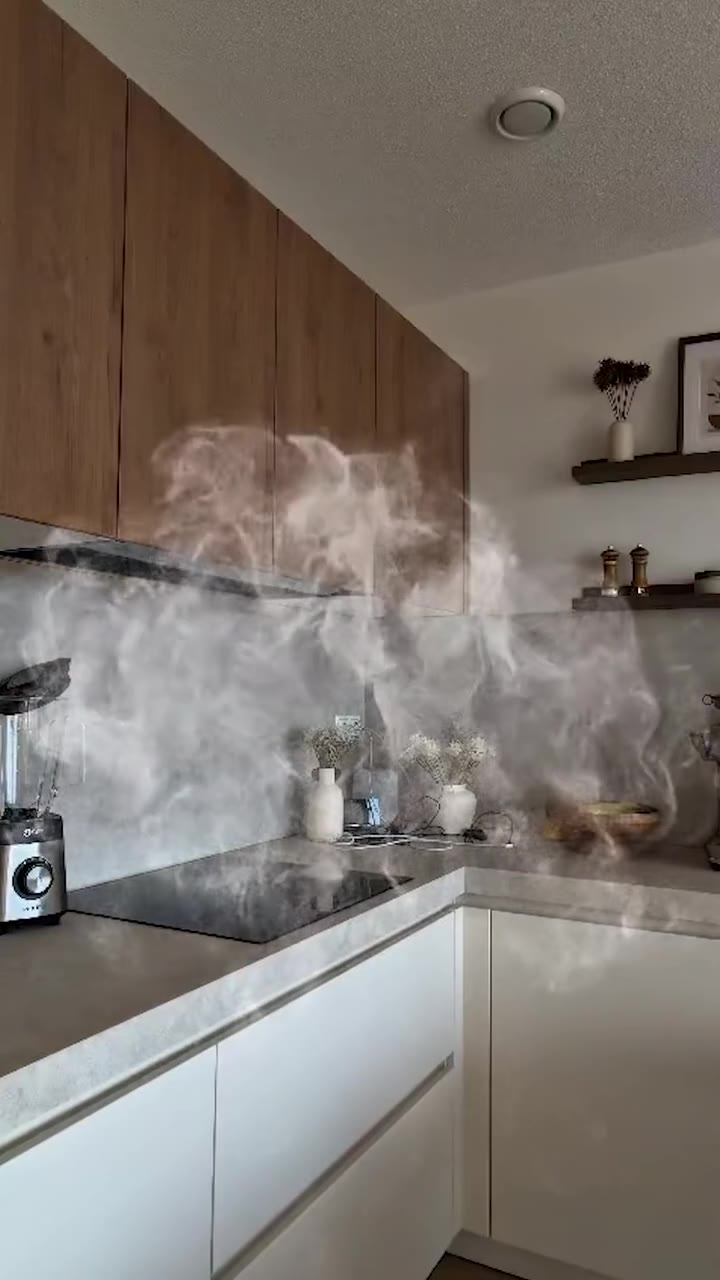
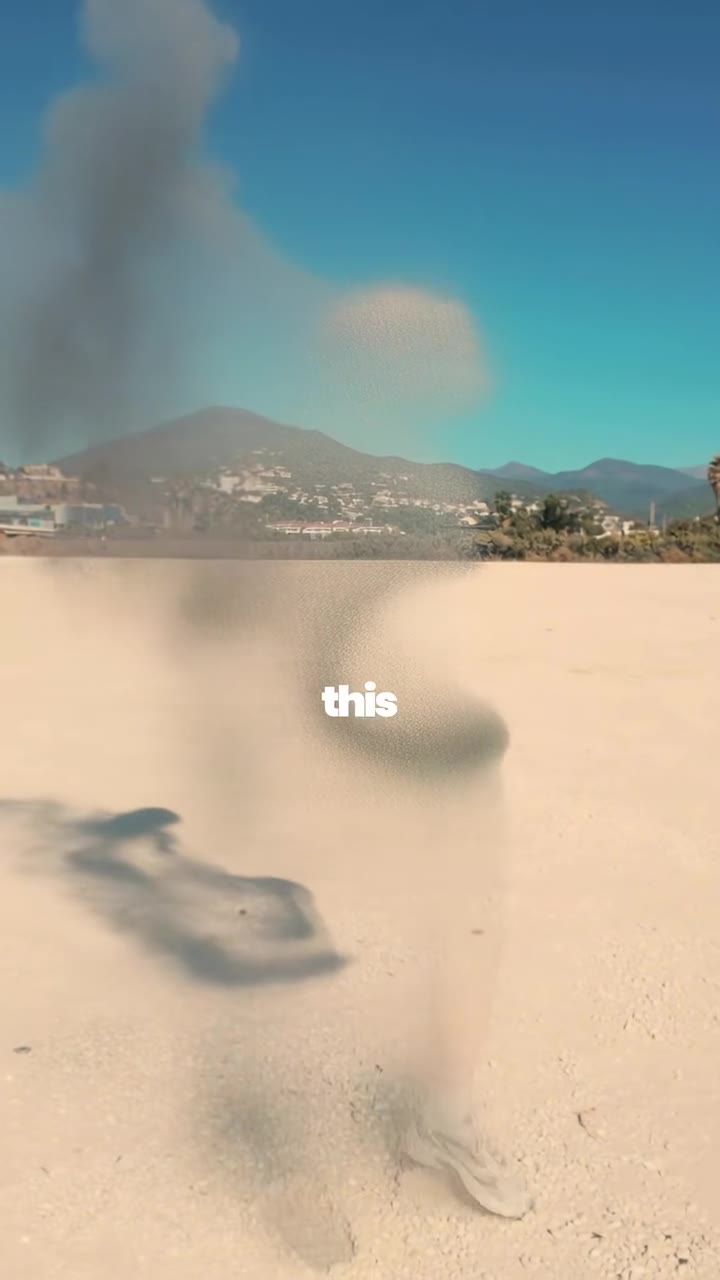
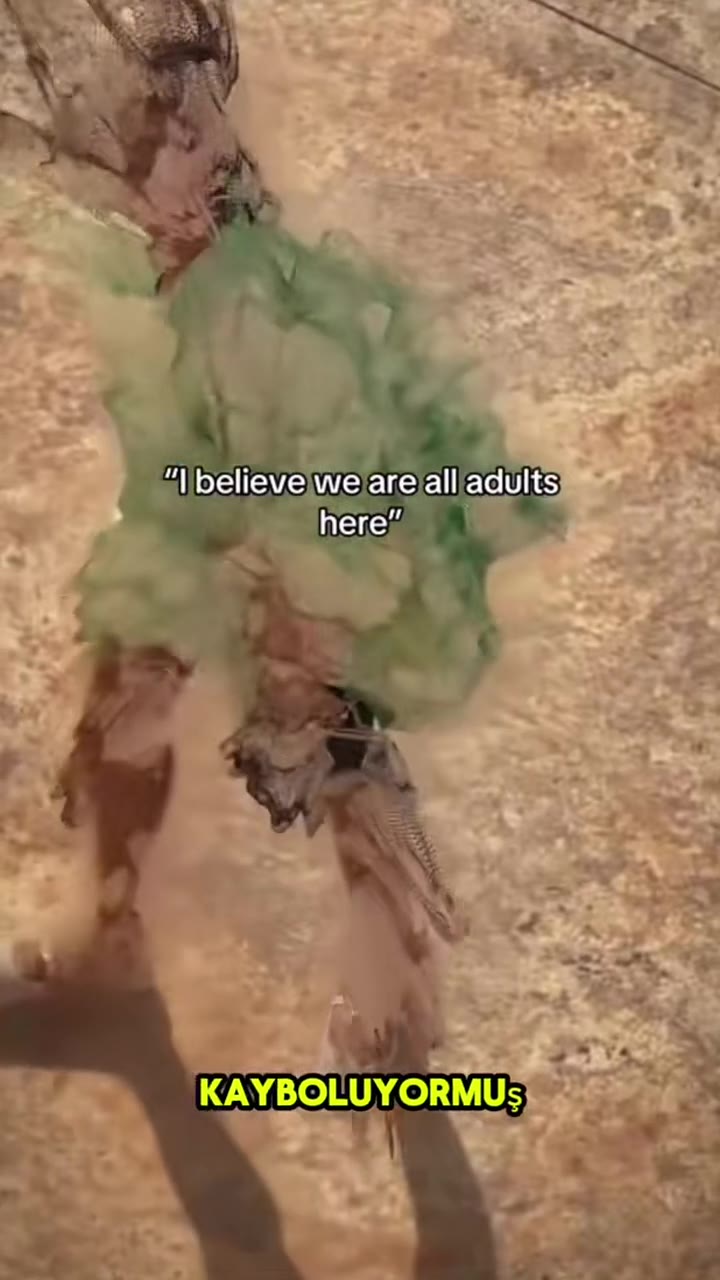
You stand smiling in the frame, then break apart into smoke or dust and drift away until the spot is empty. One photo of you is enough.
Updated : Page published.
1Add your photo
What you'll get
Front-facing, well-lit selfies work best. One face per photo.
2How you vanish
3Choose quality
By generating you confirm you have permission to use the people in your photos. Terms
No subscription needed · Ready in about 3 minutes · Failed renders are free
The vanish effect is an 8-second AI video in which a person standing in an ordinary scene breaks apart into smoke or dust and drifts away until only the empty background is left; videosi makes it from one photo of you.
- Fast facts
- First seen
- Stage
- Past its peak
- Started on
- TikTok (unconfirmed)
- Sound
- No single sound; creators use their own music. The videosi version adds an unconfirmed romantic pop track taken from a vanish template clip; its lyrics are clean.
- Meaning
- The vanish effect is an AI video in which a person dissolves into particles, smoke or dust and disappears, leaving only the empty background.
- Related trends
- Tim Burton AI, Storm Trend AI, La Tormenta de Arena AI Trend
Page updates
- November 3, 2026 — Page published.
The Vanish Effect AI prompt and model
Vanish Effect AI is made with Seedance 2.0 / 2.5 (you pick the tier) by ByteDance. The prompt behind it has 5 parts, and the timing is what makes or breaks it.
- Model
- Seedance 2.0 / 2.5 (you pick the tier)
- Mode
- Photo + motion reference to video
- Length
- 8 seconds, 9:16, 1:1 or 16:9
- Input
- 1 photo
- Replace the subject The person in the reference clip is swapped for the person in your photo, with nothing of them left.
- Identity Face, hair, skin tone and outfit come from your photo, so it is clearly you who disappears.
- Motion reference An 8-second vanish clip supplies the still camera, the pause, the dissolve and the empty frame at the end.
- Effect You choose white smoke or grey dust as the material you break into.
- Rules Background stays still, no text or watermark, no gore; the sound is added afterwards.
Replace the man with short dark hair, dark sunglasses, a navy T-shirt, a silver chain and light blue jeans in Video 1 with the person from Image 1.…
Why it goes wrong when you do it yourself
- Without a motion reference most models fade the whole picture out instead of breaking only the person apart.
- Video models keep the person in the reference clip unless the prompt says what must go, so you can end up watching a stranger vanish.
- Asking for a famous snap scene by name pulls in film characters and costumes instead of you.
- Each try costs model credits and several minutes, and the background often warps or melts along with the person.
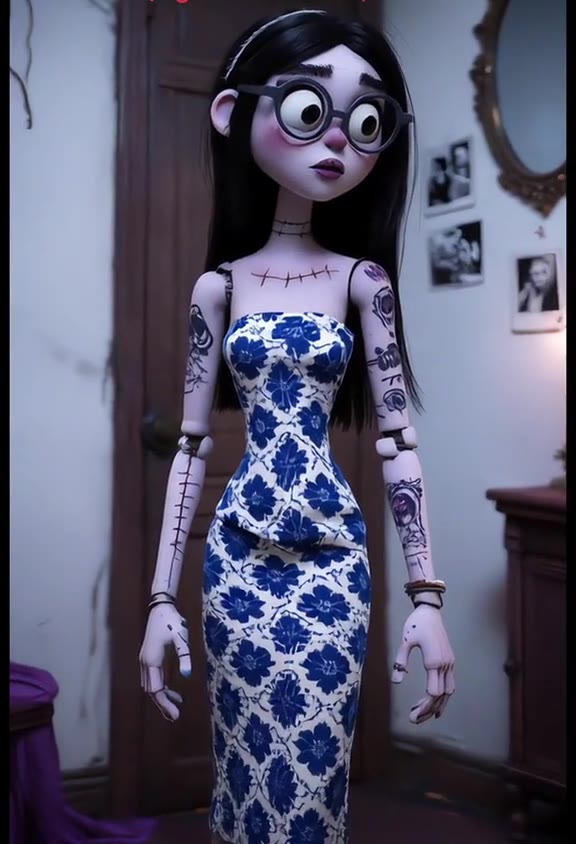
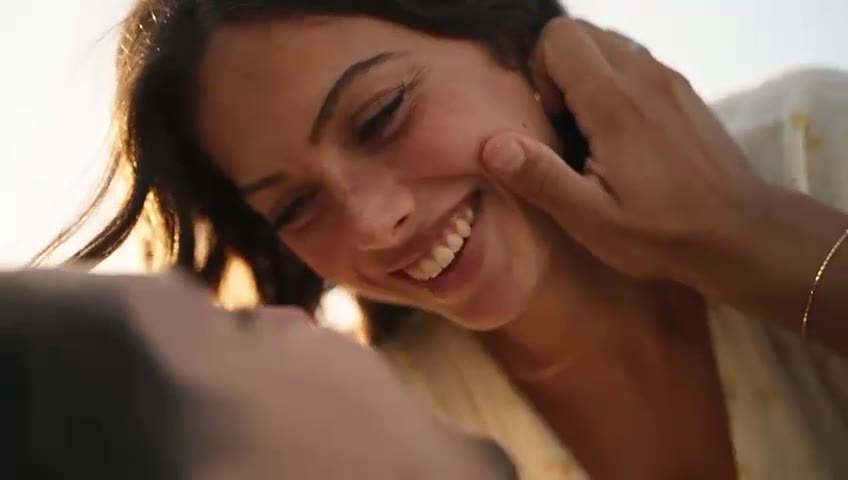
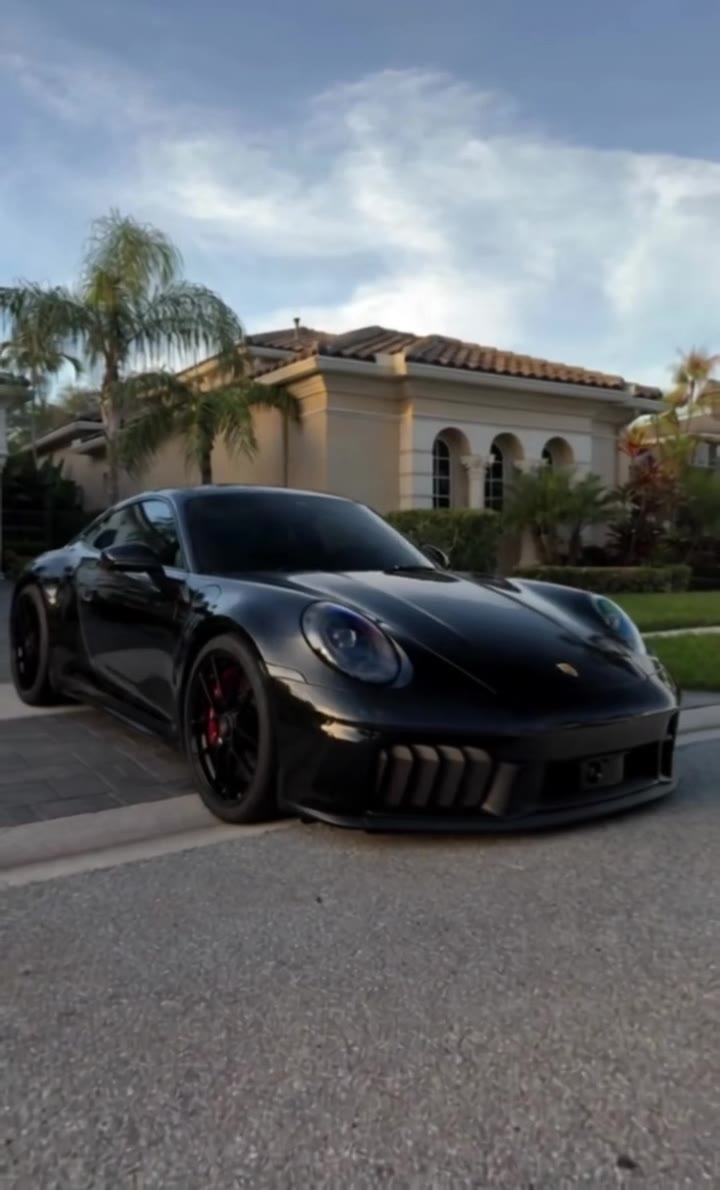
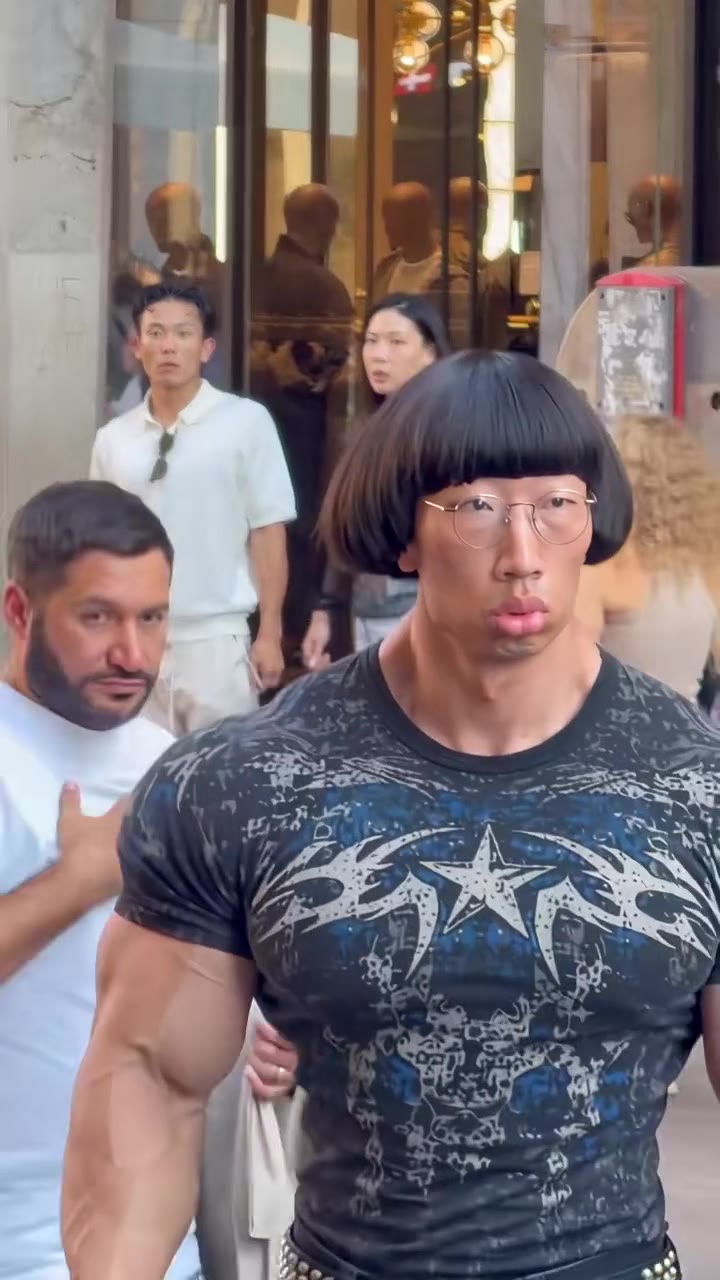
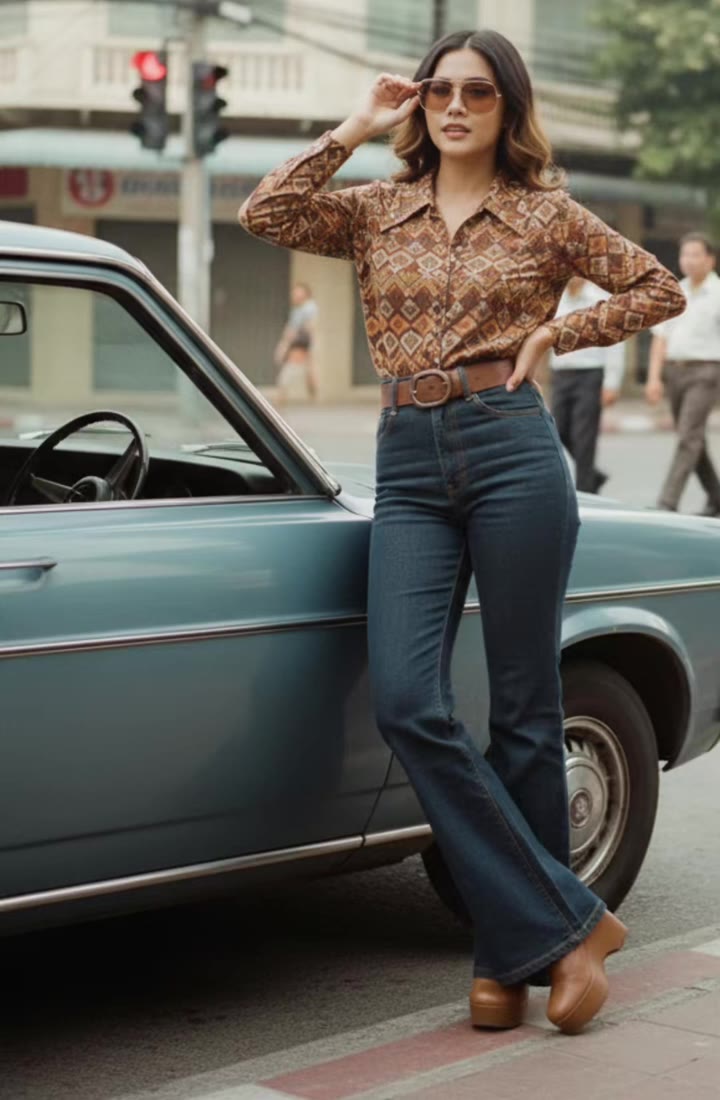
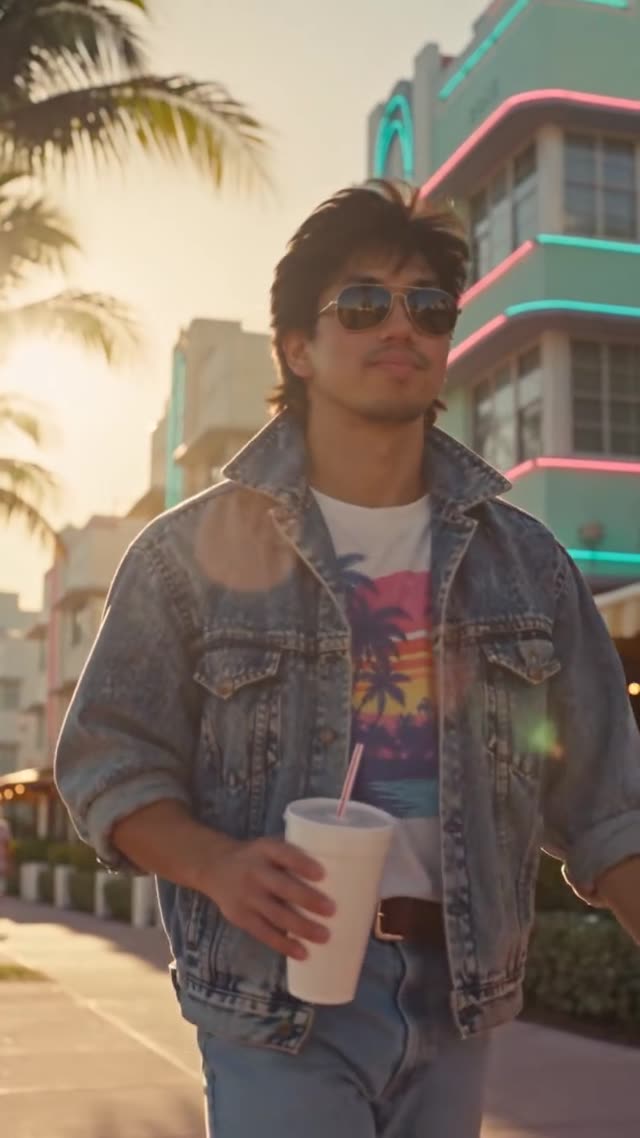
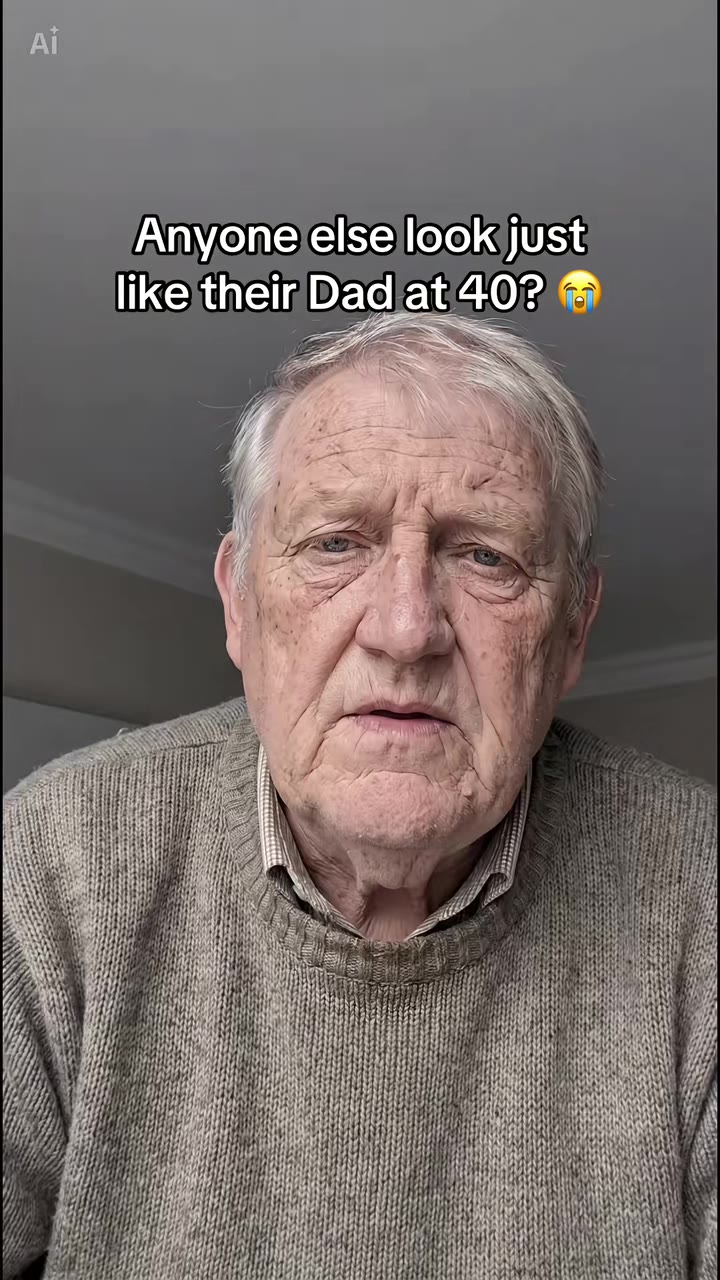
Vanish Effect AI examples
How to make your Vanish Effect AI video
Add one photo
A full or half body photo works best, because the effect needs your whole outline to dissolve. Two people in one photo also works: both vanish.
Pick how you vanish
Choose white smoke for a magic-trick exit, or grey dust for the snap-style version.
Generate and download
Choose the model, resolution and format, then press Generate. You get an 8-second MP4 with no watermark and the original sound already on it.
Post it
The clip is ready for TikTok, Reels or Shorts. Turn on the platform's AI-generated label when you post.
What is the Vanish Effect AI trend?
Updated · videosi is an independent tool. It is not affiliated with TikTok, Instagram, YouTube, or with the owners of any trend, song, game or brand named on its pages.
The vanish effect, also called the disappear effect or AI disappearing effect, is a short video in which a person stands in an ordinary scene, then breaks apart into particles, smoke, sparkles or dust that blow away until only the empty background is left. It is the photo-to-video version of an old editing trick, and it is sold under the name Vanish by several AI template apps.
Editors have made disappearing shots for years by filming an empty plate and masking a person out, and the Thanos snap scene from 2018 made the dust version famous. The AI version spread on TikTok from late 2025, when CapCut, Dreamina and Higgsfield templates let people make it from a single photo; tutorials dated October and December 2025 are the earliest we found, and some were tied to a goodbye-to-the-year theme. Nobody has confirmed a single original post.
There is no single sound for the trend: creators use their own music, and the videosi version adds a romantic pop track taken from a vanish template clip, title unconfirmed. The vanish wording peaked around late October 2026 and is now past its peak, though the disappear effect keeps being reposted.
The videosi version keeps your own face, hair and outfit until the moment you dissolve, which is what makes the clip feel personal. It does not use any film character or scene.
Vanish Effect AI: shot by shot
- 0–2 s
Step in
The person steps up close to the lens, then walks back to the middle of the room; the camera does not move.
- 2–5 s
The pose
They stand relaxed, look at the lens and strike a cool pose, as if nothing is about to happen.
- 5–6 s
Vanish
In one beat the body bursts into smoke or crumbles into dust.
- 6–8 s
Empty frame
The last wisps drift away and the room stays empty until the end.
Tips for a better result
Show your whole body
Full-length photos give the dissolve more to work with than a face close-up.
Use a calm background
A beach, street or plain room makes the empty frame at the end look clean.
Good light
Daylight or bright indoor light keeps your face sharp before the effect starts.
One clear subject
Avoid busy crowds behind you, or the model may dissolve the wrong person.
Good to know before you make a Vanish Effect AI video
- The scene is built around your photo, so the background is a close match, not your exact place.
- The dissolve sometimes starts a little earlier or later than in the reference clip.
- Small accessories like glasses or bags can vanish before the rest of you.
- Your lips do not move to the music: the original sound is laid over the finished clip.
Vanish Effect AI: questions
What is the vanish effect trend?
The vanish effect is an 8-second AI video on videosi in which you stand in a scene and then dissolve into smoke or dust until the frame is empty. On TikTok it is also called the disappear effect, and AI template apps sell it as Vanish. It spread from late 2025 and is now past its peak.
How do I make the vanish effect from one photo?
On videosi you upload one photo, pick white smoke or grey dust, and press Generate; the 8-second vanish video comes back in a few minutes. A full-body photo works best because the whole outline of you dissolves.
Is there a vanish effect AI generator or website?
Yes. This videosi page is a vanish effect AI generator: one photo in, an 8-second MP4 out, no prompt to write and no app to install. It works in a phone browser.
Is there a TikTok filter or CapCut template for the vanish effect?
There are CapCut and other app templates with names like Vanish or Disappear, and they change often. videosi does not need a template: it builds the 8-second disappear video from your photo directly, so you can post it anywhere.
What AI model and prompt make the vanish effect?
videosi uses ByteDance's Seedance video model with a motion reference of a real vanish clip and a five-part prompt. We describe the structure on this page but do not publish the full prompt.
How much does the vanish effect cost?
An 8-second vanish effect video at the standard 720p tier costs 7 credits on videosi; higher tiers cost more. Credits come in packs and a subscription, and the price is shown before you generate.
Why doesn't the person who vanishes look like me?
On videosi the vanish effect copies your face from the photo, so a small, dark or side-on face gives the model less to work with. Use a clear, front-facing, well-lit photo with your whole body in it and try again.
Can I make someone else or a couple vanish?
Yes, as long as you have the right to use the photo. If one photo shows two people, both of them dissolve in the same 8-second clip. Do not use photos of people who have not agreed, and do not use it to suggest a real person has died.
What does vanish mean on TikTok?
On TikTok, vanish refers to an AI effect in which a person dissolves into particles, smoke or dust and disappears, leaving only the empty background. The word is also the name of templates in several AI video apps.
What song is used in the vanish effect?
There is no single confirmed song for the vanish effect; creators use their own music. The videosi version adds a romantic pop track from a vanish template clip (title unconfirmed, clean lyrics), which you can swap in TikTok or CapCut.
Is the vanish effect still trending?
As of November 2026 the vanish effect is fading: searches for the vanish wording peaked around late October 2026. The wider disappear effect has been reposted since late 2025, so it still works as an edit.
Is this the Thanos snap effect?
It is the same idea, a person turning to dust, but the videosi vanish effect does not use any film character, costume or scene. You choose smoke or dust and it is your own photo that disappears.
Trending this week
All trends this week
Make your Vanish Effect AI video
Upload a photo and press Generate. 10 credits, refunded if it fails.
Get the next trend first
One email when new trends land on videosi, about once a week. Unsubscribe in one click.
See videosi first on Google
Add videosi as a preferred source and our trend pages show up first in your Top Stories and AI answers on Google.