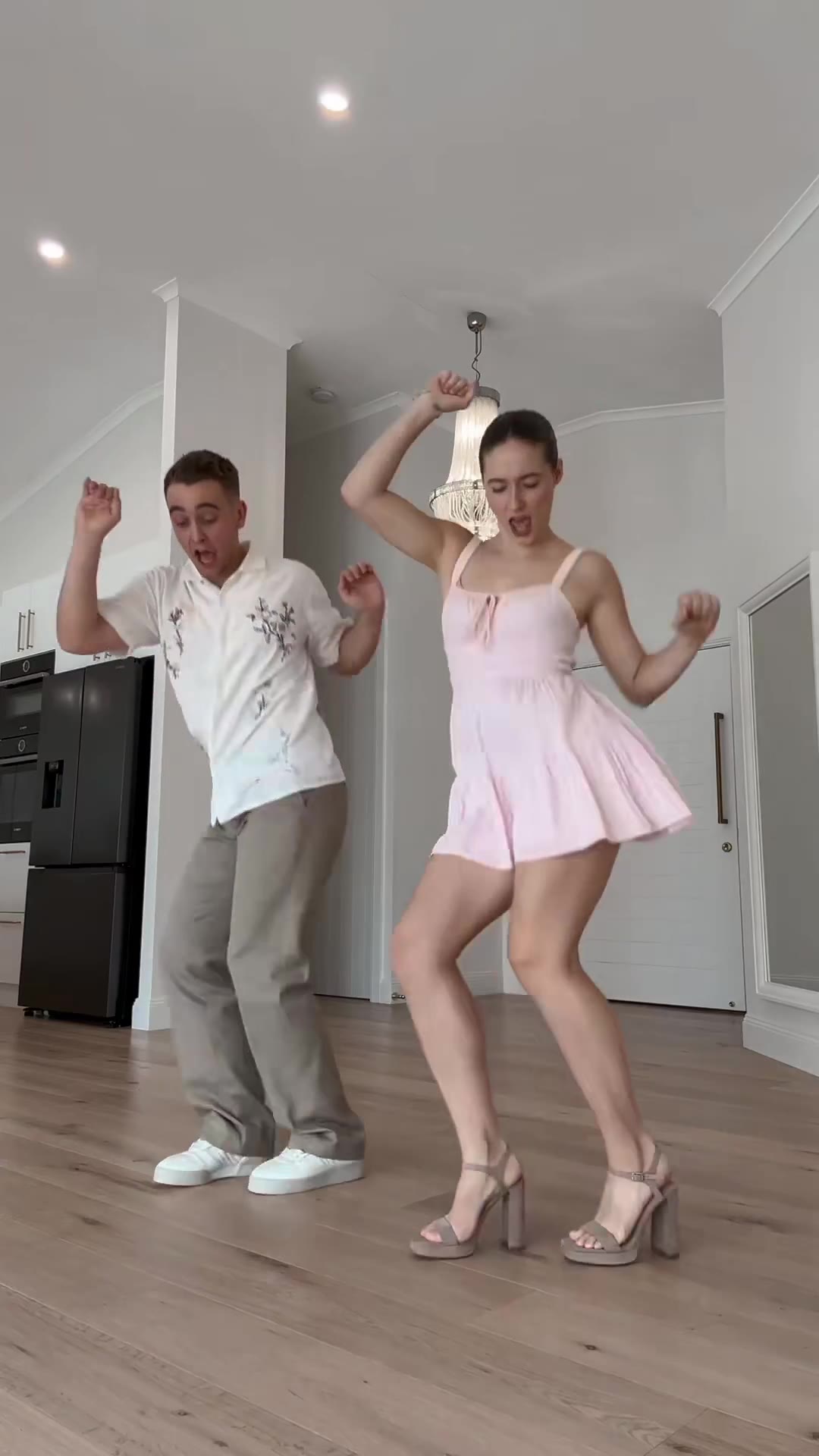
The Michael Jackson Dangerous AI dance is a 15-second video in which the person in your photo performs a sharp solo routine to the song Dangerous. It is not a filter: an AI video model builds the clip from one photo, a motion reference and a written prompt, and you keep your own face, hair and clothes.
This guide answers the questions that come up after you have seen the trend: why this song works for AI dance, which photo to use, what happens second by second, and how the routine differs from the moonwalk and Thriller pages. The tool itself lives on the Dangerous AI dance page.
Key takeaways
- You upload one full-body photo, pick a place and a format, and press Generate. You write no prompt.
- The result is one dancer in your own clothes. It does not turn into Michael Jackson, and no stage costume or celebrity face is added.
- The 15-second MP4 comes with the song's sound already on it, and a failed render returns its credits.
- The routine is a side lean, an arm and knee hit, a low groove, a lunge and fast spin, and a kneeling finish.
- It is a different routine from the 6-second moonwalk video and the Thriller zombie routine.
In this guide
- Why does Dangerous suit an AI dance?
- What do we actually know about the song?
- What kind of photo works best?
- What happens in the 15 seconds?
- Will the video turn me into Michael Jackson?
- How is this different from the moonwalk and Thriller pages?
- Why do hands and hair blur in the spin?
- Which place should I choose?
- What does one video cost?
- How do I post it with the song?
Why does Dangerous suit an AI dance?
Because the routine is built from clear, separate hits. A side lean, a raised arm, a knee lift and a drop to one knee each read in a single frame, so a viewer knows what the dancer is doing even in a small phone window. Soft, swaying music hides a weak AI result; a track with sharp accents shows it, and that is why the clips that work feel punchy.
The song also fits a short format. Fifteen seconds is long enough for a beginning, a middle and a finish, which is the shape short video platforms reward. The dance spread first through human covers on TikTok, and AI versions followed. As of November 2026 the AI side is still emerging: new clips were arriving in late October 2026, most with only thousands of views, while the human covers are much bigger.
Nobody has confirmed who started the AI version, so treat any claim about a single origin with caution. The Dangerous AI dance page records the earliest AI clip we found, dated December 2025, and says plainly that the original creator is unknown.
What do we actually know about the song?
Dangerous is the title track of Michael Jackson's 1991 album. According to Wikipedia's article on the song, it was written by Jackson, Bill Bottrell and Teddy Riley, produced by Jackson and Riley, and it sits in new jack swing with touches of industrial music and funk. The album version runs 6:57, and a 4:15 radio edit exists. The same article notes that the song had group choreography and was a regular in his Dangerous World Tour concerts.
The album came out on November 21, 1991 on Epic Records, and Wikipedia's page on the album describes it as largely influenced by new jack swing, with Riley co-producing about half the songs, Dangerous among them.
One practical point: posts in the trend use different edits of the song, so the cut you hear on one clip can differ from another. It is also not the song called Dangerous by Akon, which some AI dance clips use. The videosi clip comes with the Dangerous dance sound on it.
What kind of photo works best?
A full-body photo, standing, facing the camera, in even light. This routine is all legs and arms, so a picture with your shoes in frame keeps the steps and your outfit right. Your photo is the only source for the face, hair, build and clothes, and the model has to hold them through every frame.
- Show your whole body, feet included.
- Stand rather than sit, with your arms clear of your body.
- Skip sunglasses, masks and hats, so the model has your face and hair to hold through the spin.
- Use exactly one person. The video has one dancer, so a group photo will not give you a group dance.
- Use bright, sharp light. A dark or blurry picture is the most common reason a result does not look like the person.
If you use a friend's photo, use an adult who agreed. Photos of celebrities, public figures and minors are not accepted.
What happens in the 15 seconds?
The routine has five beats. They come from a real dancer's 15-second solo, filmed on a fixed camera, which gives the model the moves and the timing. Without a motion reference a model invents generic swaying instead of sharp leans, so that reference is the part that matters most.
- 0 to 2 seconds, side lean: the dancer tilts to one side with an arm sweeping across the body, facing the camera.
- 2 to 5 seconds, arm and knee: one arm goes up over the head, then a sharp knee lift lands on the beat.
- 5 to 9 seconds, low groove: a wide stance and bent knees, the arms pulled in and out in small hits.
- 9 to 13 seconds, lunge and spin: a step toward the lens with the arms thrown wide, then a fast spin with the hair flying.
- 13 to 15 seconds, kneeling finish: a drop to one knee, holding the final pose with an arm out.
Every beat happens in your clothes and your face, with feet on the floor, no cuts and no text on screen.
Will the video turn me into Michael Jackson?
No. The finished video shows you, not him. It keeps your face, hair and clothes for all 15 seconds, and it adds no stage costume, no accessories and no celebrity face. videosi does not make videos that imitate a real celebrity.
That is a deliberate design choice. Writing the star's name into a general-purpose video model tends to pull in his famous outfit and his face, which is not what you want in a video about yourself. The videosi version asks the model to copy only the movement of the reference dancer and to replace the dancer with the person in your photo, down to the hair and clothes.
The page is also independent. videosi is not affiliated with Michael Jackson, his estate or the song's rights holders.
How is this different from the moonwalk and Thriller pages?
They are three separate routines with three separate pages. The moonwalk AI video is a 6-second backward glide. Thriller dance AI is a 12-second zombie horde routine with makeup. The Dangerous AI dance is a 15-second solo of leans, kicks, a fast spin and a kneeling finish, in your own clothes.
In practice the choice comes down to what you want to post. Pick the moonwalk for one clean, instantly recognisable move. Pick Thriller if you want a themed, costumed group scene. Pick Dangerous if you want a longer, more athletic solo that shows off your outfit. Each page has its own built-in motion, scene and prompt, and the song comes on the finished video.
Why do hands and hair blur in the spin?
Because fast rotation is the hardest thing a video model draws. In the spin, the face turns away and back, the hair flies, and the hands move quickly across the body, so the model has to keep the same person while changing almost every pixel from one frame to the next.
That is why we say plainly that likeness is not guaranteed and that fifteen seconds is long for a model. Most people who try this with a general tool by hand need several paid attempts. Three things lower the odds of a blurred spin:
- A sharp, bright photo with the face fully visible.
- Hair that is clearly shown in the photo, so the model knows how it should move.
- A higher model tier or resolution, if you can spend a few more credits.
If a render fails, times out or is blocked, the credits come back automatically.
Which place should I choose?
There are three scenes: a home dance room, a neon club stage and a light-frame stage. The choice changes the look, not the routine.
- The home dance room feels like a cover filmed in a living room, which suits a casual post.
- The neon club stage gives a darker, brighter-accent look and works well with a light-coloured outfit.
- The light-frame stage is the most staged of the three and suits a polished post.
You also choose a format: 9:16 for TikTok, Reels and Shorts, 1:1, or 16:9. If you are unsure, take 9:16, because that is where most dance clips are watched.
What does one video cost?
Every video is paid. A standard 15-second video (Standard model, 720p) is 13 credits, and better models and higher resolutions cost more. Credit packs start at $6.99 for 10 credits and never expire; the Trio Pack is $17.99 for 30 credits. An account's first video never costs more than 10 credits on its tier, so the Single pack covers a first Standard 720p video. A Trend Pass is $9.99 a month for 30 credits.
The model underneath is ByteDance's Seedance. Standard is Seedance 2.0 Mini, and the Fast, Pro and Ultra tiers are one click away, with Ultra being Seedance 2.5. Paid videos download without a watermark.
How do I post it with the song?
Upload the MP4 to TikTok, Reels or Shorts and turn on the platform's AI-generated label. The clip comes with the song's sound already on it, so you do not need to add music before you upload. The song belongs to its rights holders, so a platform may mute or limit it. If that happens, add the track from the platform's own music library instead.
When you are ready, open the Michael Jackson Dangerous AI dance page, upload one full-body photo, and let the 15-second routine render.