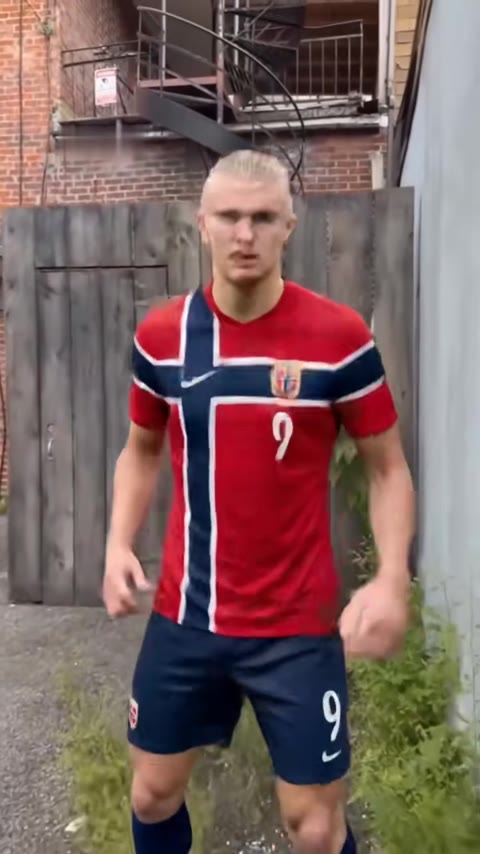
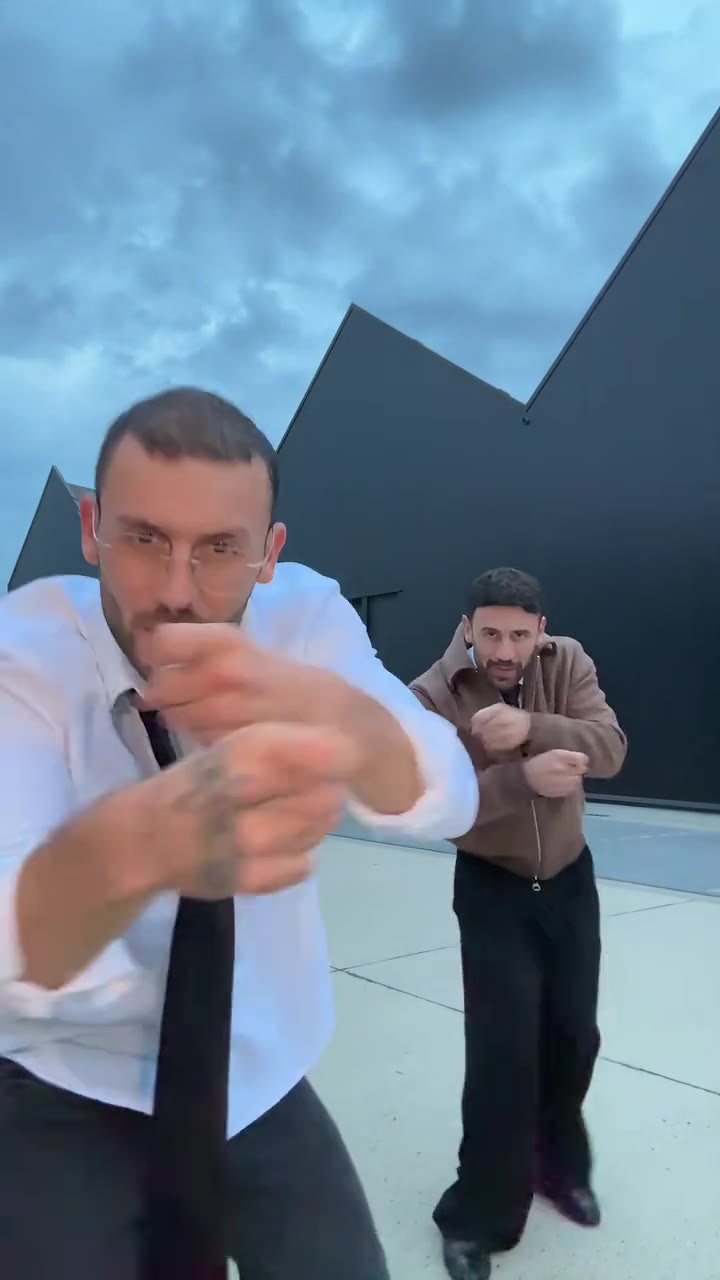
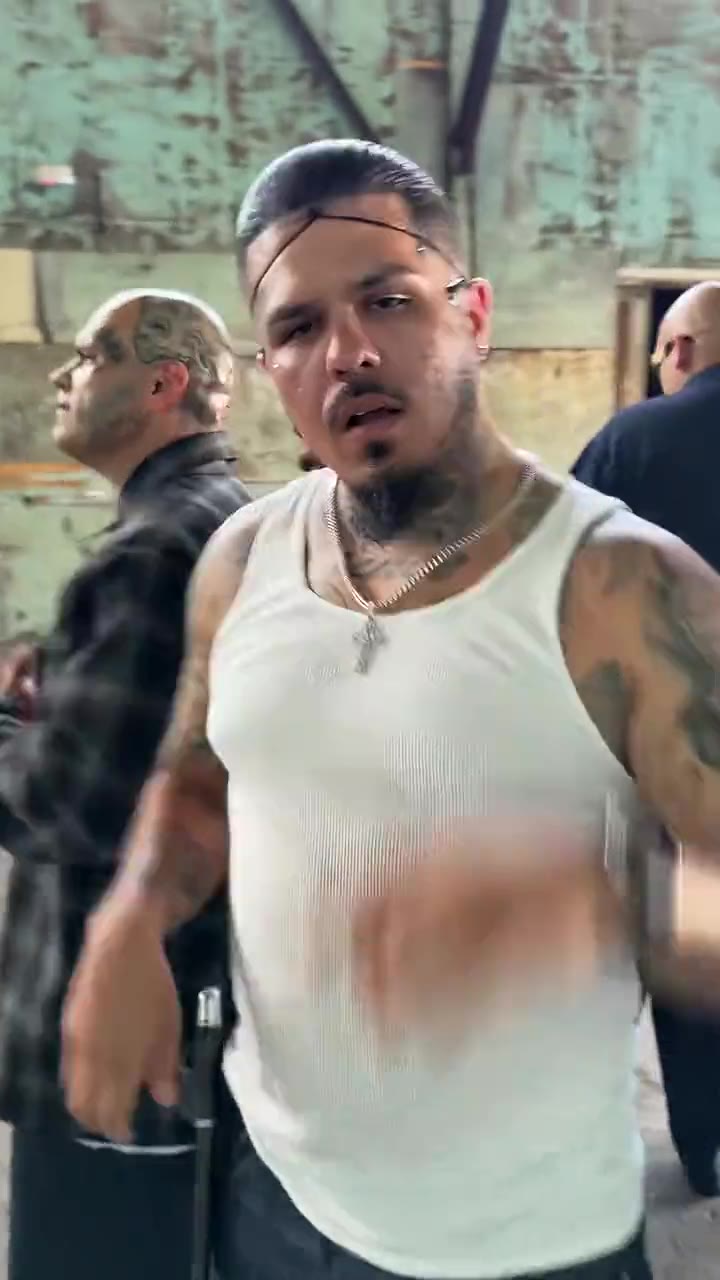
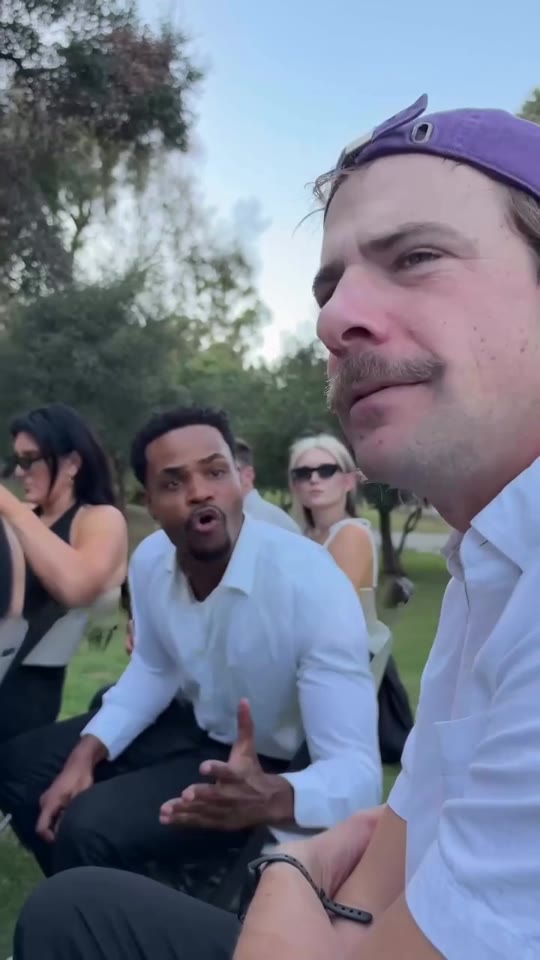
The Im So In Love With You trend is an 8-second dance meme in which one person hits four poses, each tied to a lyric caption, and you can make it from a single photo. Upload a full-body photo on the Im So In Love With You AI page and videosi returns the dance with the trend sound already on it. This guide goes past the basics: why the meme spread, how the poses match the captions, how to take the photo, and how to post it with the right AI label.
Key takeaways
- The dance has four poses in a fixed order, each on one caption, with a fast whip between them.
- A sharp, front-facing, full-body photo of one person gives the most reliable result.
- The clip comes with the trend sound, but the song belongs to its rights holders.
- Turn on TikTok's AI label when you post, and keep it a solo dance with a consenting person.
- The effect has not been test-rendered yet, so check the four captions before you share.
In this guide
- Why did the Im So In Love With You dance take off?
- Which pose goes with which lyric caption?
- How do the four poses line up with the captions in an AI version?
- What kind of photo works best for the dance?
- Why is the background a stadium and can I change it?
- Does the finished video include the trend sound, and who owns the song?
- Do I have to label an AI dance video, and how?
- Whose photo can I use, and is a couple version possible?
- Why might the face drift between poses?
- What does one video cost and what should I try first?
Why did the Im So In Love With You dance take off?
It is short, readable with the sound off and easy to copy. Four poses fit in about eight seconds, each lands on one caption, and a fast smear separates them, so a viewer gets the whole joke before they can scroll. The lines also work as a mini story: someone is hopelessly hooked, knows it, and plays it for laughs. Because the dancer can be anyone, the format travels well. The earliest dance version we could verify is a Dragon Ball clip of Jiren dated 21 October 2026, and an older post may exist. Since then anime, game characters, footballers and dogs have all borrowed it. As of 1 November 2026 it is young, so treat any claim about how long it will last as a guess.
Which pose goes with which lyric caption?
The order is fixed. Arms held wide with a big laugh goes with "im so in love with you". Both hands joined above the head in a deep wide-legged squat goes with "youre so in love with him". Hands on hips, laughing up at the sky, goes with "i dont know what to do". The last pose is low and loose-armed with a cheeky grin, on "girl im a fool". Each pose is separated by a quick whip. If you ever film the dance yourself, count roughly two seconds per pose and move on the caption change, not before it.
How do the four poses line up with the captions in an AI version?
On videosi the timing is not something you rebuild. The effect works from an 8-second reference clip, so your photo takes the dancer's place while the poses, the whips and the caption changes stay where they were. That is why there is no prompt to write on the Im So In Love With You AI page. One honest limit: the captions are generated by AI, and this effect has not been test-rendered yet, so we cannot promise that every letter will be perfect. Watch the finished clip once before posting and check each of the four lines. If a letter is off, a short text overlay in your editing app is an easy fix.
What kind of photo works best for the dance?
Think about what the squat needs: legs, arms and a clear face. A sharp, front-facing, head-to-toe photo in even light gives the model the most to hold onto through eight seconds of fast movement. Keep one person in frame, since a second face can get mixed in. Skip sunglasses, masks and heavy filters. Your clothes come from the photo, so choose the outfit you want to see dancing. Hands matter too, because they are raised, joined and placed on hips, so avoid photos where they are hidden or cropped. A pet photo also works, and dog versions are already common.
Why is the background a stadium and can I change it?
The stadium, crowd, pitch and ball come from the reference clip, because the effect keeps everything except the dancer. That keeps the motion and timing steady, which is what makes the captions land. The trade-off is that the background does not turn into your living room. If you want a different setting, you would need a different effect, or you can crop and layer the result in an editor afterwards. Some people enjoy the contrast of an everyday person dancing in front of a full stadium, and it is part of the joke.
Does the finished video include the trend sound, and who owns the song?
Yes, the finished clip comes with the trend audio. It is the slowed sound people know from the dance, labelled "it's like i'm not even here" on TikTok. We have not confirmed the artist: one meme database entry credits Mthu, but we could only see it as a search preview, so treat that as unverified. What is certain is that the song belongs to its rights holders, and videosi does not license it to you. TikTok's own Music Usage Confirmation asks people posting music to affirm that it contains no copyright-protected music or that they hold the licences, and warns that a post may be taken down otherwise. For personal posts the sound library is the usual route. For ads, brand accounts or paid work, replace the music or clear it first.
Do I have to label an AI dance video, and how?
Yes, you should. TikTok's Integrity and Authenticity guidelines say creators must label AI-generated or significantly edited content that shows realistic-looking scenes or people, and that unlabeled content may be removed, restricted or labeled by TikTok depending on the harm it could cause. A video made from your own photo showing you in a stadium is exactly that kind of content, so switch on the AI-generated option in the posting screen before you publish. A label is not a free pass, though. The same page says content that is misleading about matters of public importance or harmful to individuals is not allowed. A comedy dance with captions is nowhere near that line, but a realistic-looking clip of a real person who has not agreed to it could be.
Whose photo can I use, and is a couple version possible?
Use your own photo, a friend who has said yes, or a pet. Do not upload a stranger's photo or a public figure for a joke they did not agree to. The effect page is built as a solo comedy dance with one adult main dancer, playful and never sexual. We do not make couple or intimate scenes of real people from photos, even though the lyrics are about love. If you want a duet, post two separate solo clips side by side and let the edit tell the story.
Why might the face drift between poses?
The whips between poses blur the body for a moment, and that is where an AI video model is most likely to lose track of who it is drawing. The prompt for this effect states the identity strongly, with face, hair, clothes, build and skin tone all coming from your photo, but the strongest lever you control is the photo itself. A small face, a filter or a cropped body gives the model less to work with. If the first try is off, try a sharper full-body photo before changing anything else. The mouth is meant to laugh rather than lip-sync, so do not expect it to mouth the lyrics.
What does one video cost and what should I try first?
An Im So In Love With You video costs 10 credits at Standard 720p. The Single pack is $6.99 for 10 credits, which covers one video, and higher quality tiers cost more credits. A failed render returns its credits. For a first try, use the default format for TikTok, upload one good full-body photo, and check the four captions in the result before you post. Because the trend is new and could fade within weeks, it is better to make one clean version now than to wait for a perfect one.
If you are ready to try it, the Im So In Love With You AI dance page has the examples, the beat list and the generator.