Yes, you can make a Bonito Bonito AI baby clip from one photo, but only a photo of yourself as an adult, and the result is always a 3D cartoon baby, never a realistic one. Below are the questions people ask once they get past the basics.
The Bonito Bonito AI baby trend pairs a catchy AI-made song with baby dance clips, and you can try the cartoon version on the Bonito Bonito AI baby page. This guide covers the song's origin, photo rules, sound, cost and timing.
Key takeaways
- You must be 18 or older, and you upload only an adult photo of yourself, never a child or baby, including your own.
- The output is a 3D cartoon baby dancing a 15-second group routine, not a realistic baby.
- The video comes with the trend sound, which has a rights holder, so platforms may mute it and commercial use may need a licence.
- The page examples show the wider trend and were not made with this tool.
- The effect is listed at 13 credits; there is no free generation.
In this guide
- Who actually made the Bonito, Bonito song?
- Why did a coffee song turn into a baby dance trend?
- What does the finished video look like, and what does it not?
- Whose photo can I upload, and whose can I not?
- What should my photo look like to get a recognisable cartoon?
- Will the video have the Bonito, Bonito sound?
- How is this different from the CapCut template clips?
- Are the example clips on the page made by this tool?
- What does one video cost?
- Is the trend worth jumping on now?
Who actually made the Bonito, Bonito song?
Two Spanish-language outlets describe the track as an AI project. Tunota (16 September 2026) says the song was credited to Thiago Navarro Music, was developed with artificial intelligence tools, and had reached millions of plays. El Comercio goes further and reports, citing El Universal, that a Cuban composer, Anier Cruz Revilla, created Thiago Navarro as a virtual artist identity from August 2026 to perform his songs.
That matters for the trend because the singer is not a person you can tag or credit. The sound is the star, and the baby clips are fans borrowing it. The articles' publication dates differ slightly in the metadata, so treat the exact timeline as approximate and read them yourself if you plan to cite them.
Why did a coffee song turn into a baby dance trend?
The lyrics are about small daily pleasures, with a chorus that opens on "un cafecito, riquito, riquito". Short rhymes and diminutives are easy to act out with the hands: a smile, a hug, a phone call. A baby doing those gestures is instantly readable with the sound off, which is why the format travelled. According to our trend page, the song was posted on 8 August 2026, people were dancing to it as a feel-good office and friends routine by 1 September, and the earliest AI baby clip we found is dated 23 October 2026.
The pairing works because the song is warm and the baby is harmless. Nothing in the clip needs a story, only a face and a beat. That is also why the Bonito Bonito AI baby page is built around one 15-second group routine rather than a plot.
What does the finished video look like, and what does it not?
The result is a stylised 3D cartoon. One chubby, big-eyed baby character leads a crew of other invented cartoon babies through the routine: arm swings, open arms, hands to the chest, small side steps, a big finish. The camera drifts like a handheld shot, and the clip runs 15 seconds.
It is never a realistic baby. The characters look like toy-like animated figures in every frame, fully dressed, with playful toddler-style dancing. If you saw ultra-realistic baby clips on social media, this is a different product by design.
Whose photo can I upload, and whose can I not?
You must be 18 or older, and the photo must be of you, an adult. Do not upload a photo of a child or a baby, including your own. The tool does not accept baby photos as a starting point, and this guide will not show you a workaround.
The idea of the effect is a cartoon baby version of an adult: the AI reads eye shape and colour, brows, smile, hair colour and glasses, then invents a rosy-cheeked character a friend would recognise. A clear, front-facing, well-lit photo of your own face gives it the most to work with. If you want to share something with family, share the cartoon, not a real child's picture.
What should my photo look like to get a recognisable cartoon?
Think of the photo as a likeness guide, not a face swap. Features that carry over well are the ones the cartoon style can exaggerate: a distinctive smile, dimples, freckles, glasses, a hair colour and a hairstyle. The outfit colours in your photo also set the colours of the character's romper.
Practical tips:
- Use daylight or an evenly lit room, with no heavy filters.
- Keep the face large in the frame and looking at the camera.
- Remove sunglasses or a cap that hides the eyes.
- Choose one person only, so the AI knows who the lead is.
The rest of the crew is invented, so nobody else in your photo becomes a baby. Start from the Bonito Bonito AI baby page and upload there.
Will the video have the Bonito, Bonito sound?
Yes. Each render gets the trend audio added to the finished clip, so what you download already has the song in it. You do not need to line up a track yourself.
Two cautions. First, the song has a rights holder, so platforms may mute or flag a post that uses it, especially outside their own sound libraries. Second, if you plan to use the clip commercially, such as in an ad or a brand account, you may need a licence for the music. We cannot grant one. If you want zero risk, swap the sound in your editor for a track you have cleared.
How is this different from the CapCut template clips?
Template clips usually lay a photo into a pre-set animation and often use real baby photos. This page works the other way: it generates a new video in which a 3D cartoon version of an adult dances in a group routine. The motion follows the original dance, but the people, clothes and room are re-drawn as cartoons, so the output is an original render rather than a filled-in template.
It is also a one-photo flow. There is no prompt to write, no timeline to edit and no template link to find. The tradeoff is that you get one fixed routine, not a custom choreography.
Are the example clips on the page made by this tool?
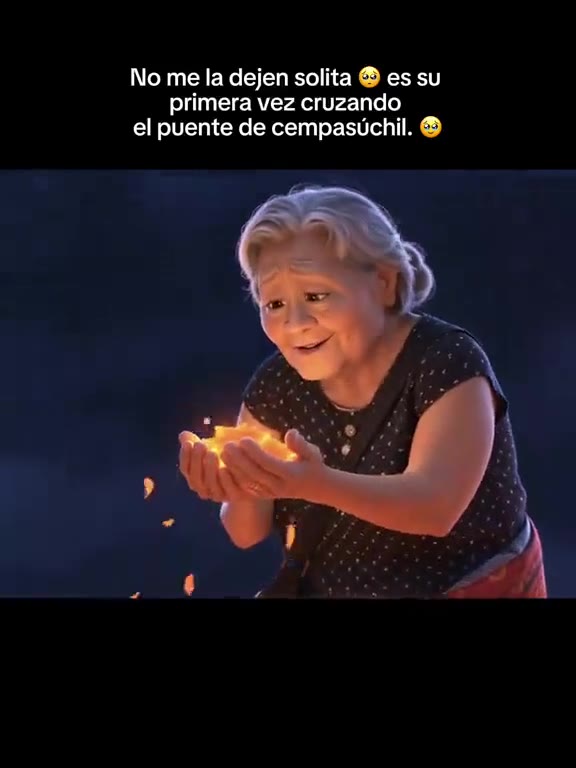
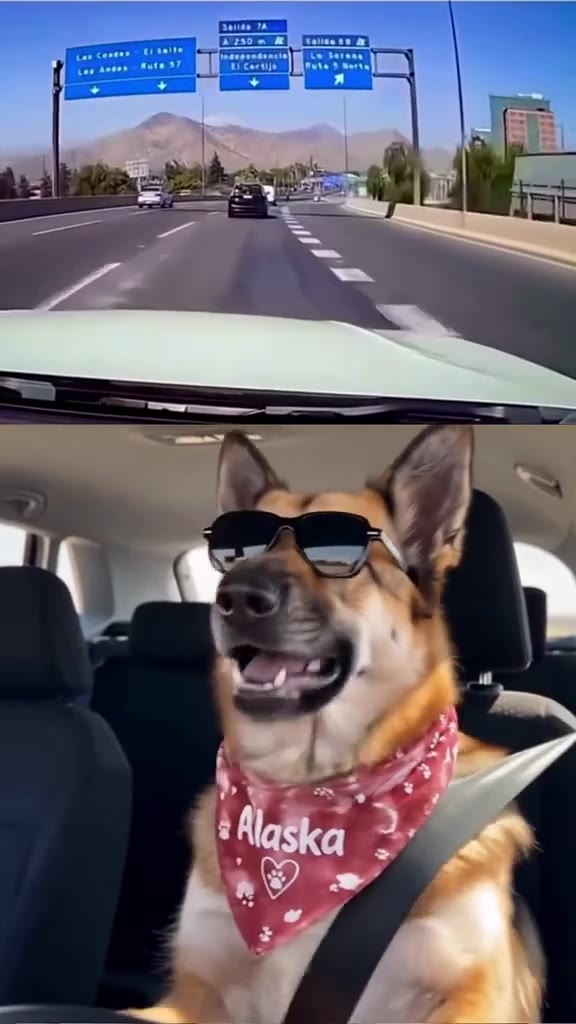
No, and we say so on the page. The examples show the wider trend, including an AI dog in a tuxedo, a solo dance under a flower arch, an office group routine and a coffee-cup sing-along. None of them was made with the tool, so your clip will look different. Yours will be a 3D cartoon baby group dance built from your own adult photo.
We did not use the realistic baby videos that dominate social feeds. That is a deliberate choice, not a gap in the library.
What does one video cost?
The effect is listed at 13 credits for the 15-second clip. Credits are sold in packs that never expire: the Single pack is $6.99 for 10 credits, and the Trio Pack is $17.99 for 30 credits. There is also a Trend Pass at $9.99 for 30 credits a month. The page shows the exact cost before you confirm a render, and a failed render returns its credits.
There is no free generation, so check the cost on the Bonito Bonito AI baby page before you start. Higher video models and resolutions cost more credits per second, and the default is the one the page recommends.
Is the trend worth jumping on now?
Our trend radar marked it as just starting on 30 October 2026, and a CapCut template post from 24 October had passed 20 million views when we checked on 31 October. Those are the only numbers we vouch for. A song that is only weeks old and tied to a single dance is the kind of sound that can peak fast and fade, so the sensible plan is to post within days, not weeks.
Keep your expectations modest: a cartoon baby of yourself is a fun, shareable post, not a guarantee of reach. And keep the caption honest. Say it is an AI cartoon, and credit the song as a Thiago Navarro Music track rather than pretending the clip is a real baby.
The short version
Pick a clear adult photo of yourself, check the credit cost, and make your cartoon baby on the Bonito Bonito AI baby page. Label it as AI, and keep any real child's photo out of it.