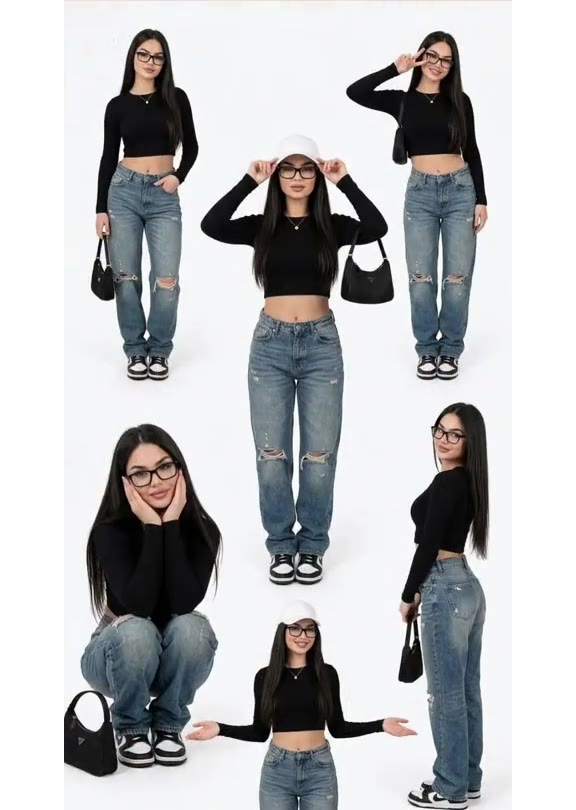
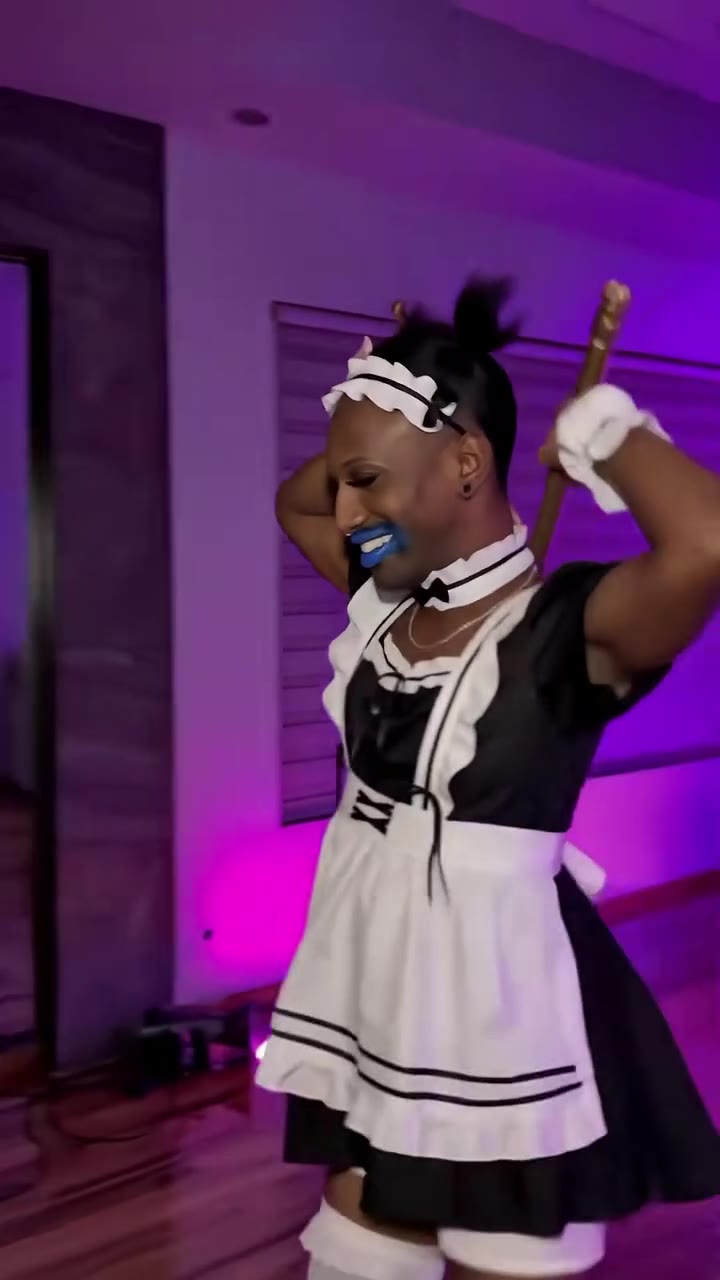
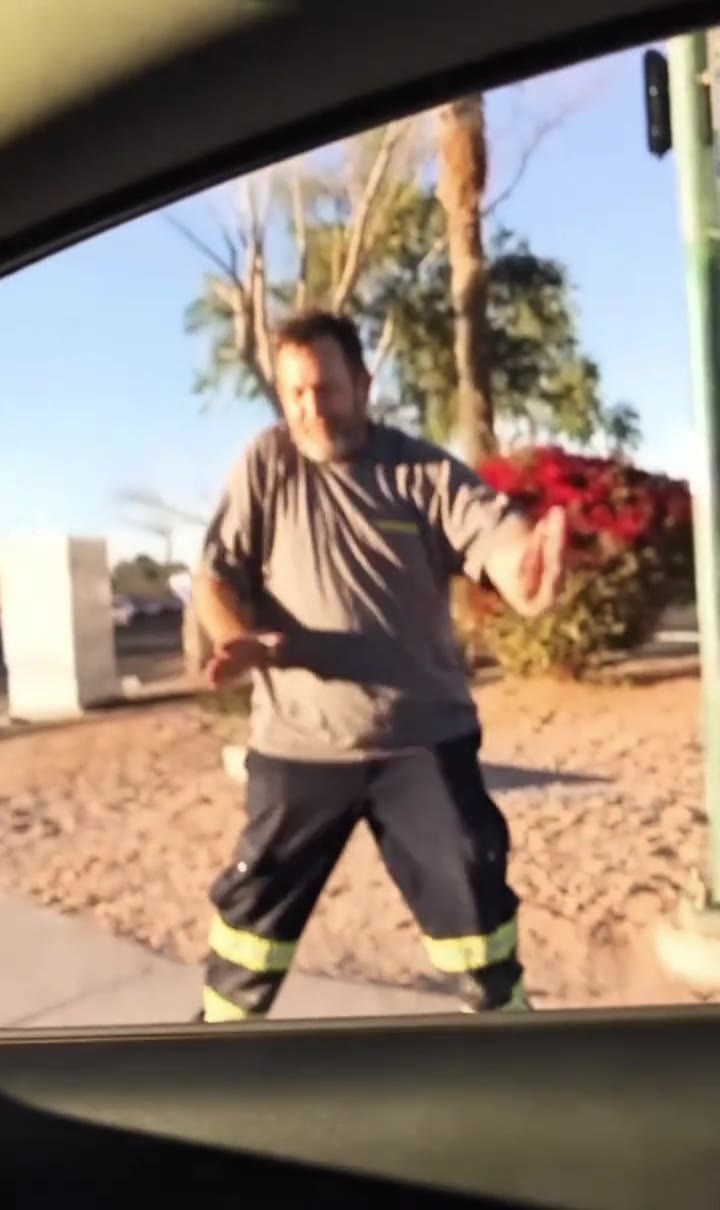
You can make the Pray For Me slow mo dance without filming by uploading one photo to Pray For Me slow mo dance AI on videosi. It produces a 14-second video of you doing the slow-motion routine, including the mirror and window moments from the earliest version, with the trend's original sound added.
This guide goes deeper than the page FAQ: why the format works, what makes it hard for AI models, how to choose a photo, and when filming it yourself is the better choice.
Key takeaways
- The earliest clip we found was posted on TikTok on 10 October 2026, and group remakes followed from 14 October.
- The sound is a slowed section of "Pray For Me" by The Weeknd and Kendrick Lamar, first released in February 2018.
- The videosi version is a solo, one-photo video lasting 14 seconds. It does not reproduce the group format.
- A full-length, front-facing photo in soft light gives the most reliable result.
- Lips are not synchronised to the sound, so the mouth may not match every word.
In this guide
- Why did this slow-motion dance catch on?
- What is the difference between the solo and group versions?
- Where does the song come from?
- Why is slow motion hard for AI video models?
- What happens to the mirror and window moments?
- Which photo should I choose?
- Will the video keep my own outfit?
- Should I film it or use AI?
- How many credits will I actually use?
- How should I post the finished video?
Why did this slow-motion dance catch on?
The routine is funny because everyone commits to it completely. A person moves past a low phone at an impossibly slow pace with a face as serious as a film scene, then presses both hands together on the words of the song. There is very little technique to master, so people can join in without being trained dancers.
It also suits friends well. Each person gets a moment close to the lens, and the ending brings everyone into the frame together. That structure rewards people for tagging friends, which is one reason group remakes appeared within days of the earliest clip we found.
What is the difference between the solo and group versions?
The earliest version we found is solo. One man dances in a bright room, leaves the frame and then shows up in the background, first in a tall mirror and then through the window, before returning from the bottom of the frame.
Group versions swap that background gag for turns. Friends pass the phone one at a time, then gather for the last few seconds. Our generator follows the solo version because it needs only one photo and one identity to hold throughout the clip. If a group of friends is the whole point for you, filming together is still the better option.
Where does the song come from?
The original song is "Pray For Me" by The Weeknd and Kendrick Lamar. It came out on 2 February 2018 as a single from Black Panther: The Album, the soundtrack curated by Lamar, according to its Wikipedia entry.
The TikTok trend uses a slowed section, and most posts list the sound as "pray for me slo mo". The slower tempo is what gives the movement its heavy, dramatic feel. The song itself has nothing to do with the dance's playful tone, which came entirely from TikTok creators.
Why is slow motion hard for AI video models?
Text-only video models tend to treat a dance as a normal-speed dance, and the slow glide is exactly what makes this trend recognisable. Describing the speed in words does not always hold across a whole clip. That is why the generator works from a real motion reference, which supplies the pace, the order of the moves and the fixed low camera.
There is a second difficulty: moves toward a wide-angle phone lens exaggerate whatever is closest. Hands pushed at the camera can stretch or gain extra fingers. The generator's instructions ask for normal anatomy, but small artefacts can still appear, so check the close prayer-hands moment first when you review your result.
What happens to the mirror and window moments?
The instructions ask for you to replace the dancer everywhere: in the foreground, in the mirror and outside the window. Those background figures are very small, so they carry much less detail than the close shots. You may recognise your clothes and general shape there more readily than your face.
That is a normal limit at this scale, not a sign that the render failed. Judge likeness by the close moments, where your face fills much of the frame, and treat the mirror and window as a bonus joke for viewers who look closely.
Which photo should I choose?
Pick a sharp photo of one adult, facing the camera, in soft even light. A full-length shot helps most because parts of the routine show the dancer from head to toe. Without visible legs and shoes, the model has to invent them.
Avoid sunglasses, hats that shade your face, heavy filters and hands near your face. Crop out other people too, since this version has room for only one person. Use only your own photo, or that of an adult who has agreed to it.
Will the video keep my own outfit?
Yes, that is the aim. Your hair and clothes come from your photo, and nothing about the original dancer's look is meant to remain. Small details can still shift between renders, particularly hairstyles and anything hidden in the photo, so choose a picture wearing what you would like to be seen in. The room stays the bright interior from the reference, because it forms part of the routine and its background gag.
Should I film it or use AI?
Film it yourself if you have friends nearby, a suitable space and enjoy the process. The real thing has energy that no generated clip fully matches, and it lets you use your own location and group.
Use the AI version if you are on your own, have no suitable space, feel self-conscious on camera or simply want the joke without the rehearsal. It is also useful for trying the look before committing to a real shoot.
How many credits will I actually use?
A 14-second video on the Standard model at 720p normally costs 12 credits. Your first video on an account is capped at the 12-second price for its tier, so the $6.99 Single pack with 10 credits covers a first Standard 720p render. Higher tiers and resolutions cost more, and the exact price appears in the generator before you start. Credits never expire, and a failed render returns its credits. There is no free generation or free trial.
How should I post the finished video?
The finished video already includes the trend's sound. Because music rights differ between platforms, some people may prefer to mute the video and add the sound from TikTok's own library before posting. Either way, say clearly that the clip is AI-made. TikTok's guidance on AI-generated content explains how labelling works there. A short caption admitting that you skipped the rehearsal also tends to suit the humour of the trend better than pretending otherwise.