The Enzo Fernandez celebration AI trend is a roughly 6-second clip in which someone strides along a stadium touchline, salutes, cups both hands behind their ears with a pout and throws their arms up, and on videosi you can make it from one photo with the trend sound already on it. This guide answers the questions people ask once they know the basics.
Key takeaways
- The AI edit began spreading on TikTok in mid-October 2026, with the first how-to videos on 16 October.
- There is no single confirmed song and no confirmed original creator.
- One clear, front-facing photo is enough, and a Standard 720p render costs 5 credits.
- Failed, timed-out or blocked renders return their credits automatically.
- Label the post as AI-generated before you publish.
In this guide
- What exactly is the Enzo Fernandez celebration?
- When did the AI version start spreading?
- How do I make it with my own photo?
- Which photo gives the best result?
- Can I use a friend, a pet or a celebrity photo?
- What sound or song is used?
- Which AI model makes it, and can I use other tools?
- How much does it cost?
- Why did mine come out wrong?
- What should I know before posting it?
- Is it worth making now, or has the moment passed?
What exactly is the Enzo Fernandez celebration?
It is a gesture, not a goal. After scoring against England, Enzo Fernandez answered the crowd with a firm salute and then pressed both hands behind his ears with his lips pushed into a pout, the "I can't hear you" pose that many posts call the Topo Gigio. The moment was replayed so often that the pose became a meme on its own, before anyone put AI in it.
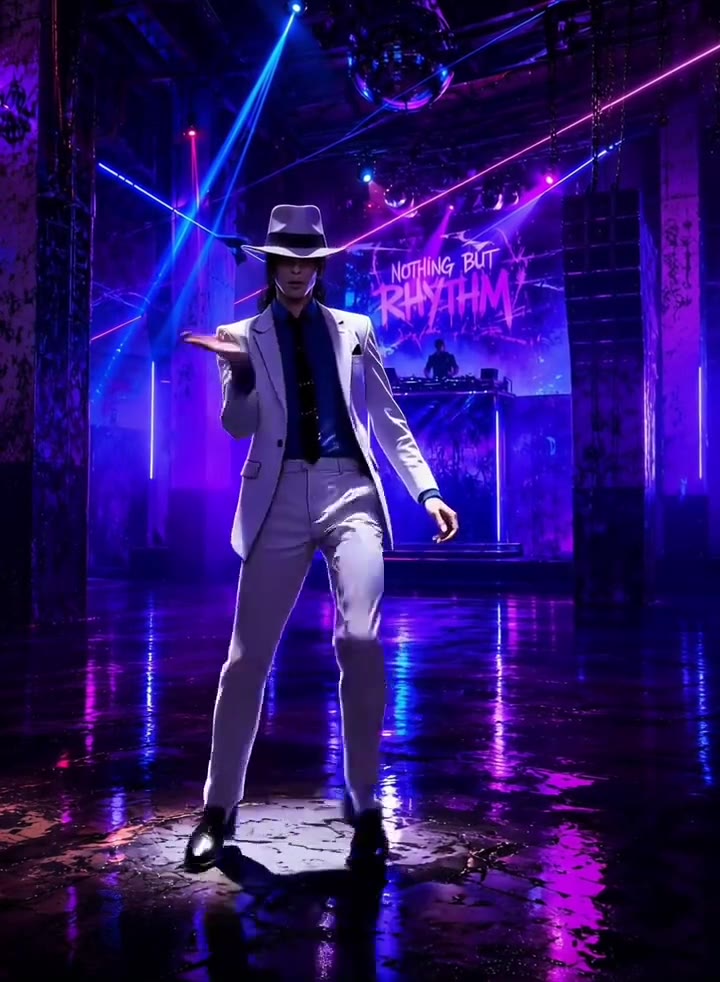
In the AI version the same shots are kept: a walk-up along the touchline, a turn, the salute, the hands behind the ears, and a final lift of the arms. What changes is the person. That is why the Enzo Fernandez celebration AI clips show singers, footballers and friends doing it in a stadium they were never in.
When did the AI version start spreading?
The earliest posts we could date about the real celebration are from 13 and 14 October 2026. The first how-to videos for the AI edit we found were posted on 16 October, and several passed one million views within days. The biggest tutorial we checked reached about 2.3 million views, and new versions were still appearing on 26 October.
We did not find a single original creator, so we do not name one. Many of the first clips were tutorials using the same short music bed, which suggests one template that spread quickly rather than one author. As of late October 2026 the trend is spreading, not faded.
How do I make it with my own photo?
Open the generator page, upload one clear photo, pick a format and press Generate. The result is a 6-second MP4 that already carries the trend sound. You do not write a prompt, and you do not need a CapCut template.
The page sends your photo and a muted copy of a trend clip to a video model. A built-in instruction tells it to swap the person in the clip for you and to keep everything else: the touchline, the crowd, the timing and the camera moves.
Which photo gives the best result?
A sharp, front-facing photo from the chest up, in even light. The head turns side-on in the middle of the clip and tilts up at the end, so a clear frontal photo helps the likeness survive the turn. Showing your shoulders and arms also helps the model place your hands for the salute and the ear cup.
Leave sunglasses and caps off. Anything that covers the eyes or forehead interferes with the salute, and a dark or blurry photo makes the face drift.
Can I use a friend, a pet or a celebrity photo?
A friend with their permission, a pet, or yourself all work. The clip is built for a person, so a pet photo gives a funnier and less accurate result, with the arms and hands the hardest part. Use only photos of people who have agreed, and do not use the clip to pretend a real person said or did something they did not.
Several of the example clips on the page show well known faces because the trend itself is about celebrities stepping into the moment. Treat it as a joke, label it as AI, and do not present it as real footage.
What sound or song is used?
No single song is confirmed. The posts we checked use creators' own original sounds, and most share the same short music bed under the gesture. Because the sound is part of the joke, videosi lays that trend sound over your clip automatically.
If a sound is restricted in your country, or you want a different one, swap it inside TikTok or CapCut when you post. The video file itself is a normal MP4.
Which AI model makes it, and can I use other tools?
videosi uses ByteDance's Seedance 2.0 or 2.5, and you pick the tier before you generate. The model takes your photo as the identity and a trend clip as the motion source. The full prompt is not published.
You can try the same idea in other image to video tools or with a CapCut template. The usual problems there are a face that drifts toward the original performer, hands that fuse during the ear cup, and a salute and pout that arrive in the wrong order. A motion reference and a prompt that names what must not stay in the shot fix most of them.
How much does it cost?
A Standard 720p render of the 6-second clip costs 5 credits on videosi. Fast, Pro and Ultra tiers and other resolutions cost different amounts, and the price is shown before you press Generate. There is no free tier.
If a render fails, times out or is blocked, the credits are returned automatically. You do not pay for a result you did not get.
Why did mine come out wrong?
The three usual causes are a side-on or dark photo, a face covered by glasses or a cap, and a very busy outfit that the model simplifies during the turn. The hands are the other weak point: the ear cup can produce an extra finger on the first try.
Try again with a front-facing photo in daylight. If the likeness is still off after two attempts, a plainer top and a closer crop of your face and shoulders usually helps more than a third identical try.
What should I know before posting it?
Turn on the AI-generated label in TikTok or Instagram before you publish. The clip contains no real match footage, no club crest and no scoreboard, so it should not be mistaken for a broadcast, but the label keeps it honest.
If you add your own caption, keep it clearly a parody. If a platform removes the sound, replace it with another track and repost.
Is it worth making now, or has the moment passed?
The wave is about two weeks old as of the end of October 2026, which is mid life for a meme of this kind. Versions were still being posted on 26 October, and the page is updated if the stage changes. If you want to join, the earlier you post, the more the format still looks fresh, but there is no penalty for being a few days late as long as your clip has a twist: an unexpected outfit, a pet, or a friend who looks nothing like a footballer.
Ready to try it? The Enzo Fernandez celebration AI page has the generator, the example clips and the full list of steps.