The circle AI dance is a short video in which one person dances on the spot while the camera travels in a full circle around them, and on videosi you can make it from a single photo. It is past its peak, so the honest answer to "should I make one" is: only if you like the look, not because it is about to blow up.
This guide goes past the basics and covers the questions that come up once you have seen the trend: why the camera has to circle, how the phone is moved, how it differs from a folk circle dance, why real AI examples are rare, and which photo works. The tool itself lives on the circle AI dance page.
Key takeaways
- The circle is made by the camera, not by the dancer. Without a circling camera it is just a dance video.
- The biggest clip we found has 10.2 million views and dates from 29 May 2025, but it is not a confirmed original and the origin is unconfirmed.
- Few real AI examples exist, and the trend is past its peak.
- videosi makes the one-dancer version only, with a 14-second clip. Likeness is not guaranteed, especially side-on.
- It is not free: a standard video is 12 credits.
In this guide
- Why does the camera have to circle?
- How is the phone moved in the real version?
- Is it the same as a folk circle dance like the Hora?
- What is the flipped version?
- Why are there so few AI examples?
- Why does the AI need a reference clip?
- Why does the face drift in side-on moments?
- Which photo works best?
- What do you get and what do you not?
- Is it worth making now?
Why does the camera have to circle?
Because the movement of the camera is the whole trick. A dancer standing still in front of a fixed phone gives you an ordinary dance clip. When the lens travels around them, the room slides past behind the dancer and the same moves look different every second. It also makes the routine hard, since the dancer has to keep hitting the beat while turning to follow the lens.
That is why the page says the camera does as much work as the dancer. In the videosi version, the circling is copied from a 14-second reference clip, along with the choreography and its timing. If the circling is lost, the result stops being the circle dance.
How is the phone moved in the real version?
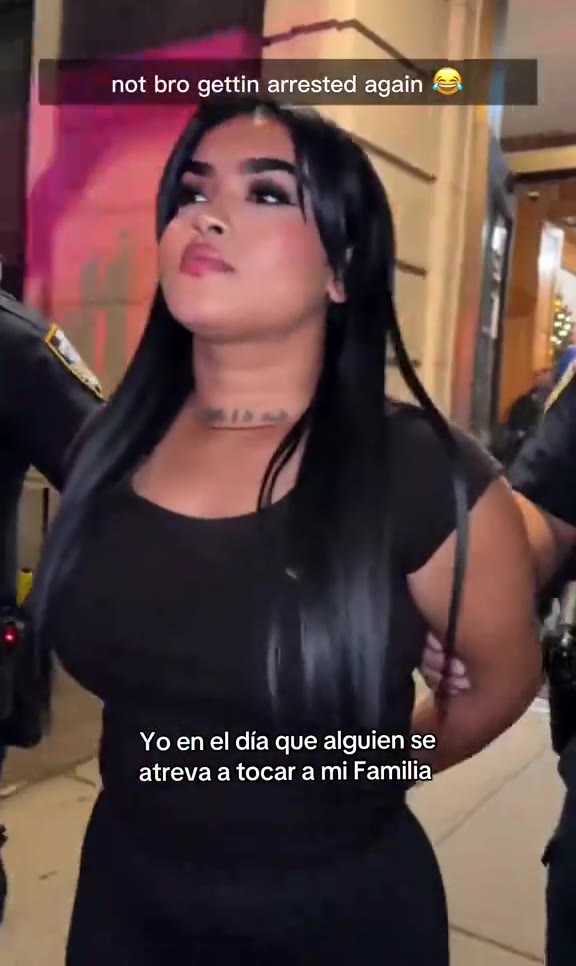
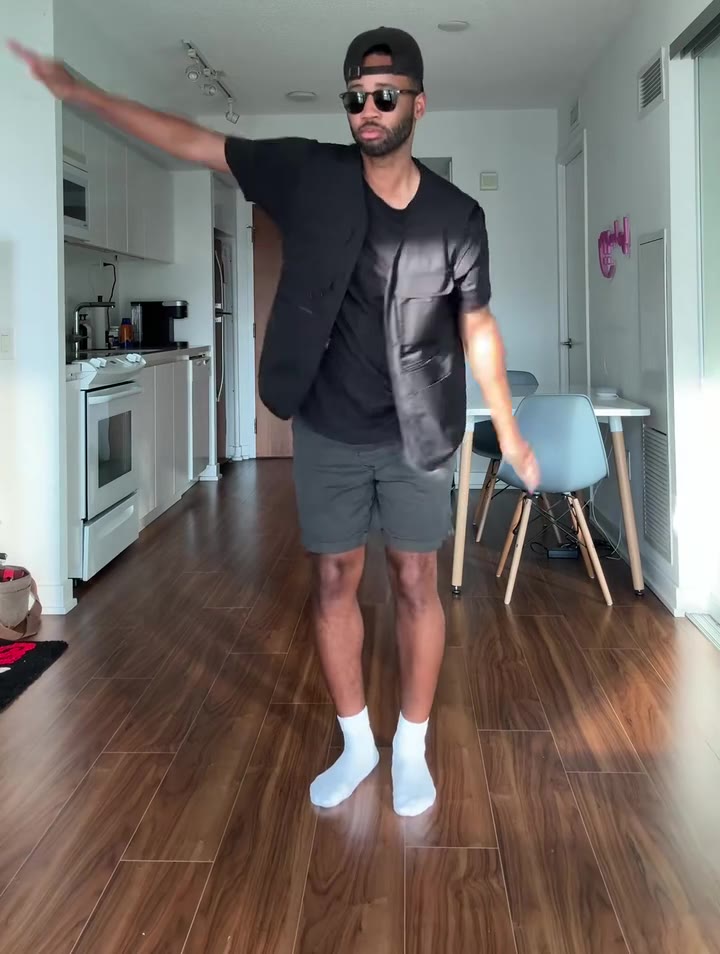
In the real TikTok format, someone carries the phone in a full circle around the dancer, who stays on the spot. We did not find an official how-to, so we will not pretend there is one fixed method. What the clips we watched have in common is simple: the dancer stays roughly in the middle, the phone keeps a steady distance, and the background moves behind the dancer as the circle comes round.
The practical catch is that you need a second person with a steady hand, and a space you can walk all the way around. That is one reason people try the AI route: you need no helper and no room to walk in.
Is it the same as a folk circle dance like the Hora?
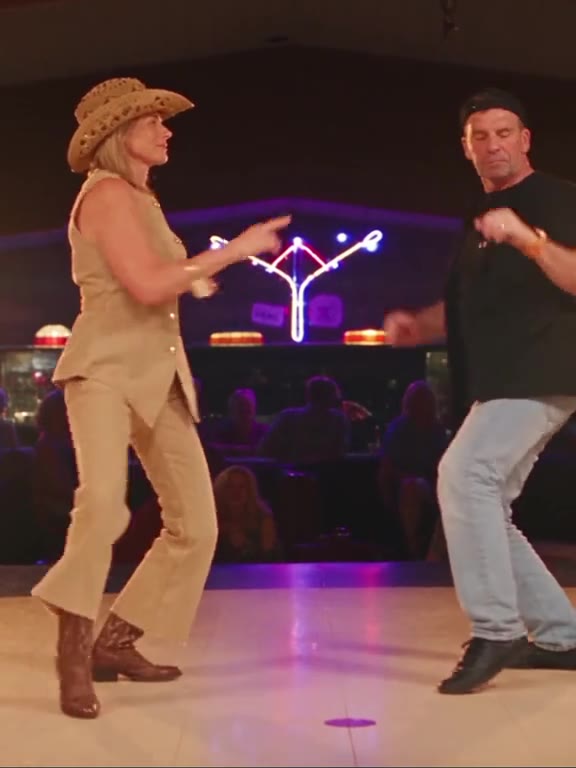
No. The two share a name and little else. According to Wikipedia's article on circle dance, a circle dance is a social dance performed in a circle, semicircle or curved line, and dancers stay physically connected by holding hands or resting hands on shoulders. Anyone can join without a partner.
Wikipedia on the Hora describes a circle dance from Southeast Europe in which dancers hold hands and turn, usually counterclockwise, with steps forward and back. The TikTok circle dance is different: one performer, no linked hands, and a moving camera that creates the circle. The videosi circle AI dance follows the TikTok version.
What is the flipped version?
Some groups reverse the setup. Instead of the camera moving around one dancer, the dancers move around a phone placed in the middle. The result looks similar on screen, but it needs several people. The videosi page does not make this one. It is the one-dancer version only, so it will not put a group of friends in a ring.
Why are there so few AI examples?
There are a few likely reasons, and we only know some of them for sure. What we know: tutorial accounts were showing a viral circular dance in Kling AI by April 2026, our radar picked up circle AI dance as a search term on 16 October 2026, and it marked the term as fading on 21 October. That is a short window.
What we can reasonably say about the rest: a circling camera is hard for video models to hold, and most pages that carry the name are tool pages rather than finished clips. So when you search, you mostly find real people dancing, which show the format but not what an AI render looks like. The clips on our page are the same: mostly real dancers, so your render will look different.
Why does the AI need a reference clip?
Without one, the camera tends to sit still. A text description of "camera circles the dancer" is easy to ignore, and then you get a plain dance video. On videosi the motion reference is built in, so the circling camera, the timing and the seaside villa come with it. You write no prompt.
The other reason is the person. When a prompt only borrows the motion, the reference dancer's hair and clothes can stay in the shot. The built-in setup replaces her fully with the person in your photo.
Why does the face drift in side-on moments?
Your photo almost certainly shows you from the front. The circling camera, though, sees you from the side and, in the final seconds, side-on while you sway and flick your hair. The model has to invent an angle it was never shown, and that is where the likeness slips.
We cannot promise a perfect match. Likeness is not guaranteed, and most people need several tries. A failed, timed-out or blocked render returns its credits automatically, but a render that simply looks off does not.
Which photo works best?
Pick a front-facing photo with a sharp, evenly lit face that shows you to at least the waist. The clip frames the dancer from the thighs up, so a tight face crop leaves the model to invent your body and clothes. What you wear in the photo is what you wear in the video.
- Leave hats and sunglasses off, because anything over the face makes the likeness drift.
- Be the only person in the picture; the video has one dancer.
- Avoid dark or blurry shots.
Use only a photo of an adult who agreed to it. You can start from the circle AI dance page and upload from your phone, including an iPhone HEIC photo.
What do you get and what do you not?
You get a 14-second MP4 with no watermark, in 9:16, 1:1 or 16:9, with the original sound of the reference clip already on it. You can swap the sound in TikTok, Reels or Shorts, and you should turn on the platform's AI-generated label.
You do not get a choice of place or moves: the seaside villa is fixed, your photo sets the person and not the setting. You also do not get a group version, and the moves are not lip-synced to the song.
Is it worth making now that the trend is past its peak?
It depends on what you want. If you want to ride a wave, probably not: the biggest clip we found is from May 2025, we cannot confirm where the format started, and search interest in the AI version was already falling in October 2026. Posting now will not put you in front of a crowd.
If you simply want a one-off clip of yourself with a moving camera, without finding a helper to walk around you, it is a reasonable use. The cost is not free: a standard 14-second video (Standard model, 720p) is 12 credits, and credit packs start at $6.99 for 10 credits and never expire. Expect to spend more than one try. If that sounds fine, the circle AI dance page is where to start.