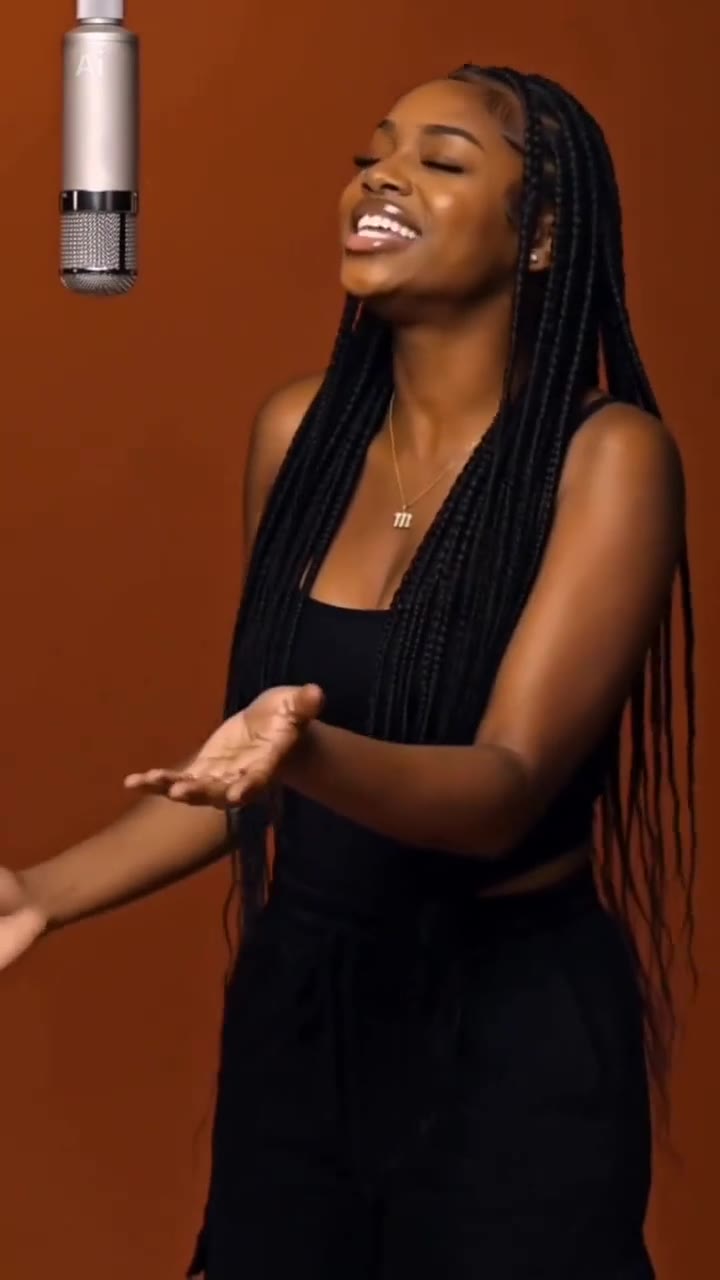
The belly dance filter is Belly Dance, a Snapchat lens that turns you or your Bitmoji into a character swaying its hips, and a belly dance AI video is the same idea made from one photo of a real, consenting adult. On videosi you upload one standing photo and get a 10-second silent clip of yourself in your own clothes, with a gold coin hip scarf added, no prompt to write. This guide goes past the basics: how the lens differs from a CapCut template, why you cannot find it on TikTok, which photos work and how to post the result.
Key takeaways
- The belly dance filter is a Snapchat lens. TikTok and Reels only host reposts, which is why searching there fails.
- Our version keeps your own outfit and adds only a coin hip scarf, in a full-body shot, for adults only.
- A standard 10-second video (Standard model, 720p) is 9 credits. There is no free generation, and failed renders return their credits.
- The file is silent. Add the Belly Dance by Saeed Artist sound, or any track, in the app you post from, and label the post as AI.
In this guide
- How is the Snapchat lens different from a CapCut template?
- Why can't I find the belly dance filter on TikTok?
- Which photo gives the best belly dance AI video?
- Why do AI tools swap my clothes for a costume, and what do we do instead?
- What are the basic belly dance moves in the clip?
- Why do hands and the final turn go wrong?
- How do I match the Belly Dance by Saeed Artist sound?
- How many credits should I plan for?
- How do I label the video as AI?
- What should I try next if I like this?
How is the Snapchat lens different from a CapCut template?
The lens is a live camera effect inside Snapchat, while a CapCut template is an editing recipe you fill with your own clips. They get lumped together under the same search phrase, but they behave very differently.
The Snapchat Belly Dance lens works on your face or your Bitmoji and returns a short clip of a character with your look dancing to a track labelled Belly Dance by Saeed Artist. Clips with that sound label appear from May 2026, and a tutorial posted on 19 October 2026 started the latest wave of attention. The lens creator is not public, and we do not quote view counts because none are verifiable.
A CapCut template is different. You drop in photos or clips and the template applies preset cuts, effects and music. Many AI belly dance clips on short video apps come from templates or other AI video apps that place one photo in a desert, a studio or a palace.
Our belly dance AI video generator is a third thing: a web tool that makes a real-person video from your photo, with a fixed order of moves. It is not affiliated with Snapchat, TikTok or CapCut.
Why can't I find the belly dance filter on TikTok?
Because it was never a TikTok filter. The lens lives in Snapchat, and what you see on TikTok and Instagram Reels are clips that people recorded in Snapchat and reposted.
Snap's own developer guide explains how search works on its side: Lenses can be searched by name, creator or search tag, and results are ranked by relevance, keyword match and popularity. So the practical route is to open Snapchat, use the lens search and type Belly Dance. If it does not appear, update the app first. Lenses can also be unavailable in some regions or be removed by their creators.
If you do not have Snapchat, or you want a clip of yourself rather than a cartoon-style character, a browser tool is the simpler path. Nothing to install and no account on Snapchat is needed.
Which photo gives the best belly dance AI video?
A standing, front-facing photo from head to at least the knees, in soft even light, with only you in frame. The dance lives in the hips, so a tight selfie crop forces the model to invent your waist and legs, and invented bodies are where results go wrong.
A few specifics that help:
- Stand, do not sit. The routine starts on your feet. A seated or lying photo makes the model stand you up first.
- Leave space above your head. Both arms go overhead in the first second, and tight framing cuts the hands off.
- Keep the face clear. No sunglasses or masks, and no harsh flash.
- One adult only. Photos of children are not accepted, and you need the consent of anyone you upload.
If your photo is cropped, the tool extends the same background to show you from head to feet, so a head-to-knees photo is fine.
Why do AI tools swap my clothes for a costume, and what do we do instead?
Because the words belly dance carry a strong visual association with costumes. Ask a general video model for a belly dancer and many will replace your outfit with a stage costume, change your hair and sometimes shift the whole scene. That is not you, and it is not what most people wanted from a quick trend video.
We lock the identity instead. Your photo is the only source for your face, hair, build and complete outfit, held the same in every frame, with nothing shortened, opened or recoloured. The one addition is a simple gold coin hip scarf tied loosely over your own clothes, so the swing of the hips reads clearly. The shot stays full-body for all 10 seconds, with no close-ups of the body, and the dance is meant to be graceful and family-friendly.
It is also why the page is for adults only. You are the star of the clip, in what you chose to wear.
What are the basic belly dance moves in the clip?
The clip follows six beats. According to Wikipedia's belly dance article, the dance is a Middle Eastern form that originated in Egypt and emphasizes the hips and torso. Its Arabic name, raqs sharqi, translates as oriental dance, and the English term comes from the French danse du ventre. The same article groups the basic movements into percussive ones such as hip drops, and fluid ones such as figure eights, with small shimmies layered on top.
- 0 to 1.5 s, arms open: both arms wide, then overhead.
- 1.5 to 3.5 s, hip sways and drops: a hip drop is a quick lift and drop of the hip, here with hands framing the head.
- 3.5 to 5 s, shoulder shimmy: a small, playful, fast movement.
- 5 to 7 s, snake arms: arms flowing out to the sides in soft waves.
- 7 to 8.5 s, figure eight: the hips trace a gentle eight, facing the camera.
- 8.5 to 10 s, the turn: a slow half turn back to the lens.
Snake arms are not covered in that article, so treat our description as a plain-language label, not a formal definition. If you want to actually learn belly dance, find a teacher. The AI clip is a fun stand-in, not instruction.
Why do hands and the final turn go wrong?
Because they are the hardest seconds for any video model. Flowing snake arms put fingers and wrists in constant motion, and the slow half turn at the end changes the angle of the face. Hands can blur for a few frames and likeness can drift, and we say so plainly: likeness is not guaranteed.
You can improve the odds with the photo. Show your full hands if possible, avoid busy patterns that blur when the body turns, and keep the lighting even. If the first render drifts, change the photo before you reroll, because a better input usually helps more than another try on the same one.
How do I match the Belly Dance by Saeed Artist sound?
You add it where you post. The downloaded MP4 is silent, so there is no music baked in. Open TikTok, Reels, Shorts or Snapchat Spotlight, upload the file and pick a sound from that app's library.
Snapchat lens clips from May to July 2026 show the label Belly Dance by Saeed Artist. Reposts elsewhere often swap in other Arabic or pop tracks, so what you can pick depends on the app and your region. Choosing the sound inside the app keeps you inside that platform's music licence, which is better than mixing a track into the file and posting it somewhere that has not cleared it.
To line things up, drop the sound in at the start, then watch the hip sways around the 2 second mark and the turn near the end, and nudge the start point until the beat sits right.
How many credits should I plan for?
A standard 10-second belly dance AI video (Standard model, 720p) is 9 credits. There is no free generation. Credit packs start at $6.99 for 10 credits and never expire, and subscriptions start at $29.90 a month. A failed, timed-out or blocked render returns its credits automatically.
So the smallest pack covers exactly one standard clip. If you want to test two photos, or try a higher tier such as Fast, Pro or Seedance 2.5 Ultra, plan for a bigger pack. Better models and resolutions cost more than the standard rate.
How do I label the video as AI?
Use the platform's own AI label if the app has one, and say it in the caption. A realistic clip of a person dancing is exactly the kind of content viewers should know is generated, and platforms increasingly ask for it. Wording can be short and honest, for example: "AI belly dance video made from my photo".
Do not imply the clip is the Snapchat lens or that Snapchat, the sound's artist or anyone else made or endorsed it. It is your own photo animated by a separate tool. Only upload photos of yourself or of adults who agreed to it, and never of children, celebrities or public figures.
What should I try next if I like this?
If you want something shorter and goofier, the AI sway dance makes a 5-second hands-on-hips sway from one photo. If you would rather pick pop, hip-hop or a silly dance, the AI dance page offers three styles. For a classic oriental look, go back to the belly dance AI video page, upload one standing photo, pick 9:16, 1:1 or 16:9 and press Generate.