Lion Friend AI: The Lion Friend Video, Starring You
A lion walks out of the dark, up a headlit bush road, and stops at your side so you can stroke its mane. One photo of you is all it takes.
Updated : Page published.
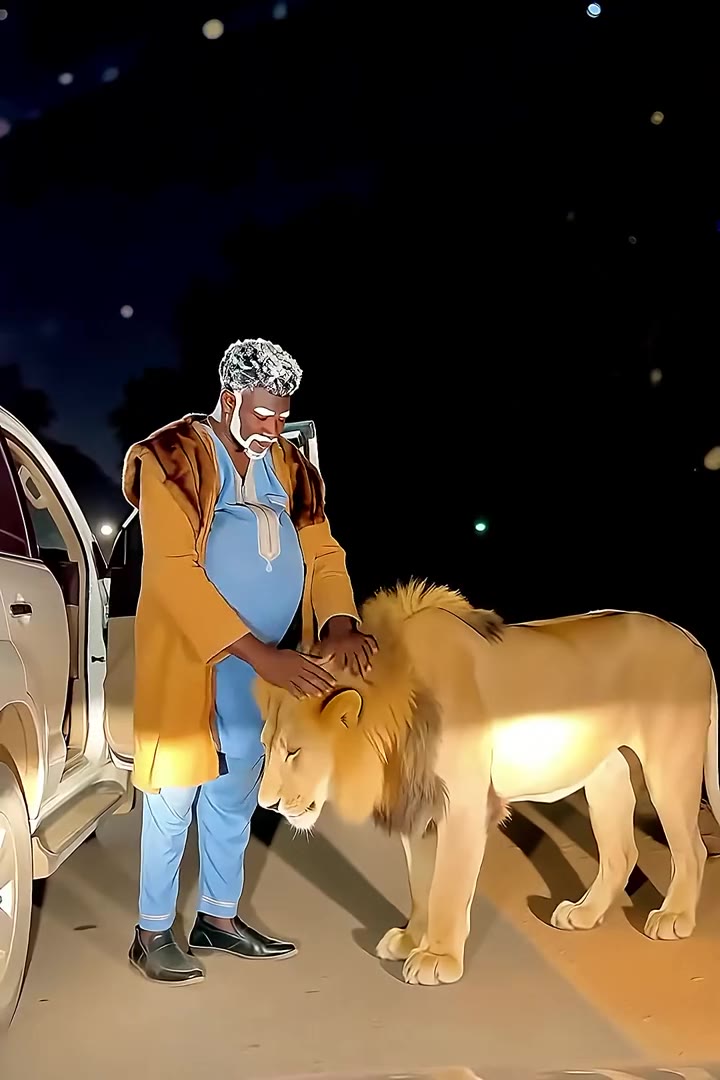
1Add your photo
Front-facing, well-lit selfies work best. One face per photo.
2Choose quality
By generating you confirm you have permission to use the people in your photos. Terms
In one sentence
The lion friend AI trend is a 5-second night clip, filmed as if from a car behind you, in which a lion walks out of the dark up a bush road and stops beside your open car door so you can stroke its mane; videosi makes it from one photo of you.
- Fast facts
- First seen
- Stage
- Just starting
- Started on
- TikTok (unconfirmed)
- Sound
- There is no settled original sound.
- Meaning
- The lion friend trend is a five-second AI clip, styled like a phone video shot at night, in which a full-grown lion walks up a bush road to a person beside a parked car and lets them stroke its mane.
- Related trends
- AI Dancing Dog
Page updates
- October 18, 2026 — Page published.
How it is made
The Lion Friend AI prompt and model
Lion Friend AI is made with Seedance 2.0 / 2.5 (you pick the tier) by ByteDance. The prompt behind it has 5 parts, and the timing is what makes or breaks it.
- Model
- Seedance 2.0 / 2.5 (you pick the tier)
- Mode
- Photo + motion reference to video
- Length
- 5 seconds, 9:16, 1:1 or 16:9
- Input
- 1 photo
- Identity lock Your photo is the only source for your face, hair, build and outfit, held identical in every frame, shown full length.
- Motion reference A short clip supplies the windscreen framing, the lion's path up the road and the moment your hand goes to its mane, and nothing else.
- Scene A dirt road through dry bush at night, a white car with its door open, warm headlights, and one calm adult lion at real scale.
- Timeline Four beats over 5 seconds: the shape in the dark, the walk-up, the arrival, the stroke of the mane.
- Rules One person and one lion, no roaring, teeth or attack, no cage or leash, no text, logos or readable plates.
Photorealistic live-action night footage filmed on a phone from inside a parked car, 5 seconds, one continuous handheld take…
Why it goes wrong when you do it yourself
- Ask for a lion next to a person and many models make it roar, bare its teeth or lunge; the calm has to be written into every beat.
- Without a motion reference the lion is often standing beside you from the first frame, and the walk out of the dark, which is the whole reveal, is gone.
- The lion's size drifts: it comes out pony-sized or kitten-sized unless its scale against the person and the car is fixed.
- Image models redraw your face and outfit in the dim light unless the identity lock comes first, and each try costs credits and several minutes.
Lion Friend AI examples
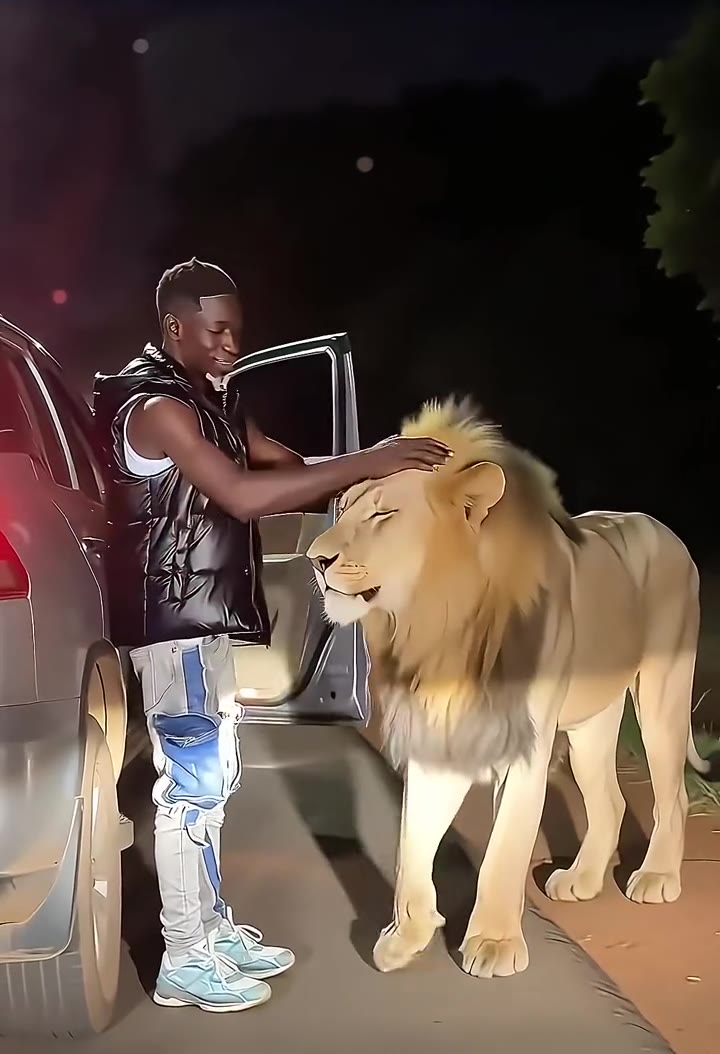
Lion greets man in vest
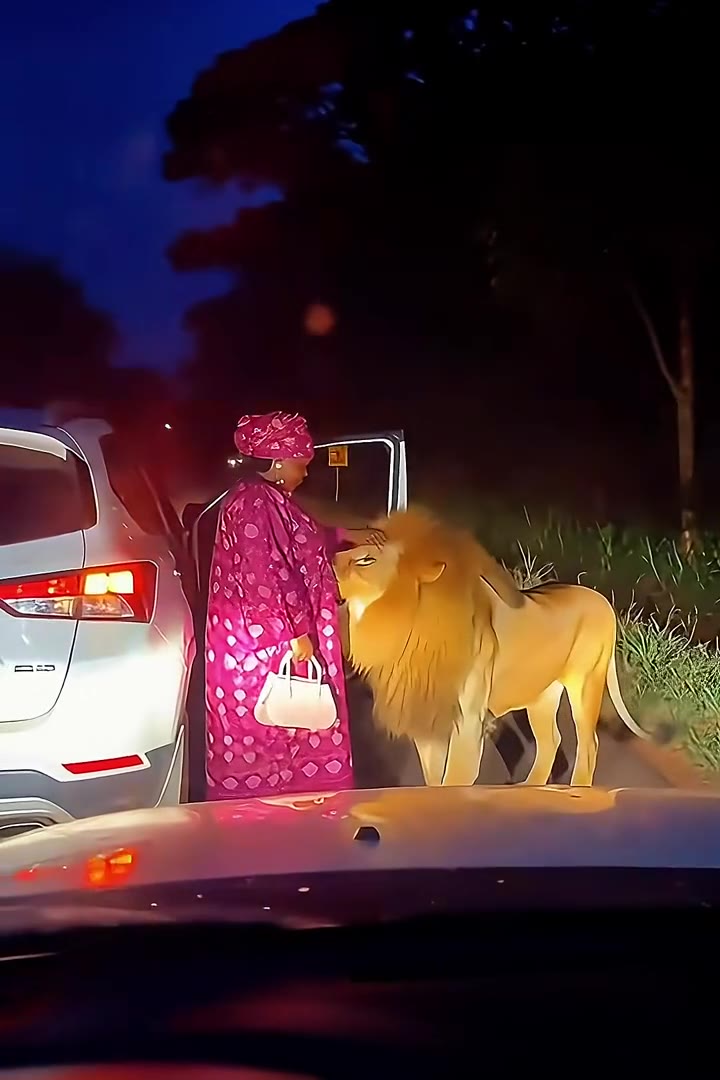
Lion meets woman in pink
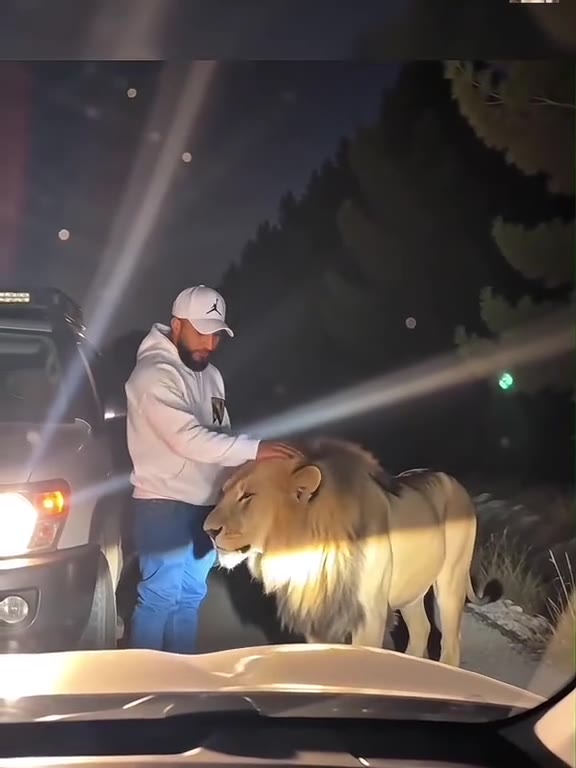
Lion in the headlights
How to make your Lion Friend AI video
Upload one photo of yourself
A full-length or knee-up photo, face to the camera, in clear light. The clothes in the photo are the clothes you wear on the road.
Pick a format and generate
Choose 9:16 for TikTok, Reels and Shorts, 1:1 or 16:9, then press Generate. The road, the car, the lion and the camera are built in.
Download the clip
You get a 5-second MP4 with no watermark and the trend's sound already on it. Rendering takes a few minutes and the result is saved in My creations.
Post it as it is
The trending sound is already on the video; swap in a calm, dramatic track in the app you post from if you like, and label it as AI-generated.
What is the Lion Friend AI trend?
Updated · videosi is an independent tool. It is not affiliated with TikTok, Instagram, YouTube, or with the owners of any trend, song, game or brand named on its pages.
The lion friend trend is a five-second clip that looks like a phone video shot through a windscreen at night. Someone stands beside the open door of a parked car on a dark bush road. Far down the road, at the edge of the headlights, something moves. It is a full-grown lion, and it walks straight up to them, stops at their side and lets them stroke its mane as if it were the family dog.
None of it is real. The clips are made by an AI video model from one photo of the person, and the template that set off the current wave appeared on TikTok around 2026-10-08, pushed by French-language tutorial accounts with captions like "comment créer cette vidéo où tu deviens ami avec un lion". Within a week dozens of near-identical versions followed, each with a different person and outfit but the same road, car and lion. Older one-off AI clips of people befriending lions date back to the summer of 2026, but they have no shared format. A media.io guide page for "AI lion friend video" went up around 2026-10-16. The trend has only just started spreading in English, so there is no settled original sound.
The joke works because the setting is so ordinary: a roadside stop, a car door, a person in everyday clothes, and the calmest lion in Africa.
This page does the whole recipe for you. Upload one photo of yourself and videosi renders the 5-second clip with your face and your outfit, ready to post with whatever sound is trending.
Lion Friend AI: shot by shot
- 0–1 s
The roadside stop
You stand beside an open car door on a dark bush road, lit by the headlights of the car filming you. Far away, a shape moves at the edge of the beam.
- 1–2.5 s
The walk-up
A lion with a full golden mane pads calmly up the lit road toward you, head low. You glance at it and do not move.
- 2.5–3.5 s
Arrival
The lion stops right at your side. You reach out a hand.
- 3.5–5 s
The friend
You stroke its mane and it leans into your hand, the two of you side by side in the headlights as the clip ends.
Tips for a better result
Show your whole body
The clip is a full-length shot from a car behind you. A photo cut off at the chest leaves the model to invent your legs and shoes.
Bright or bold clothes read best
The scene is dark and lit by headlights. Light colours, a bright print or a long robe stand out; an all-black outfit can disappear into the night.
Face the camera in even light
Both eyes visible, no harsh shadow across the face. The video itself is dim, so the photo has to carry the likeness.
Just you in the photo
If there are other people in the picture the model may bring them onto the road. Crop to yourself.
Good to know before you make a Lion Friend AI video
- The road, the white car and the lion are always the same night scene; you change the person, not the place.
- Likeness is not guaranteed, and it is hardest in the dark parts of the clip. A well-lit, front-facing photo helps most.
- The lion always behaves like a tame friend. The clip is an AI fantasy, not advice: wild lions are dangerous and should never be approached.
- The video is 5 seconds long and comes with the trend's sound already on it. A failed, timed-out or blocked render returns its credits automatically.
Lion Friend AI: questions
What is the lion friend AI trend?
The lion friend AI trend is a 5-second night clip in which a lion walks out of the dark up a bush road, stops beside a person at an open car door, and lets them stroke its mane. On videosi you make it from one photo. The current template appeared on TikTok around 2026-10-08 through French-language tutorial accounts; no original creator is confirmed.
How do I make the video where I become friends with a lion?
Upload one photo of yourself to videosi, choose 9:16, 1:1 or 16:9 and press Generate. The lion friend video is 5 seconds long and you write no prompt: the road, the car, the lion and the camera are built in. Rendering takes a few minutes, and the result is saved in My creations if you close the page.
Is there a lion friend AI generator or website?
Yes. videosi (videosi.io) is a web tool that makes the lion friend AI video from one photo, with nothing to install. A standard 5-second video (Standard model, 720p) is 5 credits, and the MP4 downloads without a watermark. You choose only the photo and the format; the motion reference and prompt are already set up.
Is there a lion friend filter on TikTok or a CapCut template?
The trend spread through a CapCut template promoted by TikTok tutorial accounts, and templates like that change or disappear often, so check inside the app. videosi is independent and not affiliated with TikTok, CapCut or ByteDance's apps. The videosi lion friend video is a web tool: upload a photo and download a 5-second MP4 with the trend's sound already on it.
What AI model and prompt make the lion friend video, and can I do it myself?
The videosi lion friend video is made with ByteDance's Seedance model (Seedance 2.0 Mini by default; Fast, Pro and Seedance 2.5 Ultra are one click away) from a five-part prompt plus a motion reference clip. Doing it yourself often takes four or five tries, because models tend to make the lion roar or lunge, or put it beside you from the first frame.
How much does the lion friend AI video cost, and is it free?
The lion friend AI video on videosi is not free: there is no free generation and no free trial. A standard 5-second video (Standard model, 720p) is 5 credits; better models and higher resolutions cost more. Credit packs start at $6.99 for 10 credits and never expire, and plans start at $29.90 a month. A failed render returns its credits.
Trending this week
All trends this week

More effects like this
All viral effects

Make your Lion Friend AI video
Upload a photo and press Generate. 5 credits, refunded if it fails.
Get the next trend first
One email when new trends land on videosi, about once a week. Unsubscribe in one click.
See videosi first on Google
Add videosi as a preferred source and our trend pages show up first in your Top Stories and AI answers on Google.