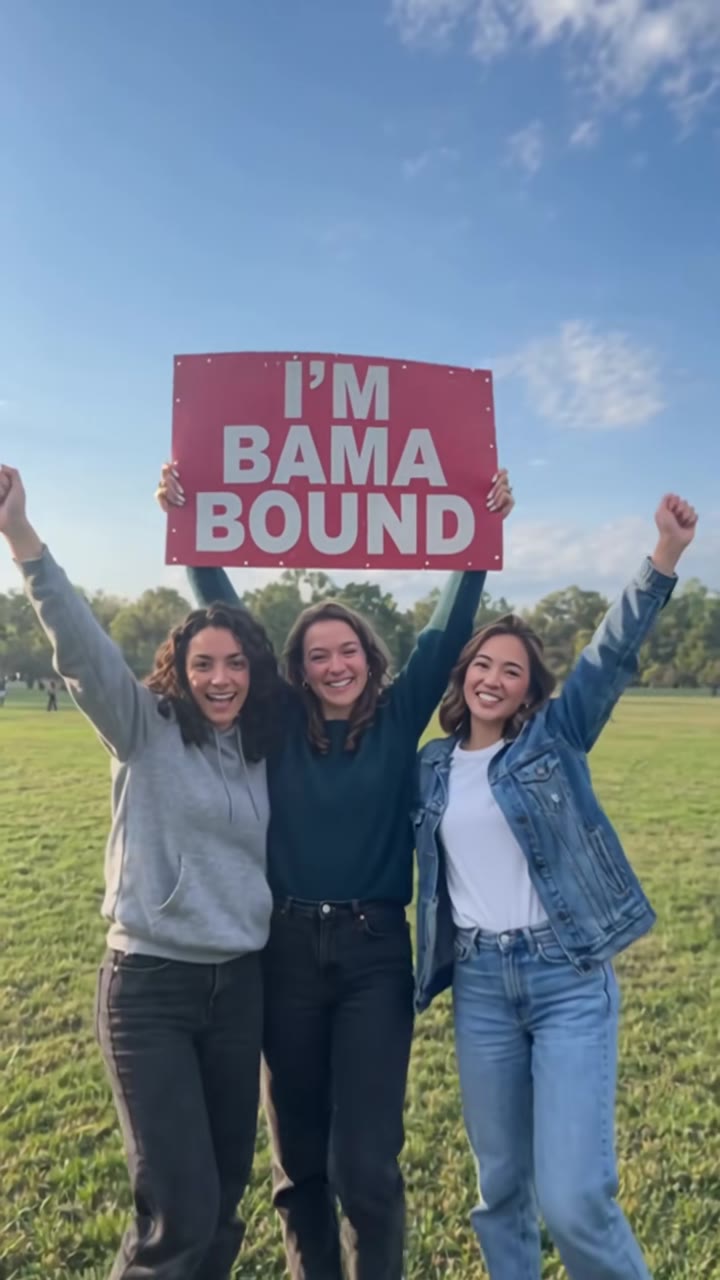
The Perdón trend, also called the Sorry I Lied trend, is a short TikTok slideshow in which a too-good-to-be-true glamorous photo of someone is undone caption by caption until their real, ordinary photo appears with the word "Perdón" (Spanish for "sorry"). To make it, upload one recent photo of yourself to videosi and download a 12-second MP4 with the trend's original sound on it, then add the captions where you post.
This guide answers the questions the page FAQ does not: why the joke works, how to write the captions, how to choose a photo, and what to check before you post.
Key takeaways
- The Perdón (Sorry I Lied) trend is a slideshow where a glamorous picture is taken back caption by caption until a real, ordinary photo appears with the word "Perdón".
- Write one short caption per slide, each withdrawing one claim, and end with the single word.
- Use one recent photo of yourself as an adult; childhood photos are not accepted.
- The joke comes only from hair, expression, old clothes and photo quality. Skin tone is never changed and nothing is blackened.
- A 12-second Standard 720p video is 10 credits; the Single pack is $6.99 for 10 credits. The video comes with the trend's original sound but no captions, so add them in CapCut or TikTok and label the post as AI.
In this guide
- Why is the Perdón trend funny?
- What does perdón actually mean, and why Spanish?
- How do I write the captions?
- How do I pick the right photo?
- Why does this version not use childhood photos?
- Why does the video never change skin tone?
- How is it different from glow-up and expectation vs reality memes?
- How do I add captions and music in CapCut?
- Do I need to label the post as AI-generated?
- What does it cost to make one?
- Is the Perdón trend still worth posting?
Why is the Perdón trend funny?
The joke is a confession that arrives in installments. The first slide looks too good to be true, and every caption after it takes something back. By the time the real photo lands, the viewer has already guessed the ending, and the laugh comes from seeing it confirmed with a small, shameless "Perdón".
Three things make it work. First, the pacing: each slide is held just long enough to read one caption, so the take-backs feel like a countdown. Second, the contrast between a polished picture and a blurry flash snapshot is something almost everyone has lived through on both sides. Third, the poster is laughing at themselves, which makes it safe to share. Nobody is the target except the person in the photo.
That is also why the ending matters more than the opening. A glamorous first shot is easy to produce, but a real photo that is truly ordinary, with messy hair and a harsh phone flash, is what pays off the setup. The videosi Perdón trend video is built around that last shot for this reason.
What does perdón actually mean, and why Spanish?
According to SpanishDict, perdón is a masculine noun meaning forgiveness or a pardon, and it is also an interjection used to apologize or get someone's attention, like "sorry", "pardon me" or "excuse me". The phrase pedir perdón means to apologize.
In the trend, it is the light, interjection kind of perdón: a quick shrug rather than a heavy apology. The earliest dated posts we found are Spanish-language photo slideshows from 18 October 2026, and English "I'm so sorry I lied" versions followed about three days later. No single original post is confirmed, so we do not name an author or a first video.
How do I write the captions?
Keep every caption to a single short line, written like a text you are sending a friend mid-confession. Each one should take back exactly one thing the slide appears to claim: the drink, the makeup, the place. Avoid explaining the joke. The caption on the real photo is just the word.
Here are four examples, in Spanish and English, that you can adapt to the lie you picked:
- Slide 1 (bar): "No, mentira, no estaba tomando nada" / "No, lie, I wasn't even drinking"
- Slide 2 (less shine): "Tampoco llevaba maquillaje" / "I wasn't wearing makeup either"
- Slide 3 (wrong place): "Ni siquiera estaba en un bar" / "I wasn't even at a bar"
- Slide 4 (the real photo): "Perdón" / "Sorry"
For the ranch lie, swap in lines about the horse, the hat or the sunset. For the glam portrait, take back the blow-dry and the lashes. The rule is the same: one claim withdrawn per slide, and the last slide has no explanation at all.
The videosi video itself comes with the trend's original sound and has no text in the frame, because generated text tends to come out garbled. You add the captions yourself where you post.
How do I pick the right photo?
Choose a recent, ordinary photo of yourself as an adult: face toward the camera, head and shoulders in the frame, even daylight, nothing covering your face. A normal phone photo works better than an already filtered selfie, because the last shot of the video has to look like the real you for the joke to land.
Avoid side angles, a face half in shadow, sunglasses and hats. The ranch option adds its own hat, so a second one only confuses the before and after. If the likeness drifts between the glamorous shots and the real one, the cause is usually the source photo, not the settings.
Likeness is not guaranteed. If a render fails, times out or is blocked, the credits come back automatically, so you can try again with a better photo.
Why does this version not use childhood photos?
Many posts in the original trend use pictures of the poster as a child, and some use photos of other people's children. videosi does not accept photos of minors, and you must be 18 or older to use it. That is a hard rule, not a preference.
There is also a creative reason. The joke here is a grown-up one: you at a bar, on a ranch or in a beauty campaign, versus you at home with a flash in your face. The adult-to-adult contrast needs no child in the picture. Upload one recent photo of yourself, and only a photo of someone else if they are an adult who has agreed.
Why does the video never change skin tone?
Some templates in the wider trend darken the skin of the "real" version, using it as the punchline. We do not do that, and we think it is a worse joke anyway. In this video there is no blackening and no face paint of any kind, and your skin tone and eye colour are held the same in all four shots.
What does change is the styling and the photo quality. The laughs come from hair, expression, old clothes and the grainy, over-lit look of a bad phone flash. Those are enough to carry the joke on their own.
How is it different from glow-up and expectation vs reality memes?
A glow-up goes forward in time: ugly then, great now, and the point is pride. Expectation vs reality sets two images side by side and the point is disappointment. The Perdón trend is neither. It runs in one direction, from polished to plain, and it is staged as the poster owning up to a small harmless lie.
That gives it a different tone. A glow-up asks for praise, and the Perdón trend asks for a laugh. It also needs a sequence rather than a pair, because the comedy is in the withdrawn claims arriving one at a time. If you only have two pictures, a before and after format is probably the better fit.
How do I add captions and music in CapCut?
Download the 12-second MP4 from videosi. It has the trend's original sound, no watermark and is split into four shots of about three seconds each. Import it into CapCut or TikTok's editor and add the text on top.
- Add a text layer on each of the first three shots, one "lie" caption each, using a plain font in white with a thin dark outline for readability.
- Put "Perdón" on the last shot and hold it to the end of the clip.
- Keep the sound. The video comes with the trend's original sound; there is no single confirmed trend sound, as most posts use an uploaded "original sound" and some use pop songs. If you swap it, pick whatever is currently trending in the app and keep the volume low enough that the captions carry the joke.
- Trim the cuts to your caption length if a line needs more reading time.
Do I need to label the post as AI-generated?
Yes, treat it as a good habit on every platform. The glamorous shots are AI-made, and you are a real person in them, which is exactly the kind of realistic content platforms ask creators to disclose. YouTube's help page says creators must disclose realistic content that is fully or partly made or altered with AI, and that minor edits such as beauty filters or captions do not need disclosure. You can read it at YouTube Help.
Use the in-app AI label or mention it in the caption, check the current rules of the app you post on, and only post a photo of yourself or of an adult who agreed to it.
What does it cost to make one?
The video is not free. There is no free generation and no free trial. A 12-second video on the Standard model at 720p is 10 credits. The Single pack is $6.99 for 10 credits, which covers one such video, and monthly plans start at $29.90. If a render fails, times out or is blocked, the credits are returned automatically.
Is the Perdón trend still worth posting?
As of late October 2026 the trend is still spreading. It was first seen on 18 October 2026, and English Halloween-costume versions arrived a few days later, so it is early in its run. Early posts tend to be seen more, but we do not have confirmed view counts and will not guess at them.
If you want to join, move quickly and keep your version personal. The best posts have a specific lie that fits the poster, for example the exact bar, the exact horse or the exact hair, and an honest, ugly last photo. For the full walkthrough, the short FAQ and the three lie options, go to the Sorry I Lied trend page.