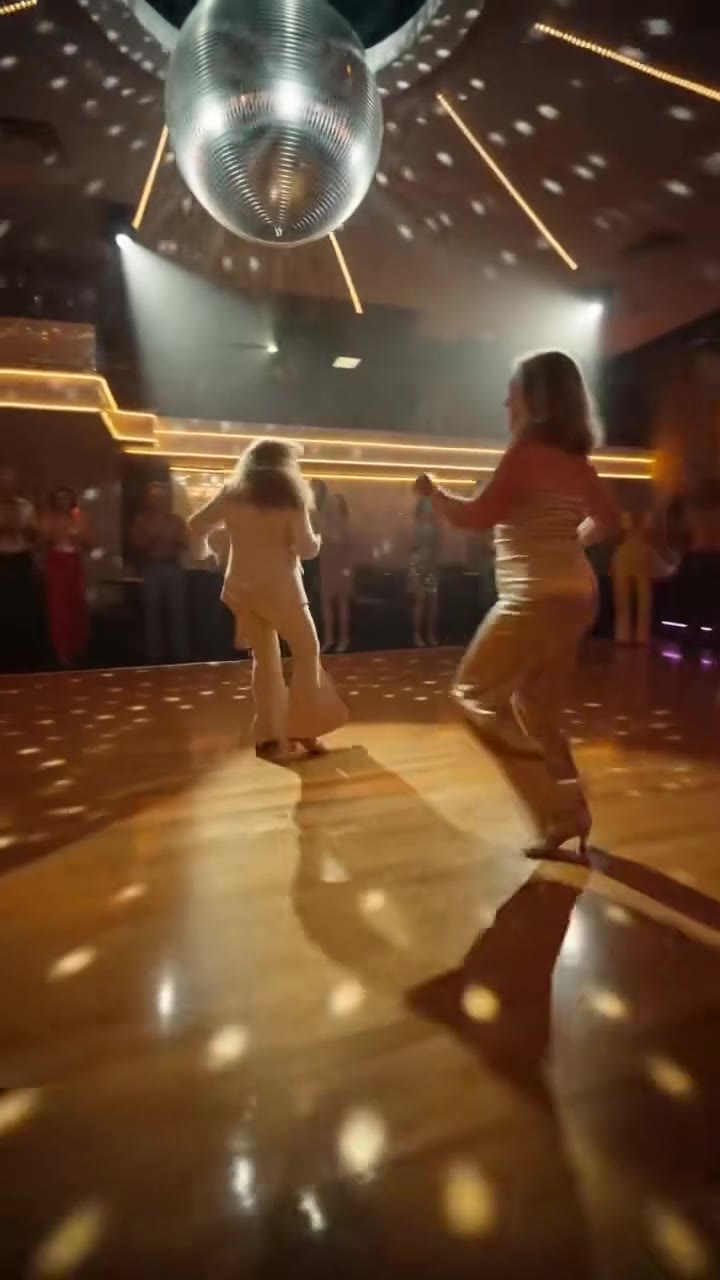
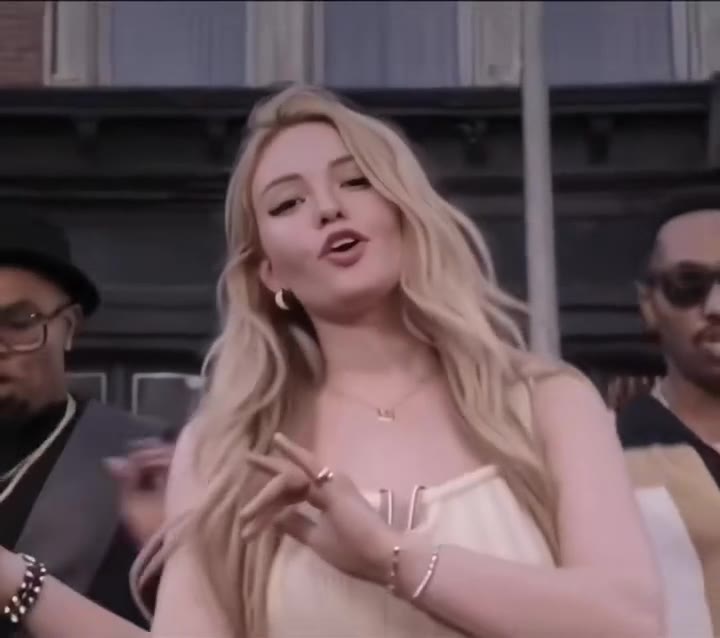
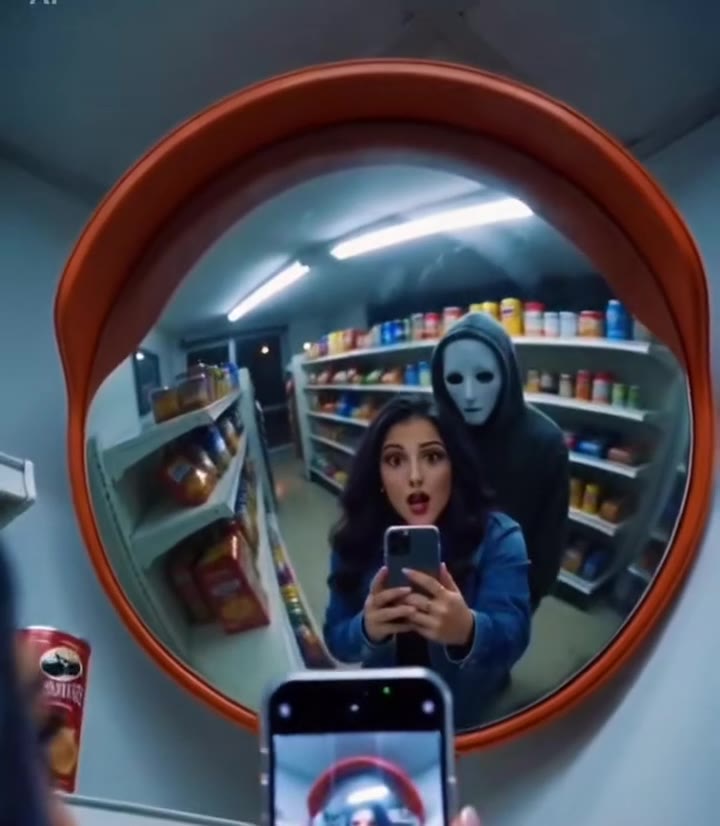
The bouncy hair AI video is a 7-second selfie in which your head shakes to a chanted "opa opa opa" and your hair springs up and bounces back, made from one photo of you. This guide answers the questions the main page does not: what the clip is made of, why photos fail, what it costs to retry, and how to post it honestly.
Key takeaways
- The motion comes from a 7-second reference clip, so you never film yourself or write a prompt.
- A sharp, front-facing photo with your hair down decides most of the result.
- One render is 6 credits on Standard at 720p, and a failed render returns its credits.
- The trend sound is already on the clip, and the song behind it is still unconfirmed.
- Label the video as AI-generated when you post it.
In this guide
- Why does the clip need a motion reference?
- What makes a good photo for the bounce?
- Does it work with short, curly or tied-up hair?
- What happens in each second of the clip?
- Why does my face drift during the shakes?
- How many credits will I spend getting a good one?
- Is the sound really on the video?
- Should I label the video as AI-generated?
- Which model makes it, and who is behind it?
- Is it too early or too late to post one?
Why does the clip need a motion reference?
Hair that bounces on the beat is a timing problem, and timing is hard to describe in words. A plain text prompt tends to give one of two failures: the hair stays stiff while the head moves, or the whole head shakes so hard the face morphs between frames. Both are described in the pitfalls of the recipe behind the bouncy hair AI generator.
So the generator is given the original 7-second selfie as a motion reference. It supplies the arm's-length framing, the head bobs, the side-to-side shakes and the lean toward the lens at the end. The model then swaps the person in that clip for the person in your photo and keeps the movement. The bounce itself is asked for as movement only: each shake lifts the hair and it settles in two smaller bounces with a soft, elastic delay.
The practical result is that you control who is in the video, and the clip controls how they move. That split is why one photo is enough.
What makes a good photo for the bounce?
Think of the photo as the only identity information the model gets. Four things matter most:
- Face to the camera with both eyes visible, so the model can hold your likeness while the head moves.
- Hair down and visible, with head and shoulders in frame. The outfit and hair in the photo are what the video shows.
- Hair off the face. Bangs are fine, but hair covering half the face makes the face drift during the shakes.
- No caps, hoods or headscarves. Clear glasses are fine and stay on.
The head shakes for roughly 4 of the 7 seconds, so the model needs one clear look at your face before the motion begins. A small, turned-away or blurry photo gives it nothing to hold on to.
Does it work with short, curly or tied-up hair?
The effect is strongest with shoulder-length or longer hair worn loose, because there is more hair to lift and drop. Buns, tight ponytails and very short cuts leave little to move, and the result can look like a plain head shake.
The prompt keeps the colour, length and cut of the hair in your photo. It does not restyle your hair into glossy salon waves, and it does not recolour it. The examples on the page include a curly bounce with glasses and a dark bob shake, so texture and cut are not a blocker. What matters is that the hair is visible in the photo and free to move.
What happens in each second of the clip?
The clip runs in four beats, which helps when you are judging a result:
- 0 to 1.5 s, "Hi, camera": a front-camera close-up at arm's length, a smile and a first head bob on the first "opa".
- 1.5 to 3.5 s, "First bounces": the head tilts left and right with a pout, and the hair swings out and lands back on the shoulders with a soft spring.
- 3.5 to 5.5 s, "Full shake": quick side-to-side shakes on each "opa", the hair flies up in a motion-blurred cloud and bounces back twice before the next shake.
- 5.5 to 7 s, "The grin": the shaking stops, the hair settles with a last little bounce and you lean toward the lens with a big grin.
If your result has a clean opening and a calm ending but a messy middle, that is normal: the middle is where the motion is fastest and the likeness is hardest to hold.
Why does my face drift during the shakes?
Likeness is not guaranteed, and it drifts most during the fast shakes between seconds 3 and 6. There are three common causes, and each has a fix.
First, the face in the photo is small or half hidden. Use a tighter, sharper crop. Second, the face shape of the reference person leaks in, which slims or narrows the new face in tight close-ups. The prompt forbids this, but a photo with a clear jaw and cheeks helps it hold. Third, the hair covers the face, so the model has to invent what is underneath. Move the hair back and try again.
Changing only the photo between attempts, and nothing else, tells you quickly which of the three it was.
How many credits will I spend getting a good one?
A 7-second video is 6 credits on the Standard model at 720p. Better models and higher resolutions cost more. A credit pack starts at $6.99 for 10 credits and the credits never expire, and plans start at $29.90 a month. There is no free generation.
That means a single pack covers one render with 4 credits left over, and a second attempt needs a few more. A sensible plan is to spend your care on the photo before you press Generate, not after. A failed, timed-out or blocked render returns its credits automatically, so only a finished clip that you simply dislike costs you.
Is the sound really on the video?
Yes. Every render comes back as an MP4 with no watermark and the trend audio already on it. You never sing or lip-sync to it, and the clip is not built around mouth movement at all.
What we cannot tell you is the name of the song. The sound circulates as an "original sound" with a chanted "opa opa opa", and promo captions call it Russian and quote a line transliterated as "slish ti zalip". We have not confirmed a title or an artist, so we do not give one. If you want a specific licensed track, swap the sound in the library of the app where you post.
Should I label the video as AI-generated?
Yes, and it costs you nothing. The clip shows a realistic version of you doing something you did not film, which is exactly what platform labels exist for. Post it with the platform's AI-generated content label switched on, or say so in the caption.
There is also a technical side to provenance. The C2PA, the Coalition for Content Provenance and Authenticity, publishes a specification called Content Credentials that records where digital content came from and how it has been altered. Whether a given app reads or keeps such data varies, so do not rely on it to carry the disclosure for you. A plain caption always works.
Use photos of yourself, or of an adult friend who has agreed. Photos of children, celebrities and public figures are not accepted.
Which model makes it, and who is behind it?
The video is made with Seedance, the video model from ByteDance, the company that also owns TikTok. The default tier is Seedance 2.0 Mini, with Fast, Pro and Seedance 2.5 Ultra a click away. The four tiers differ in price and in how much detail they keep, so the Standard tier is a good place to test a photo before you spend more.
videosi is independent. It is not affiliated with TikTok or CapCut, and its version is a web tool rather than a filter or a template inside either app. The full prompt is built in and not published, because a typed prompt alone usually gives stiff hair or a different hairstyle.
Is it too early or too late to post one?
As of 28 October 2026 the trend is only just starting to spread. The earliest post we found is a CapCut template promo from 6 October 2026, and the most-watched clip, a 7-second selfie by a non-famous creator, followed on 19 October. Most activity so far is template promos rather than organic remakes, so there are no reliable view totals for the hashtag yet.
That is a good moment to post: the format is easy to recognise, and few people have made their own version. The trade-off is that nobody can say how long it will last, so treat it as a quick, cheap clip rather than a long project. When you are ready, make your bouncy hair video from one photo and post it with the label on.