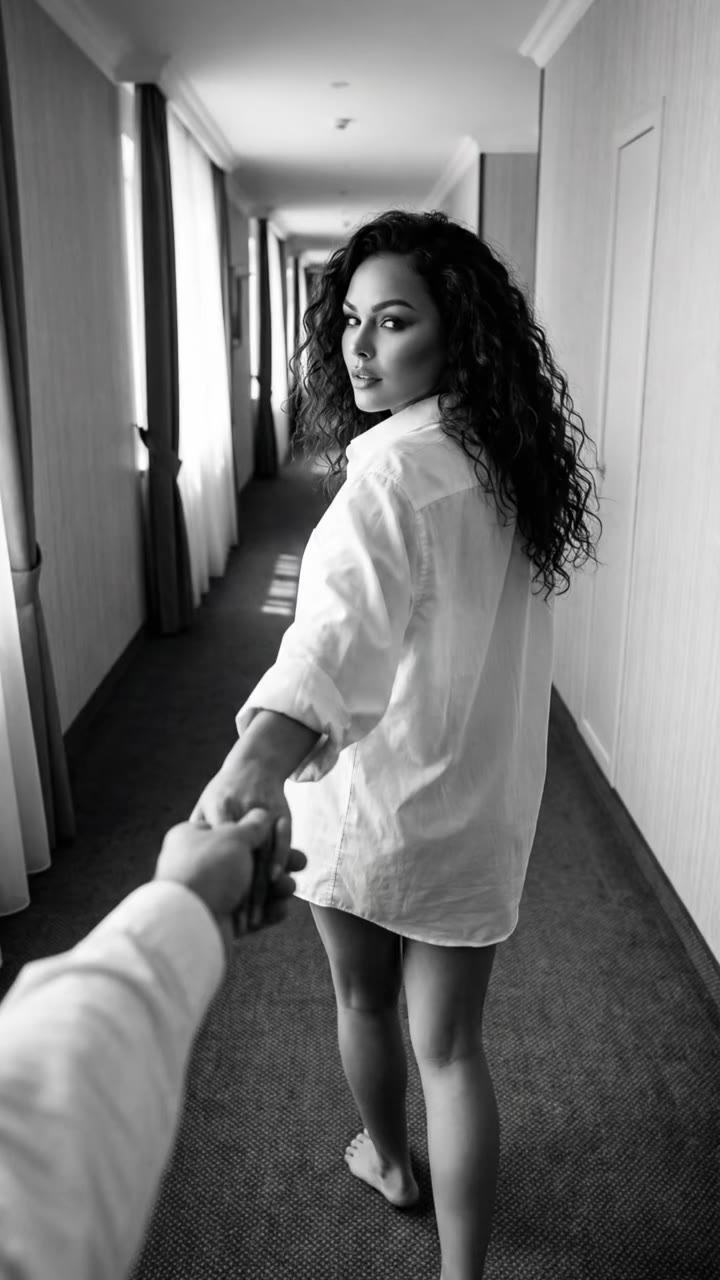
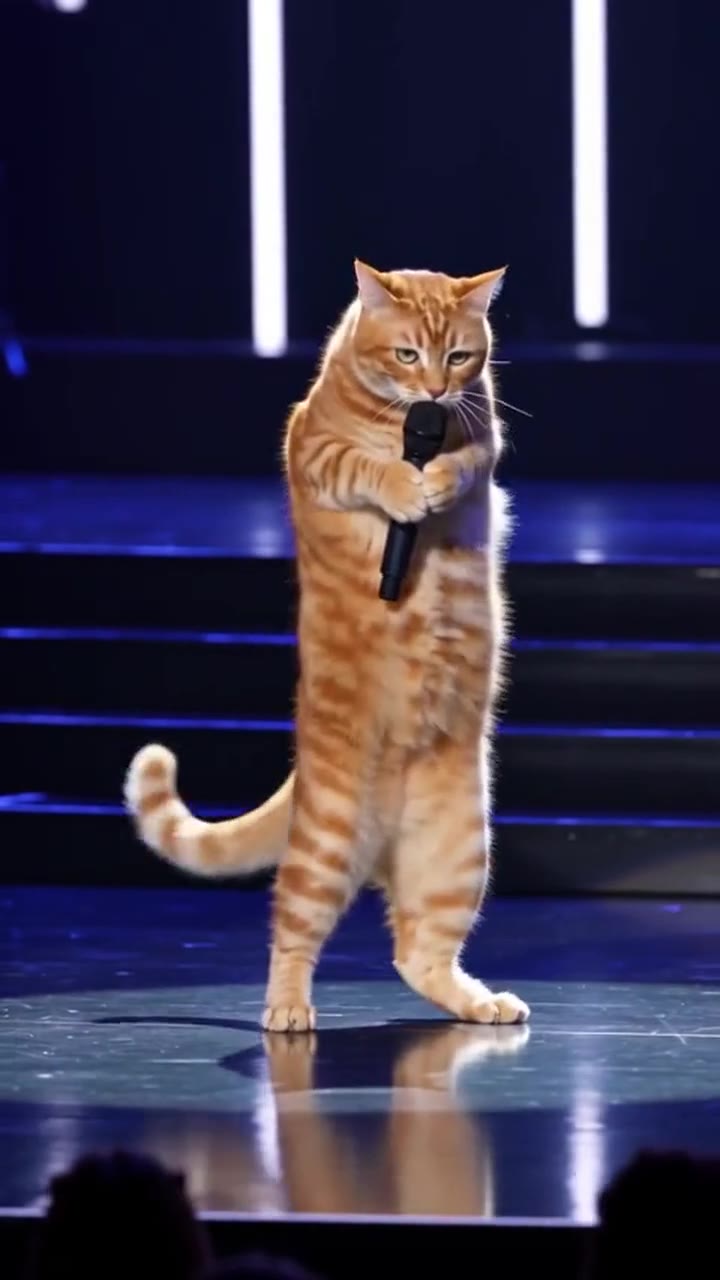
Genjutsu AI is a motion-transfer video tool: it keeps the movement, cuts and timing of an existing clip and rebuilds who is in it from reference images. If you want the same result without a source video and a set of reference images, videosi makes a Genjutsu-style 15-second clip from one photo of you, and it costs 13 credits on the Standard 720p model.
Key takeaways
- Genjutsu is a separate tool from a different company, and videosi is not Genjutsu and is not affiliated with it; videosi drives ByteDance's Seedance with a motion reference clip.
- Genjutsu needs a source video of 4 to 30 seconds plus 1 to 8 reference images; the videosi page needs one photo and no template choice.
- One 15-second Standard 720p clip is 13 credits; the $6.99 Single pack holds 10 credits, which is not enough for one clip, and there is no free tier.
- Motion transfer drifts when the reference clip carries faces and clothes the prompt did not separate from the motion.
In this guide
- How do you use Genjutsu motion transfer?
- How many reference images does it need?
- What does Genjutsu cost?
- Genjutsu vs one-photo motion transfer: what is the difference?
- How does Seedance copy motion from a reference clip?
- Why does motion transfer drift?
- Which viral motions does videosi cover?
- Can you use your own source video?
- Is there a free Genjutsu-style option?
- How do you add the sound and post it?
How do you use Genjutsu motion transfer?
In the tool's workflow you start from a source video, then add reference images for the people, place and look you want, and optionally write a short prompt. ComfyUI's documentation for the Genjutsu node describes it this way: the source clip keeps its motion, camera movement and timing, while the reference images rebuild the characters, location, wardrobe and style.
The same documentation gives the practical advice that matters most. Name in the prompt which reference replaces which person or object, because that is the only way to map images to people. Describe only the change, since everything you do not mention is rebuilt from the references. And pick a source clip whose framing already suits the result, because framing is preserved.
That is a real workflow with several moving parts. If you only want to see yourself inside a viral clip, the Genjutsu-style page on videosi hides those steps: you upload a photo and press Generate.
How many reference images does Genjutsu need?
According to the ComfyUI documentation, the node takes between 1 and 8 reference images in total, one image per slot. A batched input still counts once per image, and the combined total across all slots cannot go above 8. The same page recommends keeping the set small, ideally one image per element: a character, a location, a wardrobe piece or a style.
More references are not automatically better. Each extra image is another thing the model has to reconcile with the motion, and the docs themselves note that you should expect variation between runs even with identical settings.
On videosi the count is simply one. Your photo is the only source for your face, hair, build and outfit, and the place comes from the Hotel Lobby motion. If your photo shows a dog or cat, the same animal stays in the clip instead of turning into a person.
What does Genjutsu cost?
Searches such as "higgsfield genjutsu cost" are common, but a reliable per-second price is hard to quote. The ComfyUI page says only that the node bills per output second and does not list a rate, so check the current price in the app you plan to use before you run it. The output also matches the length of the prepared source clip, so a 12-second input returns a 12-second video, and longer clips cost more.
The videosi side is fixed and easy to check. A 15-second clip on the Standard 720p model is 13 credits. The Single pack is $6.99 for 10 credits, which is short of one clip, so a clip needs a larger credit pack or a plan, and plans start from $29.90 a month. There is no free tier, and a failed, timed-out or blocked render returns its credits automatically.
Genjutsu vs one-photo motion transfer: what is the difference?
The two approaches solve the same problem from different ends. Genjutsu gives you control: you bring any source clip between 4 and 30 seconds and decide, image by image, what replaces what. The price of that control is preparation, since you need a clip, several references and a prompt that maps them.
One-photo motion transfer gives you speed. The motion clips are already chosen and cut, so you cannot upload your own source video, but you also cannot misassign a reference. The clip is 15 seconds and silent.
A fair rule of thumb: if you need a particular custom scene, use a tool built for custom source video. If you want to appear in a trend that is already going around, the one-photo route is quicker and cheaper to repeat.
How does Seedance copy motion from a reference clip?
videosi uses ByteDance's Seedance, which accepts video as an input alongside images. ByteDance's launch post for Seedance 2.0 says users can input up to 9 images, 3 video clips and 3 audio clips together with natural-language instructions, and that the model can reference framing, motion, camera moves and visual effects from those inputs.
In practice that means the prompt can say "follow the motion and cuts of this clip" while a separate instruction says "take the face and outfit from the photo." The trend pages in this family do exactly that, with a beat-by-beat timeline that places each cut where the original clip cuts. You can see the same method on Hotel Lobby AI and Storm Trend AI.
Why does motion transfer drift?
Drift is when the result stops looking like you, or stops looking like the original moves. There are a few common causes.
- The reference carries identity. A motion clip also contains faces and clothes. Unless the prompt separates motion from identity, the result slides toward the people in the reference.
- Crowds borrow faces. In crowd shots the model tends to copy your face onto strangers or dress you in the crowd's uniform.
- Timing is hard. Landing the cut and the drop on the right second can take more than one try.
- The model is not perfect. ByteDance's own post says multi-subject consistency still has room for optimization and that subject appearance is preserved well but is still far from perfect.
Two habits help on any tool. Use a sharp, front-facing photo with no sunglasses, masks or hats, and keep other people out of it. Then expect to run it a couple of times rather than once.
Which viral motions does videosi cover?
This page is the Hotel Lobby motion, and it is the only one on it. The rap duo puts you in a flat orange studio under a hanging microphone, and because both rappers come from your one photo you appear twice, as identical twins in the same outfit. A pet is shown standing upright and gesturing like a rapper. There is no template to pick: you upload a photo and the 15-second clip follows the Hotel Lobby cuts.
The STORM II crowd version, where you walk into rows of identical uniformed strangers and then stand still while everyone around you breaks into the dance, lives on its own page: Storm Trend AI. A light or bright outfit makes you easy to spot against the dark blazers there. The original footage in these trends features performers such as Quavo and Takeoff and Yung Lean; videosi uses only your own photo and never their likeness.
Can you use your own source video?
Not on videosi. The page runs one prepared motion, Hotel Lobby, and the reference clip behind it is fixed. That is a deliberate trade: it keeps the cuts matched to the original and keeps the result consistent from run to run.
If you need a source video of your own, a tool that accepts arbitrary clips, such as the Genjutsu node in ComfyUI, is the better fit. Remember that the source clip you upload there also decides the framing of the result, so pick footage that already looks like what you want.
Is there a free Genjutsu-style option?
videosi has no free tier, so the honest answer is no for this page. One clip costs 13 credits, so the $6.99 Single pack of 10 credits does not cover it on its own; you need a larger pack, or a plan from $29.90 a month. Some creators say competing apps give a first generation away, but terms change quickly and you should read the current offer in the app itself.
If cost is the main worry, plan the photo before you spend anything. A waist-up or full-body shot with a clear face and your real outfit is the single biggest factor in whether the first attempt works.
How do you add the sound and post it?
The clip downloads as a silent MP4 with no watermark. Add the Hotel Lobby sound from your app's sound library when you post, so the beat lines up with the cuts, and label the video as AI-generated. Because the trend is about matching a known clip, the audio is half of the joke; a silent post loses most of the effect.
To start, open the Genjutsu AI page, upload a photo and pick 9:16, 1:1 or 16:9.