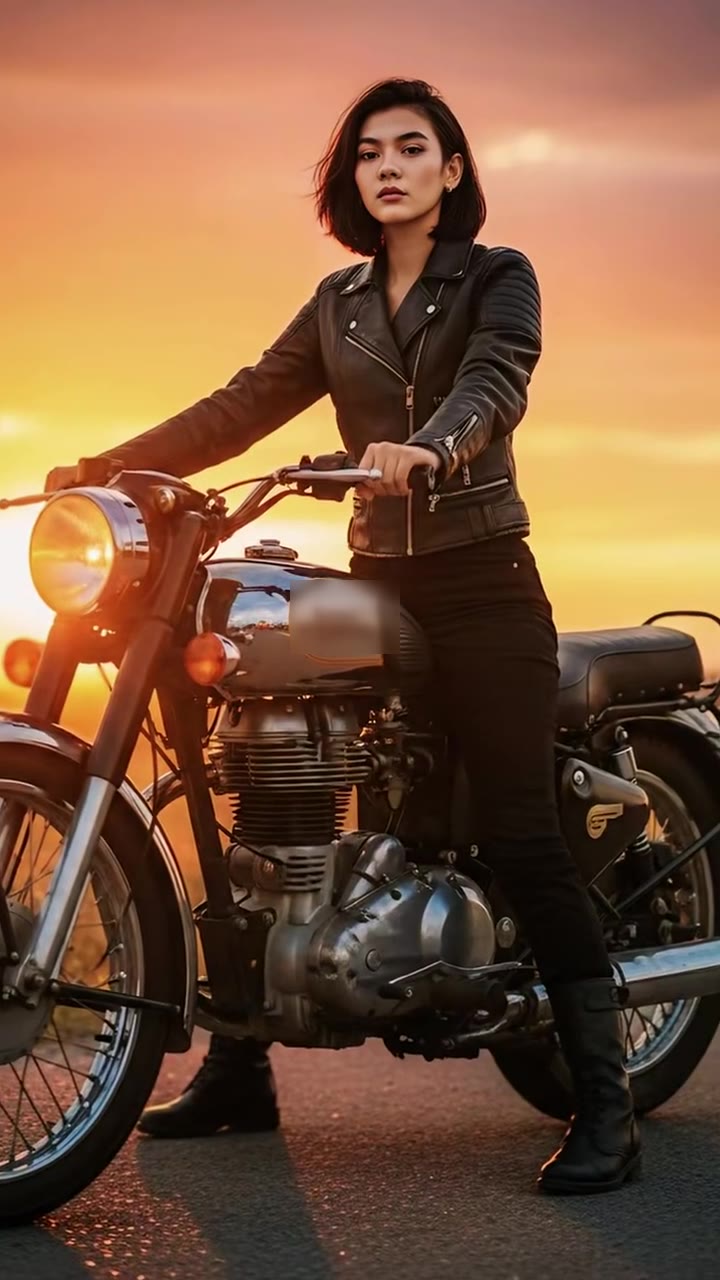
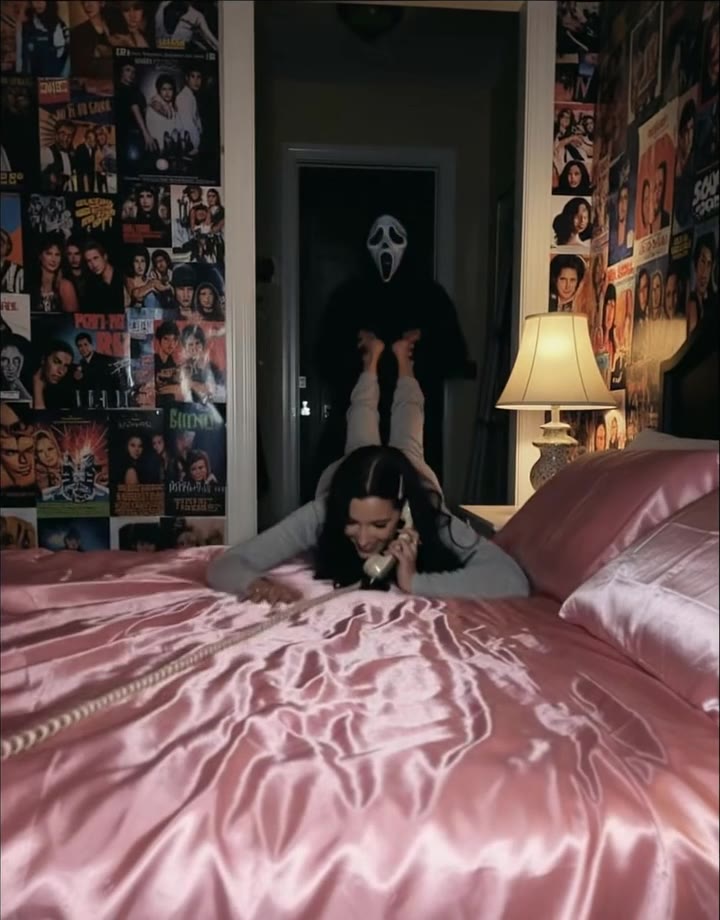
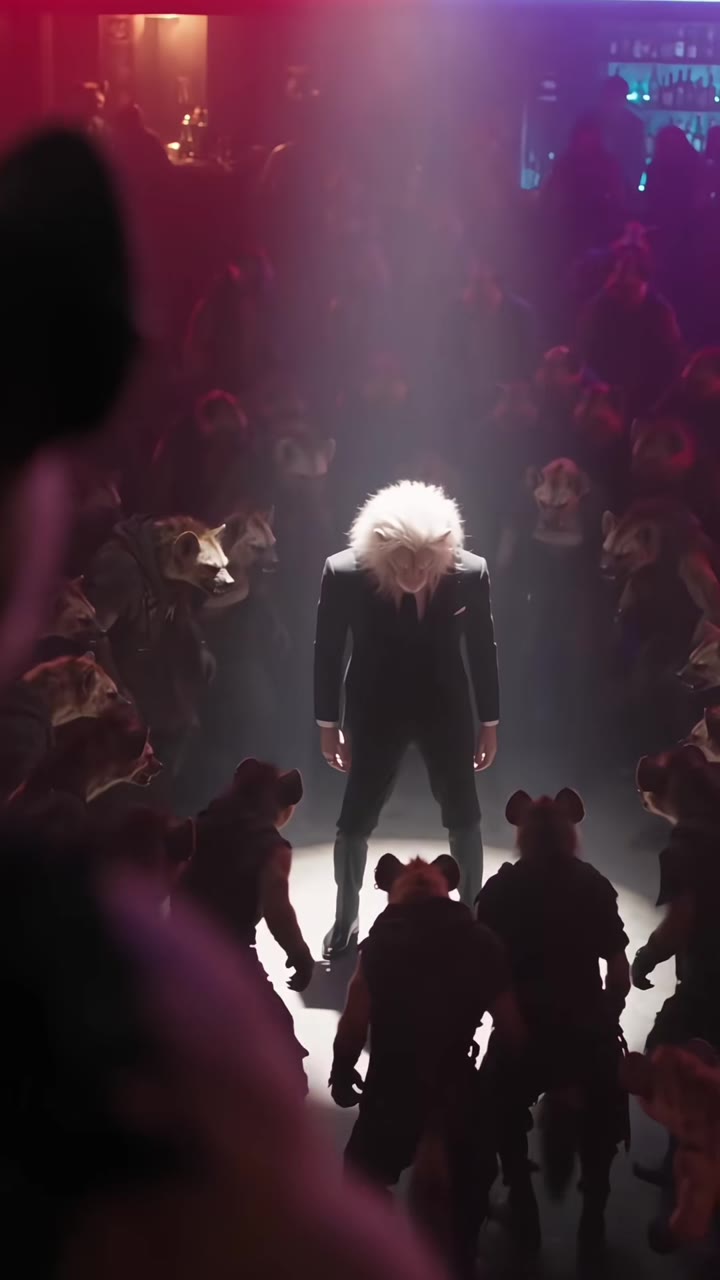
The camera cannon is a 10-second AI video joke in which a photographer's giant telephoto lens fires like a cannon when the shutter is pressed, and the shot flies down a hall to land on a person in a burst of crimson confetti. You can make your own version from one photo on the camera cannon AI page, with no prompt to write.
This guide answers the questions people ask about the trend that the page's own FAQ does not cover: why lenses look like cannons, which role to pick, what photo works, how to add sound, and whether it is safe to post.
Key takeaways
- The trend is brand new: the earliest clip was posted on TikTok on 26 October 2026, and there are no remakes or single sound yet.
- Pick the subject role to be the star, or the photographer role to take the recoil; one clear front-facing photo is enough.
- The blast is harmless confetti and smoke, not a weapon, and the file is a silent MP4 you add sound to.
- A standard 10 second video (Standard model, 720p) is 9 credits, and a failed render returns them.
In this guide
- Why does a big telephoto lens look like a cannon?
- Which role should you pick, photographer or subject?
- What kind of photo works best?
- Is a camera cannon the same as a Canon camera?
- Is the effect a weapon, and is it harmless?
- How do you add sound?
- Where did the trend come from, and why are there no remakes yet?
- Can you make it on your phone?
- Is it safe to post, and do you need an AI label?
- Which AI model makes it, and why does it often fail by hand?
- What does it cost?
Why does a big telephoto lens look like a cannon?
A telephoto lens is built to magnify distant subjects, and the more it magnifies, the longer and wider the glass has to be. A telephoto lens folds the light path with a special group of elements so it is physically shorter than its focal length, but sports and wildlife lenses are still thick white tubes that a photographer braces on a shoulder or a monopod.
That silhouette is the whole joke. A long barrel pointed at you, a person crouched behind it, and a sharp click at the end: it is easy to read the shape as artillery. The AI clip simply finishes the thought. When the shutter goes off, the lens flashes, recoils and smokes like a cannon, and then the picture it took arrives as a shot flying down the hall.
Which role should you pick, photographer or subject?
Pick the subject if you want to be the star. You stand at the far end of the hall reading a green book, the confetti bursts behind you, and the clip ends with you looking into the lens like a finished portrait. Most people who want a clip to post about themselves will want this one.
Pick the photographer if you like the comedy of the first three seconds: kneeling, aiming the giant lens, and taking the recoil. Your photo is used only for the role you choose. The other person is a generic adult the model invents, so the clip never mixes two real faces.
What kind of photo works best?
One front-facing photo in even light, showing your head and shoulders or more. The model holds your face, hairstyle, build and outfit steady for the whole clip, so it needs a clear look at them.
Tight face crops, hats, heavy shadows and blurry shots are the usual causes of a clip that does not look like you. For the photographer role, a close selfie is fine, because the camera hides part of the face anyway. Likeness is never guaranteed, which is why the choice of photo matters more than anything else you can change.
Is a camera cannon the same as a Canon camera?
No. The words are close, and some people will search for the camera brand by mistake, but the trend has nothing to do with it. The joke is the cannon, not the manufacturer. The camera and lens in the video are drawn with no brand name, logo or lettering, and videosi is not connected to any camera maker.
Is the effect a weapon, and is it harmless?
It is a visual gag, and the page is built so it stays one. The flash, the smoke and the crimson confetti are effects. There is no projectile, no fire on anyone and no injury, and the photographer rocks back unhurt.
This matters because video models drift. Without guidance, a lens that "fires" can turn into a real explosion or a visible bullet, which looks violent instead of funny and is more likely to be blocked. A motion reference and a strict rules section keep the blast cartoonish, and the only thing that lands on the subject is confetti.
How do you add sound?
The file you download is a silent MP4. The only original clip we found uses its own audio, and there is no single trending sound to copy, so you are free to choose.
Good options are a short boom or a shutter click timed to the flash at about 1.5 seconds, a low rumble under the rush down the hall from 3 to 5 seconds, and a soft pop for the confetti at about 7 seconds. Add them in the editor or the app you post from. Because the clip is silent, nothing needs to be removed first.
Where did the trend come from, and why are there no remakes yet?
The earliest clip we found was posted on TikTok on 26 October 2026. It was a promotional AI video from an AI video app's own account, not a creator. Our trend radar picked up the phrase "camera cannon ai" the same day.
As of 27 October 2026 we found no remakes by other creators and no single sound. That is normal for a trend that is a day old. A joke needs to be copied before it becomes a format, and a clip like this is hard to copy by hand: it needs a photographer, a giant lens, a long hall and a confetti rig. AI removes all of that, so the early window is when pages and tools appear first. We will update the page if the trend spreads or fades.
Can you make it on your phone?
Yes. videosi runs in a mobile browser, so you can pick a photo from your camera roll, choose your role and format, and press Generate. The render happens on the server, which is why it takes several minutes and why you can close the tab and find the result in My creations afterwards.
For posting, choose 9:16 if the clip is going to TikTok, Reels or Shorts, and 16:9 for a wide player or a presentation. The finished video is a 10 second MP4 with no watermark on paid renders.
Is it safe to post, and do you need an AI label?
Use your own photo, or the photo of an adult who agreed to it. videosi does not accept celebrities, public figures or minors, and users must be 18 or older. Posting a clip of someone without their say-so is the fastest way to a takedown.
On labels, platforms increasingly ask you to disclose realistic AI video. YouTube, for example, asks creators to disclose AI-generated or altered content that seems realistic, using an AI setting at upload. This clip shows a person in a place and situation that never happened, so treat it as realistic and turn the label on wherever the app offers one. Check the current rules of the platform you post to, because they change.
Which AI model makes it, and why does it often fail by hand?
The video is made with ByteDance's Seedance video model. By default videosi uses Seedance 2.0 Mini on the Standard tier, with Fast, Pro and Ultra (Seedance 2.5) available if you want more resolution.
Doing it by hand means writing a long prompt and attaching a motion reference, then retrying. Typical failures are the lens firing a visible projectile, your face landing on both people, or the giant lens shrinking mid-recoil. Each retry costs credits and several minutes. The camera cannon page has the structure already set up, so you only choose your photo, your role and the ratio.
What does it cost?
There is no free generation. A standard 10 second video (Standard model, 720p) is 9 credits. Credit packs start at $6.99 for 10 credits and never expire, and plans start at $29.90 a month. A failed, timed-out or blocked render returns its credits automatically.
Since the quality of the result depends so much on the photo, spend a minute choosing one before you press the button. When you are ready, start from the camera cannon AI video page and upload your photo there.