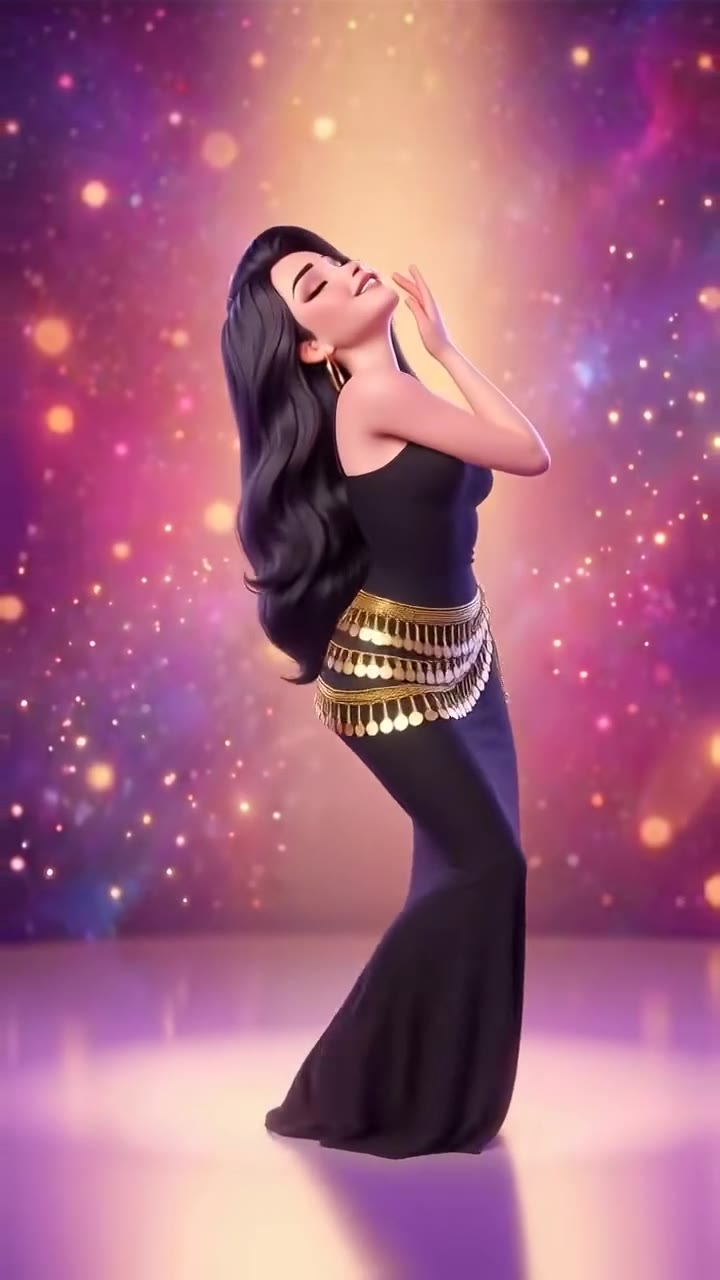
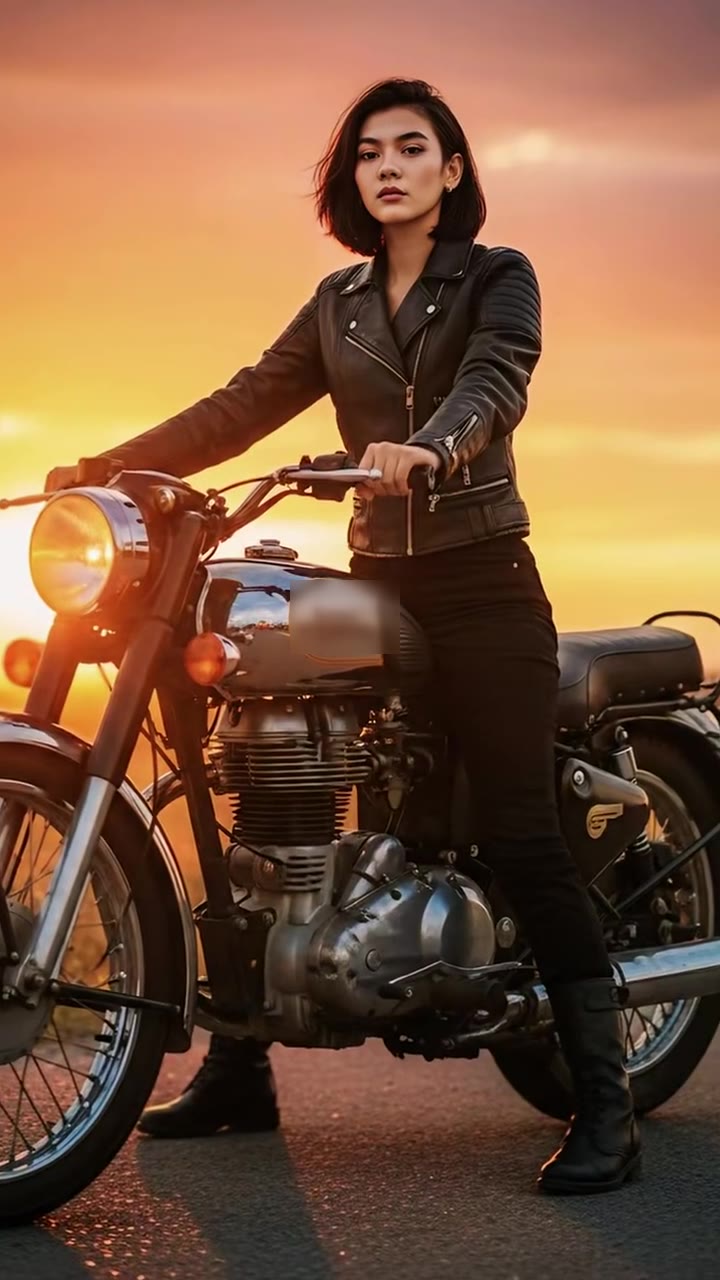
The Bécane AI trend is a wave of short AI videos in which one photo becomes a singer performing Yamê's Bécane at a hanging microphone in front of a plain burnt-orange wall. To make it, you upload one clear photo of yourself to videosi, pick an outfit and download a 10-second silent clip, then add the song where you post. This guide goes deeper than the trend page: why the original went viral, what the song means, and how to get a clip that holds up.
Key takeaways
- The trend copies the look of a one-colour live session, not the singer: one wall, one microphone, one performer.
- The videosi clip is 10 seconds and silent, so it is a lip-sync style meme without real lip sync.
- You add Bécane on TikTok, Reels or CapCut and start the cupped-hand move on the first long note.
- A 10-second Standard 720p clip is 9 credits; the Single pack is $6.99 for 10 credits and Basic is $29.90 a month.
- Use your own photo or one of an adult who agreed, never a celebrity or a child.
In this guide
- Why did Yamê's COLORS performance go viral?
- What is the song Bécane about?
- Where did the AI version come from?
- Why is the AI trend a lip-sync meme but the videosi clip silent?
- How do you line up the original song in CapCut?
- How should you shoot the photo?
- Which outfit works better?
- How does this compare with templates and other video apps?
- Why can you not use a celebrity photo?
- Do you need to label the video as AI?
- What does a Bécane AI clip cost?
Why did Yamê's COLORS performance go viral?
It went viral because it is almost nothing but a voice and a face. According to Wikipedia's Yamê article, the COLORS studio invited him to perform the song on 1 June 2023 to promote his debut project Elowi, and the performance went viral on social media. Our own notes add that it topped Spotify's Viral 50 before the single came out on 13 June 2023.
The format helps. A COLORS session strips away everything: one seamless coloured wall, a hanging microphone and a single performer. With no set and no band, attention goes to small physical moments, such as a hand cupped against the mouth, closed eyes on a long note and a head tilted back. Those moments are easy to describe, easy to copy and easy to recognise in a one-second preview, which is exactly what a short-video trend needs.
The song also travelled beyond France. The same Wikipedia article lists chart peaks including number 9 on the French Singles Chart and number 11 on Belgium's Ultratop Wallonia chart. We do not quote view counts for the AI videos, because none of the figures we saw can be checked.
What is the song Bécane about?
Bécane is about freedom. The word is French slang for a motorbike, and in an OkayAfrica interview Yamê describes the bike as a metaphor for whatever lets a person move freely, especially in a crowded city like Paris. He adds that everyone has their own bécane, whether that is a car or books.
The same interview explains how the track was built: he wrote the words first, with rap in mind, then made the instrumentals and realised he wanted to sing more. The chorus came most easily. That is why the performance feels so absorbed and melodic, and it is the mood the AI clip tries to keep: soulful, eyes often closed, nothing hurried.
We summarise the song here and never print its lyrics, since they are under copyright. In the AI trend the title simply names the sound, and you do not need to know French to join in.
Where did the AI version come from?
The earliest AI uploads we found are CapCut template posts dated 26 September 2026, tagged #ailipsync and #BecaneYame. Tutorials followed in the weeks after, and from 21 October 2026 some of them showed the same studio with ordinary people. Who made the first template is unconfirmed, so we do not credit anyone.
Many of those posts put famous faces and film characters into the burnt-orange studio. The Bécane Yamê AI page does not do that. It treats the trend as a format, a plain studio and a performance, and puts you in it instead.
Why is the AI trend a lip-sync meme but the videosi clip silent?
The tag #ailipsync describes the genre: a still person seems to sing a real song. Making that match exactly needs audio-driven mouth animation, and it is easy to spot when it drifts by a few frames. The videosi clip takes a simpler route. The mouth moves like singing, with relaxed lips and no exaggerated chewing, but it is not tied to any word, and the file has no sound.
There are two reasons for that choice. First, a silent file leaves the music rights with TikTok, Reels or CapCut, whose licences cover the song. Second, a mouth that only suggests singing is forgiving: if your sound starts a beat late, nobody sees a mismatch, because nothing was promised. The hand gestures, the closed eyes and the slow pull-back carry the performance.
How do you line up the original song in CapCut?
Import the MP4 into CapCut, add the Bécane sound from the library, and slide the audio until the first long note meets the cupped-hand move. In the clip that move starts at about half a second and holds until about 2.5 seconds, so it is the natural anchor.
Two small habits help. Trim the first few frames if the sound feels late, since the tight close-up is the only part that barely moves. And listen once with your eyes closed: the high note should land when the camera has eased back to a waist-up shot, around the 4 to 6 second mark. On TikTok or Reels you can add the sound directly in the app instead. Many AI posts use an original-sound upload of the COLORS version, so either route works.
How should you shoot the photo?
The first two seconds are a tight close-up with a hand over your mouth, which is the hardest moment for a video model to keep recognisable. Give it as much to work with as you can.
- Face forward and sharp: a bright, front-facing face, not a small or dark one from across a room.
- Sunglasses off: the performance lives in closed eyes and lifted brows.
- Show your top half: a waist-up or full-length photo gives the model your sleeves and hands for the open-palm shots.
- One person only: in a group photo the model takes the most prominent face, which may not be yours.
- Even light: window light from the front beats a lamp from one side.
Likeness is not guaranteed. Fingers over the mouth can blur for a few frames, and a failed or blocked render returns its credits.
Which outfit works better?
There are two options: Your own clothes, or a black tee with a thin gold chain and grey sweatpants. With your own clothes, the whole look comes from the photo, including hair, so do not expect a restyle. That is the safer choice when you want the result to look like a real recording of you.
The black tee suits the warm wall. It gives a clean dark shape against the burnt orange and matches what many of the early clips wore. If your photo shows a busy pattern or a small logo, the preset avoids shimmer in the wider shots at the end. In both cases the prompt forbids readable text on clothing, so slogans will not appear.
How does this compare with templates and other video apps?
Most early Bécane AI clips came from shared CapCut templates and from video apps such as Kling, not from a TikTok camera filter. Templates are quick, but they change or disappear, and you cannot adjust anything. A general video app gives you control, but it expects you to write a long prompt, and a text prompt alone rarely holds this look.
Without a motion reference, a model tends to try to recreate Yamê himself, put the microphone in your hand or on a stand, or write a channel name on the wall. The Bécane AI page pairs your photo with a 10-second reference for the hand-to-mouth move, the head tilts and the pull-back, and keeps the wall blank. There is nothing to write and nothing to install. The trade-off is that you get one choreography, not an open-ended scene.
Why can you not use a celebrity photo?
videosi takes one photo of a real adult who agreed: you, or a relative or friend with their permission. Celebrities, film characters and children are not accepted, even though many posts use them. Putting a famous face into a believable performance can mislead viewers about who really sang, and a minor's face should not be turned into a synthetic video.
The clip also does not imitate Yamê. The prompt asks the model to take nothing from the person in the reference, not the face, hair, tattoos or clothing, and to include no famous people. videosi is independent and is not affiliated with Yamê, his labels, COLORS, TikTok or CapCut.
Do you need to label the video as AI?
It is good practice, and several platforms ask you to. TikTok and Instagram both offer a setting to mark content as AI-generated. A short line in the caption does the same job, for example that it is an AI video made from your own photo.
Labelling matters most here because the clip looks like a real studio session. Say what it is, credit the song to Yamê, and do not suggest he took part. If you share a version of someone else, get their permission first.
What does a Bécane AI clip cost?
A 10-second clip on the Standard model at 720p costs 9 credits. Better models and higher resolutions cost more. Every generation uses credits.
The Single pack is $6.99 for 10 credits, and credits never expire. Basic is $29.90 a month. A render that fails, times out or is blocked returns its credits automatically, so a bad run does not cost you. If you want to compare outfits, budget for two runs, one with your own clothes and one with the black tee.
Ready to try it? Open Bécane Yamê AI, upload one clear photo, choose 9:16, 1:1 or 16:9 and press Generate, then add the song where you post.