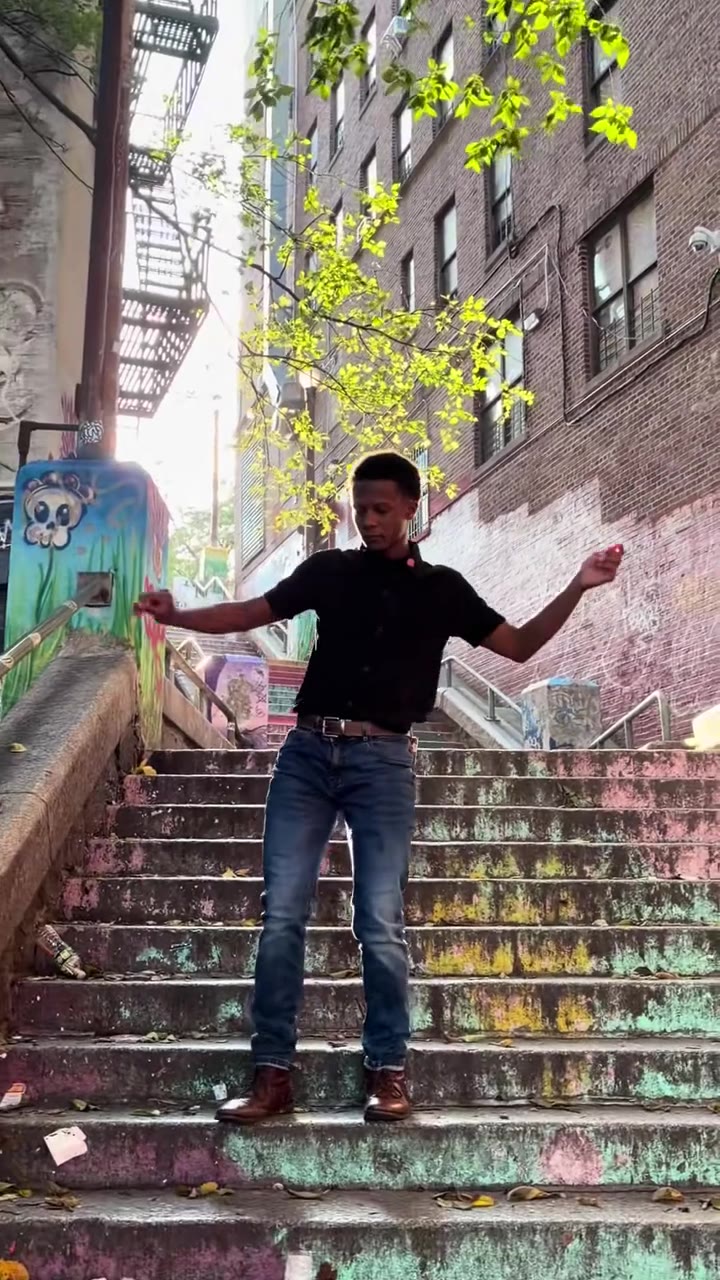
The Abra Kadabra AI dance is an AI-made version of the 11-second TikTok hand-gesture routine in which a second dancer appears on the magic-word beat and both finish with a thumbs-up. On videosi you make it from one photo of yourself, solo or with a double, and download a silent MP4 to which you add the trend sound on TikTok.
This guide answers the questions around the trend that the page FAQ does not: how the entrance works, how to time the sound, how to get clean hands and what to check before posting. Every remake we found was filmed by real people, and the AI version is new.
Key takeaways
- The routine has six beats over 11 seconds, and the second dancer appears at about 3.5 seconds.
- The hand over the mouth is where AI video breaks first, so use a photo with both hands visible and check the 6.5 to 9 second beat.
- The AI video is silent; add the sound on TikTok and land the hook at about 3.5 seconds.
- A standard 11-second video (Standard model, 720p) costs 10 credits, packs start at $6.99 for 10 credits and there is no free tier.
- Label the post as AI-generated and only use a photo of an adult who agreed.
In this guide
- Why does the second dancer seem to appear out of nowhere?
- How does the hidden-arms version work?
- How do I time the sound when I post the video?
- Should I pick Solo or You + your double?
- How do I get clean hands in the result?
- What should I wear in the photo?
- What are the aura caption memes on the same sound?
- Should I film it for real or make it with AI?
- Do I need to label an AI Abra Kadabra video on TikTok?
- Can I use someone else's photo, and what about privacy?
Why does the second dancer seem to appear out of nowhere?
The whole joke of the trend is the entrance. One person waits with hands on the hips and nods to the beat, and on the hook a second dancer is suddenly there, as if the magic word had conjured them. In the real clips the effect is just timing: a friend steps in from off camera, or someone ducks behind the first dancer, right on the beat.
That is why the wait matters. In our beat table the wait runs from about 1 to 3.5 seconds, and in duo clips the second dancer arrives there. If the entrance comes early, the surprise is gone and the clip reads as two people dancing, not a trick.
The Abra Kadabra AI dance keeps that structure. In double mode a second copy of you appears beside you at about 3.5 seconds, so the reveal still lands on the beat.
How does the hidden-arms version work?
Some clips skip the second face. A pair of arms pops out from behind the first dancer, so it looks like one person has four hands. The person in front does the face and torso, and a friend standing close behind slips their arms through and does the hand gestures.
It works because the routine is almost all hands: rolling fists, a hand over the mouth, a sweeping flat hand and a double thumbs-up. The viewer is busy following the hands, not counting them.
This is a real-life trick. The AI version on videosi does not use hidden arms, because it copies one person from your photo, solo or with a double beside you.
How do I time the sound when I post the video?
The videosi file is silent, so the sound is something you add on TikTok or Reels. Most dance clips use a sound credited on TikTok as "som original" by the account Dudex, first posted on 19 May 2026. The track's real title and artist are unconfirmed, and other uploads of the hook exist, so pick the version your feed uses.
Line the hook up with about 3.5 seconds into the clip. That is where the first fist roll starts in the 11-second routine, and in double mode it is just after the second copy appears. Preview the clip with the sound, nudge the sound start until the entrance hits the beat, then post.
Sound choice is made inside the app under its own music rules. We do not include or license any music.
Should I pick Solo or You + your double?
Pick Solo if you want a clean, simple clip: one person, the full 11-second routine, nothing to go wrong between two bodies. Pick the double if you want the signature "appears as if by magic" moment.
Double mode asks more of the model, because the two copies must match in face, hair and outfit. Our own notes say the copies can differ slightly. If the first double result looks off, a simpler plain-coloured top in the photo often helps the copies match.
Both options cost the same on the standard model: a standard 11-second video (Standard model, 720p) is 10 credits.
How do I get clean hands in the result?
Hands are where AI video breaks first, and this routine is nothing but hands. The cover-the-mouth move is the riskiest part: fingers can merge, or the face can change when a hand crosses it.
What helps is on your side, in the photo. Use a waist-up or full-body shot facing the camera with both hands visible, in even light. Then the model has your real skin tone, nails and sleeves to work from.
Check the spell beat, from about 6.5 to 9 seconds, before anything else. If the fingers look wrong there, a new render with a better photo is usually a better fix than editing. A failed, timed-out or blocked render returns its credits automatically.
What should I wear in the photo?
Whatever you wear in the photo is what you dance in. Pick a plain top that stands out from a light background, so the gestures stay readable and, in double mode, the two copies look identical.
Skip sunglasses and face masks. Anything over the face makes the likeness drift, and the hand-over-the-mouth beat is hard enough already. Busy patterns, big logos and loose sleeves that hide the wrists make the hands harder to follow.
What are the aura caption memes on the same sound?
Spanish-speaking creators also use the same sound for "aura" caption memes with no dance at all. The caption does the work and the sound is only the backing.
Search results for the sound therefore mix two kinds of videos: the 11-second hand routine and caption clips. If you want the dance, look for clips where someone waits with hands on the hips and then a second dancer arrives. If you are comparing view counts, remember that the sound total of about 417,500 videos by 26 October 2026 includes both.
Should I film it for real or make it with AI?
Every remake we found was filmed by real people. Filming is the better choice if you have a friend nearby, because the real entrance has personality that no render copies.
To film it, prop the phone at chest height, frame from head to mid-thigh and rehearse the entrance until it lands on the beat. The routine is short, but the six beats come fast: lean in, the wait, fist roll, rolling fists, the spell and the thumbs-up.
The AI version is new, and it suits the case where nobody is around, you want a double of yourself, or you want to see the trend before you commit to filming. A new render takes several minutes and the result is saved in My creations.
Cost is simple. Packs start at $6.99 for 10 credits, plans start at $29.90 a month, and there is no free tier. Open the Abra Kadabra AI dance page to try it.
Do I need to label an AI Abra Kadabra video on TikTok?
Yes, label it. TikTok's community guidelines say creators must label AI-generated or significantly edited content that shows realistic scenes or people, and that unlabeled content may be removed, restricted or labelled by TikTok depending on the potential harm (TikTok Community Guidelines, integrity and authenticity).
A realistic dance video of a person is exactly that kind of content. Use the app's AI-generated content label when you post, and say so in the caption if you like. Honest labelling also keeps the clip from being mistaken for a real filmed remake.
Can I use someone else's photo, and what about privacy?
Only use a photo of an adult who agreed to it, and only one person per video. The double option copies the one person in the photo; it never adds a second real person, so do not try to cast a friend as the double.
Photos of celebrities, public figures and minors are not accepted on videosi, and users must be 18 or older. Photos and results are deleted within 30 days.
On the platform side, TikTok's privacy guidelines say it may remove personal information shared without consent when it puts someone at risk of harm (TikTok Community Guidelines, privacy and security). A short "yes, post it" from the person in the photo is the simple way to stay clear.