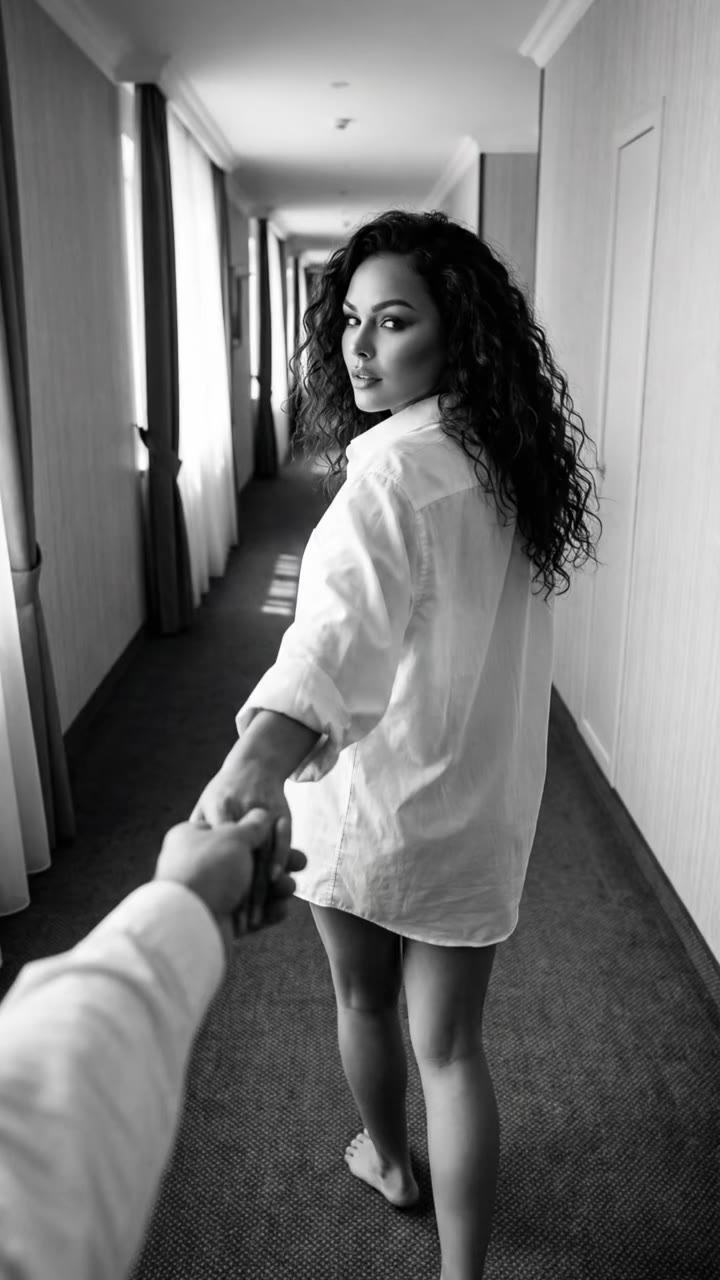
Fergie Baby AI is a trend where you put yourself in a Harlem rapper's park walk, and you can make it from one photo on the Fergie Baby AI trend page. The result is a silent 15-second video, so you add the sound yourself.
This guide goes past the basics. It answers the questions that come up once you start: why the walk caught on, how to cut the side-by-side, why feet slip, which look to pick, how to handle sound, and whether to say it is AI. External references are the ByteDance Seed Seedance page and Wikipedia pages for Harlem and the singer Fergie, which is a different person.
Key takeaways
- Fergie Baby is a Harlem rapper, not the singer Fergie. His clip was posted in late September 2026, and AI remakes began around 13 October.
- Align your clip to the original on two beats: the gate at about 3.5 seconds and hands on head at about 8.5 seconds.
- Use a full-body photo to reduce sliding feet, and treat the song title as unconfirmed.
- Turn on the AI label. A 15-second Standard 720p video costs 13 credits, or 7 at 480p, and failed renders are refunded.
In this guide
- Why do people put themselves into the Fergie Baby walking video?
- How do I cut the side-by-side with the original?
- How is the Harlem walking edit different from a CapCut tutorial?
- Why does the AI version sometimes slip or float on its feet?
- Which look should I choose: own outfit, crown and chain, or golden hour?
- What sound should I use, and which song is it?
- Is this the singer Fergie?
- Do I need to label the video as AI-generated?
- How is it different from Hotel Lobby or the gas station dance trends?
- What does it cost, and what model makes it?
Why do people put themselves into the Fergie Baby walking video?
The clip is short, physical and easy to read, so swapping yourself in feels like a small joke with a clear punchline. In the original, a Harlem rapper swings open a chain-link park gate and struts toward a camera that backs away down the path. There is no dialogue to learn and no set to rebuild. Everyone knows what is supposed to happen at the gate and what is supposed to happen when the hands go up to the head.
Searches for the name started to rise around 10 October 2026, and AI versions appeared from about 13 October. Most are posted next to the original, which is the whole format: the viewer watches the real walk and the swapped walk and checks how closely they match.
How do I cut the side-by-side with the original?
Put the original on one half and your generated video on the other, and line them up on two landmarks rather than on the start of the clips. The first is the gate: the arm reaches up and the gate swings open at about 3.5 seconds. The second is the moment both hands go to the head, at about 8.5 seconds. If those two beats land together, the rest looks synced without any extra work.
Use a vertical 9:16 canvas and stack the clips top and bottom, or place them left and right with a thin gap. Keep both at the same speed. Do not use slow motion on your clip, because the walk is meant to be at real speed and the match is what people watch for. The generated video is silent, so the sound is something you add in the editor. See the Fergie Baby AI page for the beat table.
How is the Harlem walking edit different from a CapCut tutorial?
A CapCut tutorial teaches you to swap a face or a person into the original footage with masks, keyframes and an overlay. It can work well, but it depends on how clean your own cut-out is, and it keeps the original background and the original body. The Harlem walking edit as people describe it uses a different route: you generate a new clip in which you are the one at the gate, then place it next to the original.
With AI generation the park, the gate and the camera move are produced again around your photo, so you do not need to cut yourself out. The trade-off is that the model has to invent motion, so small differences from the original are normal. Both routes are called the Fergie Baby AI trend in search, and tutorials for the CapCut route are very common. If you already know CapCut, you can still use it for the final side-by-side and for the sound; the generation step is what the trend page handles.
Why does the AI version sometimes slip or float on its feet?
Walking toward a backing-away camera is hard for video models. The body is moving forward while the background slides the other way, and a model can lose track of which surface the feet are touching. When that happens you see skating, small slides at heel strike, or a body that seems to hover over the path. Fast shoulder bounces make it worse, because the upper body moves while the legs must stay planted.
Three things reduce it. First, use a photo where the full body and both shoes are visible, since the model then has real legs to work from instead of guessing. Second, avoid very long skirts, baggy hems or anything that hides the feet. Third, if a result slips, run it again: each generation is a fresh attempt, and a failed render is refunded in credits. The template already asks for real weight on each step and a real metal gate on hinges, but no model is perfect, so pick the best take.
Which look should I choose: own outfit, crown and chain, or golden hour?
The three looks change the scene and the clothing, not the walk. Your outfit, overcast is the most believable and the best default for a clean side-by-side, because the flat grey light sits closest to the original park. It also keeps your clothes exactly as in the photo, which helps people recognise you.
Crown and chain, black and white gives a high-contrast grade that feels like an old rap video. It is the most dramatic, but it adds a styled outfit that is not yours, so it suits a joke or a character version more than a straight match. Golden hour moves the same park to low warm sun and long shadows. It looks best on a phone screen and holds up well when you crop to a small square.
What sound should I use, and which song is it?
The generated video has no audio, so you choose the sound when you post. This is where care is needed. TikTok lists a Fergie Baby track named "Uptown Shooters N' Bronx Bombers" on many of these posts, but many remakes use a re-uploaded original sound instead, and the song name should not be treated as confirmed for every video.
The simple way is to open the trend in TikTok, tap the sound used by the post you want to match, and save it. Then add it in TikTok or CapCut and shift it until the hands-on-head beat lands on the hit you hear. Rights to the song belong to the artist and his label, so use the sound through the platform's own library instead of uploading a ripped copy.
Is this the singer Fergie?
No. Fergie Baby is a rapper from Harlem, New York, and the name is not a reference to a baby or to the pop singer. Wikipedia describes the singer Fergie as Stacy Ann Ferguson, known as a member of the Black Eyed Peas and for her solo albums. Harlem, according to Wikipedia, is a neighborhood in Upper Manhattan, New York City.
This matters for search. Queries like "fergie baby" can bring up the singer's results, and some related searches are from people looking for her songs. When you write a caption, use "Fergie Baby" in full so that people looking for the rapper's clip, not the singer, find your video.
Do I need to label the video as AI-generated?
Yes, label it. Your clip is a realistic video of a person doing something they did not film, and a label keeps the joke honest. Most platforms, including TikTok, offer an AI-generated content setting when you upload, and it takes a few seconds to switch on.
Use your own photo, or the photo of a friend who agreed. Do not put a stranger, a public figure or the original rapper into the walk. The page asks for a photo of a real person, so only upload someone you have the right to use.
How is it different from Hotel Lobby or the gas station dance trends?
The difference is the motion and the camera. Hotel Lobby AI is a two-character, fixed-camera rap performance in a bare studio, so the work is keeping two faces apart. A gas station dance is a stationary routine in front of a static backdrop. The Fergie Baby walk is one person moving through space with the camera retreating, so the hard part is footing and perspective, not faces.
That also changes what you upload. Hotel Lobby needs two photos. This one needs a single clear photo of one person, ideally full body. The timing differs too: the Fergie Baby clip has a gate at about 3.5 seconds and a head-touch at about 8.5, while dance trends depend on a beat that repeats. If you like walking and strutting formats, this is the one to try; for performances with two characters, look at Hotel Lobby AI.
What does it cost, and what model makes it?
A 15-second video at Standard 720p costs 13 credits, and 480p costs 7. Credit packs start at $6.99 for 10 credits, and monthly plans start at $29.90. It is not free, and if a render fails your credits are returned. The video is made with a Seedance-class model. ByteDance Seed describes Seedance as a video generation model that supports multi-shot generation from text and images, with smooth motion and detailed prompt handling.
The template is built in, so you do not write anything: upload one photo, pick a look and press Generate. You get a silent 15-second MP4 to post with your own sound. If you want to try it, start at the Fergie Baby AI page.