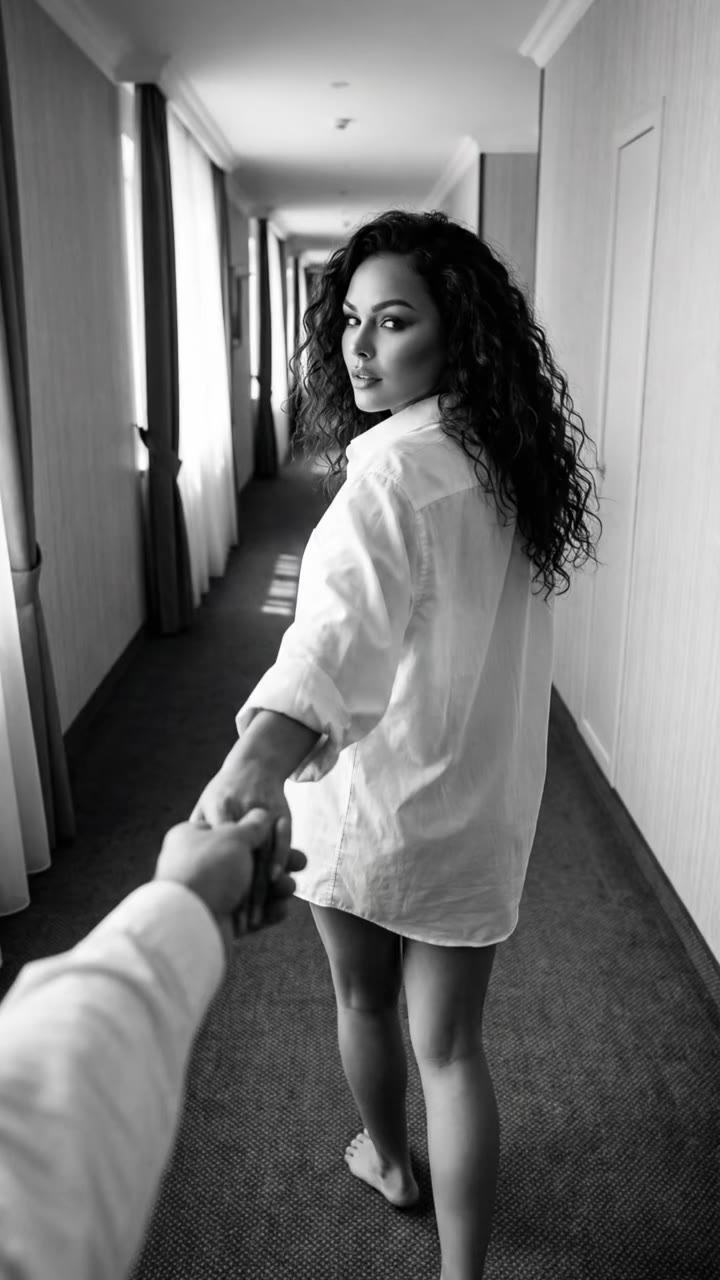
Burning Bridges AI is an AI video trend in which one photo of you or your pet hosts the chandelier-lit party from the video for Drake's song "Burning Bridges". videosi makes it in the browser as an 11 second silent clip, and you add the song where you post. This guide goes past the basics on the trend page and covers the song, the look-alike channel, the beats, the choices and the limits.
Key takeaways
- The song is Drake's "Burning Bridges" from Iceman (May 15, 2026); the trend copies a party scene, not the singer.
- It is not the Burnin' Bridges Ai Music channel, which makes AI songs.
- The clip has six beats in 11 seconds and is silent, so you add the sound yourself.
- One Standard 720p clip is 10 credits; packs start at $6.99 for 10 credits and there is no free trial.
- Use your own photo or your pet; no celebrities, public figures or minors, and label the post as AI.
In this guide
- Is there a Burning Bridges AI song?
- Is Burning Bridges AI the same as the Burnin' Bridges Ai Music channel?
- How do you make a Burning Bridges AI video?
- Is there a Burning Bridges AI video maker or generator?
- Is there a Drake Burning Bridges AI tutorial, and does Drake appear?
- What happens second by second in the clip?
- Does the video include the soundtrack?
- Can you use a pet or a fictional character as the lead?
- Why are pets the most common Burning Bridges AI remakes?
- Should you choose 9:16, 1:1 or 16:9?
- What should you check before exporting a Burning Bridges AI video?
- What does one Burning Bridges AI clip cost?
- Will your video be taken down, and should you label it as AI?
Is there a Burning Bridges AI song?
No. The trend has no AI-made song behind it. The sound people use is "Burning Bridges" by Drake, a track on the album Iceman, which came out on May 15, 2026 through OVO Sound and Republic Records. Wikipedia lists the song as part of that album and notes a music video on YouTube, and the album page confirms the release date.
What is "AI" about the trend is the picture, not the music. People take the party scene from the song's video and rebuild it with a different host. The song stays the original recording, and the usual way to get it into a clip is the platform's own sound library or an "original sound" upload of the party section.
Is Burning Bridges AI the same as the Burnin' Bridges Ai Music channel?
No, and it is the most common mix-up. When you type "burning bridges ai" into a search box, the first autocomplete suggestion is "burning bridges ai music", and that points to a channel called Burnin' Bridges Ai Music on YouTube and TikTok. That channel posts AI-generated songs.
The trend on this page is something else: a video meme from October 2026 that puts a new host into the party scene from Drake's "Burning Bridges" video. It makes no songs. videosi has no connection to the channel, so if you wanted AI music, this is the wrong page, and if you wanted the party clip, you are in the right place.
How do you make a Burning Bridges AI video?
On videosi you need one photo and about a minute. Open the Burning Bridges AI page, upload a clear photo of yourself or your pet, keep your own outfit or pick one of three looks (black tux, frog hoodie, gold chains), choose a frame shape and press Generate. You get an 11 second silent MP4. There is no prompt to write, because the motion reference and the instructions are built in.
Before that, tutorials mostly took a different route. The ones posted from about October 9, 2026 usually shared a CapCut template or told you to feed the original clip to Kling AI as a motion reference. Both can work, but templates come and go, and a motion reference trick means you write the scene description yourself. A page that fixes the room, the crowd and the routine saves that effort.
Is there a Burning Bridges AI video maker or generator?
Yes. videosi runs one at videosi.io/burning-bridges-ai, in the browser on a phone or a computer. One photo goes in and an 11 second party clip comes out. It is built on Seedance, a video model from ByteDance, using your photo for identity and a short remake of the party clip for the motion.
Is there a Drake Burning Bridges AI tutorial, and does Drake appear?
Searches for a "Drake Burning Bridges AI tutorial" or "Drake Burning Bridges AI generator" are really asking how to make the party clip, and the answer is the one above. Drake himself does not appear in videosi's version. The lead is whoever is in your photo, and the guests behind them are generic AI people who look like nobody in particular.
This is also a safety choice. videosi does not accept photos of celebrities, public figures or minors, and it does not make licensed characters. Many viral edits swap in footballers, actors or sitcom casts, but that is a different kind of clip and not something this page produces. Use your own photo, a friend who agrees, or your pet.
What happens second by second in the clip?
The 11 seconds have six beats, and knowing them helps you pick a good photo and a good sound edit. From 0 to 2.5 seconds you see a wide handheld shot of the lead dancing in the middle of the room, one arm up and a steel cup in the other hand. From 2.5 to 3.5 seconds they step into the camera and sweep an open hand across the lens.
From 3.5 to 5 seconds comes the toast: fingers toward the viewer, then the cup lifted to the lens. From 5 to 6 seconds the lead steps back to a medium shot and nods to the beat. From 6 to 8.5 seconds they point at the lens, then across the chest, then swing both arms out. The last stretch, 8.5 to 11 seconds, is a tug at the collar and a turn to point across the room while the guests point back.
Does the video include the soundtrack?
No. The clip is silent: nobody raps, nobody lip-syncs, and there is no music or sound effect baked in. This is deliberate. Adding the song yourself on TikTok, Reels or CapCut means the platform's own music licence applies, and you can line the beat up with the toast and the point.
Can you use a pet or a fictional character as the lead?
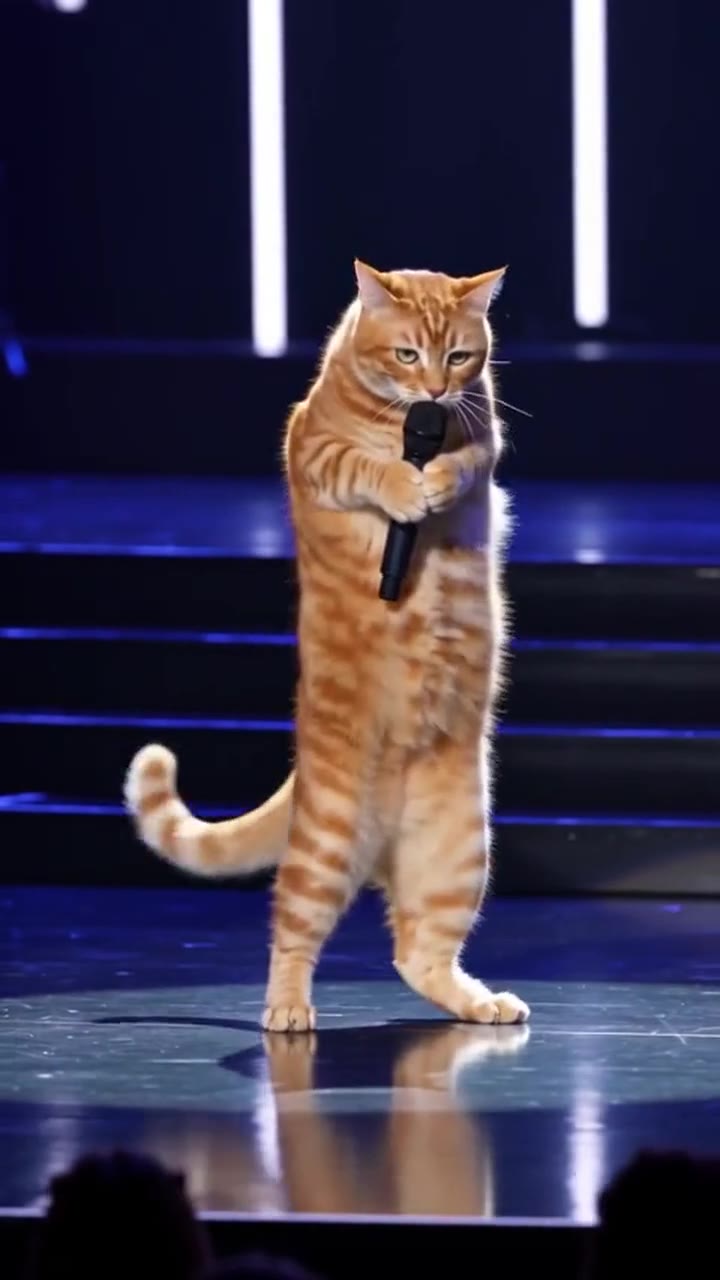
A pet, yes. Upload one clear photo of your dog or cat and it stands upright on its hind legs, uses its front paws like hands and keeps a natural animal face. The best photo shows the whole animal in good light, facing the camera. If the photo shows several animals, only the most prominent one is used.
A fictional character is less certain. Photos of real celebrities and public figures are not accepted, and licensed characters are not made. An original character you drew yourself, or a mascot you own, is the safe version of that idea. If a photo is rejected, try a cleaner shot of the same subject before assuming the page cannot do it.
Why are pets the most common Burning Bridges AI remakes?
There are three reasons, all visible in the clips. First, the original edits that travel furthest use actors and footballers, which most people cannot copy without breaking rules, so the open lane is pets. Second, the joke needs a contrast: a beagle in a tux or a poodle in a frog hoodie hosting a serious looking dinner party is funny in a way a person doing the same dance is not.
Third, pet photos are easy to get and nobody minds who appears. The examples on the trend page include a beagle in a tux, a ginger cat as host and a doodle in gold chains. Outfits are the cheap way to make each one different, because the room and the routine stay the same.
Should you choose 9:16, 1:1 or 16:9?
Pick by where you will post. 9:16 is the default for TikTok, Reels and Shorts, and it suits the close-up beats because the lead fills the frame. 1:1 works for feed posts and for sharing in chats. 16:9 shows more of the chandeliers and the crowd, which helps if the post is on a landscape player or a website.
What should you check before exporting a Burning Bridges AI video?
Run through a short list. Watch the lead's face in the close-up and compare it with your photo, since likeness is not guaranteed. Count the fingers or paws during the hand sweep. Confirm there is exactly one steel cup and that nothing spills. Look for stray text, a logo or a watermark in the frame, and check that nobody in the crowd looks like your lead.
If a clip fails any of these, generate again rather than editing around it. A failed, timed out or blocked render returns its credits automatically, but a render that finished and simply looks wrong is yours to judge, so check before you spend again.
What does one Burning Bridges AI clip cost?
A Standard 720p clip of 11 seconds costs 10 credits. Credit packs start at $6.99 for 10 credits, which covers one clip, and plans start at $29.90 a month. There is no free tier and no trial, so the first clip is a paid one.
Will your video be taken down, and should you label it as AI?
There is no way to promise how a platform will treat any post. What helps is being plain about what it is. Use the AI label or disclosure option on TikTok and Instagram, say in the caption that it is an AI remake, and do not present it as footage of a real party or a real person.
The clip itself is built to stay on the safe side: no celebrity likeness, no logos, no text overlays and no watermark. It is still your post and your responsibility. videosi is independent of Drake, OVO Sound, Republic Records, TikTok and CapCut, so nothing here is endorsed by them.
Ready to try it? Open the Burning Bridges AI page, upload one photo and pick a look.
Sources: Burning Bridges (Drake song) on Wikipedia and Iceman (album) on Wikipedia.