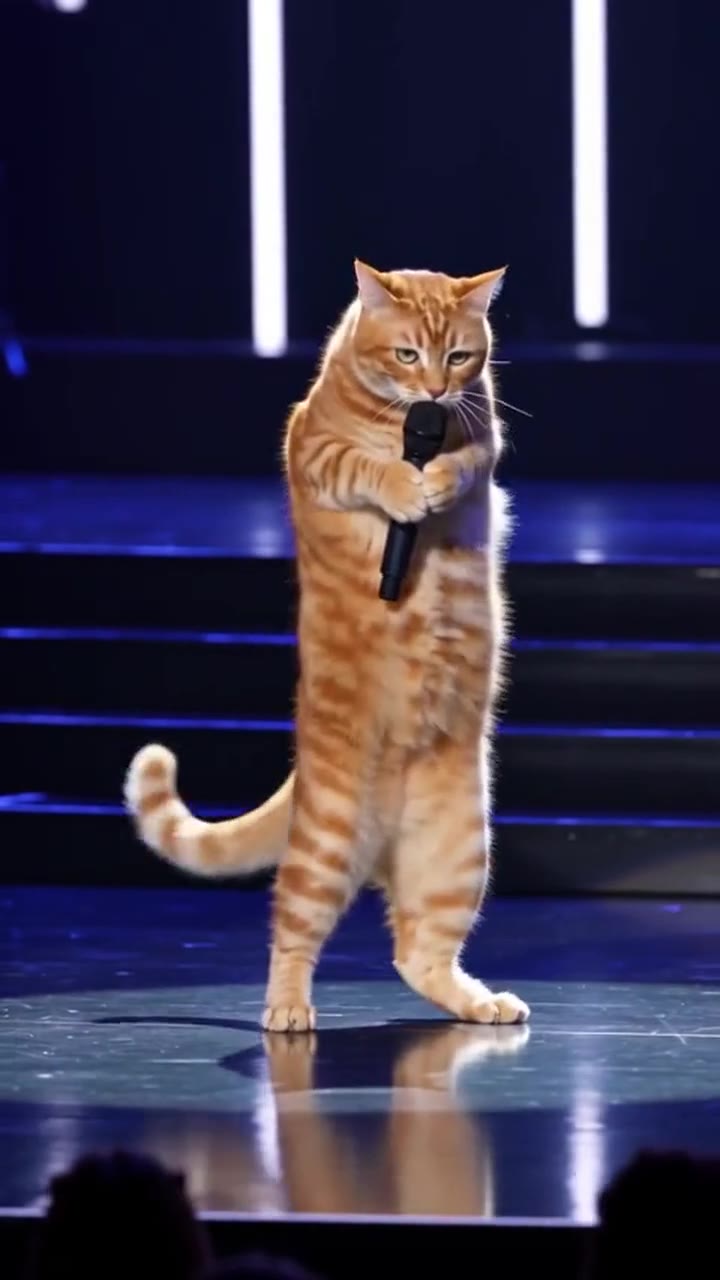
Bad Times AI is a 15-second clip in which a person, or a dog or cat standing upright, argues with the camera to Imael Angel's song "Bad Times", and videosi makes it from one photo. The video it gives you is silent, so you add the song yourself on TikTok, Reels or CapCut. This guide goes past the basics on the trend page and covers the choices that decide whether a pet version works.
Key takeaways
- The pet version is the one that took over in late September 2026, and the punchline is the final four seconds.
- Use one full-body, front-facing photo of one animal in daylight.
- The clip is silent with no singing or lip sync, so line up the "da da dadada" hook in CapCut.
- A 15-second Standard 720p clip is 13 credits; packs start at $6.99 for 10 credits and there is no free tier.
- The song's AI origin is described but unconfirmed.
In this guide
- Why did the pet version spread faster than the human one?
- How do you pick the right pet photo?
- What happens in the 15 seconds, and where is the punchline?
- How do you line up the "da da dadada" hook in CapCut?
- Should you label an AI pet video on TikTok?
- Can you make a two-pet or two-person version?
- How is this different from a CapCut template?
- Is the song AI-generated, and how big did it get?
- What does a try cost, and how many tries should you expect?
- What should you know before posting the result?
Why did the pet version spread faster than the human one?
The human version came first, but the pet version is what most people now mean by the trend. The earliest take is a French creator's close-up lip-sync, first posted in late August 2026 according to one trend write-up (unconfirmed). The pet wave is the part we could date: a clip of a dark shepherd dog standing upright in a kitchen went up on 22 September 2026, and husky, cat and towel-dog versions followed through October.
Our reading, not a measured fact, is that the joke needs a gap. A person arguing with a camera is funny for a few seconds. A dog on its hind legs clutching its head, then pushing a paw at the lens like a traffic cop, adds a second gap between what the animal is and what it is doing. The six beats do the rest, and the final finger-point is the payoff. We do not quote view counts because we could not verify them.
How do you pick the right pet photo?
The photo is the only source for the performer, so it decides how much the model has to invent. For a pet, use a full-body shot where the whole animal is visible: head, chest, legs and tail. The first ten seconds of the clip are a wide kitchen shot, and the model needs your pet's real legs and markings to keep the coat consistent.
Face the camera, with both eyes visible and daylight on the fur. The clip ends in a close-up that fills the frame, so a front-facing photo protects the likeness in the last four seconds. Use one animal only. A second pet in the background can end up performing too. Avoid costumes, leashes across the face and heavy shadows, which make the face drift during the walk-in.
If your pet is mostly dark, pick the photo with the best contrast on the face. Black fur loses detail fast, and a clear nose and eyes help the model keep identity when the close-up arrives.
What happens in the 15 seconds, and where is the punchline?
The clip has six beats on the Bad Times AI page. From 0 to 2 seconds, both hands or both front paws clutch the head. From 2 to 3 seconds, one hand flicks out to wave the bad times away. From 3 to 6 seconds, one hand sits on the hip and the other on the forehead in a wide kitchen shot. From 6 to 10 seconds, an open palm is pushed at the lens like a stop sign, then both hands go up and the head shakes.
The walk-in happens from 10 to 11 seconds: two quick steps toward the camera until the face fills the frame. From 11 to 15 seconds is the argument, a close-up with a finger or paw pointing down the lens and wagging, eyebrows up, mouth moving on the beat. If you only remember one thing, the punchline is the last four seconds. Everything before it is setup, so a photo that gives a clean face matters more than a clever pose.
How do you line up the "da da dadada" hook in CapCut?
The video from videosi is silent, so the timing work is yours, and it is quick. Import the MP4 into CapCut, then add the song as a separate audio track. Search for Imael Angel's "Bad Times" in the sound library; posts use the original version and remixes, so pick the one you like.
Slide the audio so the hook starts as the stop palm comes up, around the 6 second mark, then check where the walk-in lands. The aim is for the close-up, from 11 seconds on, to sit on the beat so the mouth movement reads as arguing along. Nudge the audio a few frames at a time rather than cutting the video, because cutting breaks the walk-in. If the hook feels late, try the Extended Version or another remix and compare.
On TikTok or Reels, you can skip CapCut: upload the MP4, pick the sound in the app, and use the trim handle on the sound to move the starting point. CapCut simply gives you finer control and a waveform to look at.
Should you label an AI pet video on TikTok?
Yes, label it, and check the current rule in the app when you post, since platform policies change. TikTok has an option to mark content as AI-generated, and a photoreal dog standing in a kitchen is exactly the kind of clip that benefits from it. Nobody is fooled for long, because the joke is that the pet is doing something it cannot do, but a label avoids a takedown or a confused comment thread.
It also helps with the sound. Because the clip has no voice of its own, viewers read the post as a creative edit set to the song, which is how most Bad Times posts work anyway. A short caption such as "AI version of my dog" is enough. This is general advice rather than legal guidance, and the exact wording of the platform rules is not something we have confirmed here.
Can you make a two-pet or two-person version?
Not in one clip. The Bad Times AI page takes one photo with one subject and produces one performer. A second person or pet in the background of that photo can end up performing too, which is a bug rather than a feature, so crop to a single subject.
If you want two pets, make two clips, one per animal, and cut between them in CapCut. The format suits this: one pet can finish its close-up, then the other starts its head-in-hands. Use the same aspect ratio for both, either 9:16 or 16:9, so the edit stays clean. That costs the credits of two clips, so it is worth checking each photo before you spend.
How is this different from a CapCut template?
A CapCut template for the Bad Times dance animates your photo with a preset effect, and the available ones change often, so search inside the app. They are quick, and they usually include the song.
Bad Times AI is a web tool that renders a new 15-second performance from your photo, following the original kitchen take beat for beat with a motion reference. The pet stands upright and does each move with its paws, including the walk toward the lens. The result is an MP4 without a watermark that you can open in CapCut, TikTok or Reels to add the sound. Choose a template when you want speed and the built-in song, and choose the generated clip when you want the full routine on your own pet.
Is the song AI-generated, and how big did it get?
The track is "Bad Times" by Imael Angel, a deep house single released on 30 March 2026. Its production is described as AI-assisted, with human-written lyrics and AI-built production, based on its Deezer bio and a Songfacts entry; whether it is fully AI-generated is unconfirmed, and neither the artist nor the label has said so officially.
For chart facts, Official Charts lists a peak of 67 on the Official Singles Chart, 2 on the Official Singles Downloads Chart and 4 on the Official Streaming Chart. AI Musicpreneur reports it at number 6 on US iTunes on 12 October 2026, with the Extended Version at number 7. Songfacts puts the song's theme at holding on to self-worth in hard times. Shazam and streaming totals are not covered here because we could not confirm them.
What does a try cost, and how many tries should you expect?
A 15-second Standard 720p clip is 13 credits. Credit packs start at $6.99 for 10 credits, and plans start at $29.90 a month. There are no free credits, so every try is paid. Credits are one-off in packs and do not expire. A failed, timed-out or blocked render returns its credits automatically.
Getting a standing pet to look natural can take more than one try. Common problems are a paw that briefly looks like a hand and a coat that shifts in the close-up. Both are far more likely with a poor photo, so fix the photo before you press Generate again. Standard is the default tier; Fast, Pro and Ultra are one click away if you want a different model, at higher credit prices shown on the page before you start.
What should you know before posting the result?
Three things. First, the clip is silent: nobody sings and the mouth moves on the beat only, so add the song yourself where you post. Second, the kitchen is a generic one and the moves follow the original take, not the many remixes you will see. Third, likeness is not guaranteed, and photos of celebrities and minors are not accepted.
videosi is not affiliated with Imael Angel, TikTok or CapCut. When you are ready, upload your photo on the Bad Times AI page, choose Your pet, pick the aspect ratio and generate. Then spend your effort where it counts: the photo before, and the sound alignment after.