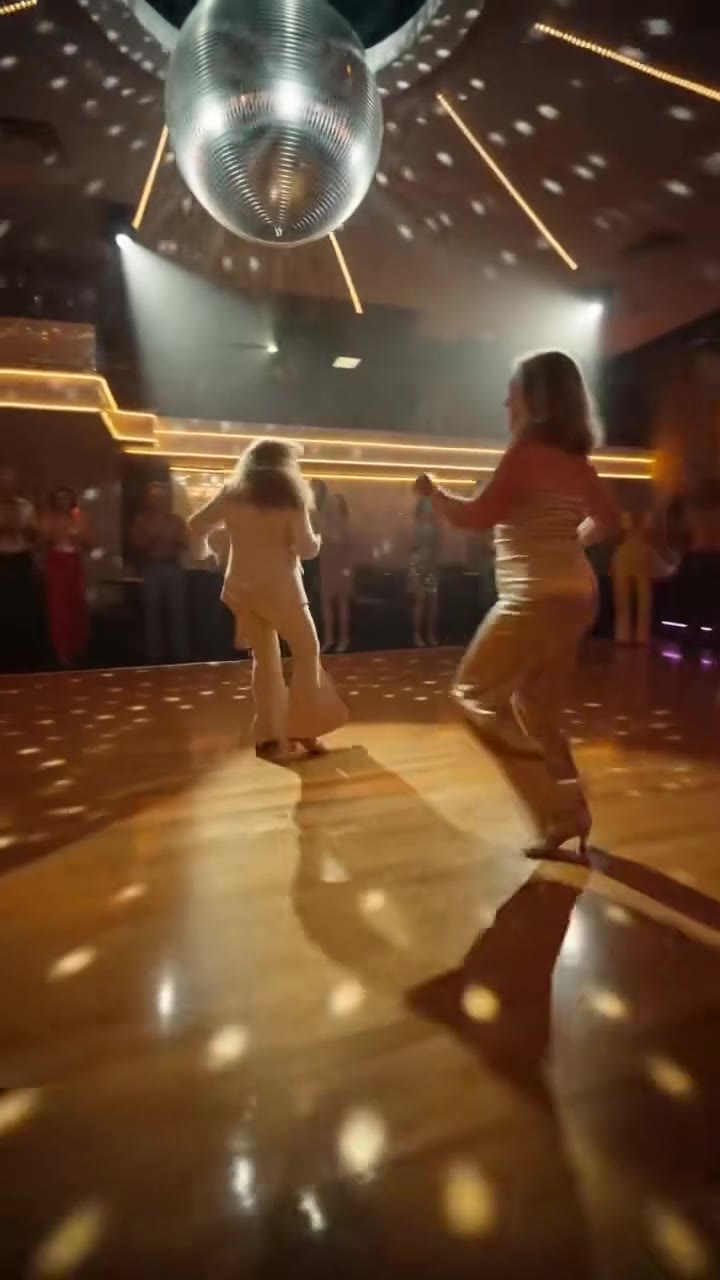
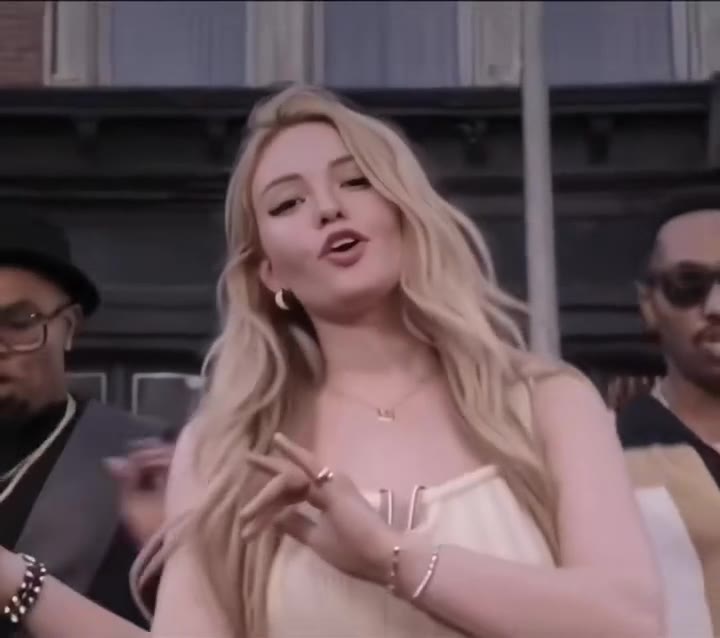
The angry dance filter is a 15-second TikTok and CapCut format in which a person, pet or character rants at the camera as a dance, counting complaints on their fingers, slamming a palm at the lens and storming off. videosi makes your own version from one photo, with the trend sound already on it.
The trend page answers the basics. This guide goes deeper on the choices that decide whether your version works: the hands, the photo, the pet version, the sound, the AI label and what is still unknown.
Key takeaways
- Fast finger counting is the weak spot for AI video, so a motion reference matters more than a longer description.
- Use one front-facing, evenly lit photo, or a full-body photo of one pet.
- A generated video is not a CapCut template: it renders a new clip, and you can still change the sound in an editor.
- Label the result as AI when you post it, and never use a celebrity face.
- A 15-second Standard 720p video is 13 credits, with no free tier; the trend only just started and the song and first creator are unconfirmed.
In this guide
- Why are the fingers the hardest part of the angry dance?
- How do you pick the right photo?
- How does the pet version work?
- How does the angry dance relate to the Bad Times trend?
- How is a CapCut template different from a generated video?
- Can you change the sound once the video is made?
- How should you label the video as AI when you post it?
- Why can you not use a celebrity face?
- What does a try cost and what happens when it fails?
- What is still unconfirmed this early in the trend?
Why are the fingers the hardest part of the angry dance?
Counting complaints on the fingers happens a few centimetres from the lens, and that is where video models struggle. Fingers are small, they move fast, and they cross the face. In a general model the usual failures are blurred hands, two fingers merging into one, or a sixth finger appearing for a few frames. The trend page says as much: in the 4 seconds of finger counting a finger can blur or bend.
The fix videosi uses is not a better typed description. The counting, the palm slam and the walk-off come from a 15-second motion reference clip with a non-famous performer, and the rules forbid extra fingers. Without a reference the model invents its own dance, and the beats stop landing on the music. If you try a plain chat video tool instead, expect the hands to be the first thing that goes wrong, and expect to retry more than once.
How do you pick the right photo?
Your photo is the only source for the performer, so it decides how much the model has to guess. Use one front-facing photo, waist-up or full body, in even daylight, with your face unobstructed. Sunglasses, hats, side angles and dark or blurry shots are the usual reasons a result does not look like you.
One detail is specific to this trend. For several seconds your hands sit right in front of the lens, and those close-ups are where likeness drifts most. A sharp, plain photo helps most there. A photo with another person in it, heavy filters or a cropped face gives the model more room to drift. Likeness is never guaranteed, so judge the first result by the face in the wide shots, not only the close-ups.
How does the pet version work?
Choose Your pet on the angry dance filter page and upload one clear photo of the whole animal. Your dog or cat sits up facing the camera and does the counting taps and the slam with its front paws. Because a sitting animal cannot lunge like a person, the moves are softer than the human version, and that softness is much of the joke.
Show the whole animal: head, chest, front legs and markings. A close-up of a face leaves the model to invent the body, and the coat is the first thing to change. Paws can look odd for a few frames, and getting them to read as paws can take several tries. The rules keep paws as paws, so you should not see human hands appear. Dog remakes were among the first AI versions we saw in October 2026.
How does the angry dance relate to the Bad Times trend?
They are close relatives, not the same trend. The angry dance is filmed in the same grey kitchen as the original take of the Bad Times trend, and the remakes we compared carry the same sound. But the routine is different: 15 seconds of finger counting, palm slams and storming off, instead of head in hands and a walk in. videosi keeps them on separate pages, and the Bad Times AI page covers the other version.
The timeline matters here. Bad Times is the older trend, and the earliest angry dance template posts we found are dated 19 October 2026. Our reading, not a confirmed fact, is that the angry dance borrowed the setting and the audience of Bad Times and gave it a new move set. Nobody has confirmed who made the first angry dance clip.
How is a CapCut template different from a generated video?
A CapCut template is a pre-edited project. You open it, drop your own clips into the slots, and the app keeps the original timing, effects and cuts. On TikTok the angry dance spreads mostly this way, as templates that change or disappear often. CapCut's own help centre notes that templates may be missing because of region restrictions, app versions or navigation confusion, so a template you saw yesterday may not be there today.
A generated video is a different thing. It renders a new 15-second performance from your photo instead of warping it, so the moves, the room and the camera are made fresh, and you get a finished MP4 without a watermark. The trade is that a template is quick and often free to use, while a generated video costs credits and takes several minutes. Pick a template when you want to match the crowd, and a generated clip when you want your own face or pet on the routine.
Can you change the sound once the video is made?
Yes. Every videosi angry dance video arrives with the trend sound already on it, so you can post it as is. Nobody sings or lip syncs: the mouth shouts on the beat without real words. If you want a different track, or want to line the shouts up with something else, import the MP4 into CapCut or any editor, mute or lower the original audio and add your own.
Two practical tips. Keep the new audio at the same 15-second length, because the finger counting is timed to the original beats and will feel off against a slower track. And check the platform's rules for the track you pick before posting, since the licence for a song on a social app does not always cover a file you upload from outside it.
How should you label the video as AI when you post it?
Label it. A video made from your photo by an AI model is AI-generated content, and the major apps ask creators to say so. Look for the AI-generated content setting when you upload on TikTok, and use the equivalent option on other platforms. Do it even when the clip is obviously a joke. Labels protect you if the account is ever reviewed, and they cost nothing.
It also helps to say what it is in the caption, in plain words: made from one photo with an AI video tool, not filmed. Do not present the clip as a real recording of someone. This matters most when the face is a friend's, and we advise you to ask that friend first. We could not open the platform help pages that describe the exact toggle names today, so check the current wording inside the app before you post.
Why can you not use a celebrity face?
Many angry dance remakes on TikTok put famous faces on the routine, and that is exactly what videosi does not accept. The generator does not take photos of celebrities, public figures or minors, and users must be 18 or older. Only adults and pets.
The reasons are practical as well as ethical. A convincing fake of a real, famous person doing something they never did is a deepfake, and a clip that spreads with their name on it can get an account removed or draw a legal complaint. A fake rant is mild, but the same pipeline is not mild in other hands. Use a photo of yourself, a friend who agreed to it, or your pet. Photos and results are deleted within 30 days.
What does a try cost and what happens when it fails?
A 15-second video at Standard quality and 720p is 13 credits. Credit packs start at $6.99 for 10 credits and never expire, and monthly plans start at $29.90. There is no free generation and no free trial, so every try is paid. Better models and higher resolutions cost more, and the price is shown on the page before you press Generate.
A failed, timed-out or blocked render returns its credits automatically, so you only pay for videos that arrive. Budget for more than one try if you are making a pet version, and fix the photo before you press Generate again rather than just rerunning the same one.
What is still unconfirmed this early in the trend?
Quite a lot, and it is better to say so. The song is the main example: videosi matched the audio of 5 remakes to "Bad Times" by Imael Angel, but most posts label it with a re-uploaded original sound name, so the posts themselves do not confirm it. Songfacts lists the track as a deep house single released on 30 March 2026, which debuted on the UK Singles Chart at number 97 on 29 September 2026. That is the song's own history, not proof it is the audio in every angry dance clip.
The creator of the first angry dance clip is not confirmed either, and the 19 October 2026 date only marks the earliest template post we found. The trend has only just started spreading, so figures and claims will change. If you want your own version while it is new, the angry dance filter AI page makes one from a single photo, and videosi is not affiliated with TikTok, CapCut or Imael Angel.