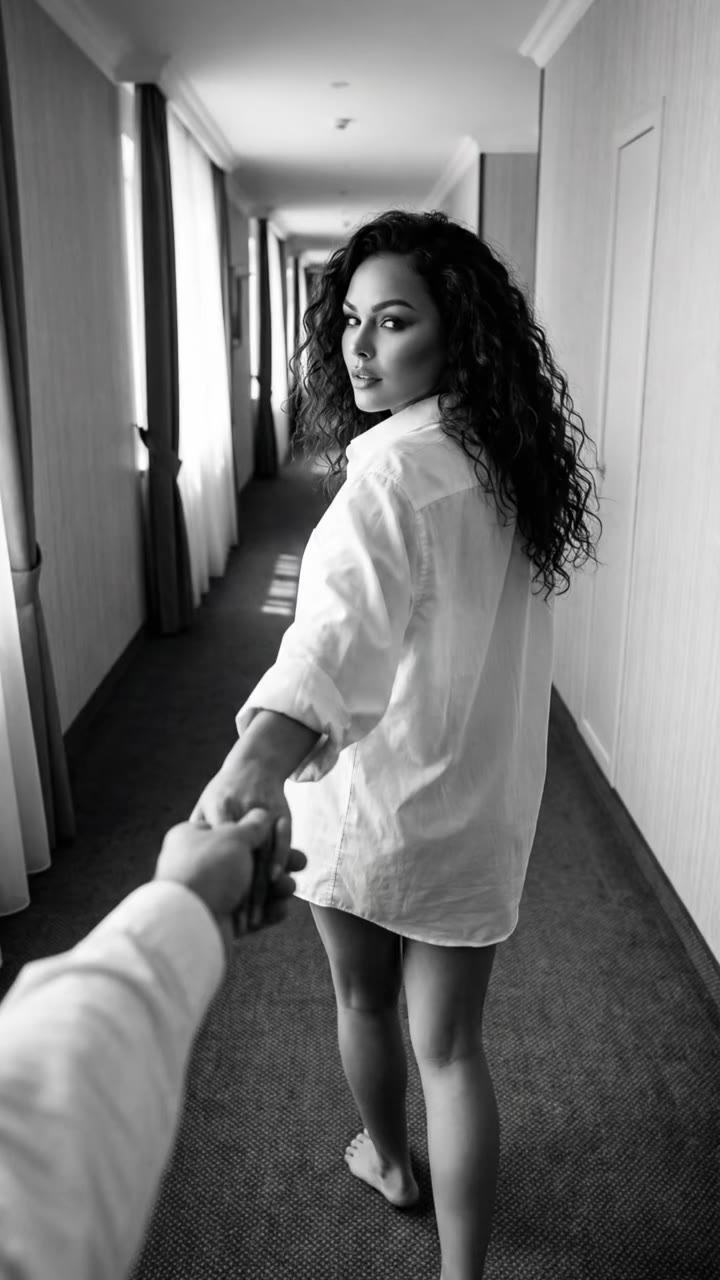
The 80s look AI trend is a selfie turned into a 1980s version of you, and the quickest way to make it move is a single photo turned into a 12-second video. Tutorials stop at a still made in ChatGPT or Gemini; videosi goes one step further and makes the clip.
This guide answers the questions that come up after you have seen the trend: how the photo prompts work, how to keep your face, what to do for a boy, a girl or a couple, and which song to add. Everything about the tool is on the 80s look AI page.
Key takeaways
- The photo trend uses a short prompt in ChatGPT or Gemini; the video version needs a photo and one click, no prompt.
- Your face, skin tone and build stay; only hair, clothes and accessories become 1980s.
- One person per video. Couples make one clip each and join them in CapCut.
- The clip is silent, so you add the song when you post.
- A 12-second video costs 10 credits at 720p or 5 at 480p; there is no free generation, and failed renders are refunded.
In this guide
- Is a ChatGPT photo or a video better for the 80s look?
- How do the photo prompts work, and why is no full prompt shown here?
- 80s look photo kaise banaye: how do I make it step by step?
- How do I keep my face the same?
- What counts as an 80s look for a boy or a girl?
- How do I make a couple version?
- Neon street or Miami sunset: which look should I pick?
- What song should I add?
- What does it cost and what if it fails?
Is a ChatGPT photo or a video better for the 80s look?
It depends on where you will post. A ChatGPT or Gemini result is a still: good for a profile picture, a DP, or a carousel slide. A video is better for Reels, TikTok and Shorts, because motion holds attention and a walk toward the camera gives the clip a beginning, a moment and an ending.
The trend started as a photo trend. On TikTok it was circulating in early September 2026, and in October 2026 a second wave appeared on Instagram under the name "80s look AI photo editing", led by tutorial channels in India. Some creators have since moved to "80s look AI video editing", which is the gap the 80s look AI video fills.
You do not have to choose. Make the video, then pause on the frame you like and take a screenshot. That gives you a still from the same session, with the same face and the same styling as the clip, which is handy when you want a matching photo and Reel.
How do the photo prompts work, and why is no full prompt shown here?
Tutorials paste a short instruction into ChatGPT or Gemini together with a selfie. The wording is usually close to "what would I have looked like in the 80s", sometimes with extras about hair, clothing, lighting or a retro room. The exact text changes from video to video, and creators tweak it until the result looks right.
Prompts for a still are forgiving because the model only has to deliver one picture. A video prompt is stricter: it has to describe the walk, the timing, the camera distance and what must never appear. The videosi version is a five-part recipe: identity lock, motion reference, scene and styling, a three-beat timeline, and a list of rules. You never type it, so the page does not publish it. You upload the photo and choose one of two looks.
If you still want to experiment with the photo prompts, keep them short and add one rule at a time. Ask for the hair and clothes to change while the face stays the same, because "make me look 80s" alone often changes the face too.
80s look photo kaise banaye: how do I make it step by step?
The question means "how do I make an 80s look photo", and many Indian creators ask it in Hinglish. For the video version, the answer is four steps.
- Upload one clear photo. Front-facing, whole face visible, head and shoulders is enough.
- Pick the look and the format. Choose Neon night street or Miami sunset, then 9:16 for Reels, TikTok and Shorts or 16:9 for a wide frame.
- Generate and download. You get a 12-second silent MP4 with no watermark.
- Add a song and post. Use Instagram, TikTok or CapCut to add a 1980s track.
It runs in the browser on a phone, so there is no app to install. If you want the photo instead, the same steps apply, then you pause the clip and screenshot your best frame. Start from the 80s look AI generator.
How do I keep my face the same?
Most of the work happens before you press Generate. Use a sharp photo in even daylight, with your eyes open and nothing covering the face. A beauty-filtered photo is a poor input because the filter smooths the very features the model needs to keep your likeness.
Leave your own sunglasses and hat out of the photo. The clip adds sunglasses for the walk, and they come off at second 7 when you look into the lens, so a photo that already has glasses gives the model two conflicting stories about your face.
Inside the tool, your photo is the only source for the face, skin tone, age and body build, and the motion reference supplies only the walk, the sunglasses tip and the lean. That separation is deliberate. The common failure in image-to-video tools is that the model restyles the face together with the hair, so the person at second 10 is no longer you. Heavy grain makes it worse, so the film look is kept on the background and clothes, not on your features.
Likeness is still not guaranteed. If the first result is off, try a different photo with simpler lighting rather than the same one again.
What counts as an 80s look for a boy or a girl?
Searches such as "80s look AI photo editing prompt boy" and "girl" are asking what the model will change. According to the Wikipedia overview of 1980s fashion, shoulder pads grew larger in the mid-1980s with power dressing, men wore Levi 501s and jean jackets, acid-washed denim spread to both sexes by the late decade, and neon colours were popular towards the end.
In the videosi clip, a man gets a feathered or mullet cut, and a woman gets big teased or feathered hair with large hoop earrings or neon bangles. Both get denim or a colour-block jacket, white sneakers and sunglasses. The mullet was at its peak in the 1980s, and Wikipedia notes it was common in Australia, the United States, the United Kingdom and continental Europe that decade.
Your natural hair colour is kept, and short, long or tied-back hair all work, since the hair is restyled rather than copied from the photo. You do not choose the gender of the styling; it follows the person in your photo.
How do I make a couple version?
Each video holds one person, so a couple photo will not work. Crop it down, or better, use two separate solo photos. Make one 12-second clip for each of you with the same look and the same format, then place them side by side in CapCut, or alternate them with a cut at the walk or the sunglasses tip.
Choose the same look for both, because the street, the light and the car are part of the style. A neon street clip next to a Miami sunset clip will look like two different shoots.
The same approach works for a friend or a sibling. Use only adults who have agreed to it; videosi does not accept photos of celebrities, public figures or minors.
Neon street or Miami sunset: which look should I pick?
Pick the neon night street if you want contrast and mood. It is a city street at dusk in 1986 with red and pink neon, damp pavement and a boxy dark-blue sedan, with a stonewashed denim jacket over a white T-shirt. It suits darker songs and synth-heavy tracks.
Pick the Miami sunset if you want a bright, warm frame. It is a palm-lined ocean drive at golden hour in 1985 with pastel art-deco hotels, pink and turquoise neon and a red convertible, with aviators and a pastel blazer. The pastel look has a real source: Wikipedia's article on Miami Vice describes a palette of pinks, blues and greens set against Miami's Art Deco architecture, on a series that ran from 1984 to 1989.
Both looks use the same three beats: the walk toward the lens, the look over the sunglasses, and the lean against the car. Only the setting and wardrobe change, so pick by mood and by how it will sit next to your other posts. If you are unsure, make both; the 480p option at 5 credits makes a cheap preview before a final render.
What song should I add?
There is no single sound for this trend. Posts we checked used different 1980s pop songs and original sounds, so the music is your choice. The videosi clip is silent, which is an advantage: you add the track inside Instagram, TikTok or CapCut, where the licensed music library is.
A practical tip is to match the cut to the beats. The clip has a long walk of 7 seconds, a short pause at the sunglasses tip, then the lean. A song with a slow build and a drop or a hit around second 7 puts the sunglasses moment on the beat.
What does it cost and what if it fails?
There is no free generation and no trial. A 12-second video at Standard 720p is 10 credits, or 5 credits at 480p. The 10-credit pack is $6.99, or $3.99 in India, and plans start at $29.90 a month. A failed, timed-out or blocked render returns its credits automatically.
That is the cost of a video, not a photo, and it is worth keeping in mind next to free ChatGPT or Gemini tutorials. If all you need is a still for a DP, the free tutorials are fine. If you want the motion, the face-stable walk and a clip that is ready to post, try the 80s look AI page.
For background reading on the era, see the 1980s in fashion, mullet and Miami Vice articles on Wikipedia.