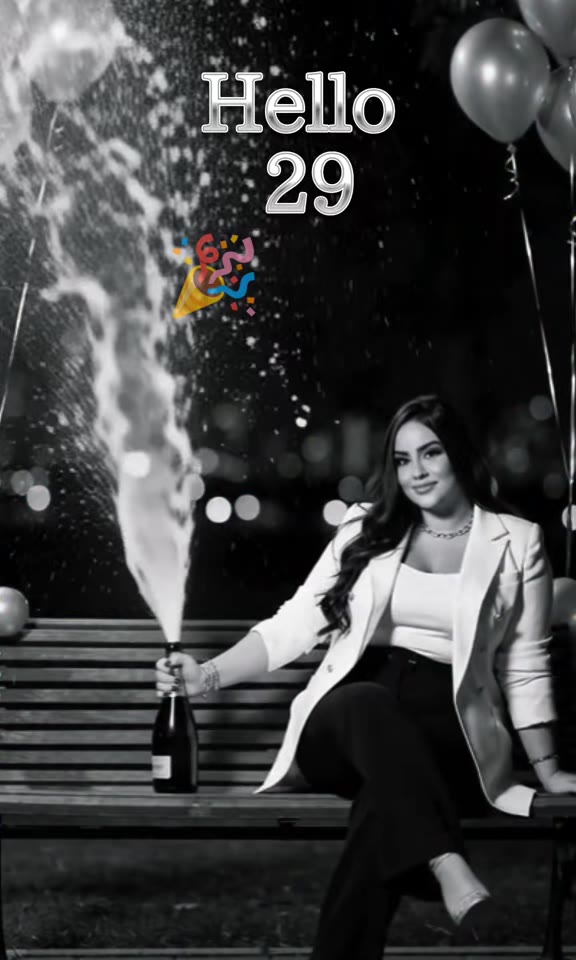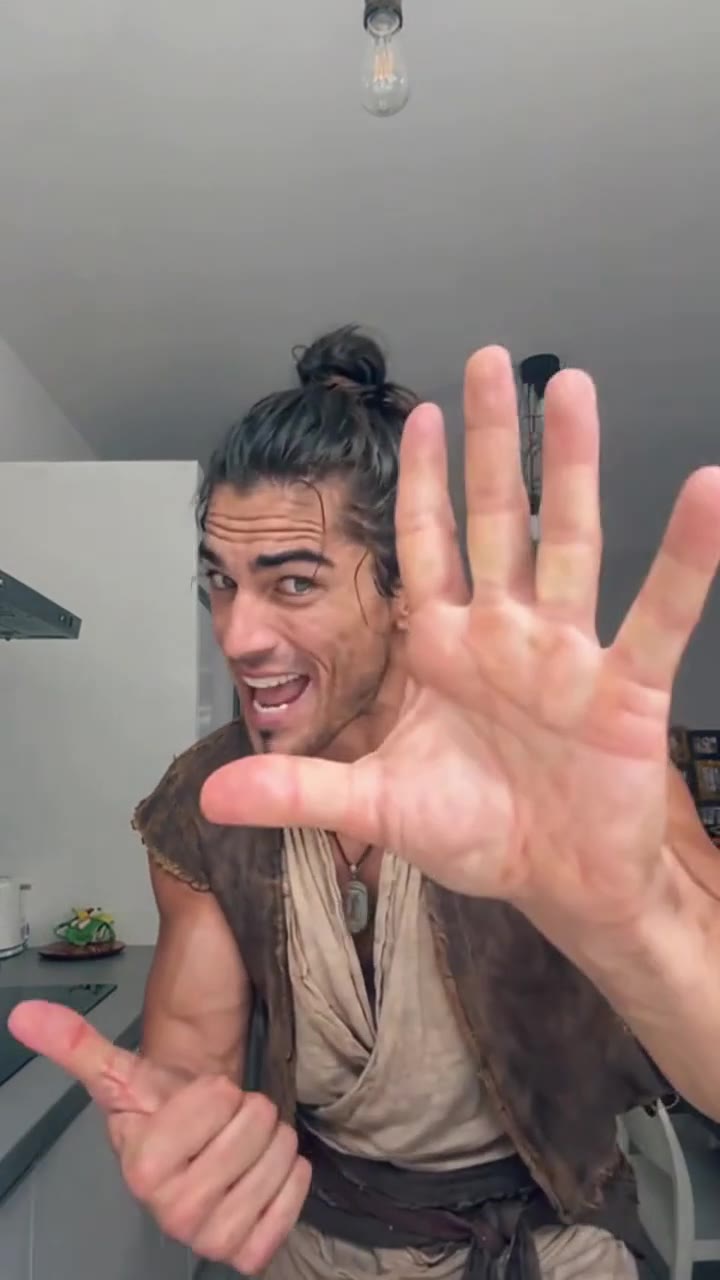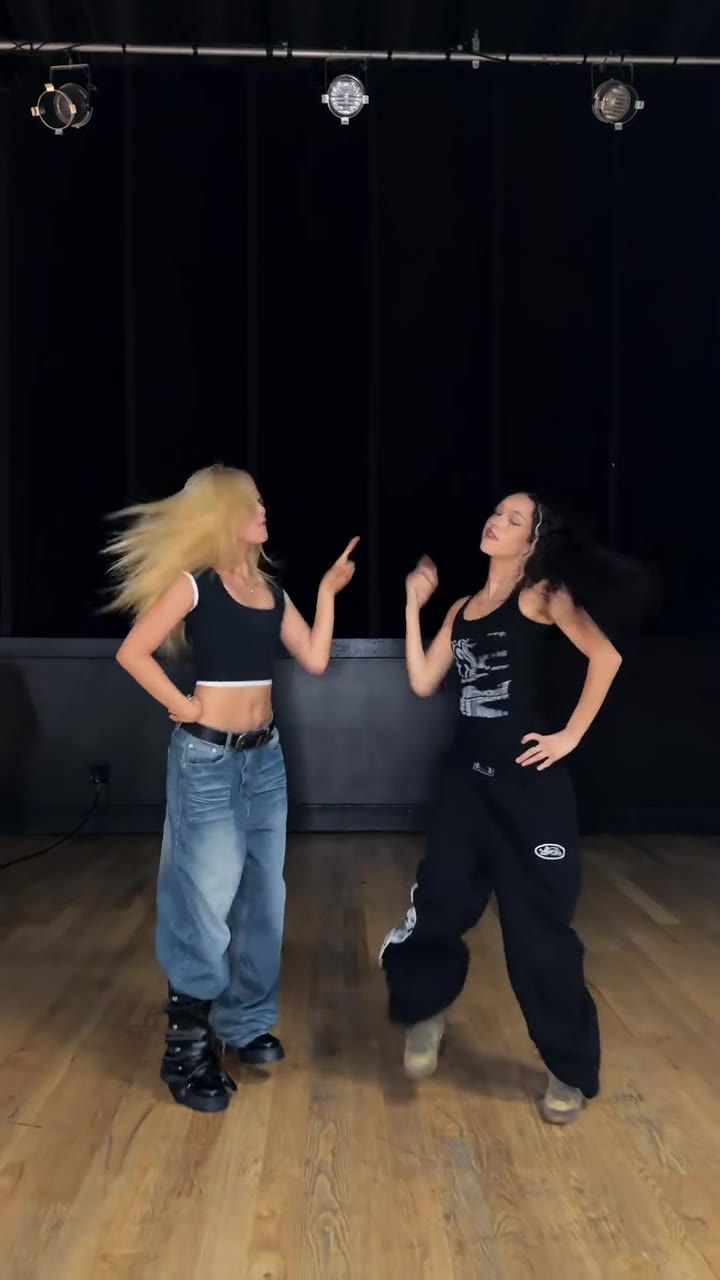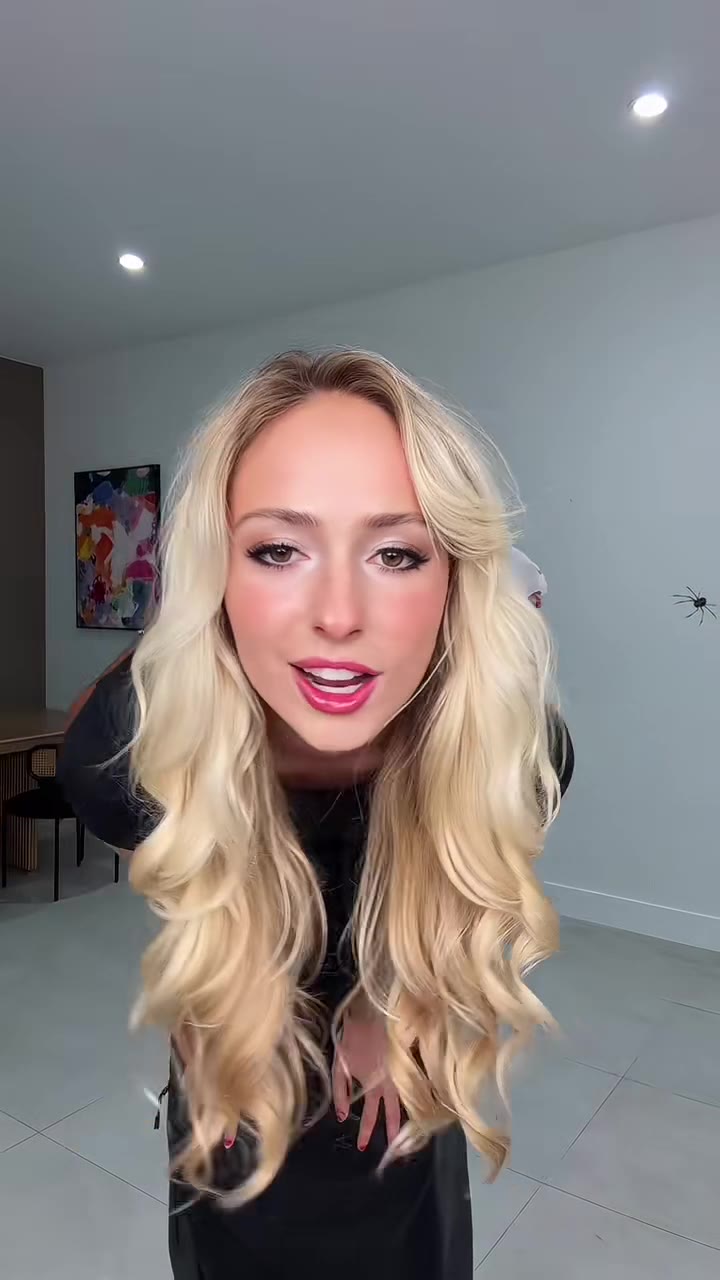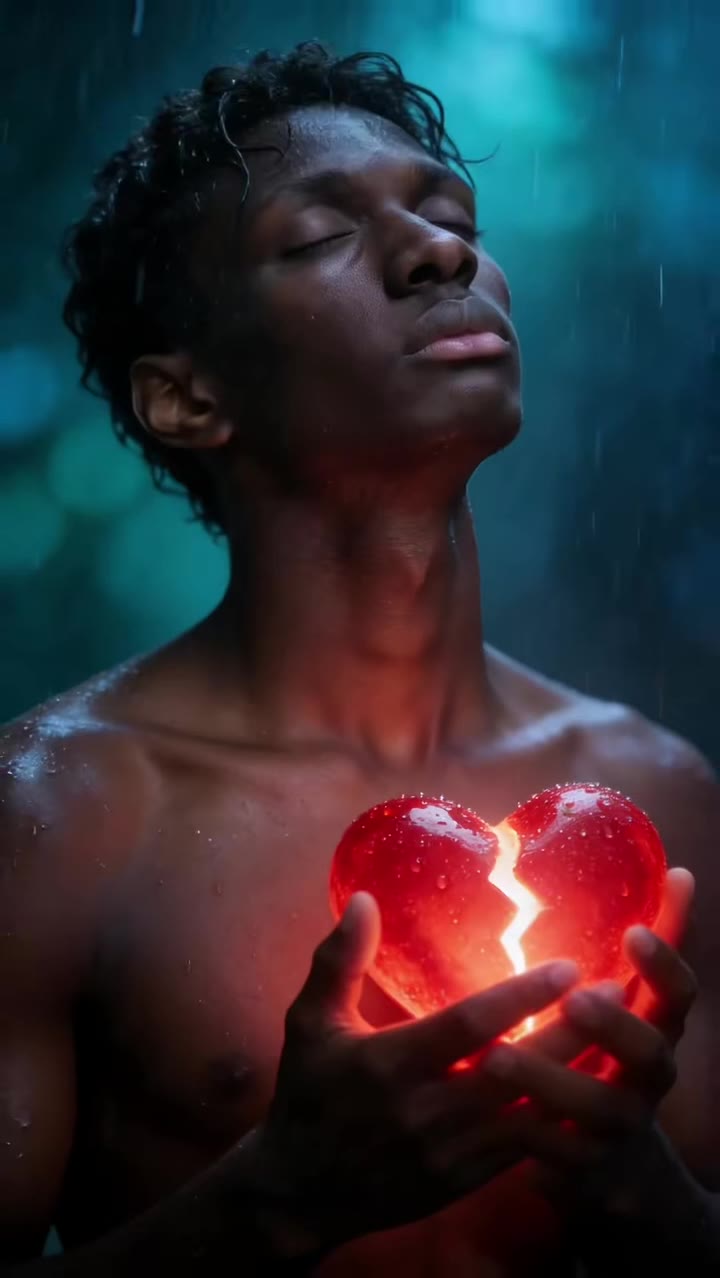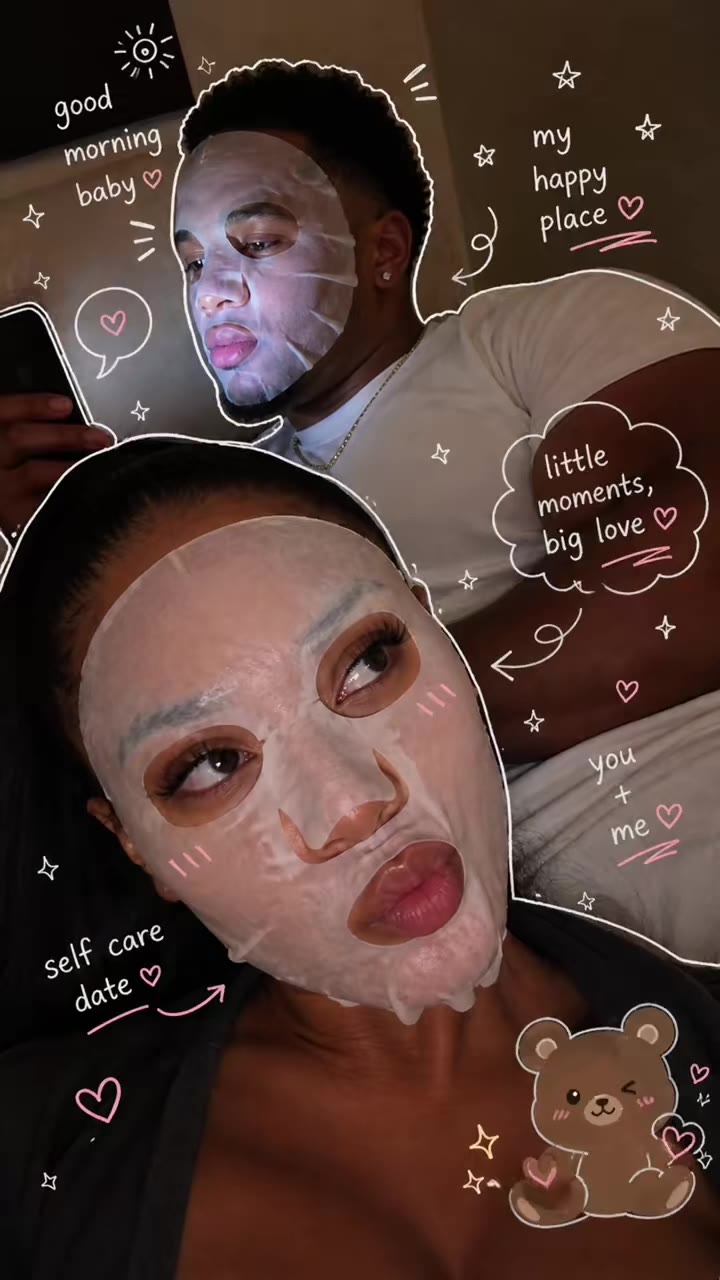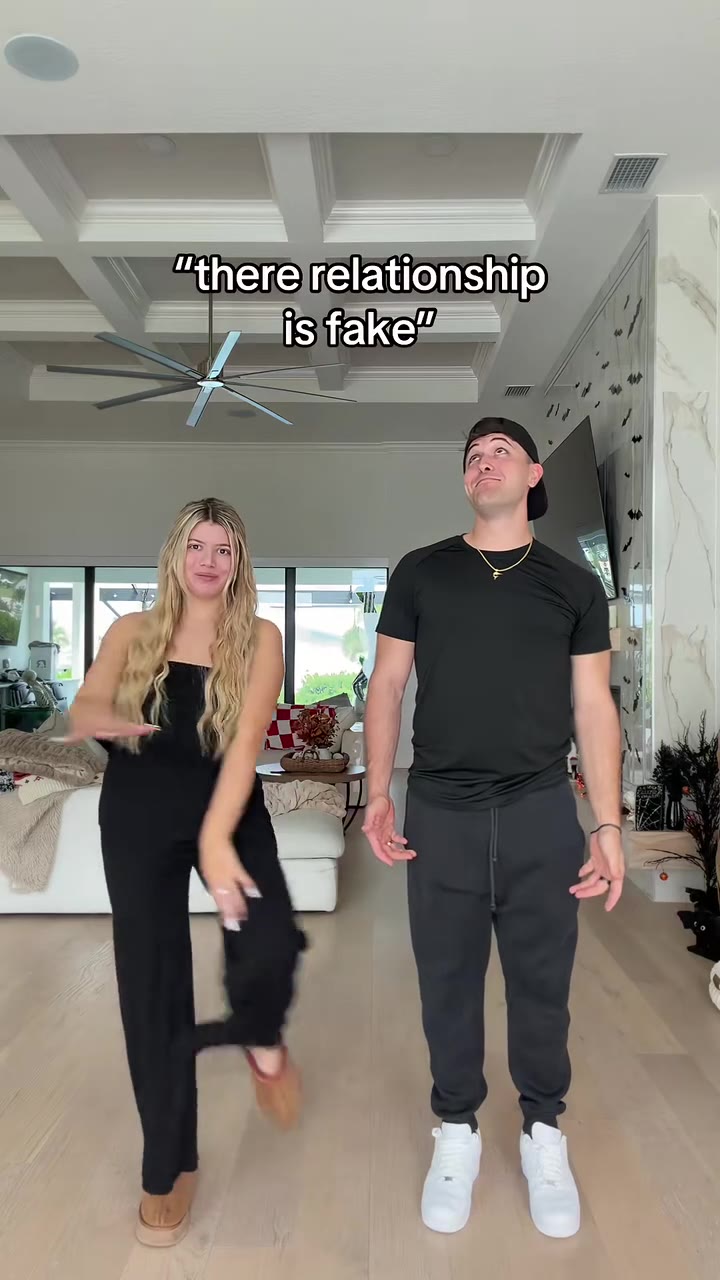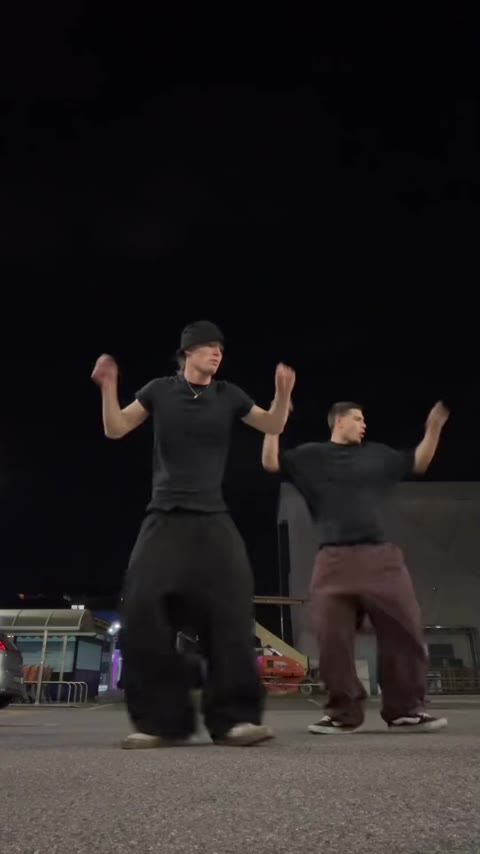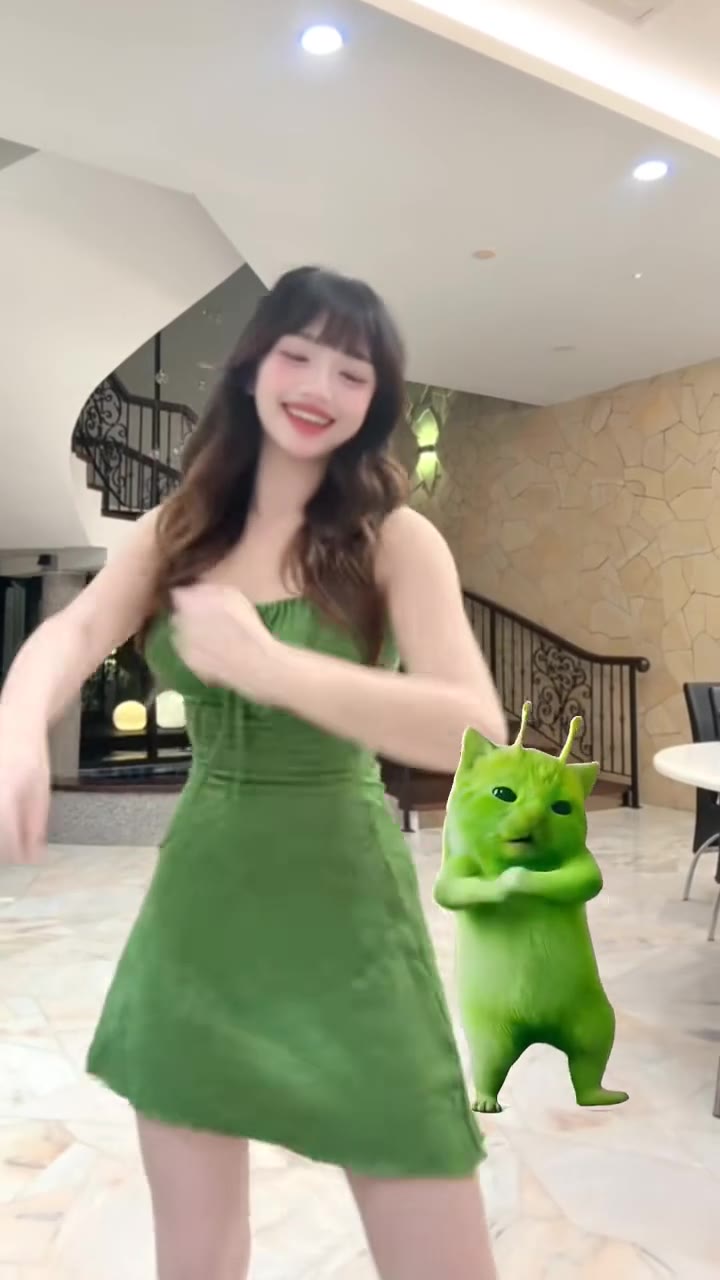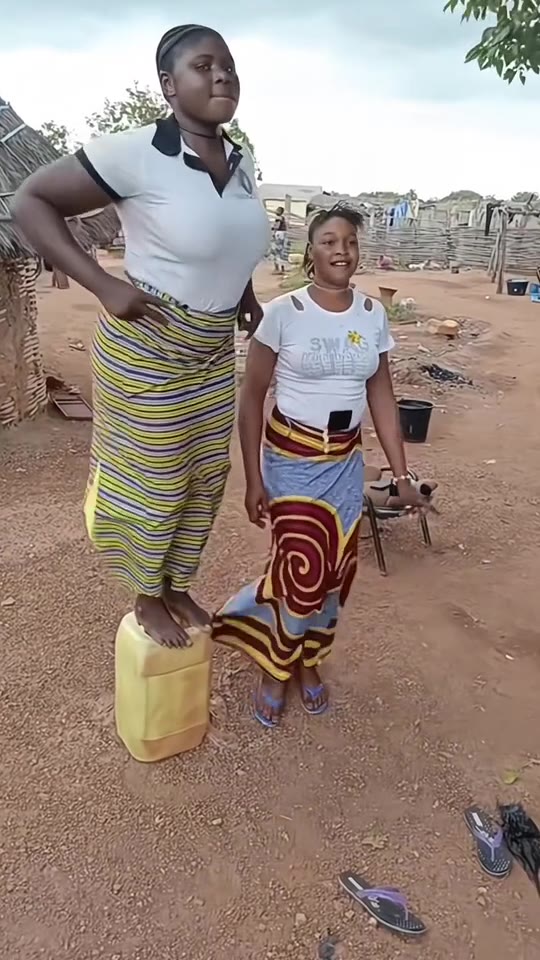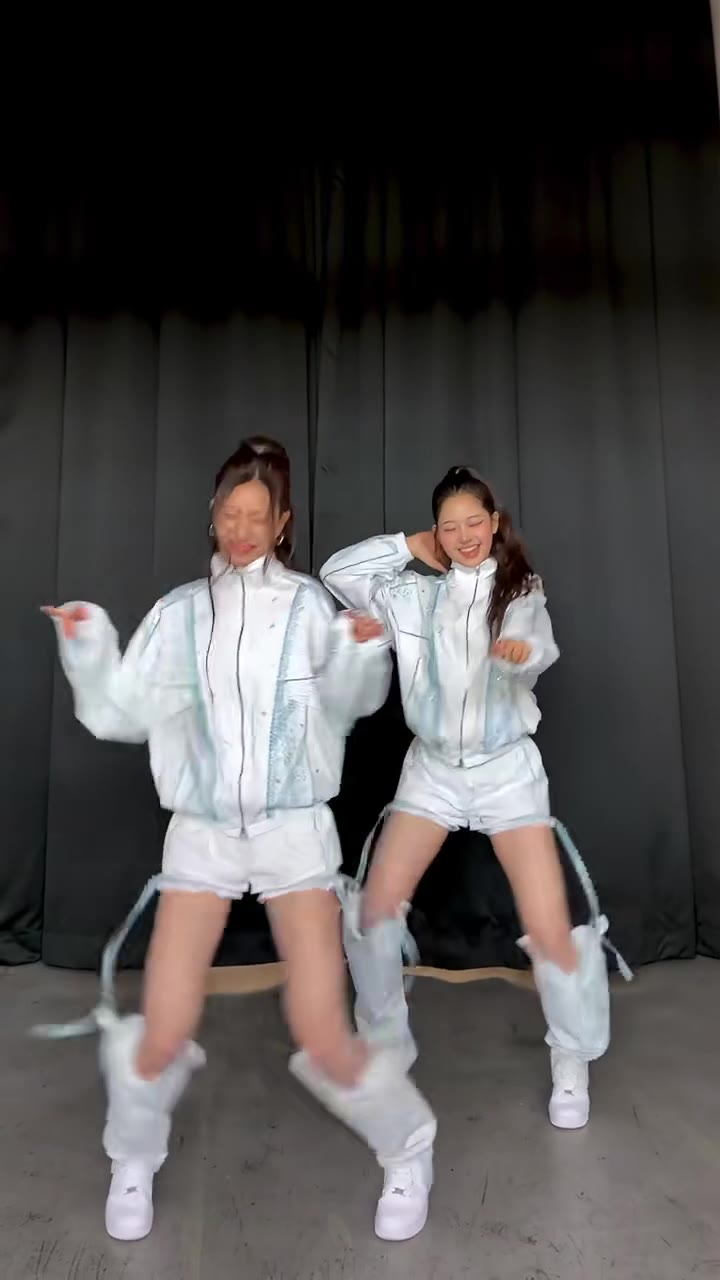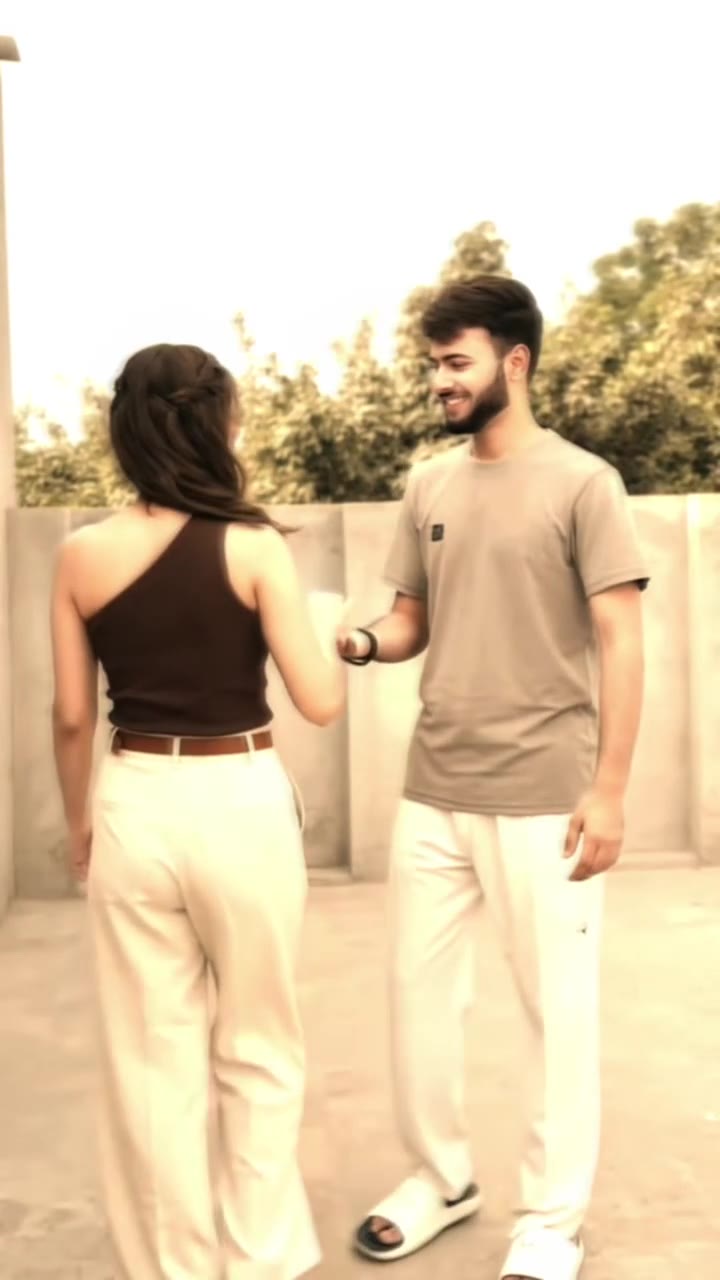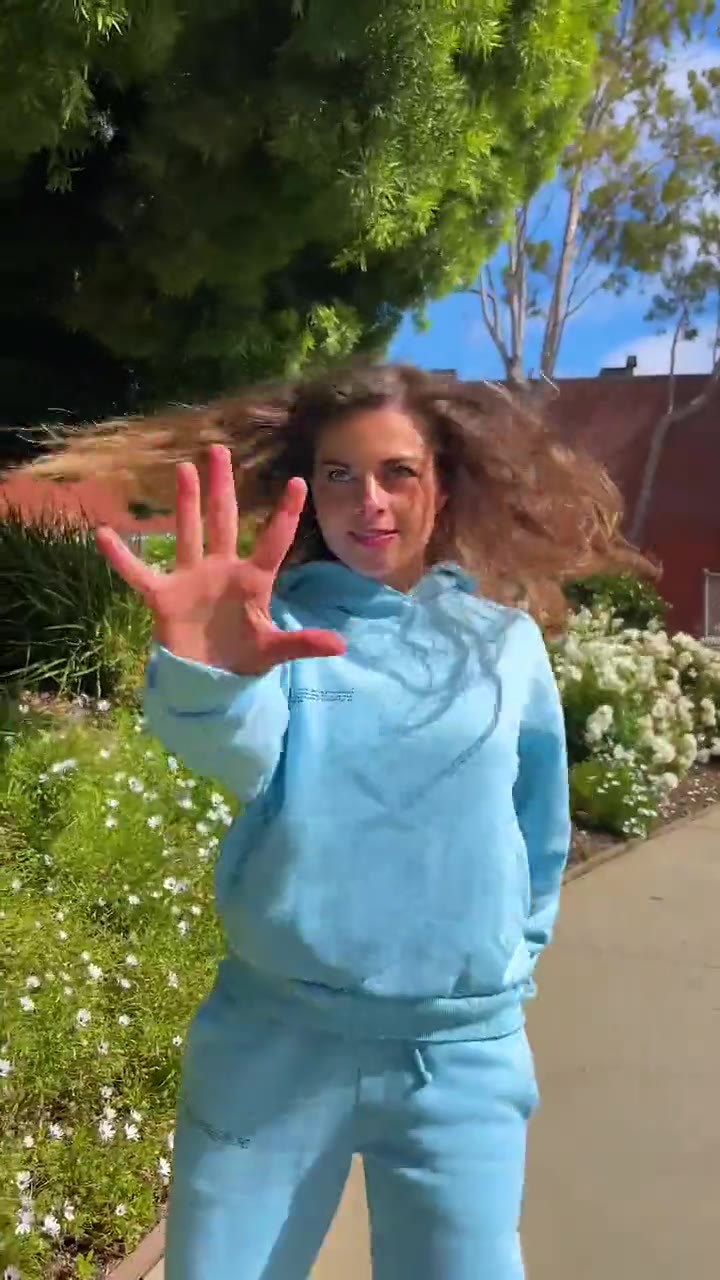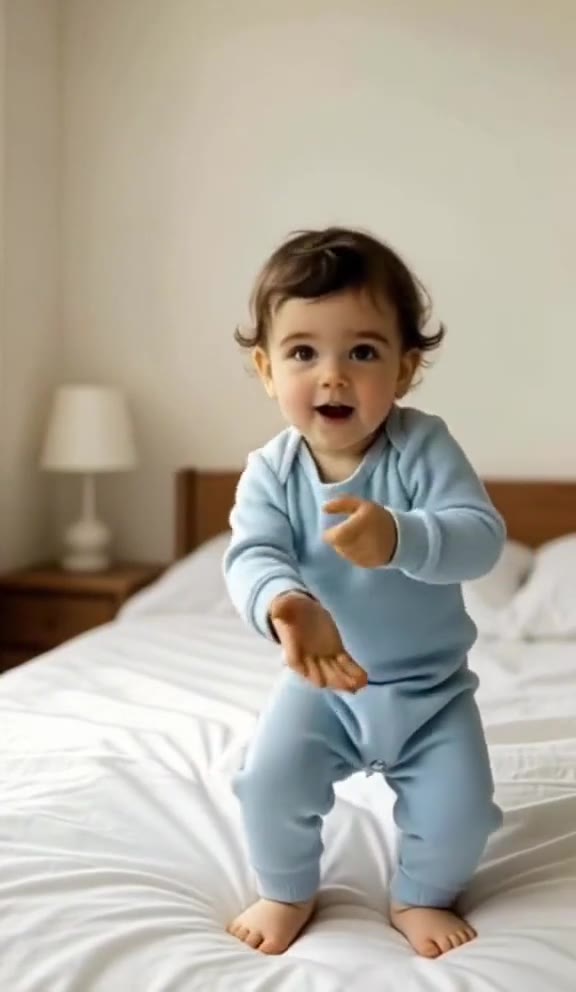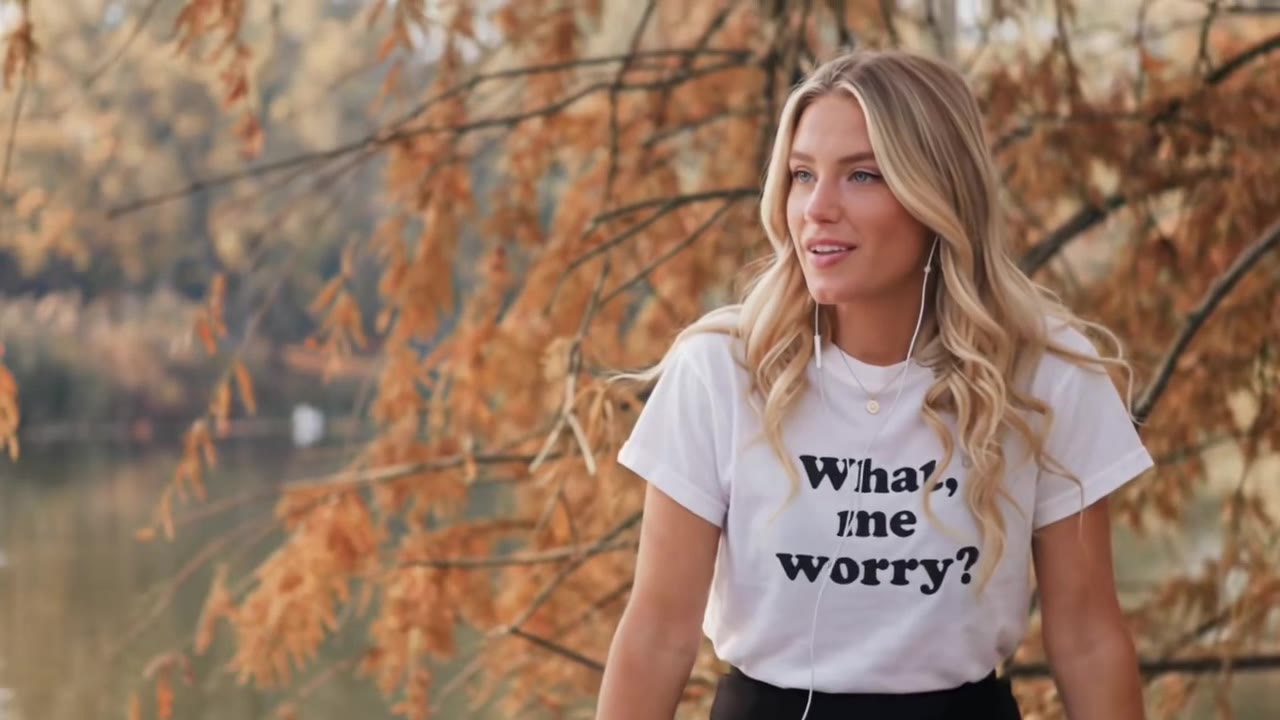

AI body swapStar in the video you just saw
Drop the clip and one photo. Same moves, same camera, you in the lead.
Start a body swapSwipe for trends ↓
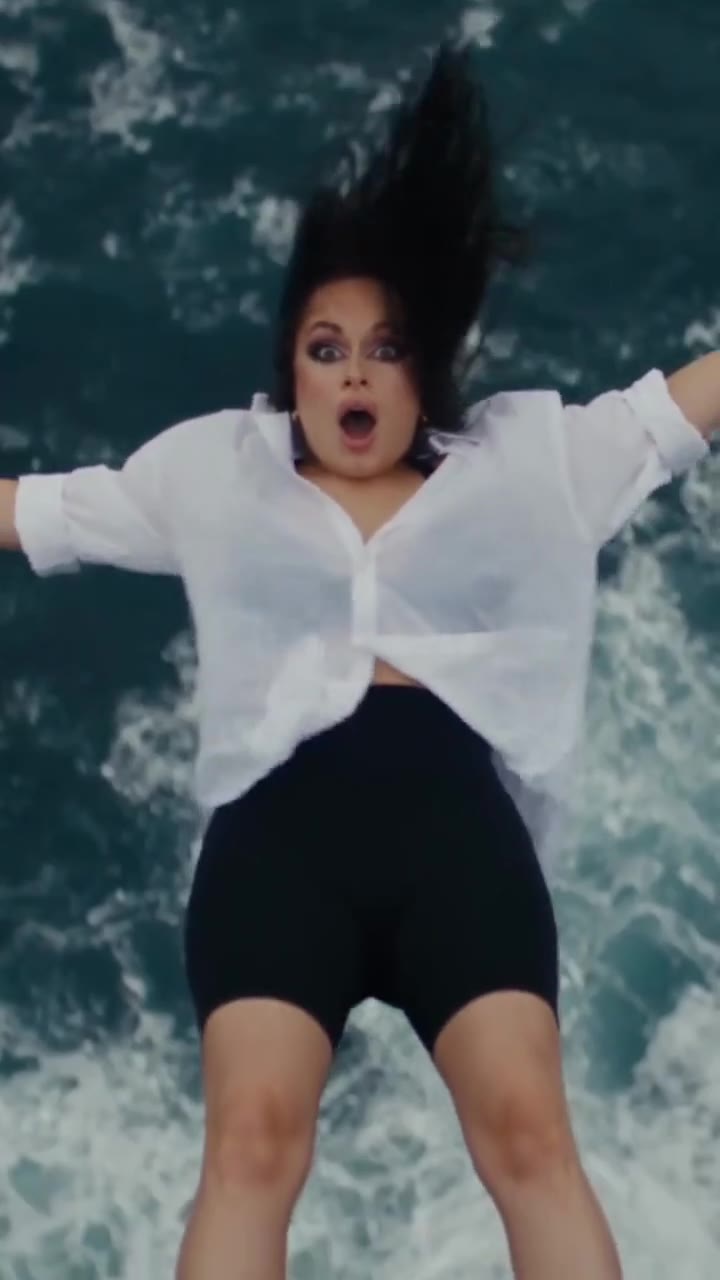
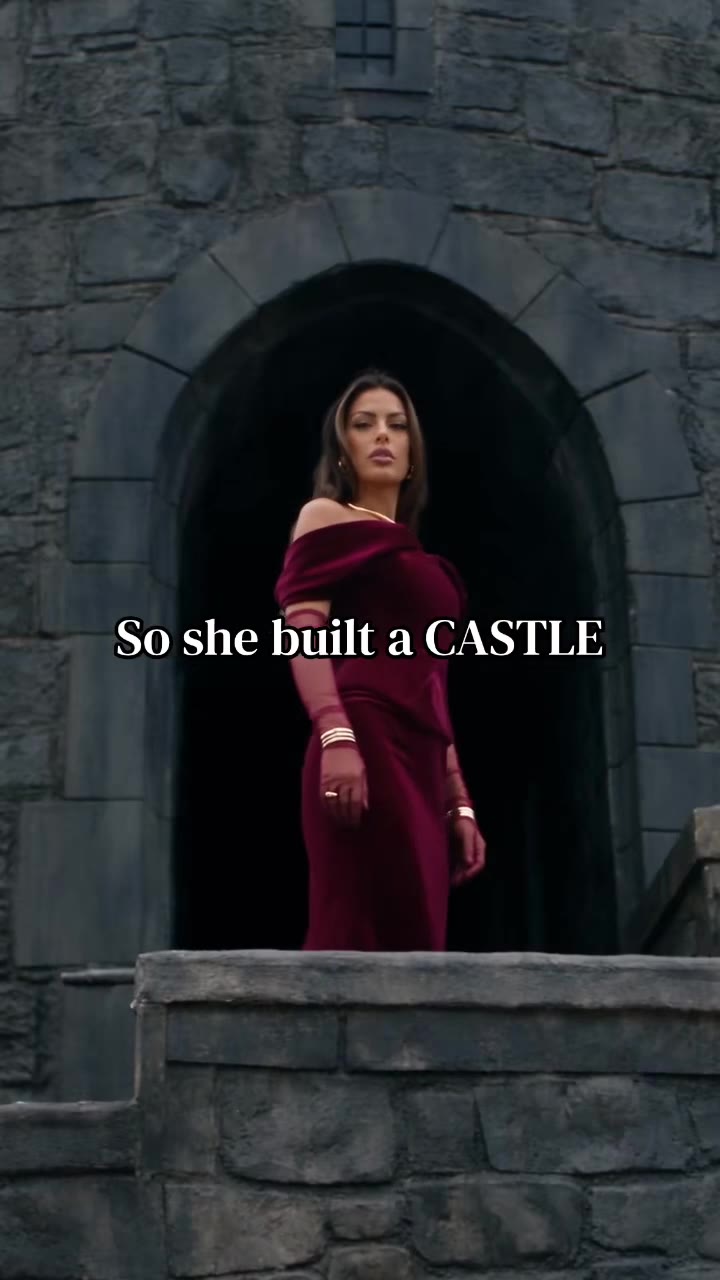
Drop the clip you saw and one photo. Same moves, same camera, you in the lead. The breakdown is free.

Upload → match people → choose settings. See the price before generating.
Video swapFor everyday ideas
$29.90/ month
$29.90 billed monthly
Monthly renewal · cancel anytime
100 credits / month
For regular creators
$49.90/ month
$49.90 billed monthly
Monthly renewal · cancel anytime
200 credits / month
For bigger projects
$99.90/ month
$99.90 billed monthly
Monthly renewal · cancel anytime
450 credits / month
Mix images, videos and edits however you like. Examples use the same credit balance, not separate allowances. Model, settings and length affect the cost, shown before you create. Tool access is included; generations use credits.
Upload the clip you saw on TikTok, Reels or Shorts, up to 60 seconds. We read it and write a shot-by-shot plan for free.
One clear, front-facing photo of yourself. Keep the scene with Body swap, or pick Full remake for a new script starring you.
Pick the model and resolution and see the price, from 5 credits per 12 seconds. A take is ready in about 5 minutes on Seedance.
On videosi, character swap is the Body swap mode: the lead of the clip is replaced by you, with the original moves, camera and setting kept.
It works as an AI body swap editor, an AI body swapper and a character swap AI video tool in one: upload a video, then a still photo, and the character is replaced, without a node workflow to build. The free breakdown names the person you replace, and the price is shown before anything is charged. Swap yourself, or a friend who agreed; photos of celebrities and other people are not accepted.
Swap yourself in| Body swap | Full remake | |
|---|---|---|
| What stays | The original footage: the place, the other people, the signs and the camera | The shots, timing and camera moves; every frame is rendered again |
| What changes | One person, replaced by you in your own outfit | You star in it, with a script and lines written for you |
| Best for | Dance trends, memes and scenes where the setting is the joke | Talking videos, skits and trends you want to make your own |
| Price | The same per-second price, from 5 credits per 12 seconds by model and resolution, shown before you pay | |
Both start from the same free breakdown. Body swap is offered when the plan can follow the original's moves and camera, and the plan says when it cannot.
We read your clip and write a shot-by-shot plan before you pay, with every step and its price.
Keep the original footage with Body swap, or render it again from a new script with Full remake.
Viral AI video trends you make from one or two photos, with no clip needed.
A failed or blocked render returns its credits automatically, and the reason is shown.
Every tool below replaces a whole person in a video from a reference image. They differ in what is free, how long a clip can be and what else they do.
| Tool | Free option | Clip length | Also does |
|---|---|---|---|
| videosi | Free shot-by-shot breakdown; no free render | 2 to 60 s | Full remake and a library of ready-made trends |
| Viggle | 5 watermarked videos a day | Up to 1 min free, 10 min on Pro | Live webcam mode |
| Magic Hour | A few watermarked guest generations a day | Up to 60 s on paid plans | An all-in-one video studio |
| Higgsfield | 5 Character Swaps a day | Genjutsu: 4 to 30 s | Many image and video models |
| VideoSwap | 10 credits for new users | Files up to 50 MB | Face swap in the same tool |
From each vendor's own pages, checked November 2026; plans change. Prices and the open-source route are in the full comparison of AI body swap tools.
videosi (videosi.io) is an AI body swap and character swap tool for short videos: upload the TikTok, Reels or Shorts clip you saw and a photo of yourself, and it makes the same video with you in it, keeping the original moves and camera. It also has a library of viral AI video trends you make from one or two photos, with no prompt to write.
New to it? Read how to body swap in a video with AI, see the best AI body swap tools compared, or try the free tools first: video frame extractor, TikTok safe zone checker and video to prompt.
Each effect has its own page with examples, what the trend is and what it costs. Start from the full list of AI video effects, or see what a video costs in credits and which AI models videosi uses.
Updated November 4, 2026 · videosi is an independent tool. It is not affiliated with TikTok, Instagram, YouTube, or with the owners of any trend, song, game or brand named on its pages.
Choose one from the list, or search it by name.
One or two photos, straight from your phone. No prompt to write.
Your vertical video is usually ready in four to six minutes, without a watermark.
On videosi it is, as long as the person swapped in is you or someone who agreed to it. You must be 18 or older; photos of celebrities and public figures are not accepted, and sexual content is blocked. Photos and results are deleted within 30 days, and reports are answered within 48 hours. How videosi keeps body swaps safe.
videosi (videosi.io) is an AI body swap and character swap tool for short videos: upload the TikTok, Reels or Shorts clip you saw and a photo of yourself, and it makes the same video with you in it, keeping the original moves and camera. It also has a library of viral AI video trends you make from one or two photos, with no prompt to write.
AI body swap replaces a person in a video with someone else while keeping the original moves, camera and setting. On videosi you upload the clip and one photo of yourself, and the video model renders you in that person's place, so the whole person changes, not just the face. It works on clips up to 60 seconds from TikTok, Reels or Shorts.
Save the TikTok, Reels or Shorts clip to your phone, open videosi.io, drop the clip and a photo of yourself and press Match the people. videosi writes a shot-by-shot plan for free; pick Body swap to keep the original footage, check the price and render. If the video is a known AI trend, its effect page in the library makes it from a photo instead.
A face swap pastes one face onto someone else and leaves their body, hair and clothes as they were. A body swap, also called a character swap, replaces the whole person: on videosi the model renders you, from your photo and in your outfit, in the lead's place, doing the same moves. videosi does not offer a face-only swap.
Upload the clip to videosi (up to 60 seconds) with one photo of yourself and press Match the people. The free plan names the person you will replace; choose Body swap to keep the original footage, check the price and render. The other people, the place and the camera stay as they were, and you play the lead.
Yes. On videosi you upload the video (2 to 60 seconds) and one still photo of yourself, press Match the people and choose Body swap. The lead character is replaced by you in your own outfit, and the rest of the clip, the camera and the setting stay as they were.
videosi's breakdown of your clip is free, and its free tools (frame extractor, video to prompt, safe zone checker and more) need no sign-up, but a character swap or body swap render is paid: from 5 credits per 12 seconds, with the price shown before anything is charged.
You can swap yourself, or a friend who agreed, into almost any short clip. videosi does not accept photos of celebrities, public figures or anyone who did not agree, and the video models turn down clips showing well-known people, brands or logos.
Yes. videosi's Body swap mode replaces the lead of a TikTok, Reels or Shorts clip with you from one photo, like other AI character swap tools, and adds a free shot-by-shot breakdown with the price before you pay. It runs in the browser on Seedance and Wan 3.0, from 5 credits per 12 seconds.
Open the effect's page on videosi, upload one to three photos and press Generate. If you do not know what the effect is called, search the effects library, or save the clip and drop it on the videosi home page to remake it with you in it. You do not write a prompt, and the result is a vertical 9:16 video ready to post.
No. Breaking a clip down into a body swap plan is free, but videosi has no free generations and no free trial. A body swap costs from 5 credits per 12 seconds, depending on the model and resolution. Every video is paid with credits: a standard video (Standard model, 720p) costs 10 credits, and the Single is $6.90 for 10 credits, which is 1 standard video. Plans start at $29.90 a month, and pack credits never expire.
Each videosi trend page that has a "How it is made" section names the AI model behind the trend, such as Seedance 2.0, and explains how its prompt is built and what goes wrong when you try it by hand. On the same page you upload a photo and videosi runs the full prompt for you.
Video effects on videosi run on Seedance 2.0 Mini, Seedance 2.0 Fast, Seedance 2.0, Seedance 2.5, made by ByteDance, and you pick one of 4 tiers (Standard, Fast, Pro, Ultra) before each render. Standard is the default and costs 10 credits at 720p. The prompt and settings that reproduce each trend are built into its page. The About page has the list.
A standard five-second effect video on videosi usually takes four to six minutes. A body swap takes about 5 minutes a take on the Seedance models and about 20 minutes on Wan 3.0. You can leave the page while it renders; the result is saved in My creations.
The clip you upload can be up to 60 seconds, and the result comes out in 9:16, 1:1 or 16:9 like the original. You choose the sound: the original clip's own sound laid back under the result, the model's sound, a voice-over, or none, so you can add the trend sound when you post.
No. videosi is a website that works in the browser on a phone or a computer, so there is nothing to install. On a phone it can be added to the home screen and opens like an app.
videosi videos have no watermark. They are delivered as MP4 without licensed music, because sounds are licensed inside each platform: add the trend's sound in TikTok, Reels or Shorts when you post.
videosi accepts JPG, PNG, WEBP and HEIC, up to 10 MB per photo. Most effects need one photo and some take two. A clear, front-facing, well-lit photo keeps the likeness best; the result is generated by AI and an exact likeness is not guaranteed.
Photos uploaded to videosi are used only to make your video, are not used to train models and are not sold. Photos and results are deleted automatically within 30 days, and you can delete them sooner from My creations or your account.
Only photos of yourself or of people who agreed to appear, so a friend works if they said yes, and you must be 18 or older. videosi does not accept photos of celebrities or other public figures, sexual content, or minors in intimate effects.
A failed or blocked generation returns its credits to your videosi balance automatically, and the reason is shown in My creations. Purchases are final: credit packs and plan payments are not refunded, and credits never expire. Cancelling a plan stops the next renewal. The refund policy has the details.
Yes. Videos made on videosi can be used commercially, as long as you have the right to use the photos you uploaded. videosi gives no licence to the original trend, its song or any brand that appears in it.
videosi is an independent tool. It is not affiliated with TikTok, Instagram, YouTube, or with the owners of any trend, song, game or brand named on its pages.
Start with the Single: 1 standard video for $6.90, and the credits never expire.
Try Hotel Lobby AI Trend